
Noob question: how do I see in Damus to which relays I‘m posting and from which relays I‘m only reading?
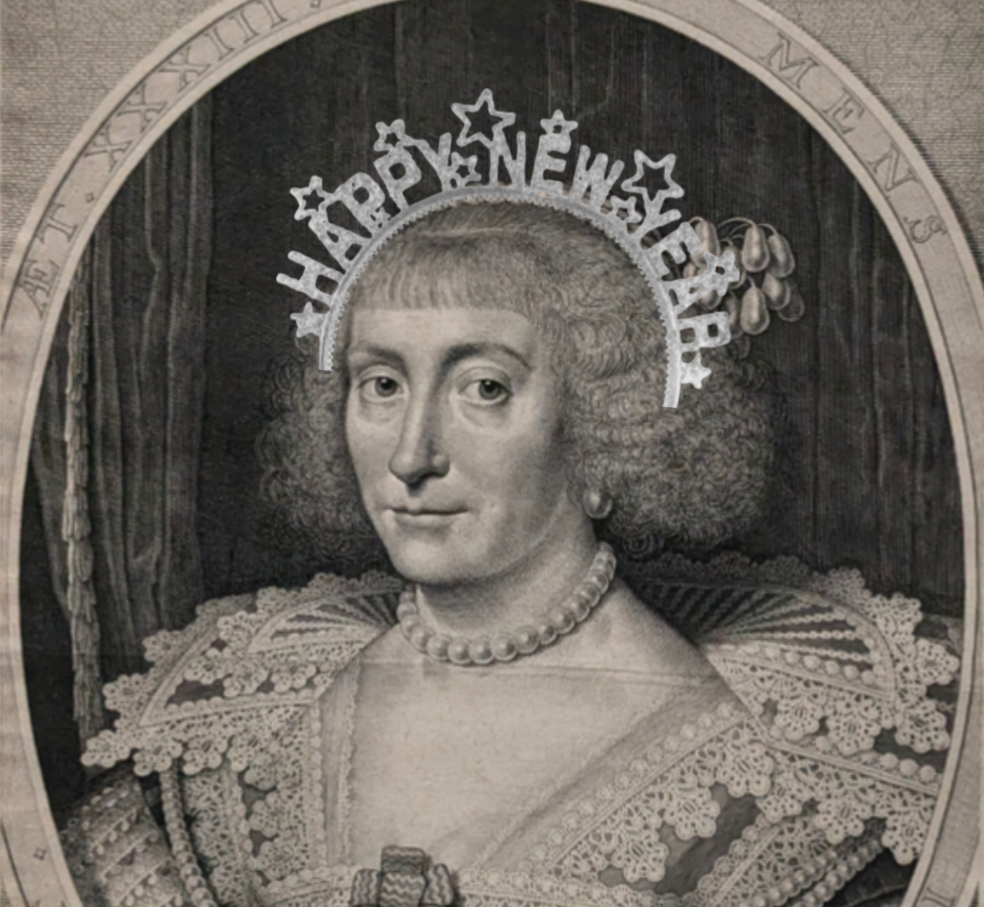

I‘d look the same if you were enjoying the whirlpool while I had to sit in a mundane tub 😓😳


GM & PV ☕️🌞🫂 #coffeechain

.png)
GN mate 🫡 Sweet dreams & a good night‘s rest 💫✨

Exactly. And there‘s such a lot of good vibes in here, it just feels like home. I‘m probably here much more than I should 😅😇
Yep, same here. I‘m almost exclusively on nostr, all the other social media platforms have lost their lustre. 💜🫂 #nostr #plebchain


Time flies! Mine‘s this one. #nostr
nostr:note1ed6qg6wp6wjwxxaclydnhgl7mntpj8732wkyrllh72yt3djn643sw2t2mx

GM & PV Nostriches! Wishing everyone a wonderful Saturday ☕️🌞
#coffeechain #plebchain
#zap #zap # zap
No time for notes during #zapathon
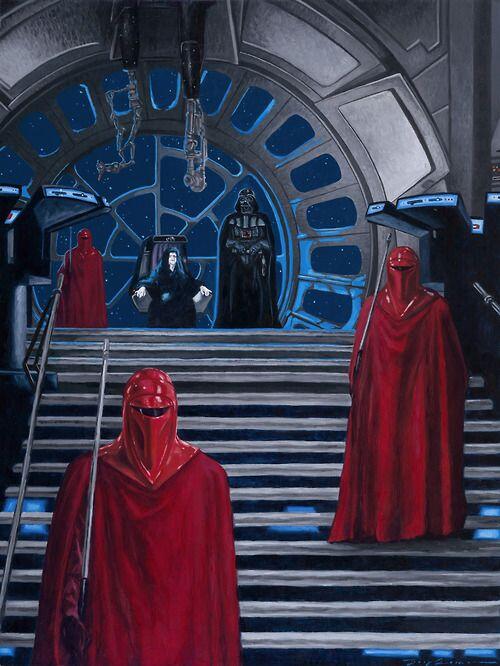


Yes please! Btw, I only realized what the emoji showed after I noticed how it was being used here on #nostr 😂

If you‘re using the Damus App on iOS, you can click on any relay on your list and it will show you some specs, including the person running it.
Welcome to this Brave Nostr World! 🫂🖖🏻 By the look of your note you‘ve already mastered the basics here 👍🏻 Searching for certain tags is a good way to start finding ppl with common interests. Plus, follow the ppl who run the relays you‘re connecting to and the devs of your client.
Same here 😂✌🏻 Enjoy your next round!
Tip on your profile pic in the upper left corner, then on ‚settings‘, and then on ‚keys‘. At least that‘s how I get it on the regular App Store version.

