


GM☀️ Last time from Bangkok for this time 🙏🇹🇭
#siamstr #nostr #nostrasia #photography #asia #thailans 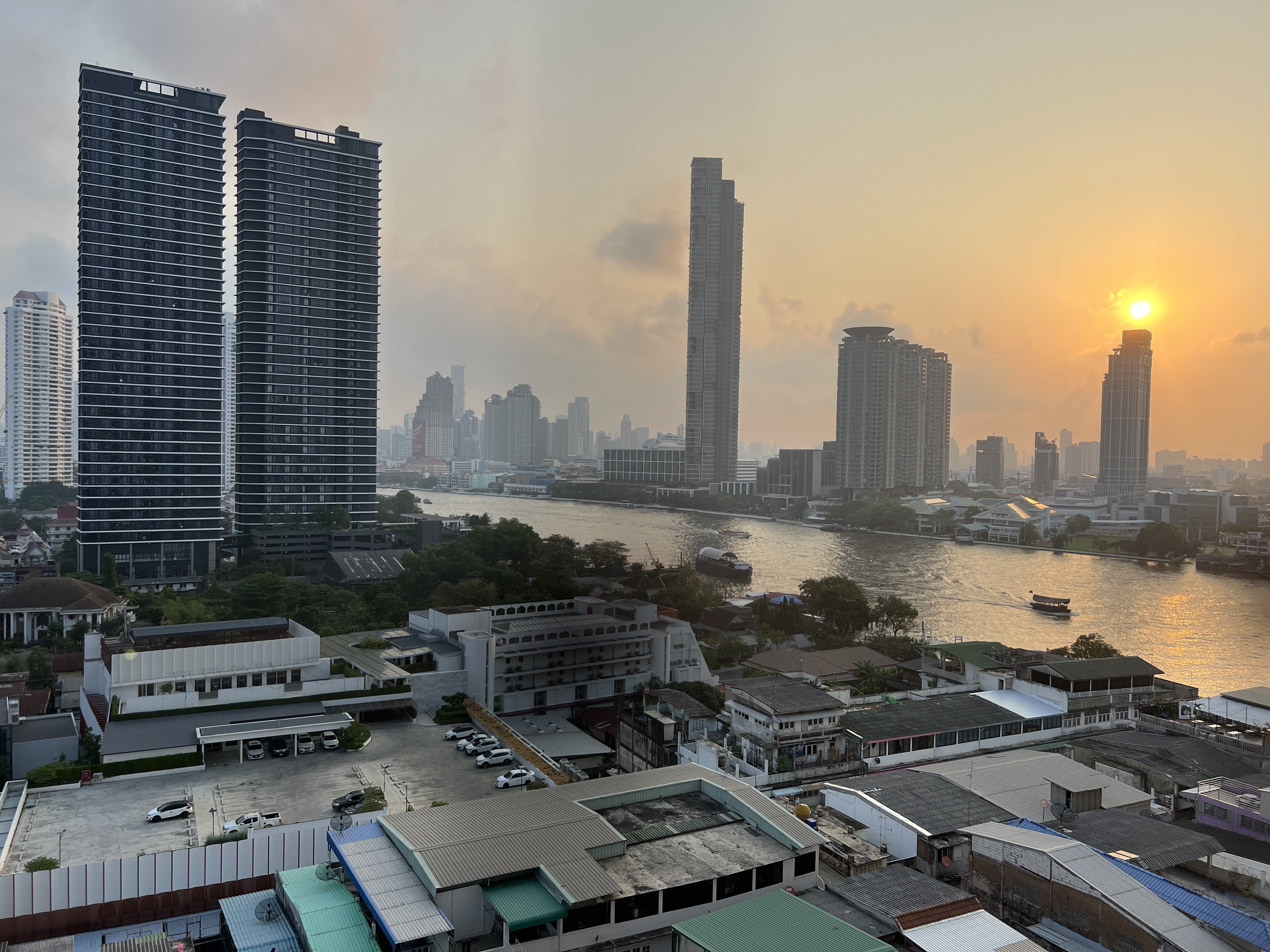
Be safe out there!


Serious post…why can’t nostr:npub15dqlghlewk84wz3pkqqvzl2w2w36f97g89ljds8x6c094nlu02vqjllm5m run for president in 2028? He’s wealthy (won’t need to take donations and therefore owe favors). He’s very intelligent (MIT grad). He knows history extremely well (and knows why previous empires fell). I mean why isn’t this OUR guy?? #Bitcoin
He doesn't need the stress.




nice, i did 12 pullups straight!


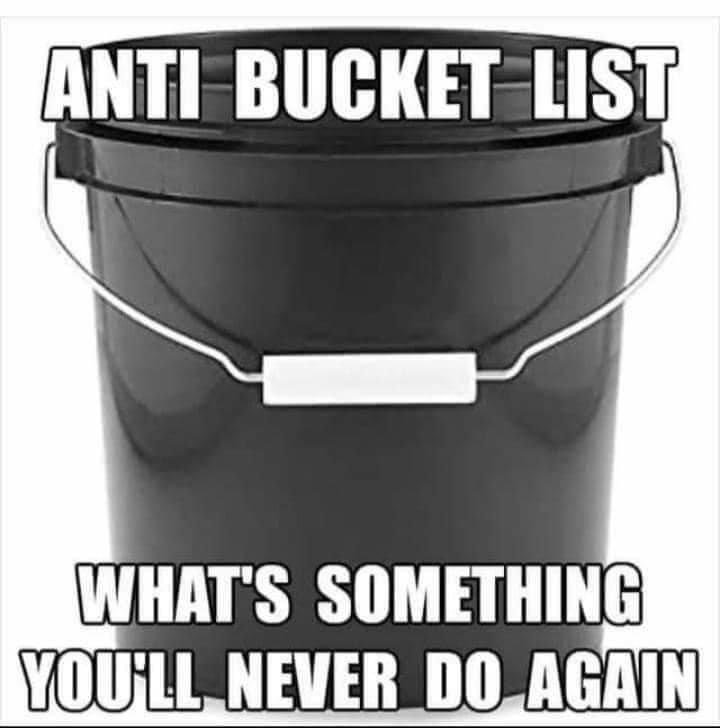
Mine is never going to a public event again


Today's #nostrdesign call to action is to improve your relay management screens / views 🙏
Some things that you as a developer can do on relay page:
1. Explain what a relay is and what it does. You can see https://nostrdesign.org/docs/faq/ if you are not sure how to describe it.
2. Explain the difference between read and write relays
3. Provide user with feedback that their relay selections have been saved when they press save. Toast notifications are great for this.
4. If you show recommended relays, explain why these are the ones that you recommend.
5. Explain other ways of finding relays.
6. Make it clear which relays are paid and free (maybe use actual text labels). And possibly explain the difference between paid and free relays, see nostr faq again for this.
You can do a lot of this with hover tooltips (click on mobile), or if the wording is concise, add directly to the interface.
Lastly, don't forget to run it by as many people as possible and just ask them to explain relays to you. If they still struggle, back to the drawing board!
Great idea, what is the cheapest way to spin one up?
I'm so happy for you!

Wow, will that work with Stacker News crossposting? nostr:npub1qkfnmpuz692azr8c5phn0930x2v92xyqvwgr6ve8znaa3qd6c3hq09ertp nostr:npub1v0lxxxxutpvrelsksy8cdhgfux9l6a42hsj2qzquu2zk7vc9qnkszrqj49

Do you have a trusted mint I could join to test out?


My first Bitcoin interview was 10 years ago today, right after MTGOX crashed. They wanted to know if Bitcoin was dead. 😏
https://video.nostr.build/3d4ac1d63ba70f1627ea91805228157c7402cc71a8d12985ff7fff6c47a91646.mp4
I remember that! You always had the best guides.
