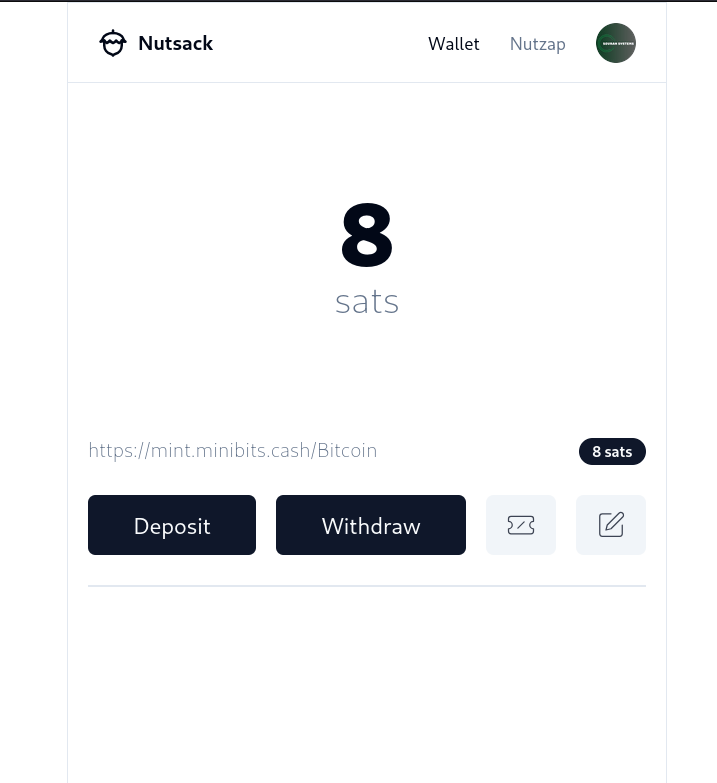
Highroller. I am going to spend it all in one place! You can't stop me.
Great work nostr:npub1l2vyh47mk2p0qlsku7hg0vn29faehy9hy34ygaclpn66ukqp3afqutajft !
#nutsack


would caddy/apache/nginx be the reverse proxy in this diagram or would the NWS exit node have the reverse proxy built into it?

Oh so cool! I have not had the time to create a PR. I am glad someone made one!
Some of you noticed that I tested a new custom BOLT12 powered "Lightning address" yesterday and had asked for a guide. Here it is!
How to setup a BOLT12 "Lightning address"
I used phoenixd, but you can also use Phoenix Wallet for this too.
1) Download and extract the phoenixd wallet server daemon. You can download it from their GitHub page here: https://github.com/ACINQ/phoenixd
2) You don't need to configure it. You just need to launch the daemon. It will automatically do everything else for you, generating seed words, connecting to the ACINQ LSP, providing you with 2M sats of inbound liquidity to get started, and creating your Lightning offer. You can run this on your existing Bitcoin and Lightning node, desktop computer, etc. Launch it with the command: ./phoenixd
2a) You need to decide on how to make this process always run in the background. You can be lazy and setup a screen, you also be lazy and pipe the output to /dev/null, or you can setup a systemd service.
2b) I setup a systemd service. It's easy and the best way to handle the management of the node, IMO.
3) You will need a domain that you can edit the DNS settings. You will need to enable DNSSEC. This usually requires working with the domain registrar and where your domain records are being hosted, coordinating together and copying and pasting a few fields. It's not hard.
4) Next, you need to add a new DNS record entry. Choose the TXT record type. Configure the TXT record with the following information:
NAME = yourname.user._bitcoin-payment
CONTENT = bitcoin:?lno=your_lno_offer
For example:
derek.user._bitcoin-payment
bitcoin:?lno=lno1zrxq8pjw7qjlm68mtp7e3yvxee4y5xrgjhhyf2fxhlphpckrvevh50u0qv269gw5jl4r3tzduka09pps9rufy7dw8rjl957m6g3t5d5e8gyhcqsrxaemp0q929hz2869l23tgrftggk7wry08aptcu2ccey93xhesefqqvev8d3kh0yk2m3w7xc5fn3h9pkvmj20u53rhakpzuge5e7ccy52gcq7hpf5y866vlkpculf38mn4lyrqkyvqtmrz3hy0desrnzrpvjgm6d57t5y24h97ls2xme3nwk8rrz4dqp52qqsy25a00kv770lqyd9qdj3nu7665
This would give me derek@mydomain.com as a BOLT12 Lightning address.
That's it. Good luck!
This is great!
I just wish the phoenixd's Bolt12 worked better with CLN nodes. At this time, CLN nodes are unable to send to phoenixd's Bolt12 addresses.





#Bolt12 and #nutsack so hot right now.



GM.
ZEUS v0.8.5 and ZEUS v0.9.0-beta1 are now available.
v0.8.5 features BOLT 12 offers, Twelve.cash BIP-353 lightning addresses, and embedded node performance enhancements.
v0.9.0-beta1 features our new purchase channels in advance LSP service, hardware wallet/external signer support, watch-only support, batch channel opens and transactions, a new layout and camera, and more.
Blog post https://blog.zeusln.com/zeus-v0-8-5-and-v0-9-0-beta/ 
Sovran_SystemsOS has now been updated to all the newest system software including full Bolt12 support! 🎉
Sovran_SystemsOS is a "rolling release." Meaning it gets the newest updates to its software from the Linux community. And with #NixOS (the foundational software for Sovran_SystemsOS), you also get rock solid performance.
As always, get your update from the Sovran_SystemsOS_Updater app!
Enjoy!
💚 💚 🚀 🚀



No point in asking questions, just get at it.
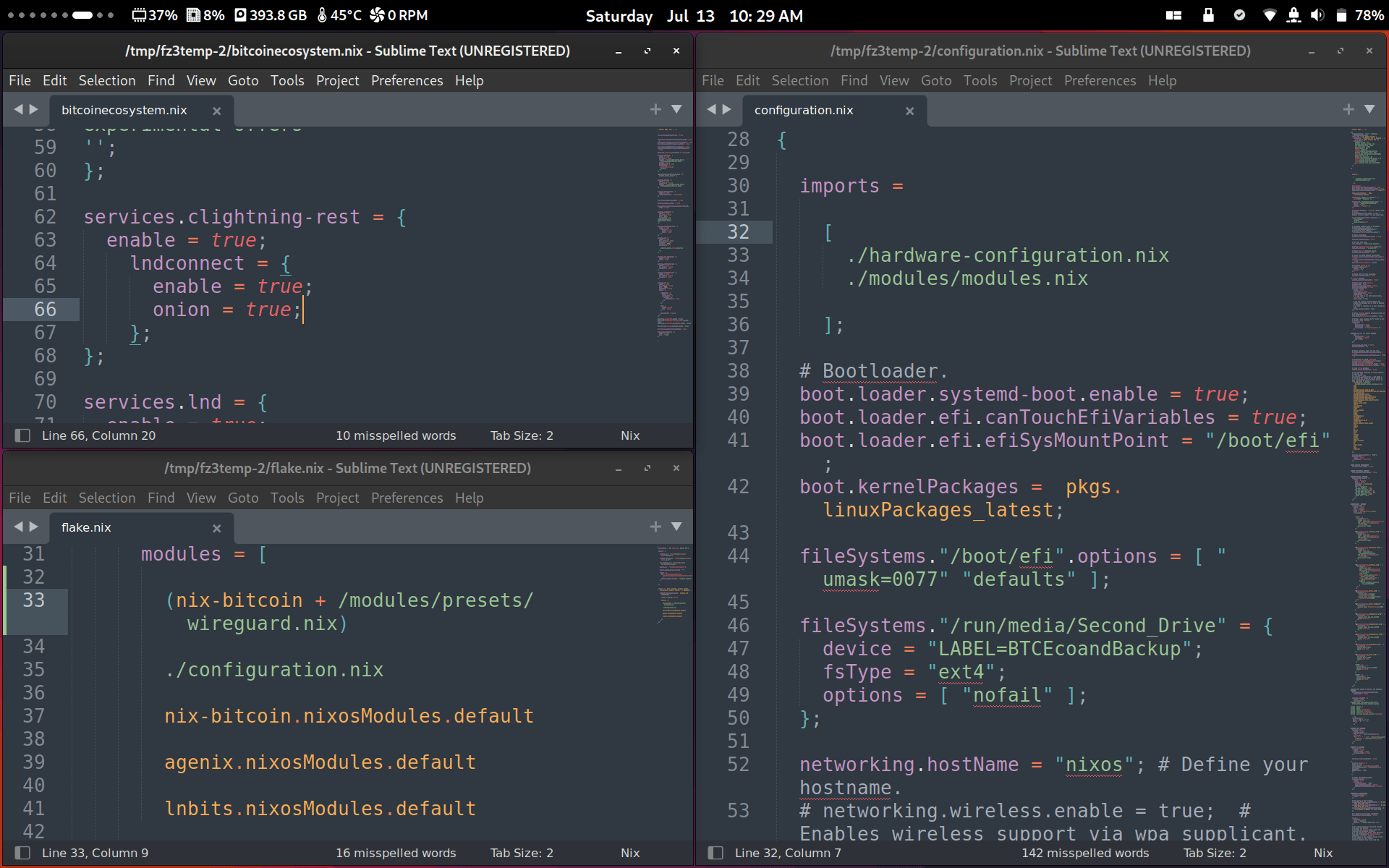
Getting #Wireguard setup as a add-on feature for the Sovran Pro. Once setup, you can connect your Sovran Pro Lightning Node to nostr:npub1xnf02f60r9v0e5kty33a404dm79zr7z2eepyrk5gsq3m7pwvsz2sazlpr5 for fast secure connection via #Wireguard instead of Tor.
Thanks to #nix-bitcoin for doing the hard lifting. https://nixbitcoin.org