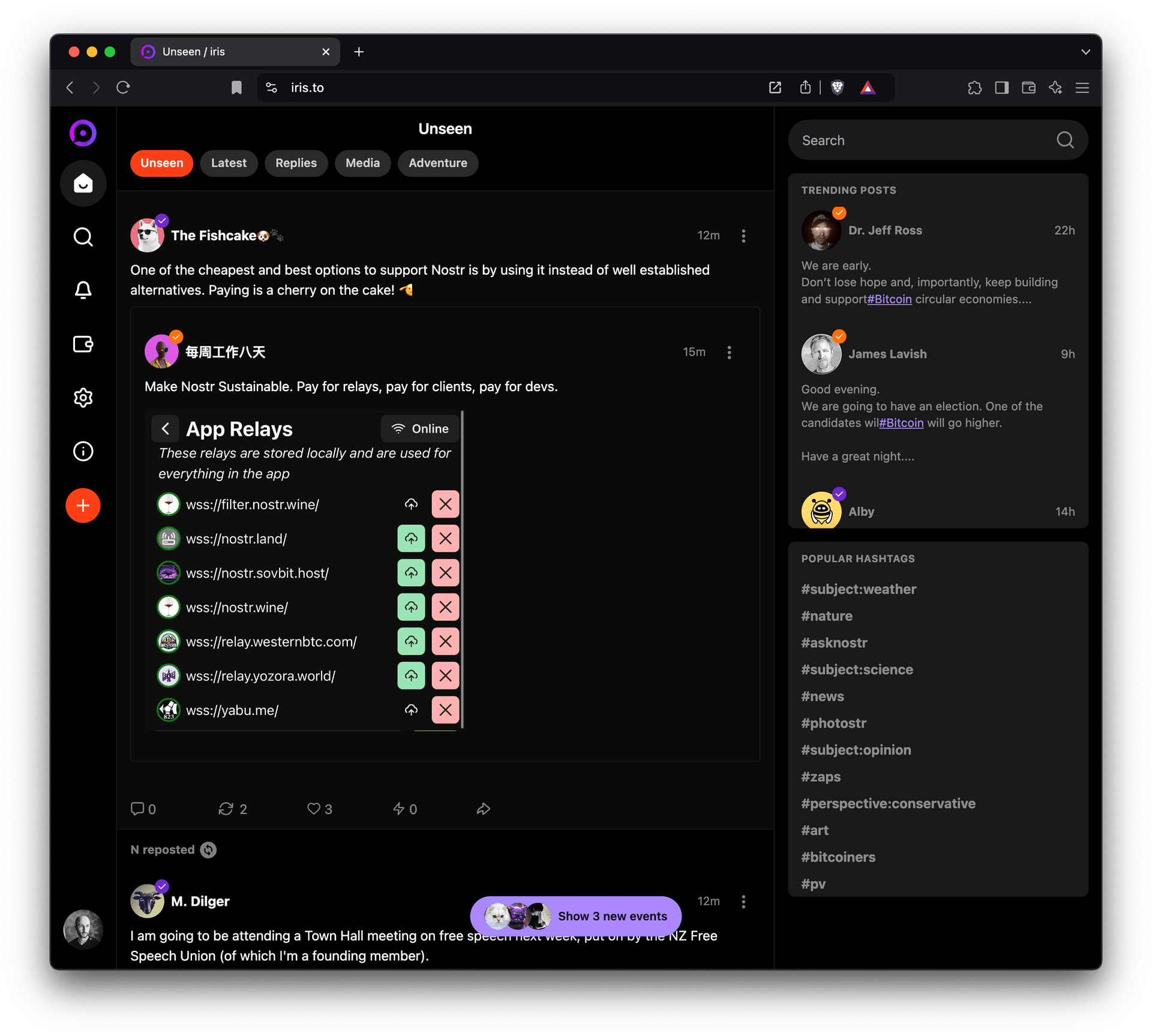
Rolled out new https://iris.to version:
* Zero-configuration zaps for new users: comes with a [npub]@npub.cash lightning address and an integrated Cashu wallet (cashu.me)
* ReplyGuy-free experience: automatically hides content by users not in your social graph
* "Unseen" feed. Click "home" or switch tabs to refresh.
* "Adventure" feed. Shows content from everyone in your social graph.
* Social graph based fast user search
* Better scroll position retention on back navigation
"Add to home screen" for better mobile use experience & push notifications.
This new version is based on NDK. I think it's a good idea for web devs to work together on shared core libraries.
Not perfect, but I'll keep working on it! If you preferred the previous Iris version, you should use https://snort.social which is basically it.
This is the m#$@ing way
Bitcoin is Hope. GM


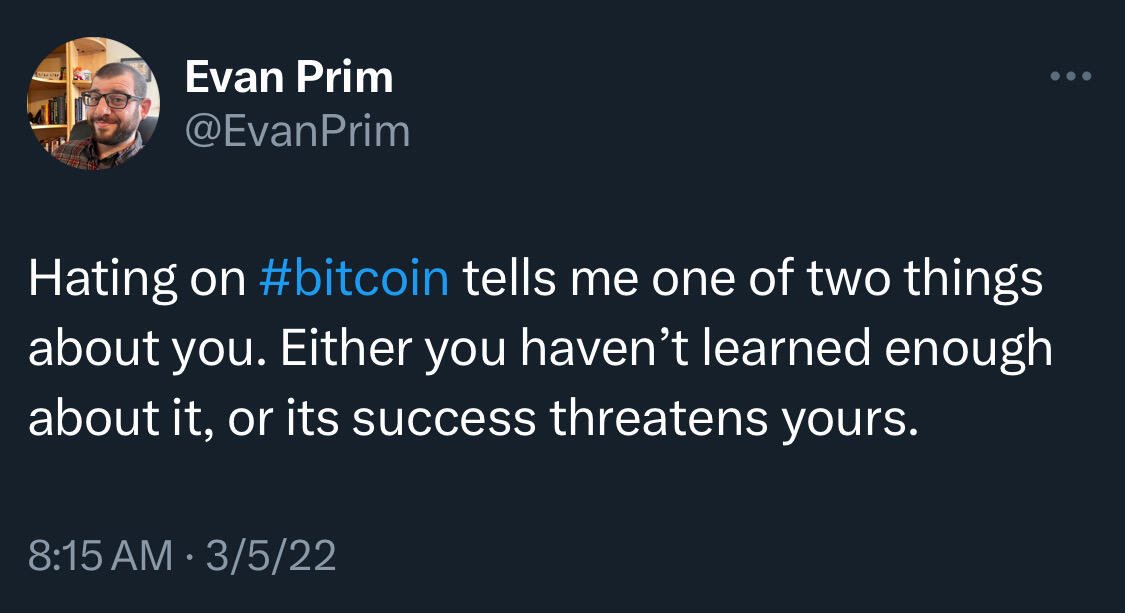


How can it be that Microstrategy's stock performance has been so much better than Bitcoin itself, being that they are basically a company that just accumulates bitcoin and continuously issue more debt to buy even more bitcoin? #asknostr
It's the best feeling in the world (just after acquiring sats) when after opening the notifications you see that a user FIRST zapped you and THEN liked your note
I don't know who needs this but since I saw some confusion in nostr:npub1getal6ykt05fsz5nqu4uld09nfj3y3qxmv8crys4aeut53unfvlqr80nfm's note about accessing your alby wallet from the app, here are my two cents:
1) Go to https://getalby.com/user
2) Click on "Connect" (upper handside)
3) Choose "NWC Connections"
4) Click on "Connect app"
5) Give the configuration a name, configure it and click on "Next"
6) Click on "QR Code", you will need this is in Alby Go
7) Open your Alby Go app
8) Scan the QR Code
9) Success
#asknostr

Although I agree it is a bit confusing, it's also not rocket science when you understand the difference between browser extension and alby account.
Here's how you can configure your alby wallet in the new Alby Go:
1) Go to https://getalby.com/user
2) Click on "Connect" (upper handside)
3) Choose "NWC Connections"
4) Click on "Connect app"
5) Give the configuration a name, configure it and click on "Next"
6) Click on "QR Code", you will need this is in Alby Go
7) Open your Alby Go app
8) Scan the QR Code
9) Success

1) Go to https://getalby.com/user
2) Click on "Connect" (upper handside)
3) Choose "NWC Connections"
4) Click on "Connect app"
5) Give the configuration a name, configure it and click on "Next"
6) Click on "QR Code", you will need this is in Alby Go
7) Open your Alby Go app
8) Scan the QR Code
9) Success
Just finished setting up my nostr:npub1getal6ykt05fsz5nqu4uld09nfj3y3qxmv8crys4aeut53unfvlqr80nfm Go wallet through NWC. It is a thing of beauty #nostronly

Bitcoin really is hope. Congrats and hope to see Isla Mujeres as orange as possible in the near future 🧡


Amazing



I always get an adrenaline pump when I'm able to pay with the corn. An even bigger one if there are normie friends present