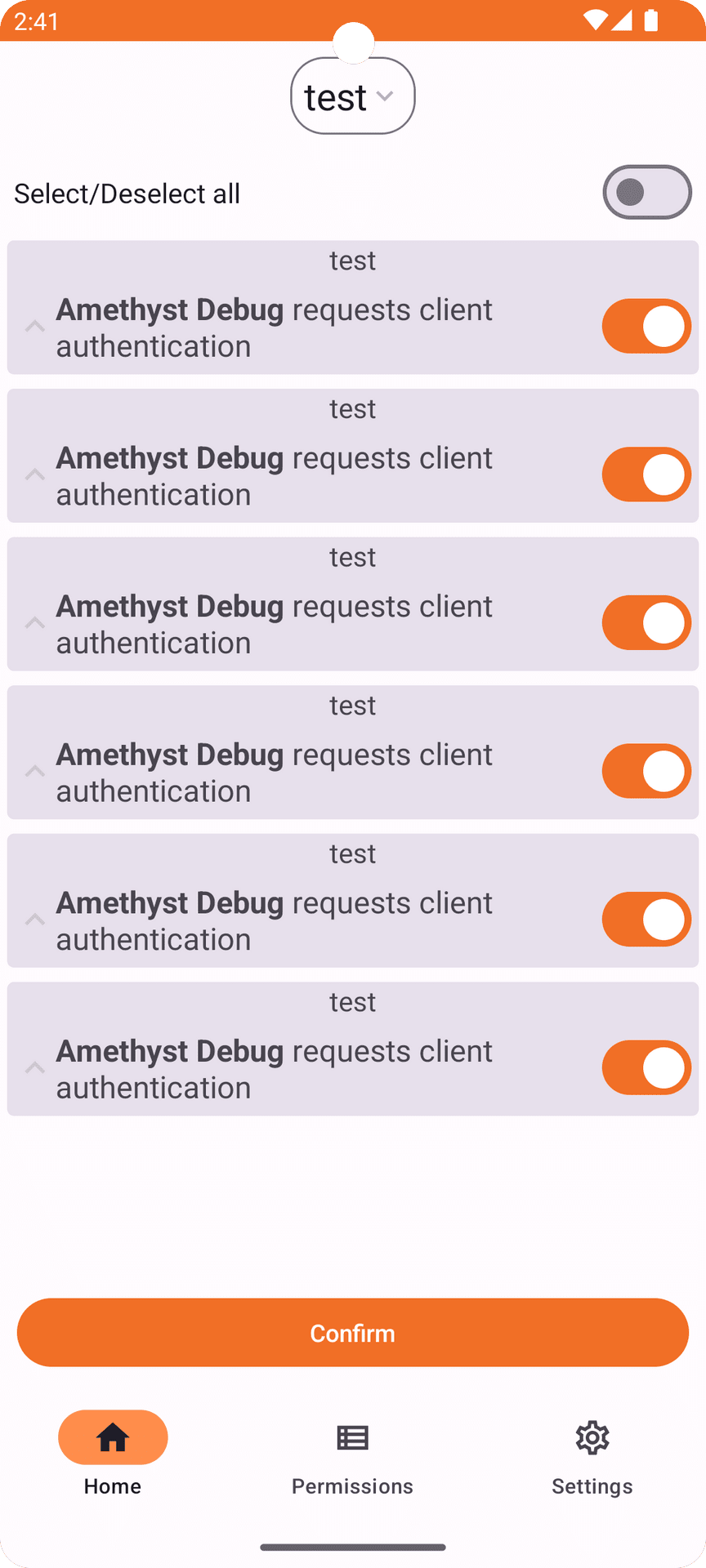
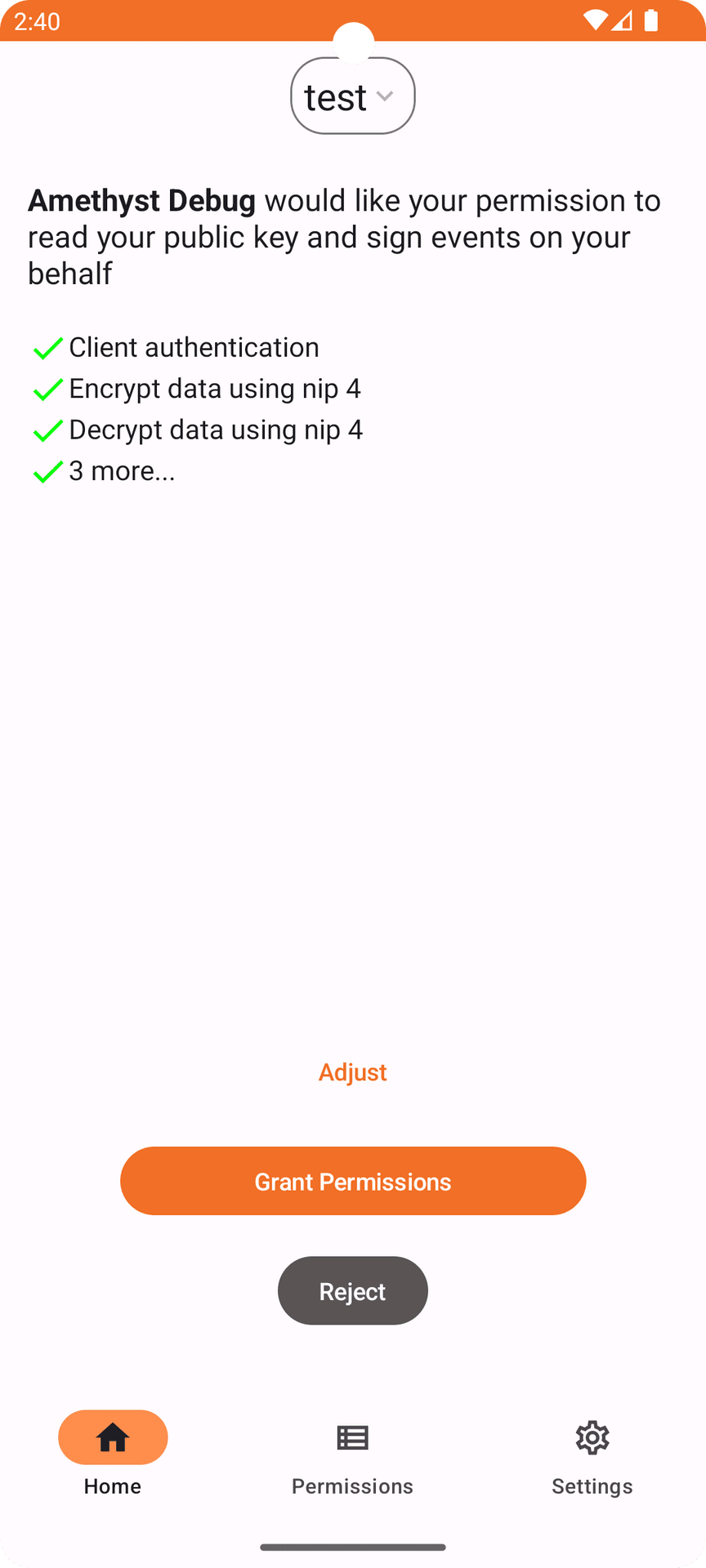
## Amber 3.4.2-pre1
- Added loading indicator when running migrations
- Fix ncryptsec export
- Add a icon when using a proxy and check if the proxy is working
- Add more event translations
- Add a screen to send feedback on nostr
- Start separating Bunker and native implementations
- Fix service start error in slow devices when the user moves the app to the background faster than the app can start
- Fix scrollbar position
- Fix requests not disappearing when accepting/rejecting
- Fix QR code scanner when using multiwindow mode
- Use datasource to fetch profile data
- Remove check for paid and auth in relays
- Remove listening for new connections option
- Make secret mandatory for bunker requests
- Update notification less often
- Updated dependencies
Download it with [zap.store]( https://zapstore.dev/download), [Obtainium]( https://github.com/ImranR98/Obtainium), [f-droid]( https://f-droid.org/packages/com.greenart7c3.nostrsigner) or download it directly in the [releases page]( https://github.com/greenart7c3/Amber/releases/tag/v3.4.2-pre1)
If you like my work consider making a [donation]( https://greenart7c3.com)
## Verifying the release
In order to verify the release, you'll need to have `gpg` or `gpg2` installed on your system. Once you've obtained a copy (and hopefully verified that as well), you'll first need to import the keys that have signed this release if you haven't done so already:
``` bash
gpg --keyserver hkps://keys.openpgp.org --recv-keys 44F0AAEB77F373747E3D5444885822EED3A26A6D
```
Once you have his PGP key you can verify the release (assuming `manifest-v3.4.2-pre1.txt` and `manifest-v3.4.2-pre1.txt.sig` are in the current directory) with:
``` bash
gpg --verify manifest-v3.4.2-pre1.txt.sig manifest-v3.4.2-pre1.txt
```
You should see the following if the verification was successful:
``` bash
gpg: Signature made Fri 13 Sep 2024 08:06:52 AM -03
gpg: using RSA key 44F0AAEB77F373747E3D5444885822EED3A26A6D
gpg: Good signature from "greenart7c3
```
That will verify the signature on the main manifest page which ensures integrity and authenticity of the binaries you've downloaded locally. Next, depending on your operating system you should then re-calculate the sha256 sum of the binary, and compare that with the following hashes:
``` bash
cat manifest-v3.4.2-pre1.txt
```
One can use the `shasum -a 256

Not yet for web clients
## Amber - v0.8.2
* Fix activity not clearing when using web clients
## Amber - v0.7.2
- Update quartz to v.83.5
- Added decrypt content to the show details button
- Created links to source code, donation page and OpenSats
Download:
## Amber - 0.6.6
- Fix encryption/decryption in web apps
Download:
## Amber - 0.6.5
- Support for signing multiple events at once
- Support for sending default permissions to be allowed by the user when loginin