Who else should be included? #bitcoin


I hadn't finished yet 😅, and also did the thread incorrectly, but you should be able to see it now nostr:note1zx5059w0h0xdajvr9t0xua9tdy9hvc57rmfvc3jxwd8drc5x32rqgkqv7m
nostr:note1vnx9ju2unk4mpvev58yums9zxj9ev9yrgfjy4vh3wyzu3a9zpm8sfgqehp
nostr:note15gek7j33lcsdcgh4qa0e29tykqmz6duzf2uz57tzuj7x7wpqnhcs5jqnqf
nostr:note165rm6mu5vn4tcuwst8rq5p8j7zfyyvgrxagkmg7dg66q0gaaj0lstpp9x7
nostr:note1dcw95rry8cegmj6xsxj4ntgg46uwh69hj7zqff42f86pea9pfges9zzt2q
nostr:note1penw0cxzqjgsgn6qhez8ktvycmhgtdsm2n2qpkz02720fa2fc57sfnr9dc
nostr:note1f5k4rmz25dda64drk2earlx2x4dlt6m4ujh2mq6ds4f00jad3jks4erh7v
nostr:note1h8hyuhssqn766ct3mv0wc3t7q40gf84u53ytrs3gnn8xc2y3f8asqyryks
8/ Conclusion
👍 nostr:npub1wu4aye7ll0lnrrg638e90sehzsgpzx5t39t3mwl05aa0d0ap08esdz3vw0 Coldcard Q, nostr:npub16s4cnphx2k7ndmlt9qmurkdrrulcammg3jxnz0f9c7dhepqg38zqpp4p24 3 Pro, Krux, nostr:npub1wu4aye7ll0lnrrg638e90sehzsgpzx5t39t3mwl05aa0d0ap08esdz3vw0 Tapsigner, I like them all
🫳 Trezor Safe 3 is good
👎 Bitkey will have it's user base but I wouldn't recommend it to you
If you enjoyed, repost and like 🙏, and checkout https://svrgnty.com for the best #bitcoin resource
7/ Bitkey
For this one, no "good, bad, and neutral", as I was never able to complete the setup. I'm not writing-off bitkey, they delivered a high quality product, and I hope with future releases to see improvements, but this one is just too locked down.
To start you can only use it with their app. Not the main issue, but would be nice if it could be used with other wallets. Next, at least for android, it requires Google Drive. If you are a Bitcoiner, or on that journey, you will inevitably become more privacy conscious.
Depending how deep you go down that path you may not have Google, which is my case. Not having Google, I just abandoned it. Maybe with future software releases they will support other cloud providers, but for now nothing. I will wait and see.
I'm sure it will appeal to some user base, but if you are on bitcoin twitter/x, you are not one of them, all other hardware wallets mentioned above are better options for you.
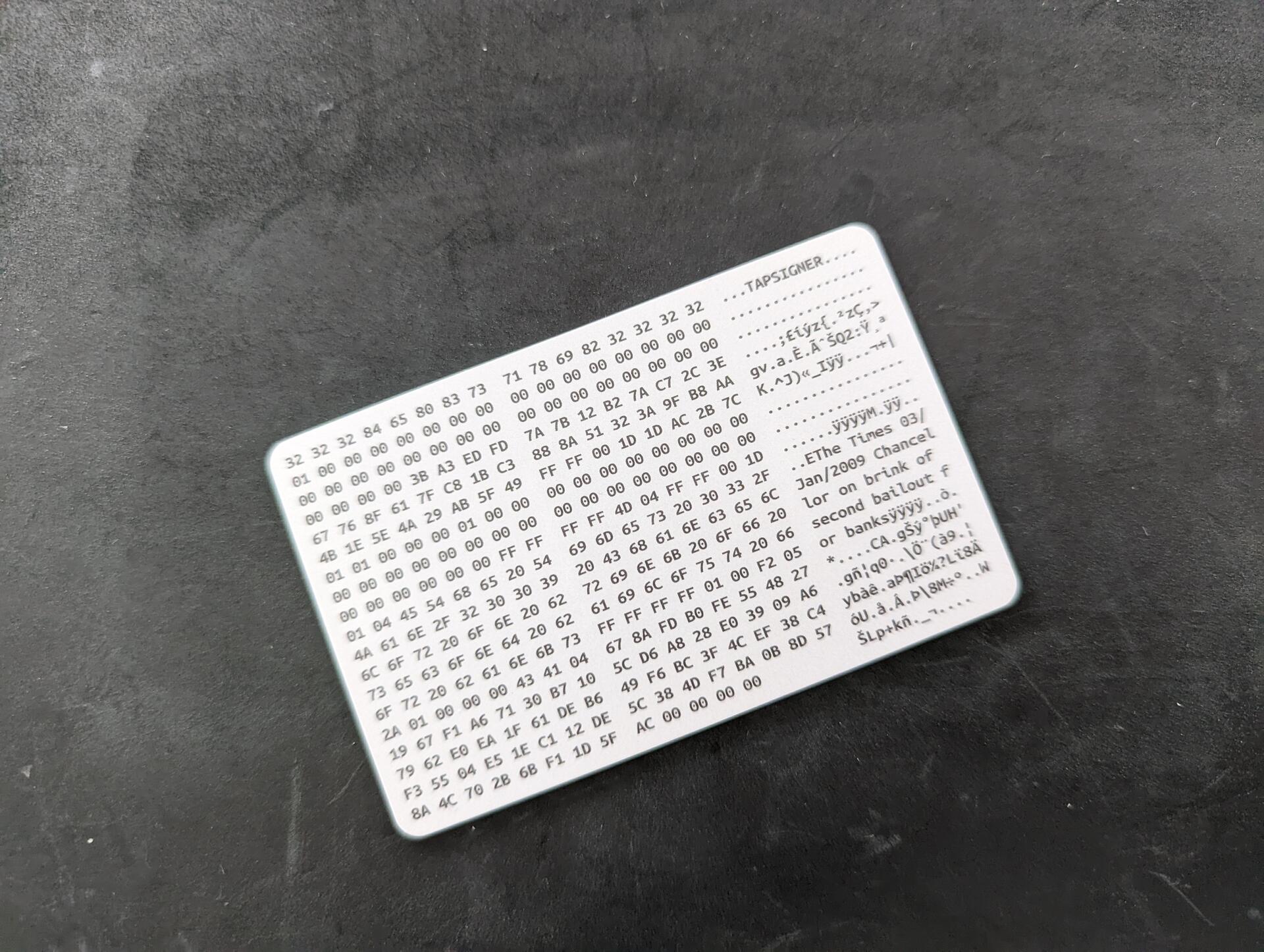
6/ Good nostr:npub1wu4aye7ll0lnrrg638e90sehzsgpzx5t39t3mwl05aa0d0ap08esdz3vw0 Tapsigner
+ Convenience
+ Can carry in wallet
Neutral Coinkite Tapsigner
~ Backup password is printed on the back of the card and looks like it could rub off easily. Make a copy when you set it up!
~ Not a negative, but it has limited support. Some good wallets support it, but not all
Negative Coinkite Tapsigner
- Not a real hardware wallet, don't trust it's durability for cold storage
Overall
Great to use for e.g. signing on a mobile app, or as a signer in a multisig that is used regularly, for quick and easy signing
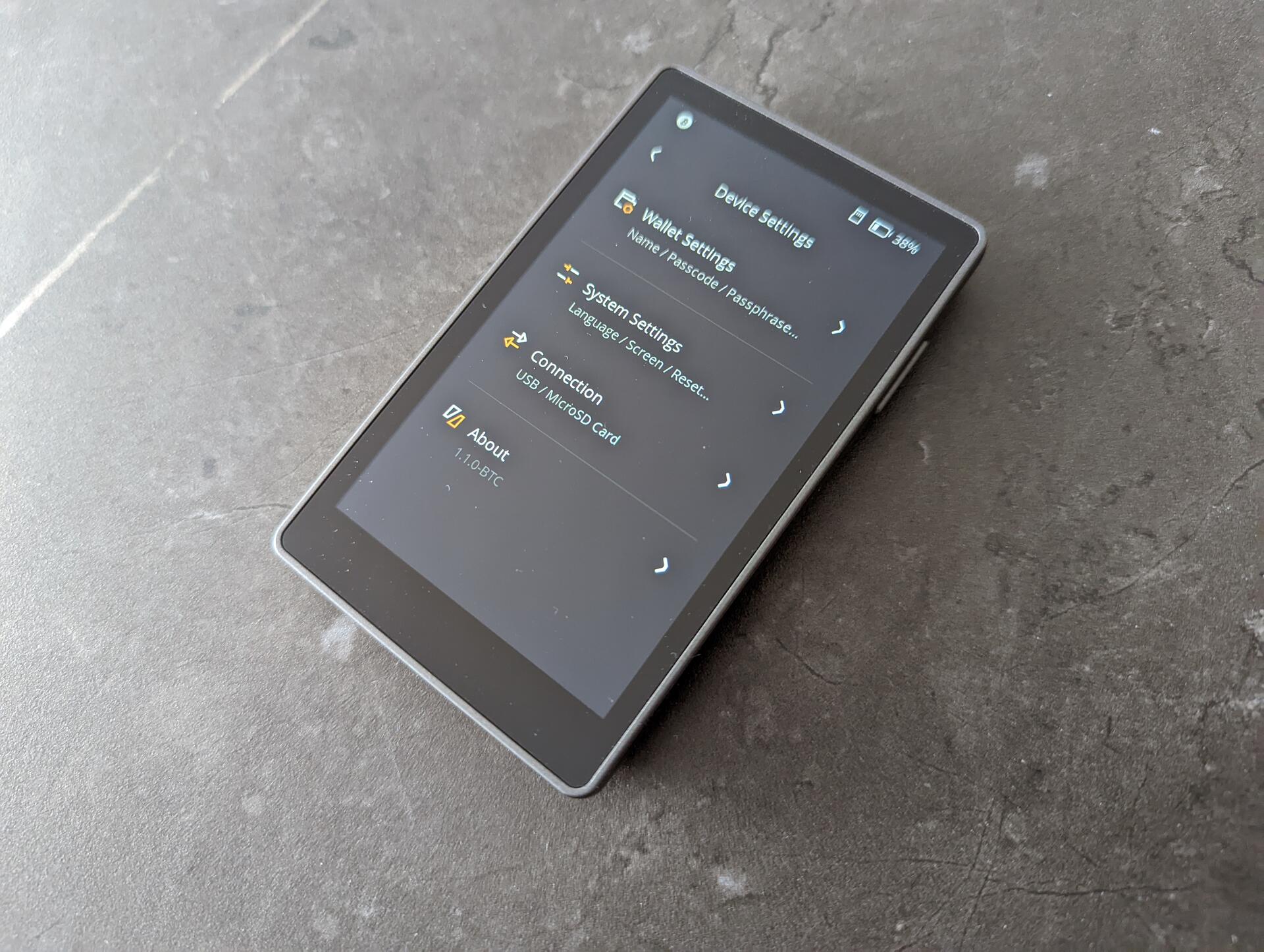
5/ Good nostr:npub16s4cnphx2k7ndmlt9qmurkdrrulcammg3jxnz0f9c7dhepqg38zqpp4p24 3 Pro
+ High quality build, solid materials, feels almost like a smartphone
+ Open source
+ Good size, not too big not too small
+ Allows up to 3 wallets, could see this coming in handy for some use cases
Neutral Keystone 3 Pro
~ Good experience though I found the "..." menu on top a bit hidden, found myself navigating through menus searching to then find the options I was looking for where there. For the dice rolls I had to search online, initially didn't find it
~ I am a fan of dice rolls for entropy, but it is a heated topic, as not doing it correctly can end with lost funds. I would improve the experience here by requiring either 50 for 12 words or 99 for 24 words. Right now you can create 24 words with 50 rolls
~ Would love to see a keypad scramble option for the pin, especially due to the touchscreen and fingerprints remaining
~ The bitcoin-only firmware is in the early stages, but it has a lot of potential, and I believe we will see quick improvements
Bad Keystone 3 Pro
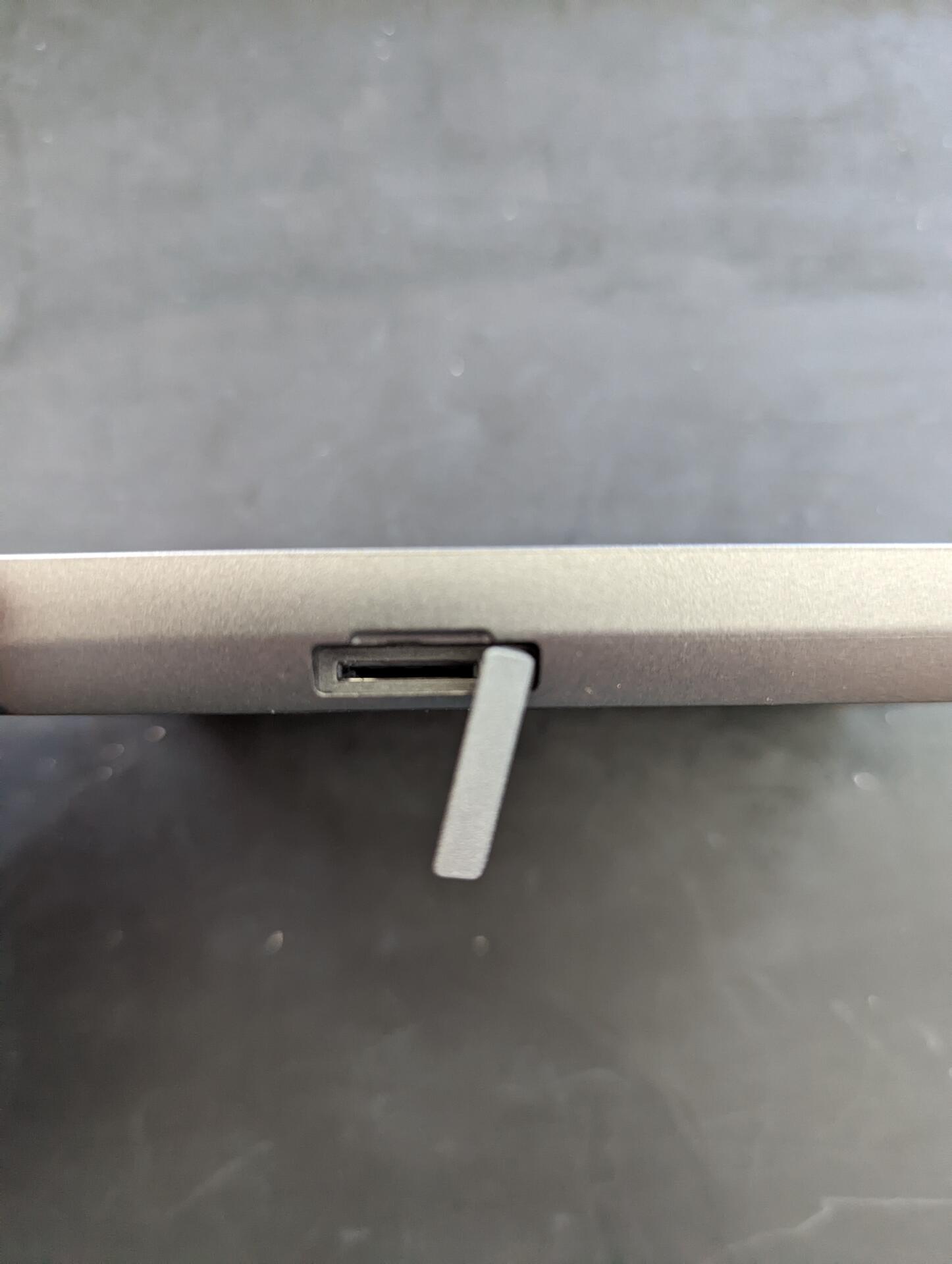
- Not a fan of the SD card slot positioning. Really had a hard time getting cards in. That said, its not something used regularly, only used it for firmware updates
- Built-in battery that cannot be removed. Not optimal for cold storage
Overall
Better than expected. It's easy to use and feels like using a software wallet. I would recommend this to someone starting self-custody, a friend/family member, who isn't going to go all the way down the rabbit-hole. Also perfect as a signer in a multisig setup
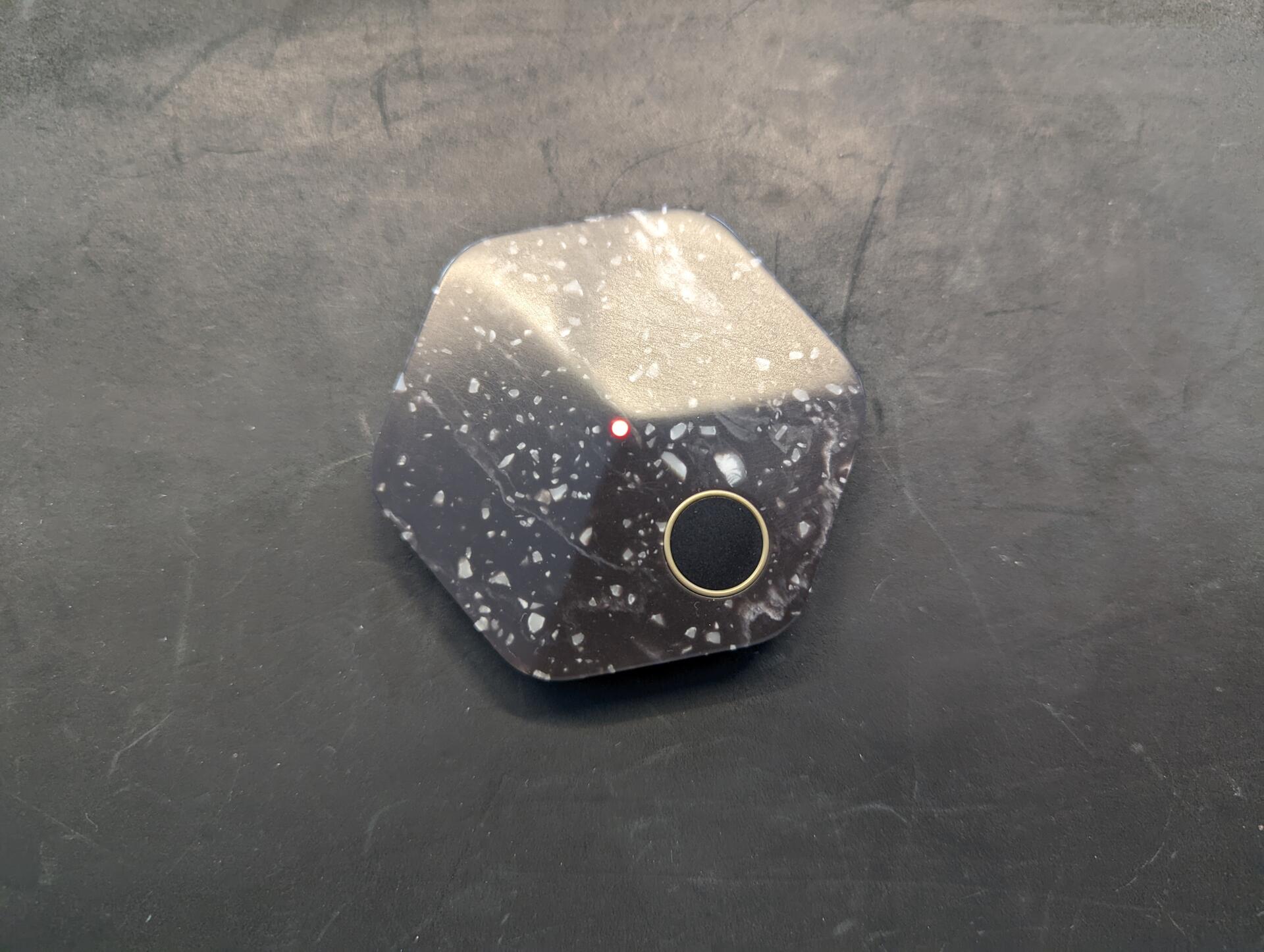
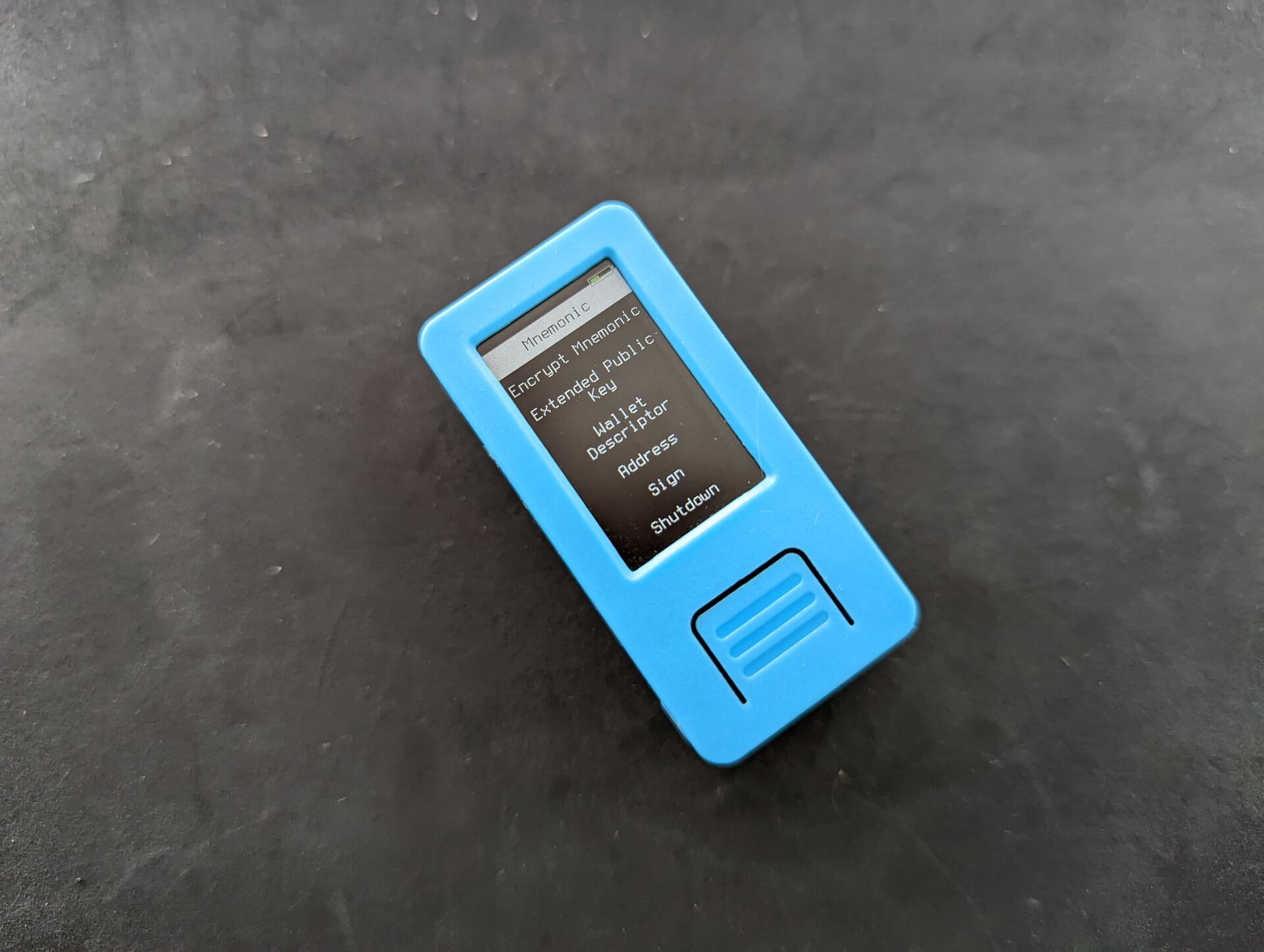
4/ Good Krux
+ Awesome open source project that works on off the self devices
+ Supported on many devices. Don't want a battery? Get a device without. Want a larger screen? Get a larger screen device
+ No assembly required, just flash it (also very easy)
Neutral Krux
~ Stateless, requires importing seed every time it is used
~ Though supported on multiple devices, some are hard to get. I tested the M5StickV but really wanted to try the Maix Amigo, which is sold out almost everywhere
Overall
Nothing negative to say on this project, it's great 💪 and a perfect addition e.g. to a stateless multisig setup with @SeedSigner and @Blockstream Jade for a multi-vendor setup, reducing the risk of both supply chain attacks and device-specific attacks.
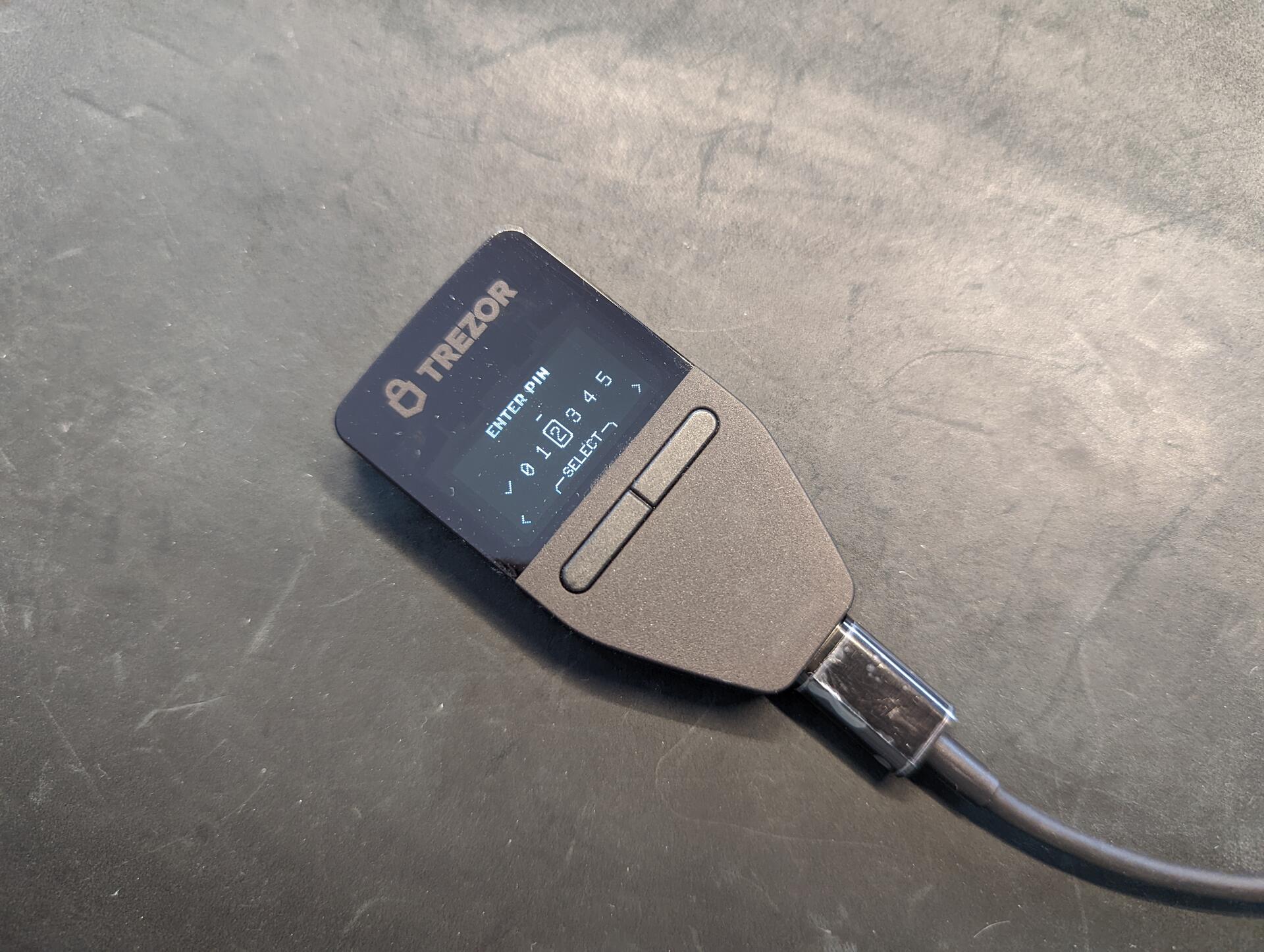
3/ Good Trezor Safe 3
+ First Trezor hardware wallet with a secure element
+ Open source
+ Easy to use and beginner friendly
Neutral Trezor Safe 3
~ It is basically a Trezor One with a slightly new look and secure element
Bad Trezor Safe 3
- Requires Trezor Suite (desktop or web) to initialize and install firmware, meaning you need to install software
- USB only, which means again that it requires additional software (trezor bridge) e.g. for it to work with Specter Desktop
Overall
Decent hardware wallet if you don't mind installing additional software. It is good to have as an emergency backup device stored with an inheritance/recovery plan, given there is no battery, it is small, and easy to use for beginners too
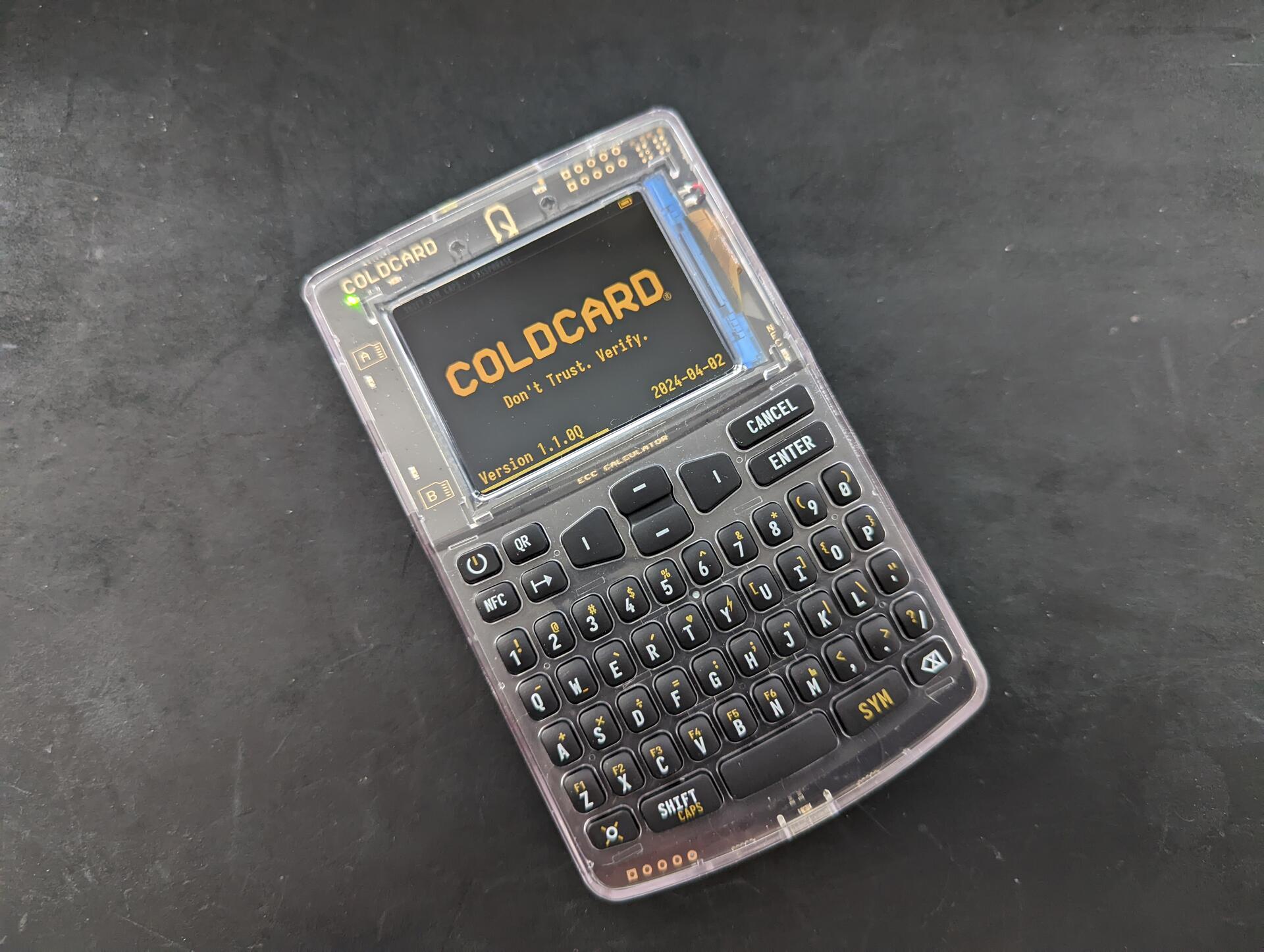
2/ Good @`Coinkite` Coldcard Q
+ QR code signing, faster and easier
+ Keyboard 🙌, if you have ever tried importing a seed or used a passphrase on the Mk4, you will really appreciate it. The keys are small and it will feel strange in the beginning, but you quickly get use to it
+ Most fully featured hardware wallet, with never ending options
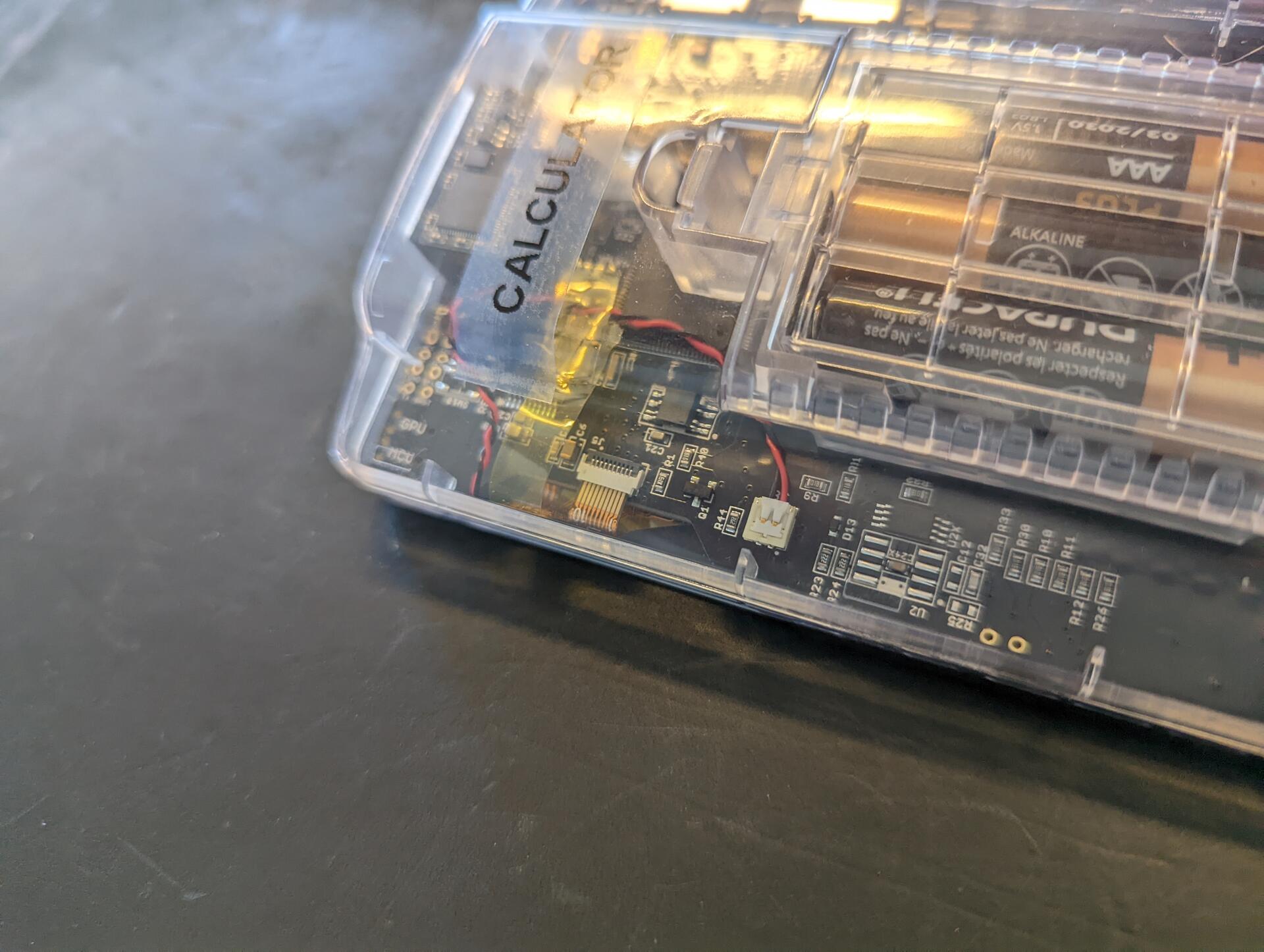
+ Standard size batteries that can be removed and easily replaced
+ Large screen, much easier to read
Neutral Coldcard Q
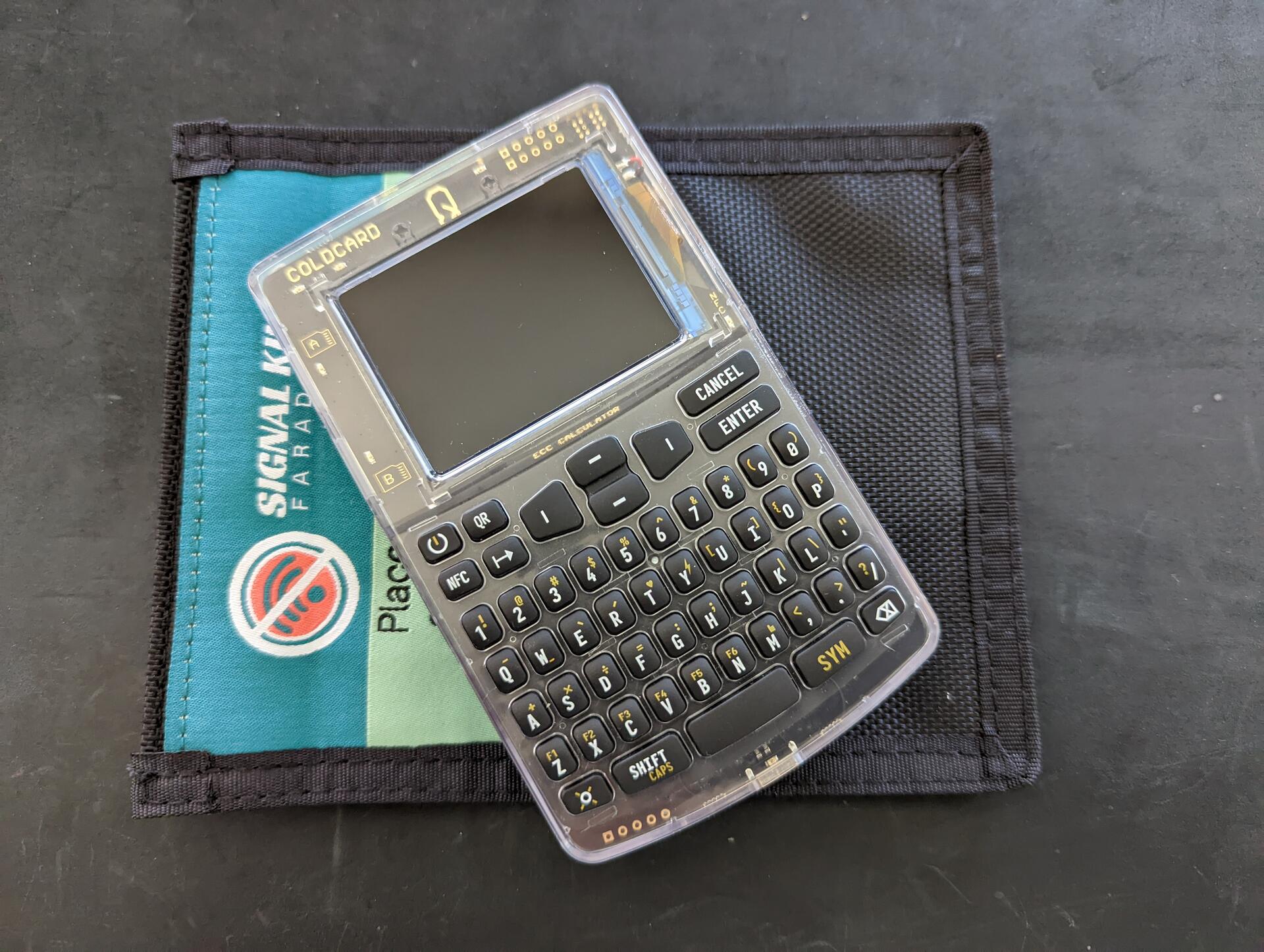
~ Larger than MK4, makes storage more difficult, won't fit in a faraday bag
~ Firmware (1.1.0Q) a little buggy. It crashed the first time I tried importing a seed. QR reader also remained on once with red light flashing, even though I had exited the function
~ Firmware (1.1.0Q) not fully updated from Mk4, e.g. when exporting the wallet to Sparrow, it seems only option is to export the json to an SD card (has not been updated), only once you proceed does it mention the option to use QR. All small thinks that will for sure be fixed with time
~ Found the keyboard scramble confusing 😅🙈 and disabled it. Maybe if it was at the bottom of the screen and the onscreen keypad looked like the buttons (a border around each number), it would be less confusing
~ Would be nice if the QR reader gave feedback while scanning
Negative Coldcard Q
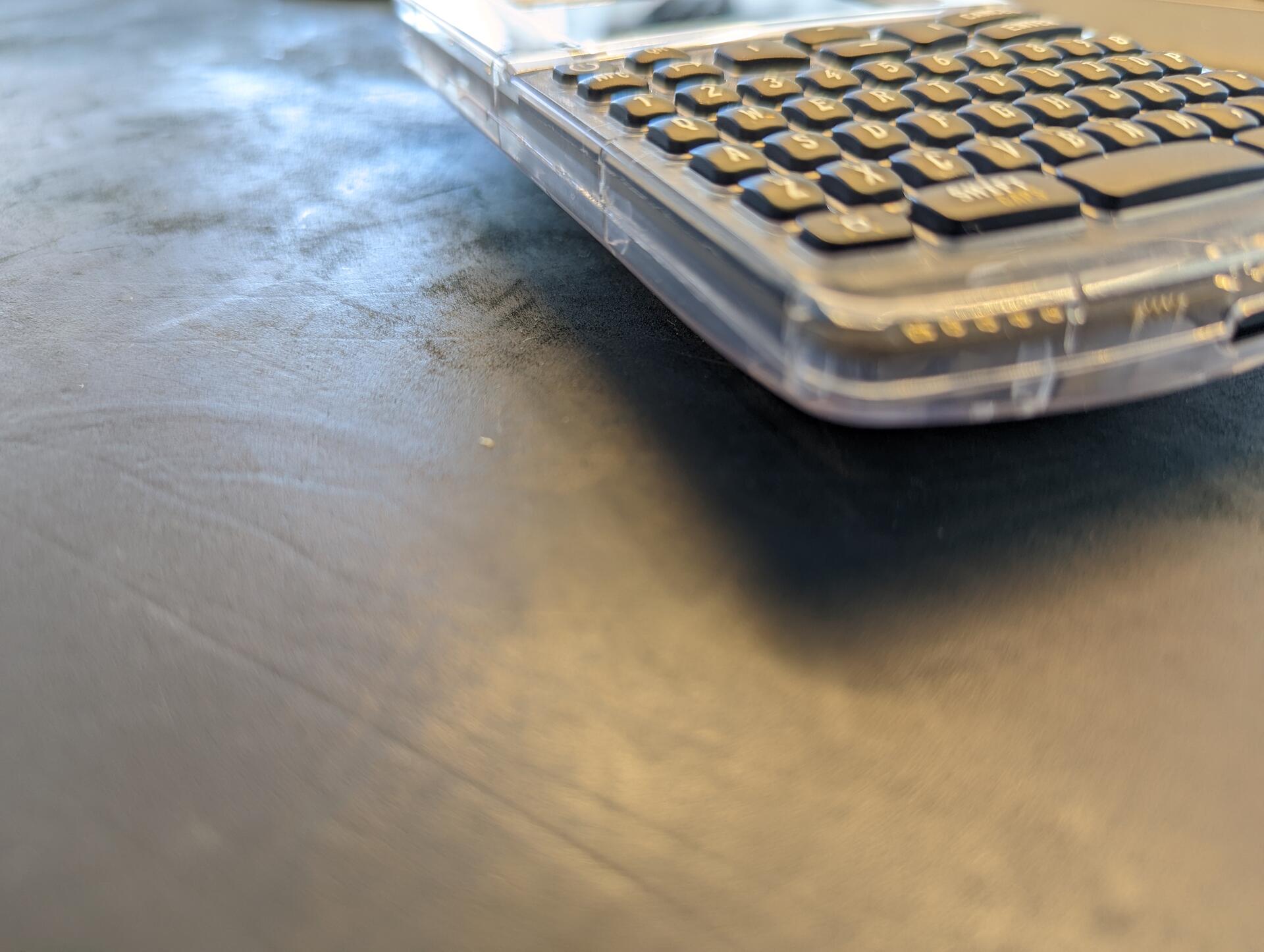
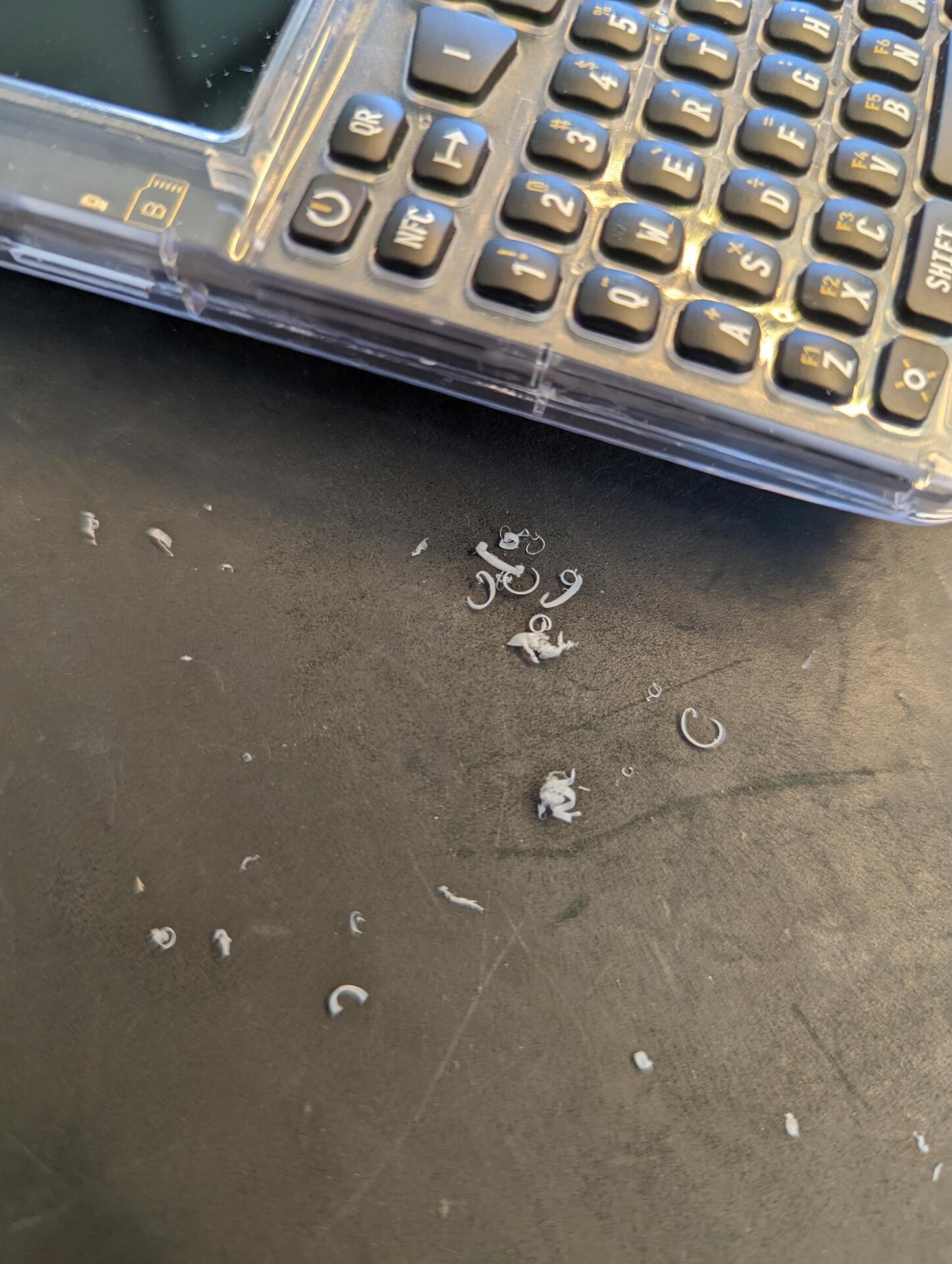
- The build quality is decent and similar to Mk4, but it feels different. The clear case on the front is beautiful, one the back is looks a bit cheap. On the sides, where the case comes together there are some rough edges. You also have these rough edges on some Mk models but due to the form factor and being smaller, it is not noticeable. On the Q it is, and due to the size and how I held it, it actually bothered me and I had to smooth the edge with a razor blade.
Overall
The Mk4 is my favorite, but the Q is right there. The Mk4 is great for cold storage, locked away and only pulled out for regular audits. The Q is similar BUT it can also be a "daily driver". Large screen, QR signing, and keyboard, make it great for regular usage.
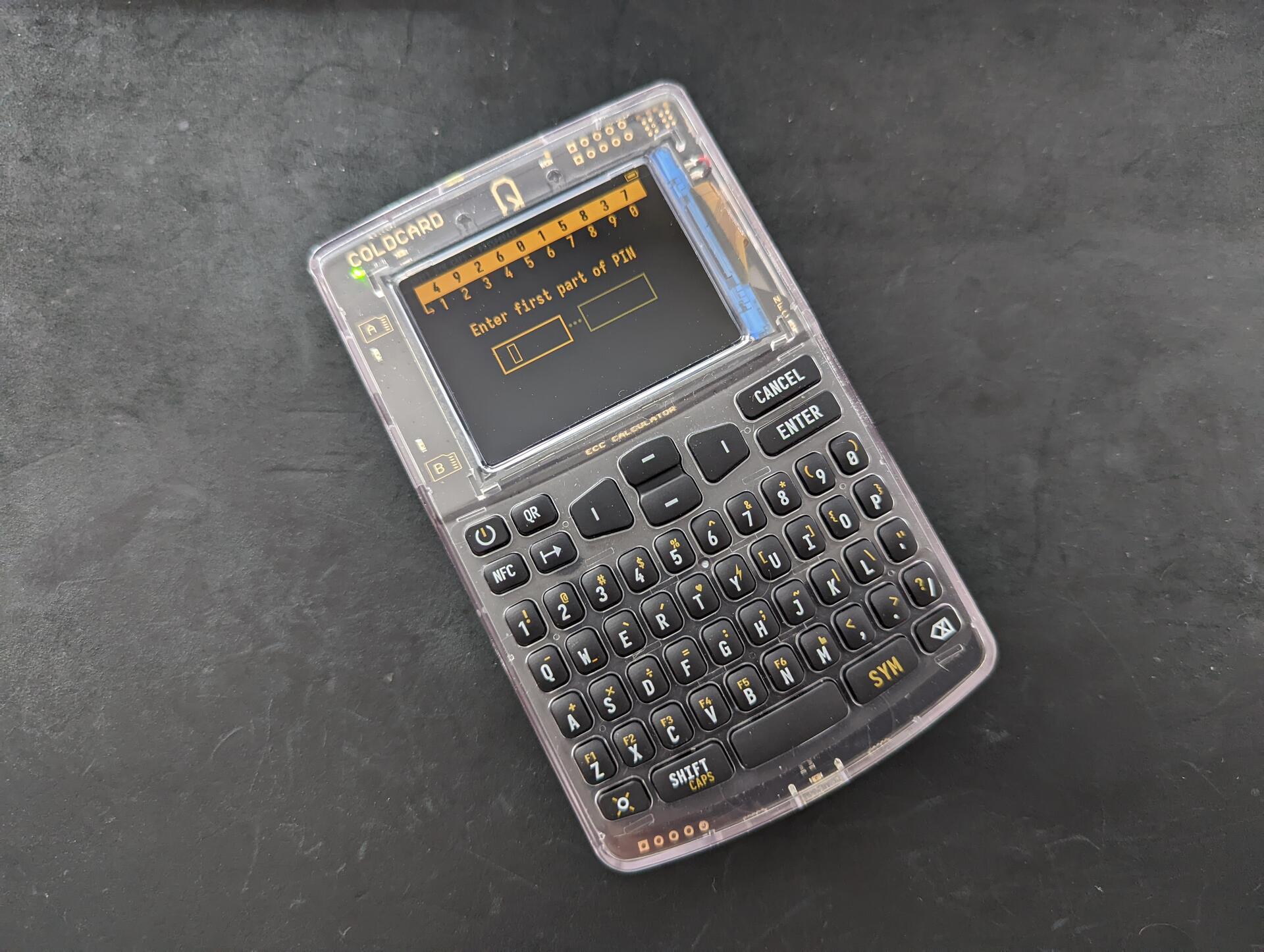
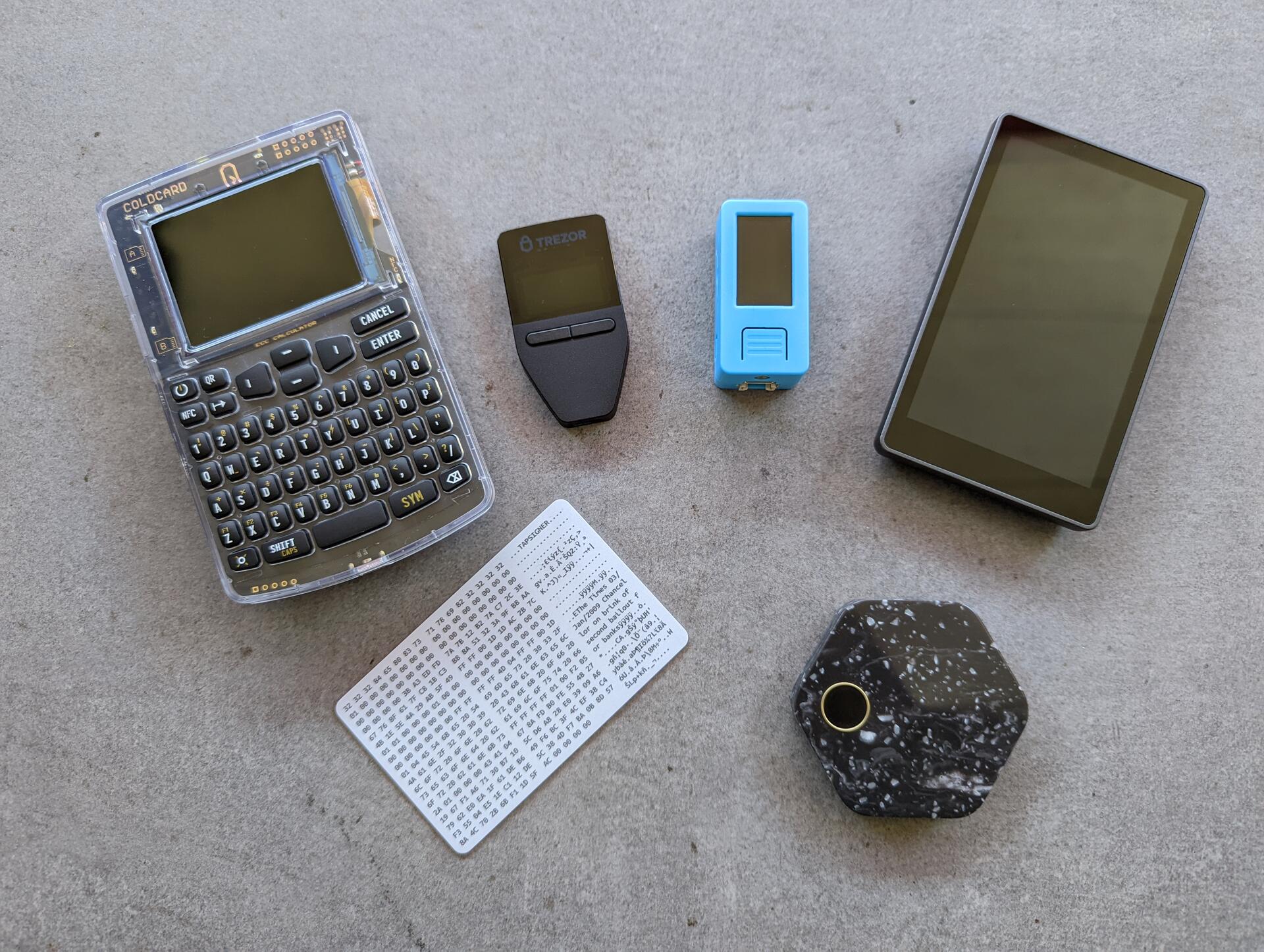
1/ Since my first review of #bitcoin hardware wallets / signing devices, new ones have been released and I've snatched them up as quickly as possible and tested them. The testing was carried out the same way as last time, using mostly Sparrow wallet and Specter Desktop
If you missed the first review, you can check it out. And now the good, bad, and neutral of the devices in no particular order
nostr:note1nj7ejwncf0gq2ja3w37pl0cwxufwdwtgk5xpnmz5pc4lv493mwyq59e2rl
Several updates to https://svrgnty.com #Bitcoin
in hardware wallets added:
- Coldcard Q
- TwentyTwo Portal
- Trezor Safe 3
in multisig added
- Keeper
- Lianaa
in bitcoin nodes added
- Raspibolt
- Parmanode
in blockchain explorers added
- bitcoin explorer by Jonas Schnelli
in charts and data added
- Nakamoto portfolio by Swan
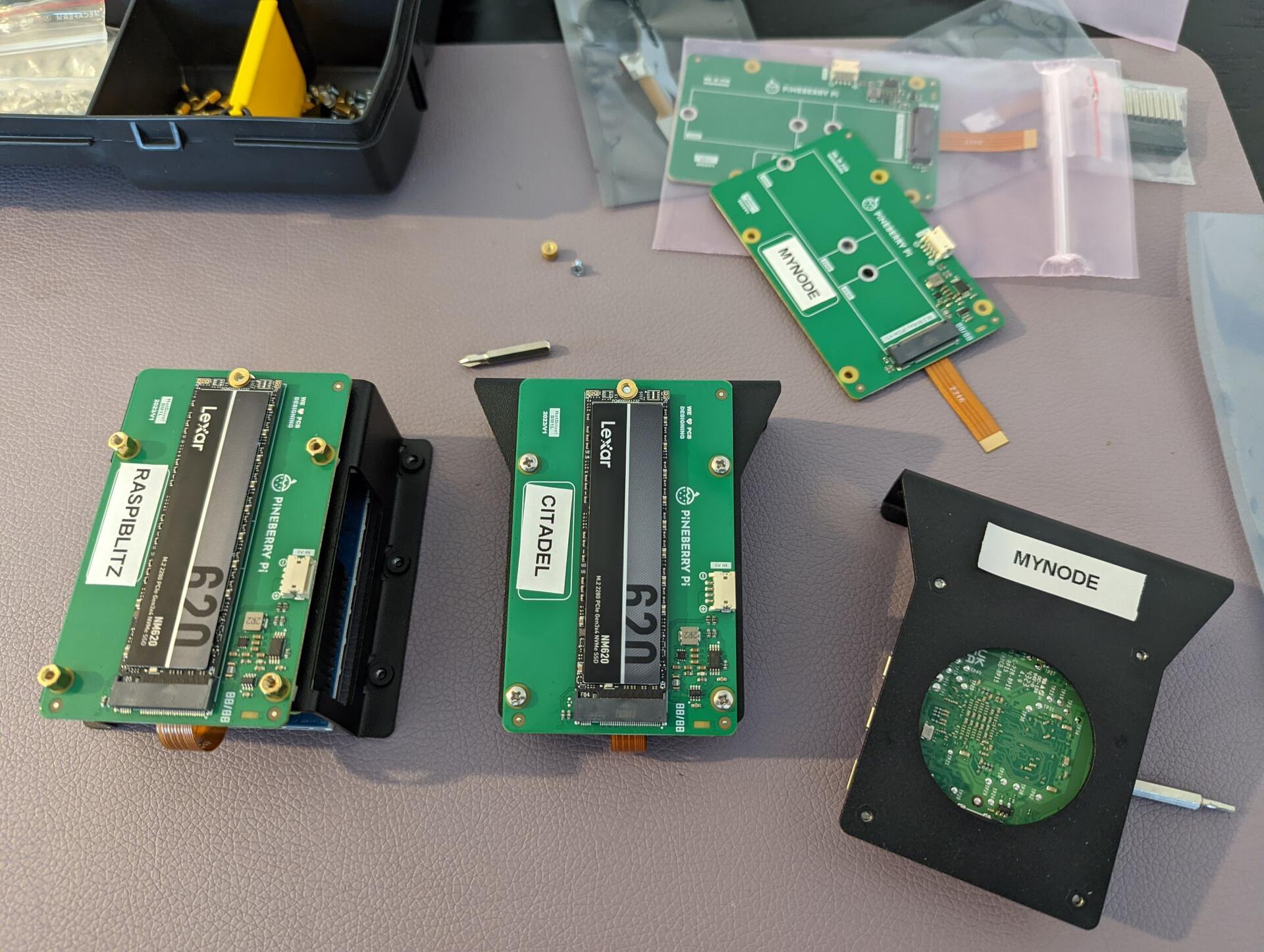
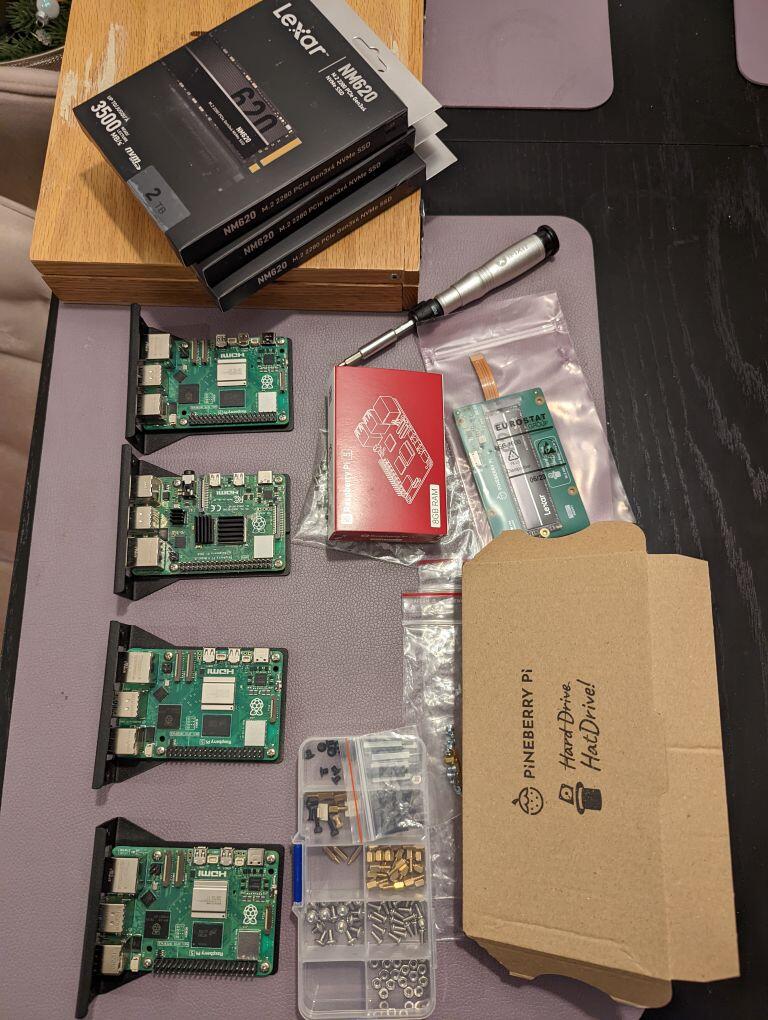
Upgrading some of my #Bitcoin nodes to Raspberry Pi 5 with PineberryPi HatDrive! Bottom and 2TB NVMe.
RaspiBlitz and Citadel working like a charm with latest release candidates. And with rsync was able to sync everything over 💪. MyNode works on RPi5, but cant get NVMe to work as data drive, does work as OS drive though...
Got Umbrel up (set boot from nvme, install Raspberry Pi OS, then install umbrel, then rsync) and it works perfectly for 15-20 min then crashes, HatDrive ACT light starts flashing 😕
Start9, no luck at all... 😭
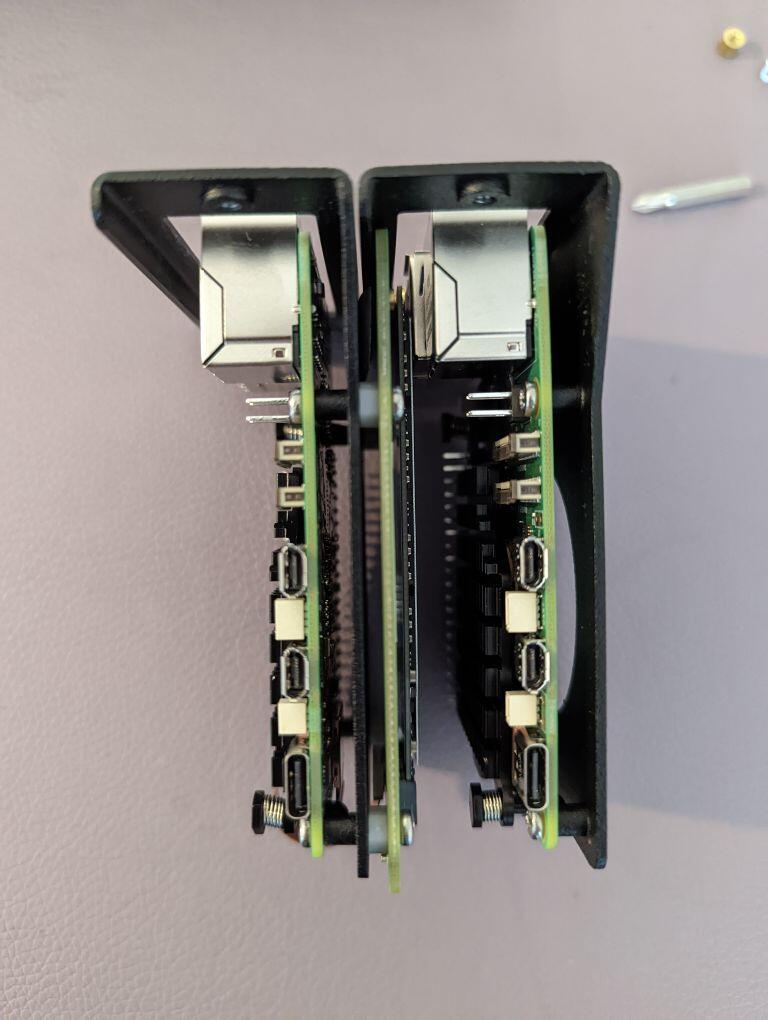
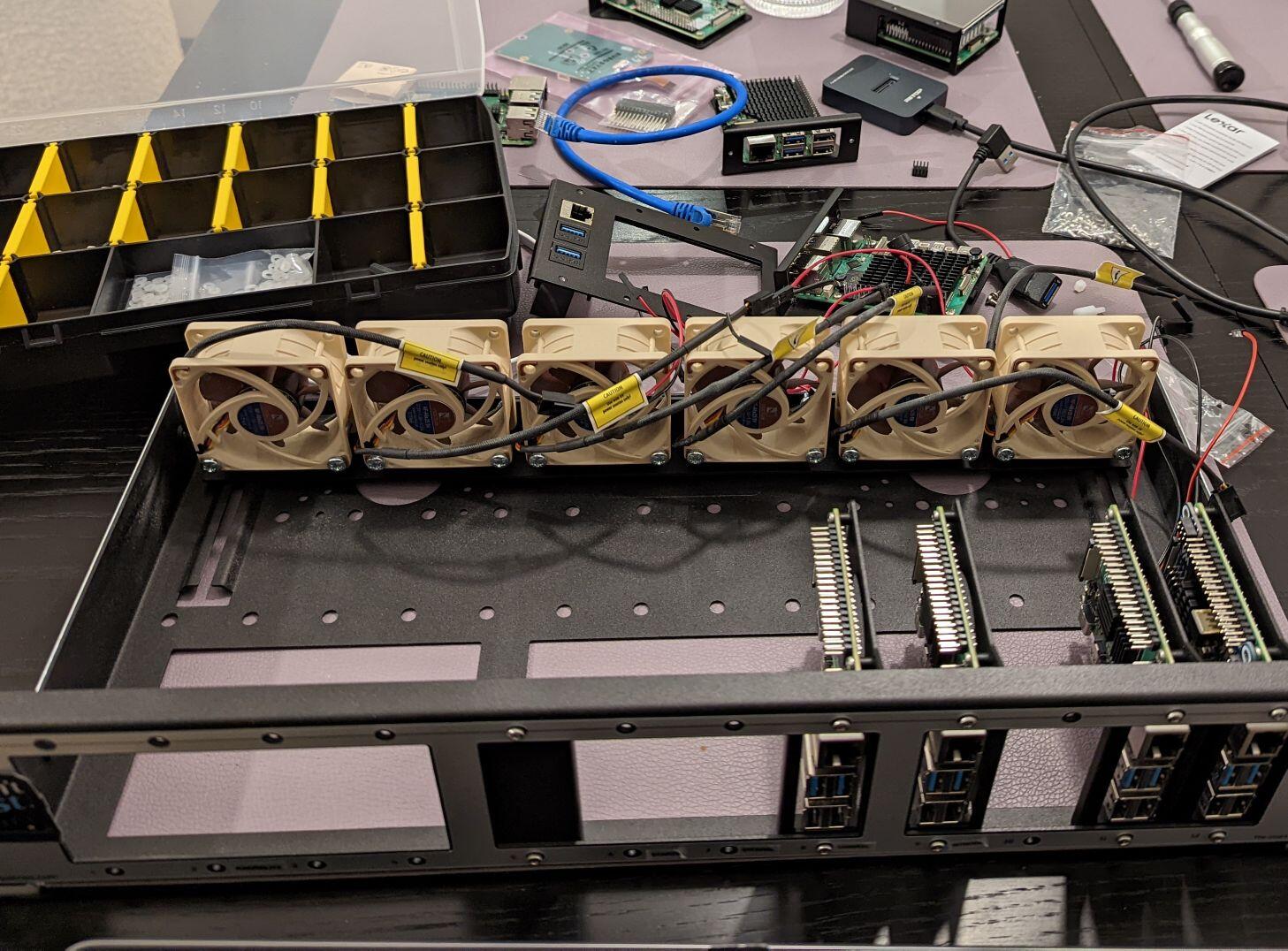
Raknex fit is tight at the moment 😅