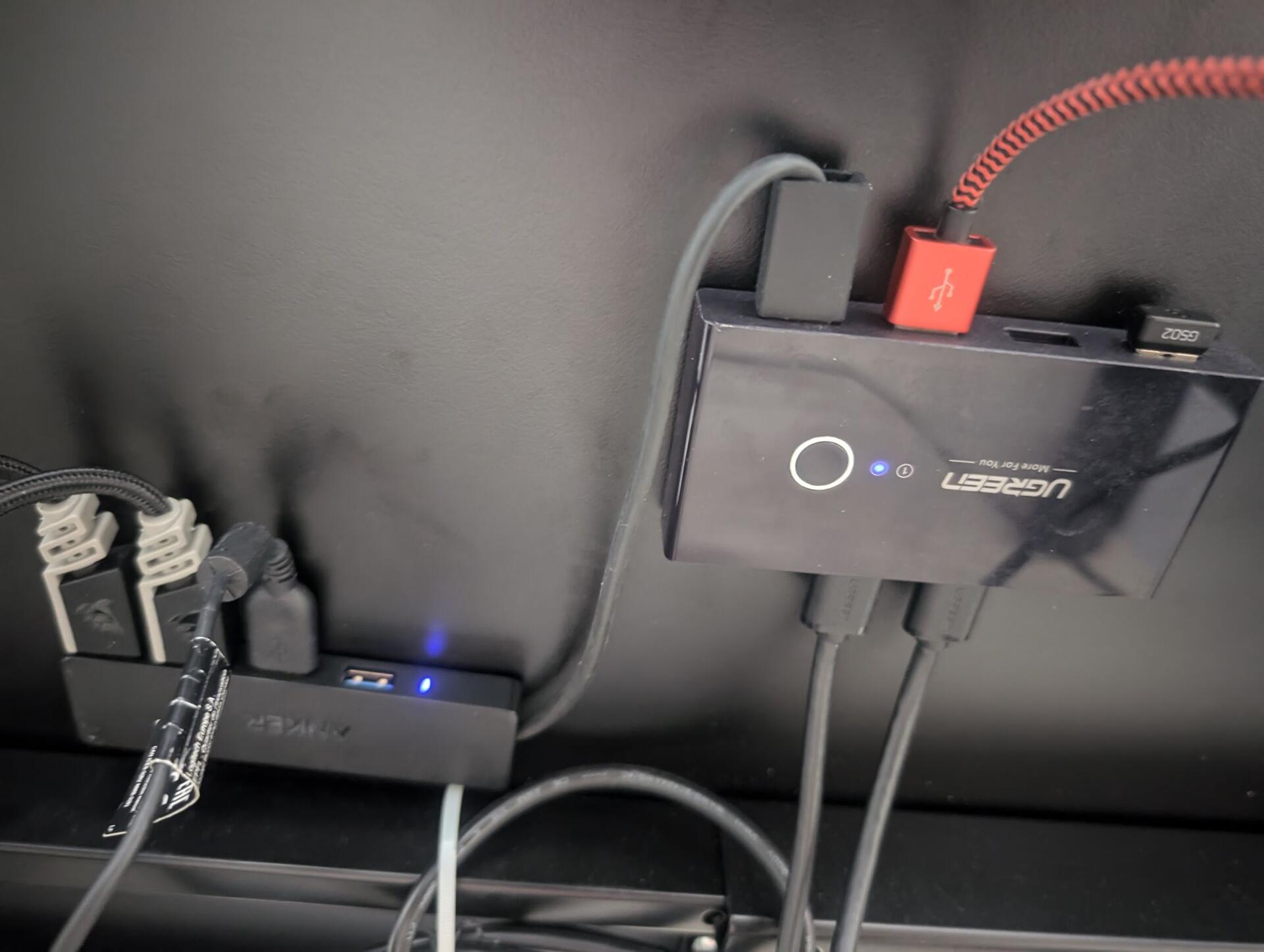
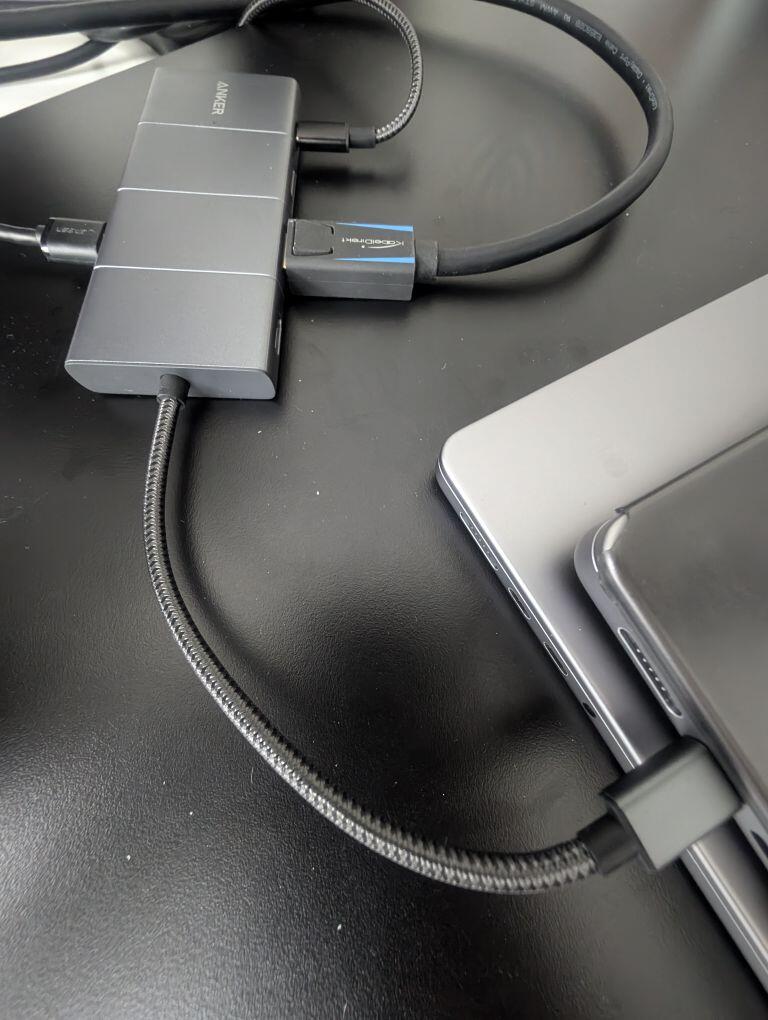
Optimized cable management so I can use 1 cable to the notebook for periphery, displayport, charging.
And one button to switch it all to the desktop pc. Feels like upgrading from living like an animal.
Optimized cable management so I can use 1 cable to the notebook for periphery, displayport, charging.
And one button to switch it all to the desktop pc. Feels like upgrading from living like an animal.
How did you manage the one-button switch?
Its usbc hub on the notebooks conntected to display / power / other hub B
The hub B switches periphery on a button between two input sources. Its connected to Hub A and Desktop PC.
The desktop doesn't need usbc power, nor display cable from hub B as switching the display is automatic if one is off and the display is connected to both Hub A and the Desktop directly.
So basically the button switches periphery and the screen auto switches. Except if both are running then I might have to click the screen too.
Major problem was that the screen is 49" so Im happy I now found a DP port hub that works with it.