
nostr:npub16cpe069rjz6pm5t42xcyhcn66f5rr04k64df3g03fk2wctlrlhsqycedcd I love my #OrangeClock, but I changed the row2 and row3 error messages to „stay humble“ and „stack sats“. Row3 works fine, but row2 (large text) just shows ??????. Maybe the text is too long? Can you please tell me, how to change the font.py file to make row2 a little smaller text 😇🧡 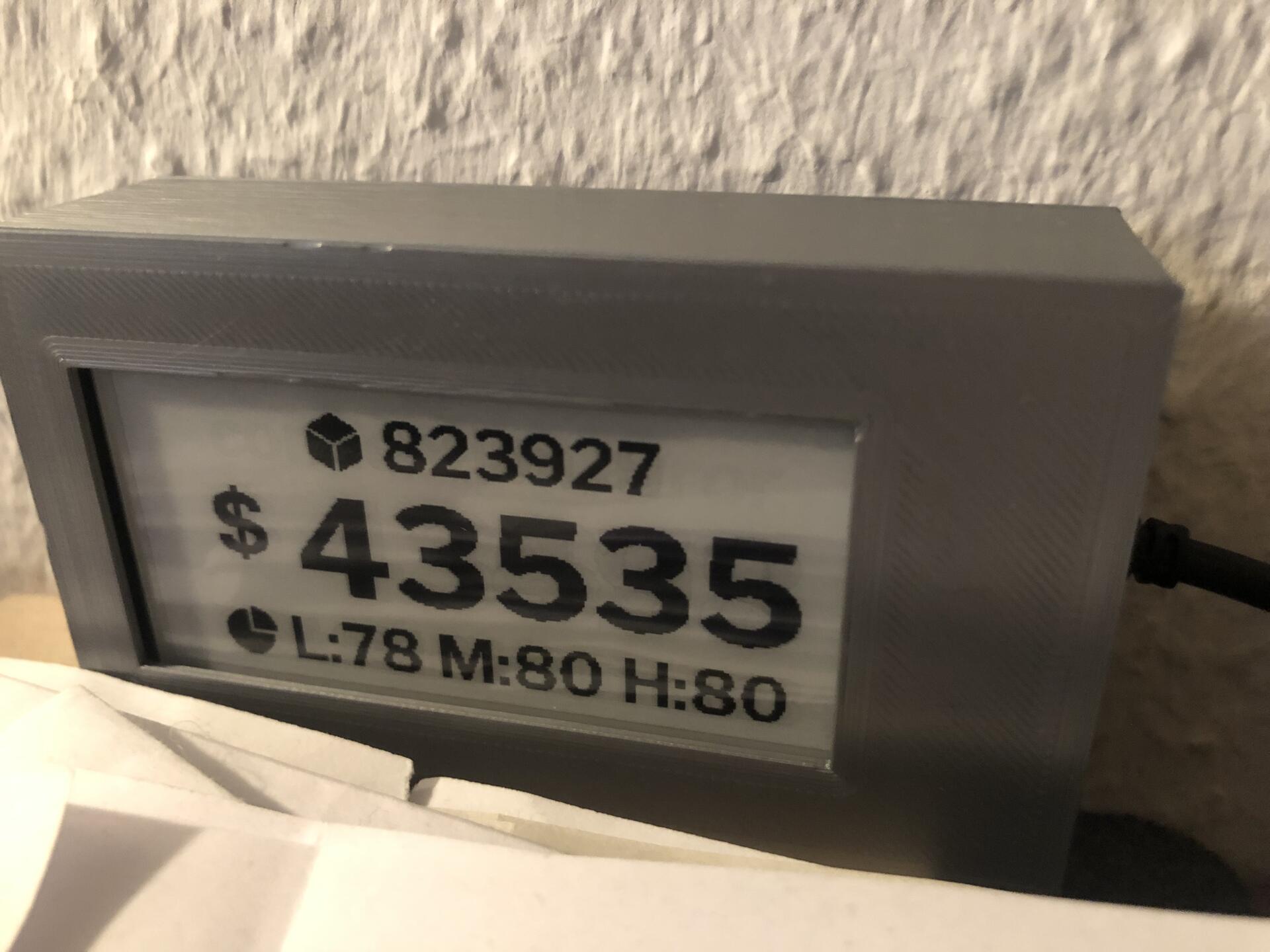
Discussion

glad that you are happy with it 😁
the large font file supports just the characters e o and r to reduce the file size.
Damn! Clever tho. Can I duplicate the small font file and rename it to …56.py and edit the font size in the file? Or am I missing something? I get an error every hour for 2 minutes and a „stay humble“ would be better than the big „error“ Thanks for your response!
i'll have a few thoughts about that issue 😁 maybe i'll find a solution
@marcelinho I wrote a new file with font to py. Only the space is not working. It works fine in the small text rows. Do you know why? Big thanks! 