Replying to Avatar Dikaios1517

A couple web apps that allow you to use nsec bunker to remote login from Amber on your phone are noStrudel.ninja and Coracle.social

Here's some basic instructions:

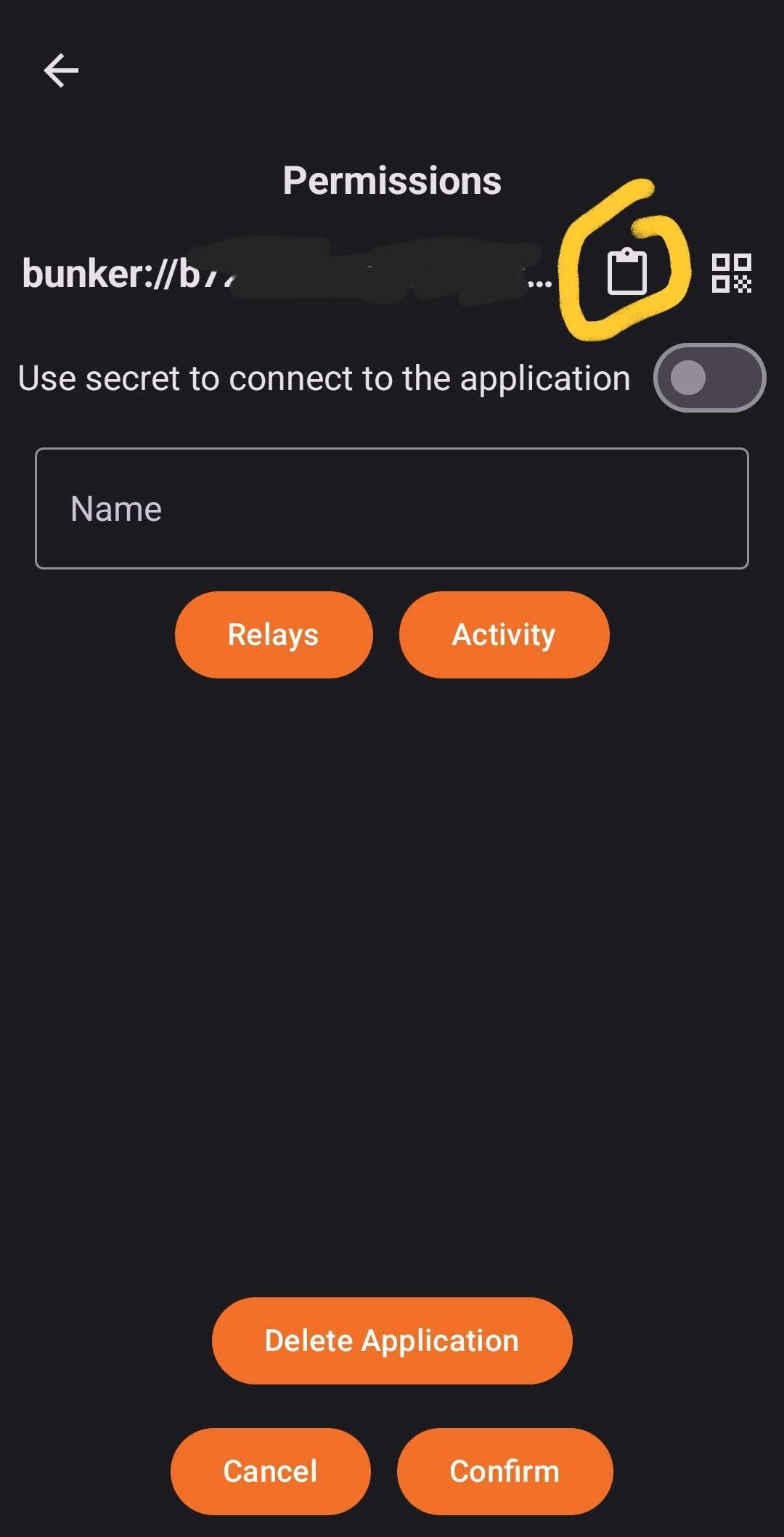
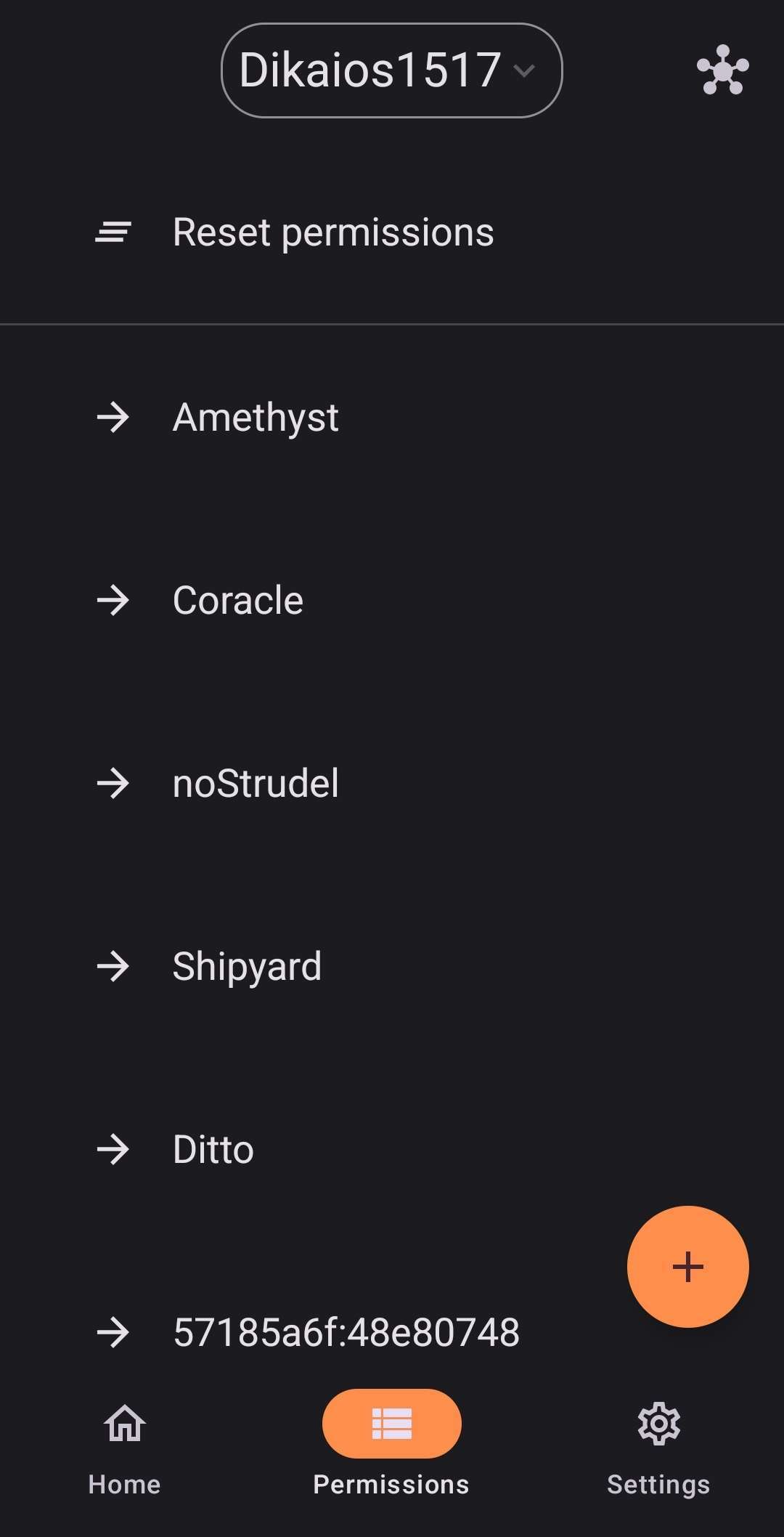
Open Amber and go to your Permissions tab, then tap the + button.

Choose "New App" and on the next page tap the clipboard to copy your bunker string.

Now, you need to get this string over to your PC somehow. It doesn't have anything too sensitive. Just a version of your public key (the one you share with others) and the relay to use for signing requests. You can email it to yourself or any other method you want to use.

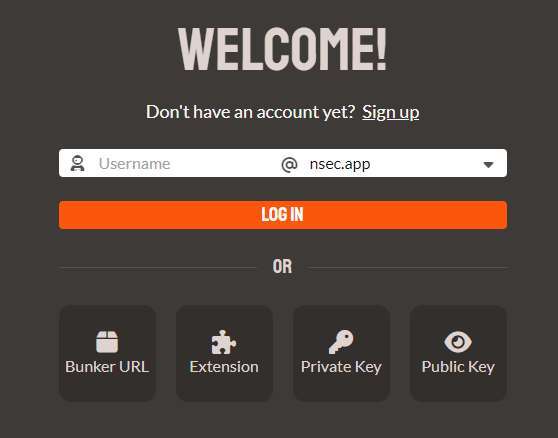
Now, go to coracle.social and select Login in the bottom left, then select the Bunker URL option.

Paste that bunker string you got from Amber and when it tries to log in, you should get a notification on your phone. You can give it as much or as little permission as you like. The more you give it, the less often it will ask you to confirm permission manually on your phone.

Avatar
beejay 1y ago

Um... It was desktop that I was struggling with, zapping.

Reply to this note

Please Login to reply.

Discussion

Avatar
Dikaios1517 1y ago

Right. While using nos2x as your signer, correct?

The above allow you to use Amber on your phone as your signer for a couple web apps on desktop.

It may also have to do with what wallet you are using for zapping, rather than anything to do with signer permissions.

Avatar
beejay 1y ago

Interesting. TY

Thread collapsed
Thread collapsed