No problem. I do have some more questions though, if you don't mind.
- If I enter an API token in the settings, where is that stored? In the browser's LocalStorage? (Same for GitHub/GitLab access token)
- What exactly is the Nostr account in the settings used for?
Also, I did notice a few other issues:
- xAI integration isn't working (at least for me). I always get the following error no matter which model I choose (I was able to use DeepSeek as a custom provider however — would be nice though if that was added to the default list): 
- The debug output isn't very useful: it only shows the error message but no stack trace or even file name / line number: 
- Using the web inspector to debug the app, as suggested here: https://soapbox.pub/blog/debugging-in-shakespeare isn't super productive since the preview seems to be running production mode (meaning all the JS is minified and squashed into a single file, and no source maps either)
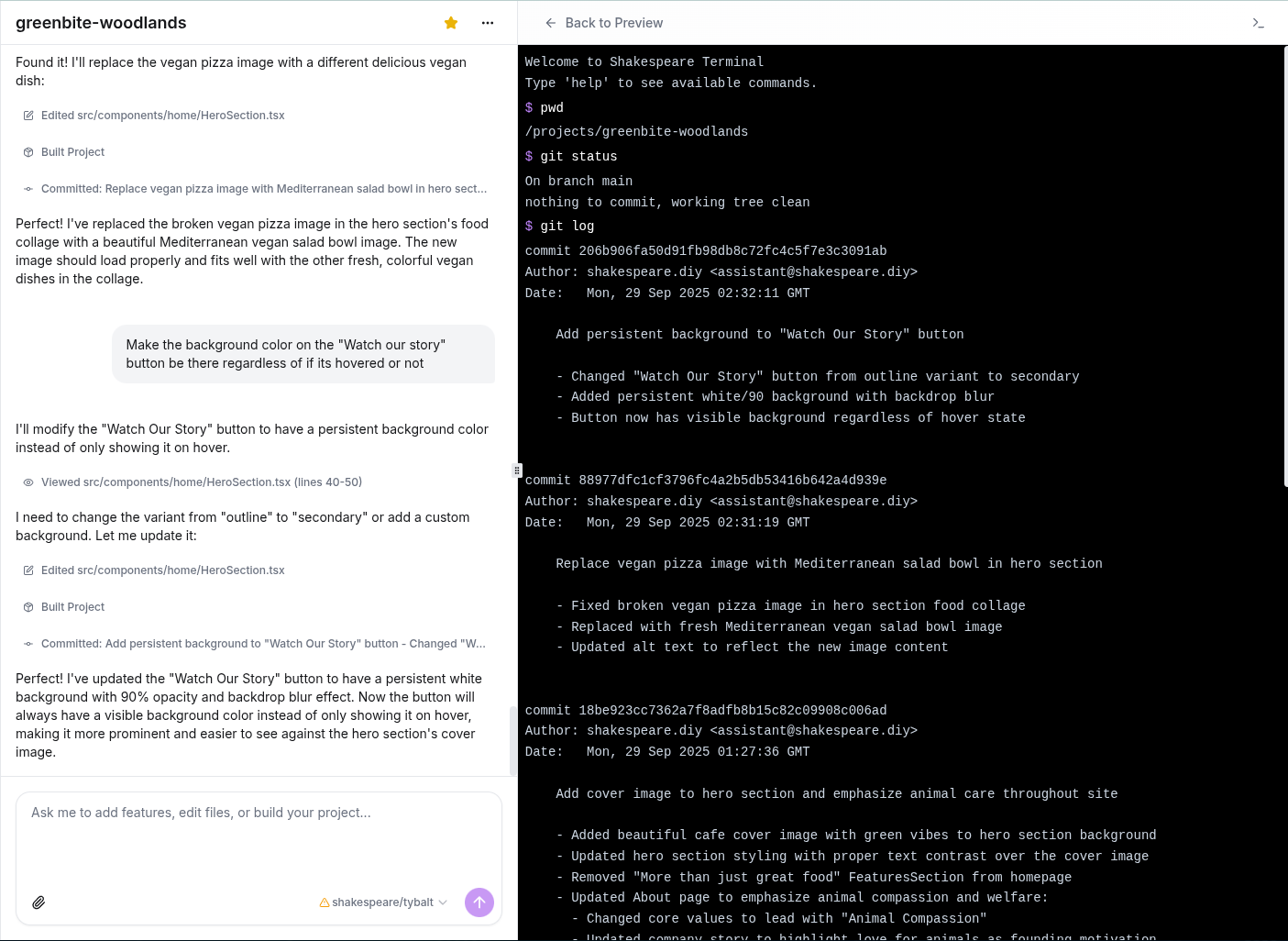
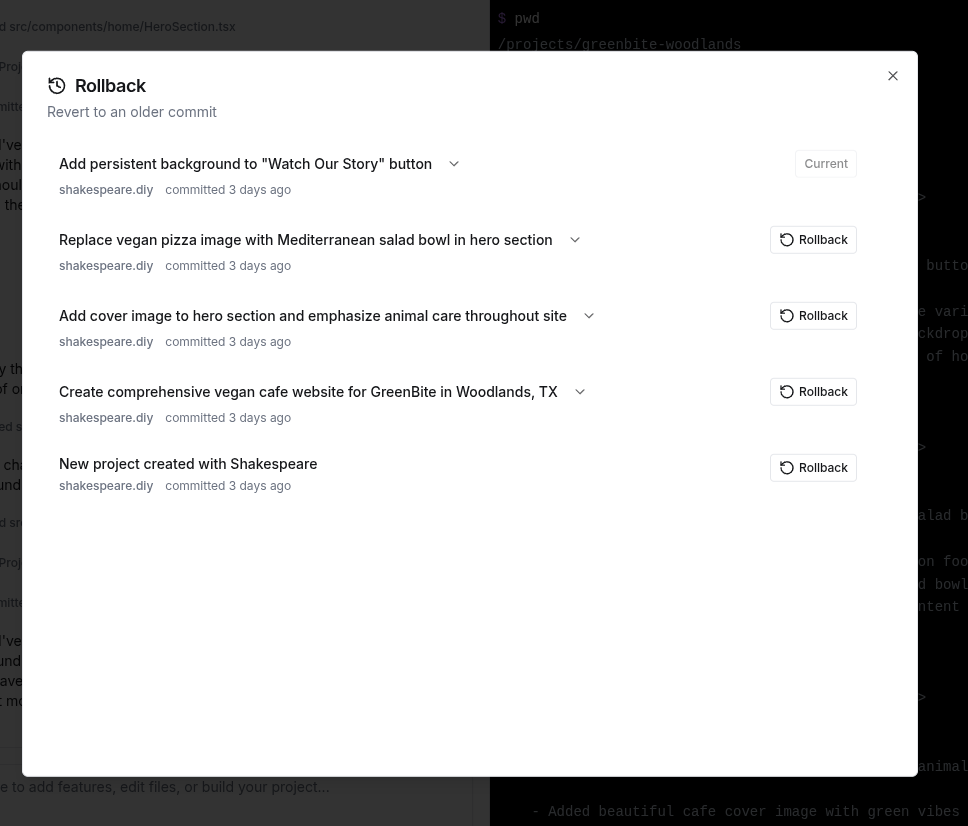
- When using git in the Shakespeare terminal, it does not show of the any local commits that the AI made. Since there appears to be no other way to inspect commit diffs to see what exactly was changed (clicking on the commits in the chat log or the rollback history only shows the commit message, nothing else), this seems pretty essential.
Hopefully this list is useful and does not come across as overly critical (and hopefully it's also not just another case of me being an idiot). I do love the overall concept of Shakespeare and I want it to be great.