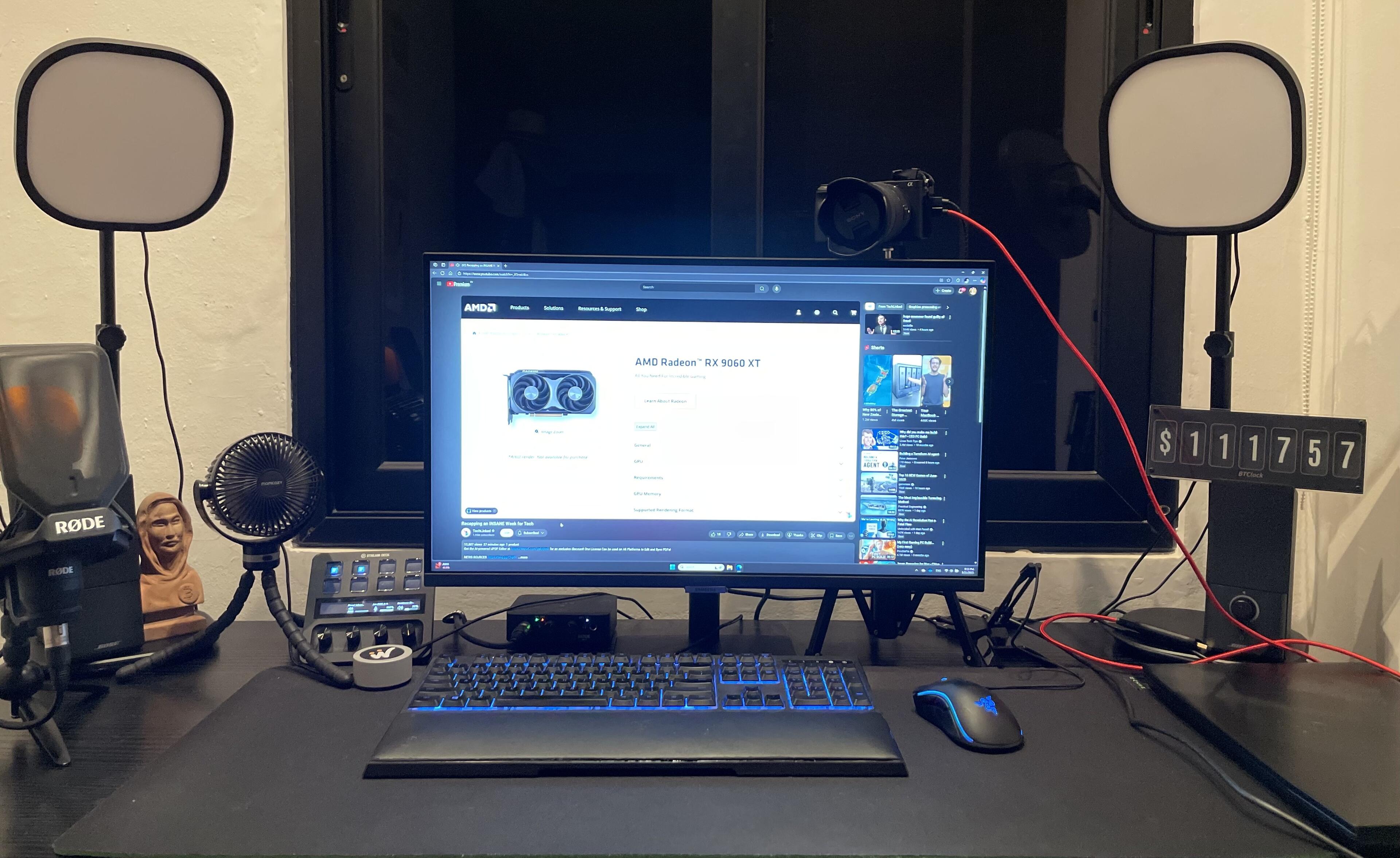
If you have a #BTClock and haven’t updated for a year or longer, I highly recommend updating to the latest version via https://web-flasher.btclock.dev as the WebSocket API of the price data source (coincap.io) has been closed :( the latest version can use the BTClock data source, kraken or you can set up a self hosted one using https://git.btclock.dev/btclock/ws-go-server

Also it has a lot of new features like zap notifications and bitaxe mining stats integration

Reply to this note

Please Login to reply.

Discussion

I’ll try to update it for the first time today :)

Hey Djuri, do you have an idea why I can't see anything on the USB ports?

I already manually enabled WebUSB and restarted the browser.

Did you use the USB port on the back? It should appear as USB UART/JTAG or something

Yes I used it, and tried using different ports on my PC as well, both USB A and C. Is there any way to know which version I have? Or do I need to press any buttons so it enters into setup mode?

There are 5 buttons, one in the center and 4 others on the side.

Maybe your USB cable is data only, did you try other ones? if you have only have 5 buttons you have Rev. A then you need to use the USB poort on the side

Ohhh that’s it! I was using the wrong USB port then :) - I didn’t see one but will try once I’m back at home.

A small hint about the USB ports on the website would be helpful :D

Thanks Djuri! I pressed on "Flash" and I think it is done now :D