

Will it work with ARM 64 windows 🥹
none of the other nostr desktop clients work for me so far
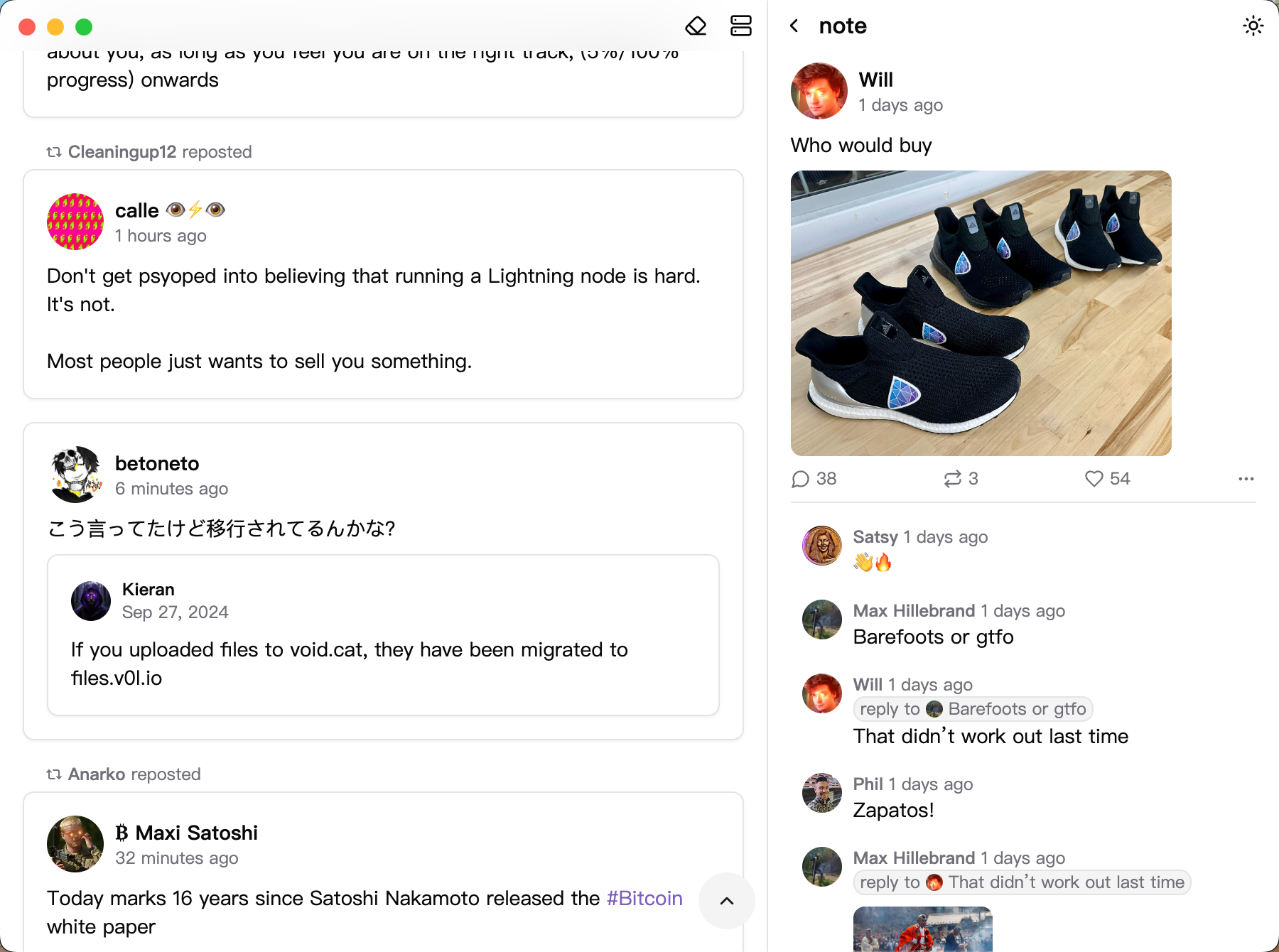
Yet another #nostr desktop client released!
This was originally a feature of the nostr-relay-tray project, but inspired by nostr:nprofile1qydhwumn8ghj7un9d3shjtnhv4ehgetjde38gcewvdhk6tcprfmhxue69uhhq7tjv9kkjepwve5kzar2v9nzucm0d5hsqgpm7rrrljungc6q0tuh5hj7ue863q73qlheu4vywtzwhx42a7j9n5qnvvze, I decided to develop it as a standalone application. #devstr #grownostr
Features:
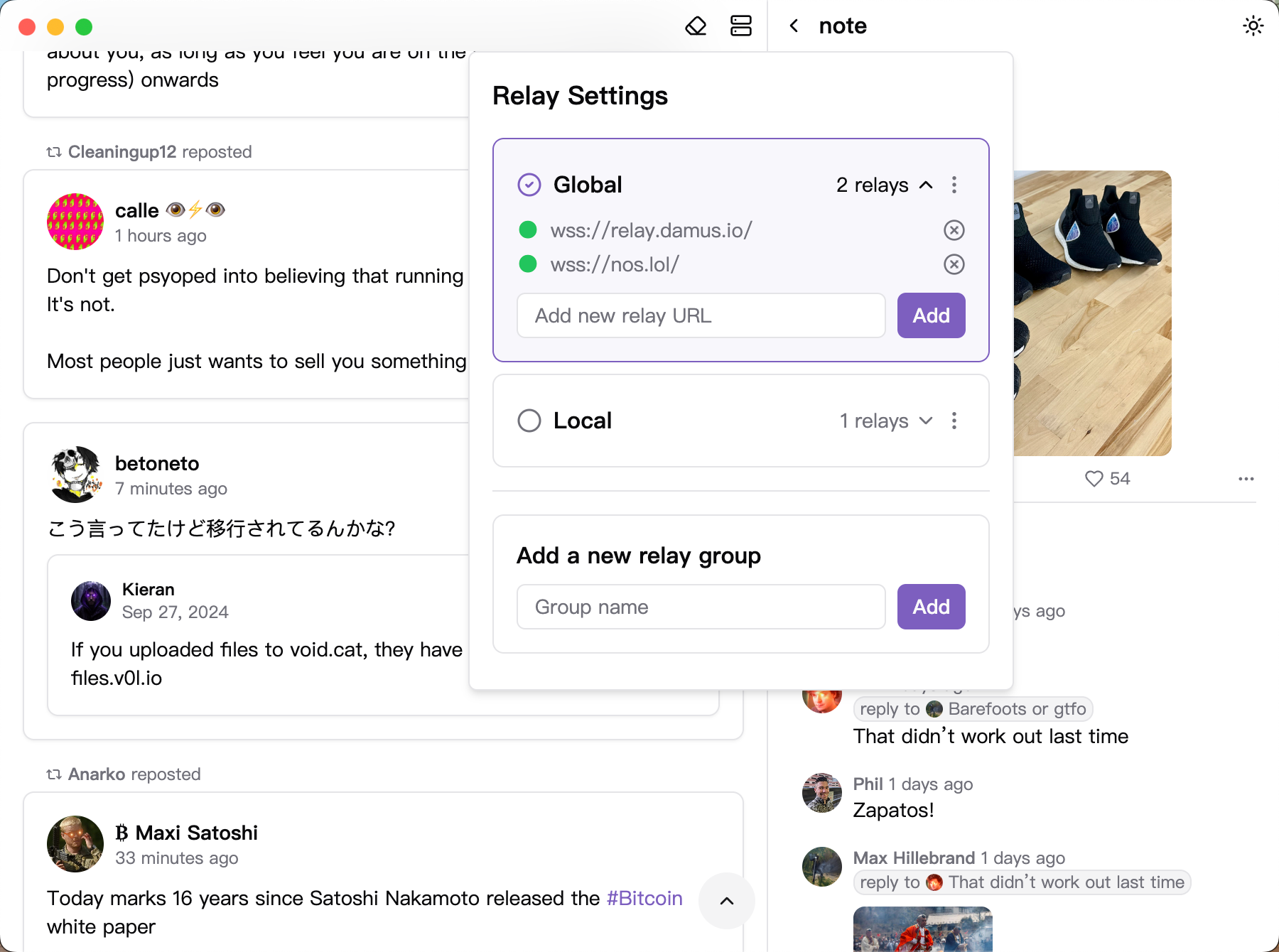
- Relay-Based Browsing: Explore content directly through relays without following specific users
- Relay-Friendly Design: Minimized and simplified requests ensure efficient communication with relays
- Relay Groups: Easily manage and switch between relay groups
- Clean Interface: Enjoy a minimalist design and intuitive interactions
NOTE: Currently, only browsing is supported. Posting, liking, and reposting will be available soon.
https://github.com/CodyTseng/jumble
Will it work with ARM 64 windows 🥹
none of the other nostr desktop clients work for me so far
You might need to build from the source code.
Download and install nodejs https://nodejs.org/en
# Clone this repository
git clone https://github.com/CodyTseng/jumble.git
# Go into the repository
cd jumble
# Install dependencies
npm install
# Build the app
npm run build:win
The executable file will be in the dist folder.
ARM 64 windows ?
How can we get an ARM 64 windows pc?
