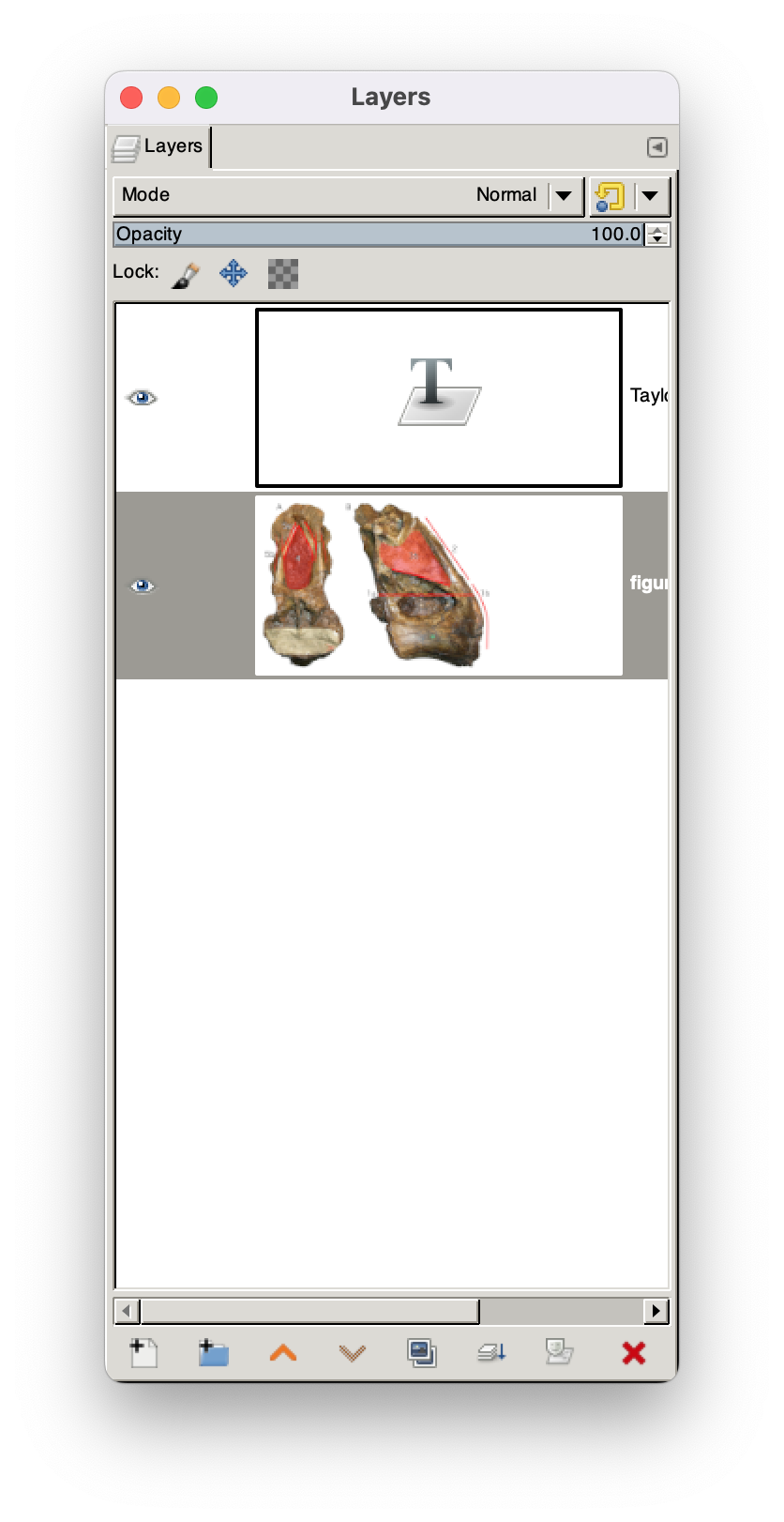
I use the GIMP for image editing. Suddenly my Layers window is using five times as much vertical space for each layer as it did previously, as in the attached screenshot — I must have typed something wrong and accidentally changed a setting.
Anyone know how the change it back? It's not "Default layer and channel preview size" in the Interface preferences.