

Try choosing Advanced -> Connection string in the site, copy the string and in Amber go to permissions, +, Paste - maybe that one works. Although in my case it's the reverse - Amber works if I click "Amber" on the site, but doesn't if I scan/paste the string. Already reported, so maybe it gets fixed
This is awesome; much needed.
I STILL cannot login with any form of extension via mobile on android (grapheneOS) except for Nostrudel via Amber, using nsec bunker.
Here's a video of trying to get it to work with npub.pro as shown in your example.
https://video.nostr.build/47ec9dfd2d3c8c10686e702d87230a5637ba38e43d41f8ca981d015a9a5970a2.mp4
nostr:nprofile1qqs827g8dkd07zjvlhh60csytujgd3l9mz7x807xk3fewge7rwlukxgpz4mhxue69uhhyetvv9ujuerpd46hxtnfduhszrnhwden5te0dehhxtnvdakz7qgswaehxw309ahx7um5wghx6mmd9usjfpck why does nothing happen when the app is prompted to be open? Below the only remote signing that works is with nostrudel, hivetalk and satshoot do not work.
What am I doing wrong? All my permissions are open and allowed on Amber.
If this can't be fixed by user, I'll make a significant bounty to get this fixed ASAP.
#asknostr
Discussion
Yes it works better in reverse for me too.
Funny enough I tried your nsec.app once again and whatever you fixed it works seamlessly now. Great work thank you very much.
Hopefully Amber bug gets fixed soon; I'm sure it will.
Awesome!

I'm trying to debug what's happening here. I fixed some connection issues locally in amber but when I get back to the npub.pro website it reconnects to the relay.nsec.app receive the events but the connect dialog keeps loading
It isn't receiving the event I sent and I'm getting a lot of connection refused when getting back from amber to npub.pro
Could you please try again? nsec.app relay was spinning 100% CPU for some reason, restarted
If I turn off the VPN it works but with the VPN on it keeps loading forever
That's strange, I have nothing against VPNs on the relay's end
Looking at the console it says connection refused. Maybe it's something from chrome, I'll try Firefox to see if I have the same problem there
Using Firefox worked

Amber doesn't open for me when clicking the amber option. Just get this. 
I also don't have any + button in amber permissions screen?
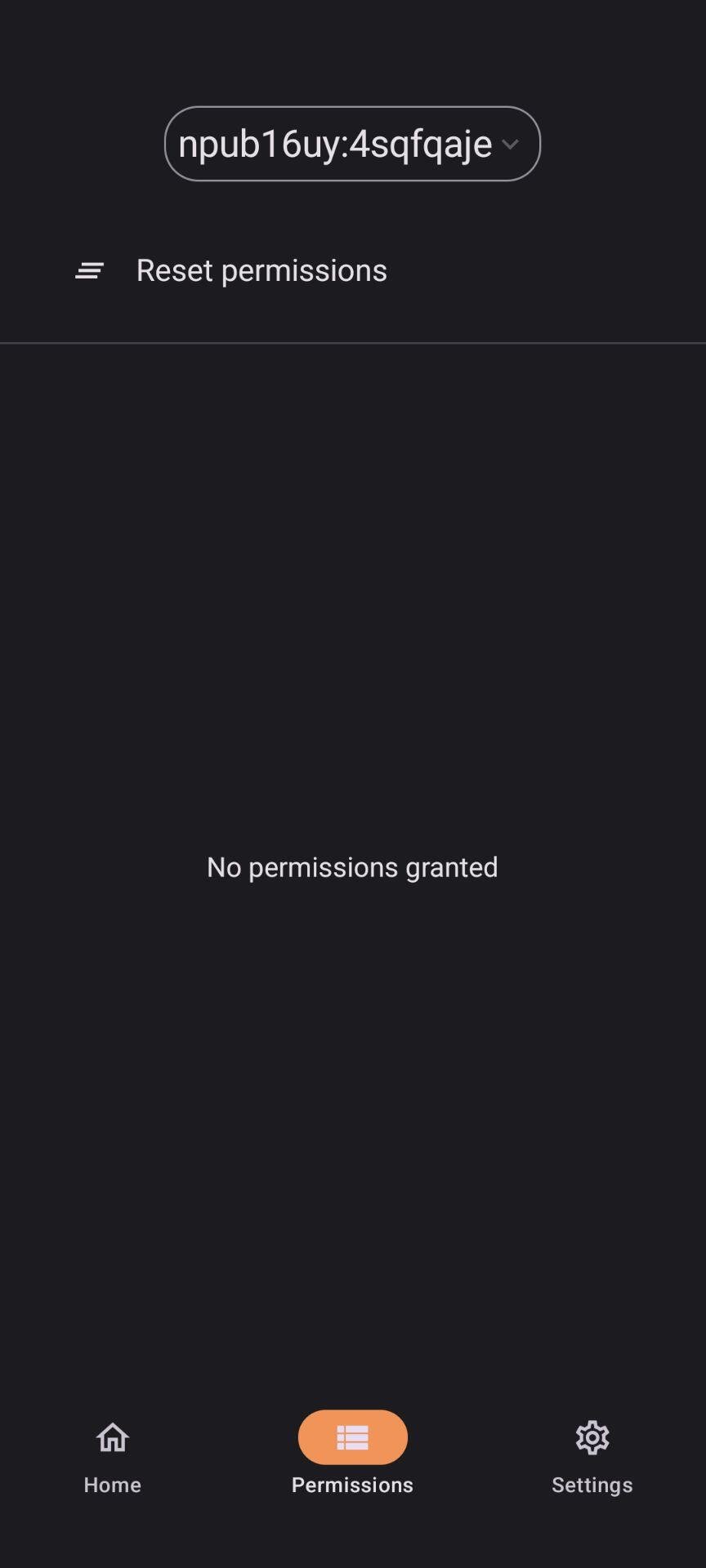
I think he's using the offline apk or an old version. He need to use the play or free version
