
I just made a little block clock / network stats display. The hardware for this is around 10 bucks right now, just let me know if you want the code.
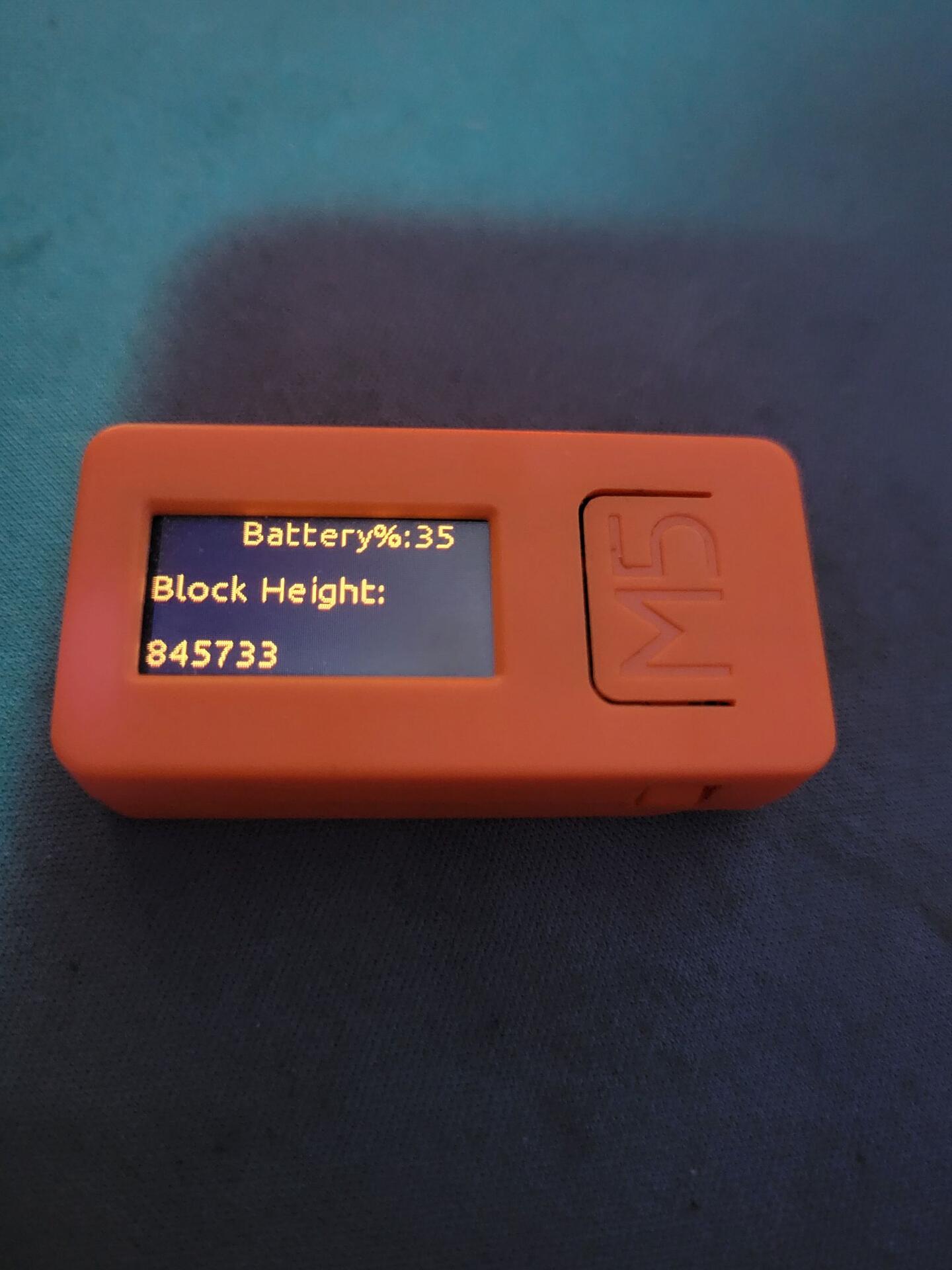
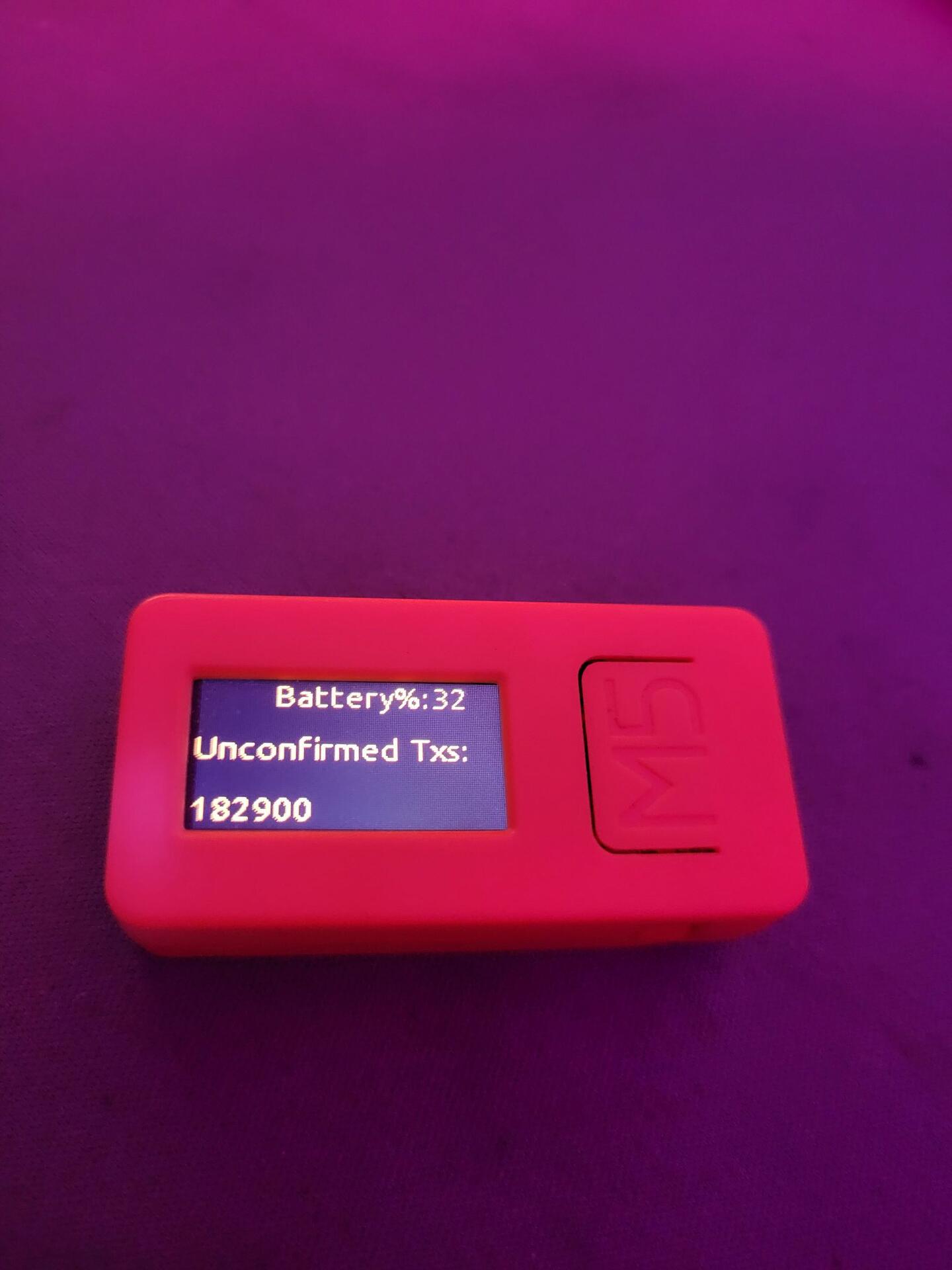
I just made a little block clock / network stats display. The hardware for this is around 10 bucks right now, just let me know if you want the code.
code + parts list plz bebe
Hell yeah! Here is the part
https://shop.m5stack.com/products/stick-c?variant=43982750843137
Here is a paste of the code, which you can just paste back into uiflow, and should work after you include your WiFi creds.
#initially published as of block height #845774
#if you have any questions, just DM me on nostr at nostr:npub1wgg9sd3zzuh9e7uzaa7txgzyjxj6ceukgwdmht69xjq9553cc0qsyq7cwj
from m5stack import *
from m5ui import *
from uiflow import *
from easyIO import *
import wifiCfg
import time
import urequests
#black background to black
setScreenColor(0x111111)
#creating main variable which we will use to to store and display the network stats
data = None
#ui elements, pixel positions of elements are hardcoded because pleb.
line0 = M5Line(M5Line.PLINE, 25, 0, 25, 200, 0xf7931a)
line1 = M5Line(M5Line.PLINE, 54, 0, 54, 199, 0xf7931a)
label0 = M5TextBox(46, 0, "label0", lcd.FONT_Ubuntu, 0xf7931a, rotate=90)
label1 = M5TextBox(17, 0, "label1", lcd.FONT_Ubuntu, 0xf7931a, rotate=90)
battery = M5TextBox(78, 87, "label2", lcd.FONT_Ubuntu, 0xf7931a, rotate=90)
batterylabel = M5TextBox(78, 0, "Battery%:", lcd.FONT_Ubuntu, 0xf7931a, rotate=90)
#replace MY_SSID with your WiFi Network name, and My_WIFI_PASSWORD with your WiFI Password
battery.setText(str(map_value((axp.getBatVoltage()), 3.7, 4.1, 0, 100)))
label0.setText('BTC Stats V1.0')
label1.setText('Connecting to wifi')
wifiCfg.doConnect('MY_SSID, 'My_WIFI_PASSWORD')
label0.setText('Booted')
label1.setText('Connecting to wifi')
wait(2)
#if Wifi is connected, get those GET requests going
#This part is spaghetti code, but it will allow for you to easily remove, add or modify the data that is displayed
if wifiCfg.wlan_sta.isconnected():
while True:
battery.setText(str(map_value((axp.getBatVoltage()), 3.7, 4.1, 0, 100)))
try:
req = urequests.request(method='GET', url='https://blockchain.info/q/getblockcount?')
label0.setText('Block Height:')
data = req.text
label1.setText(str(data))
except:
label0.setText('fail')
wait(10)
try:
req = urequests.request(method='GET', url='https://blockchain.info/q/bcperblock')
label0.setText('Miner Subsidy:')
data = req.text
label1.setText(str(data))
except:
label0.setText('fail')
battery.setText(str(map_value((axp.getBatVoltage()), 3.7, 4.1, 0, 100)))
wait(10)
try:
req = urequests.request(method='GET', url='https://blockchain.info/q/eta')
label0.setText('Next Block (seconds):')
data = req.text
label1.setText(str(data))
except:
label0.setText('fail')
wait(10)
try:
req = urequests.request(method='GET', url='https://blockchain.info/q/totalbc')
label0.setText('Total Satoshis:')
data = req.text
label1.setText(str(data))
except:
label0.setText('fail')
wait(10)
try:
req = urequests.request(method='GET', url='https://blockchain.info/q/unconfirmedcount')
label0.setText('Unconfirmed Txs:')
data = req.text
label1.setText(str(data))
except:
label0.setText('fail')
wait(10)
try:
req = urequests.request(method='GET', url='https://blockchain.info/q/24hrprice')
label0.setText('24 Hour Price USD:')
data = req.text
label1.setText(str(data))
except:
label0.setText('fail')
wait(10)
battery.setText(str(map_value((axp.getBatVoltage()), 3.7, 4.1, 0, 100)))
try:
req = urequests.request(method='GET', url='https://blockchain.info/q/hashrate')
label0.setText('Gigahashes/second:')
data = req.text
label1.setText(str(data))
except:
label0.setText('fail')
wait(10)
else:
label0.setText('WiFi is not conected')
