
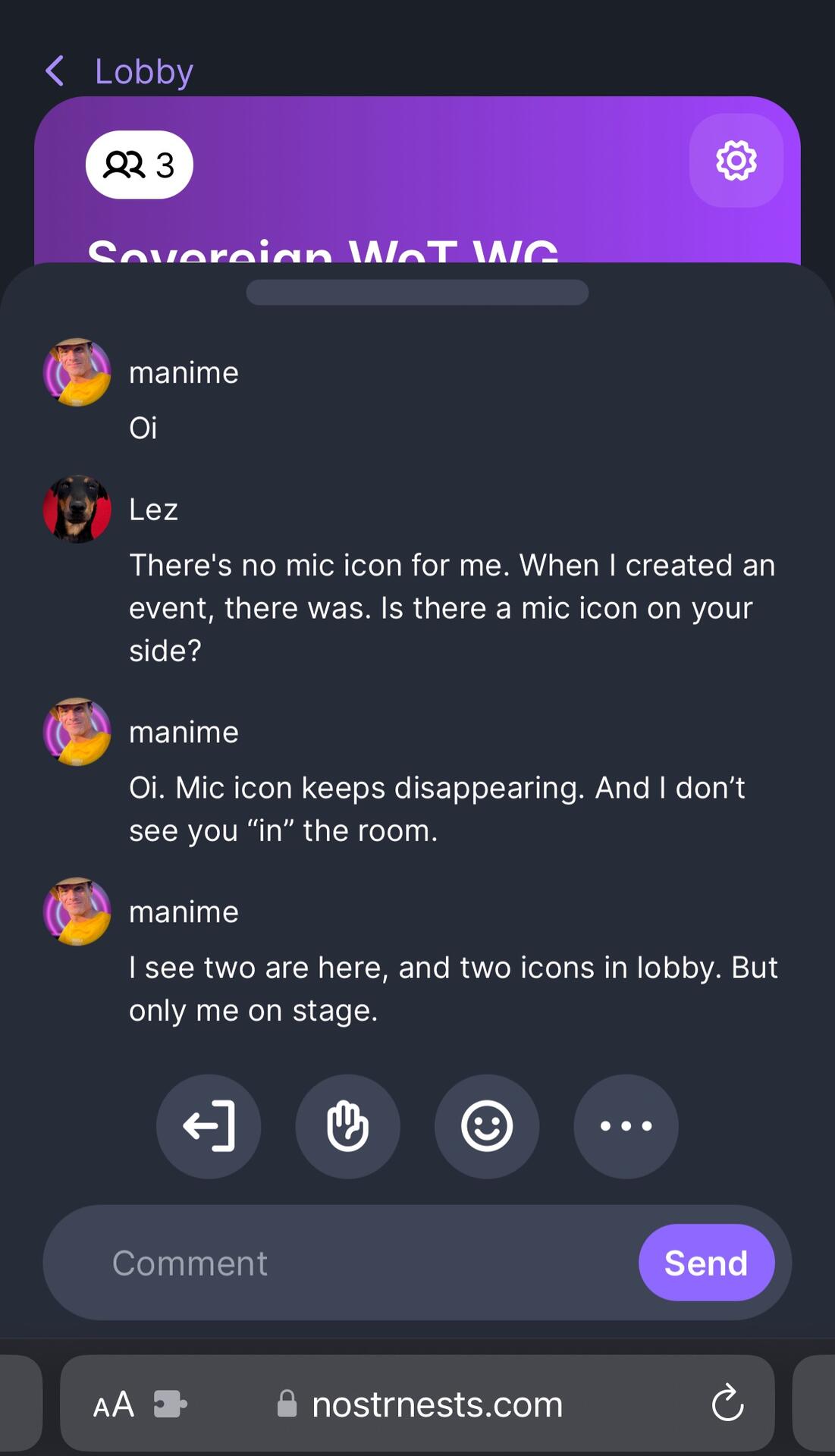

If people don't have mic icons they aren't allowing the website permission to access the mic. Allow permissions and you're set.
Discussion
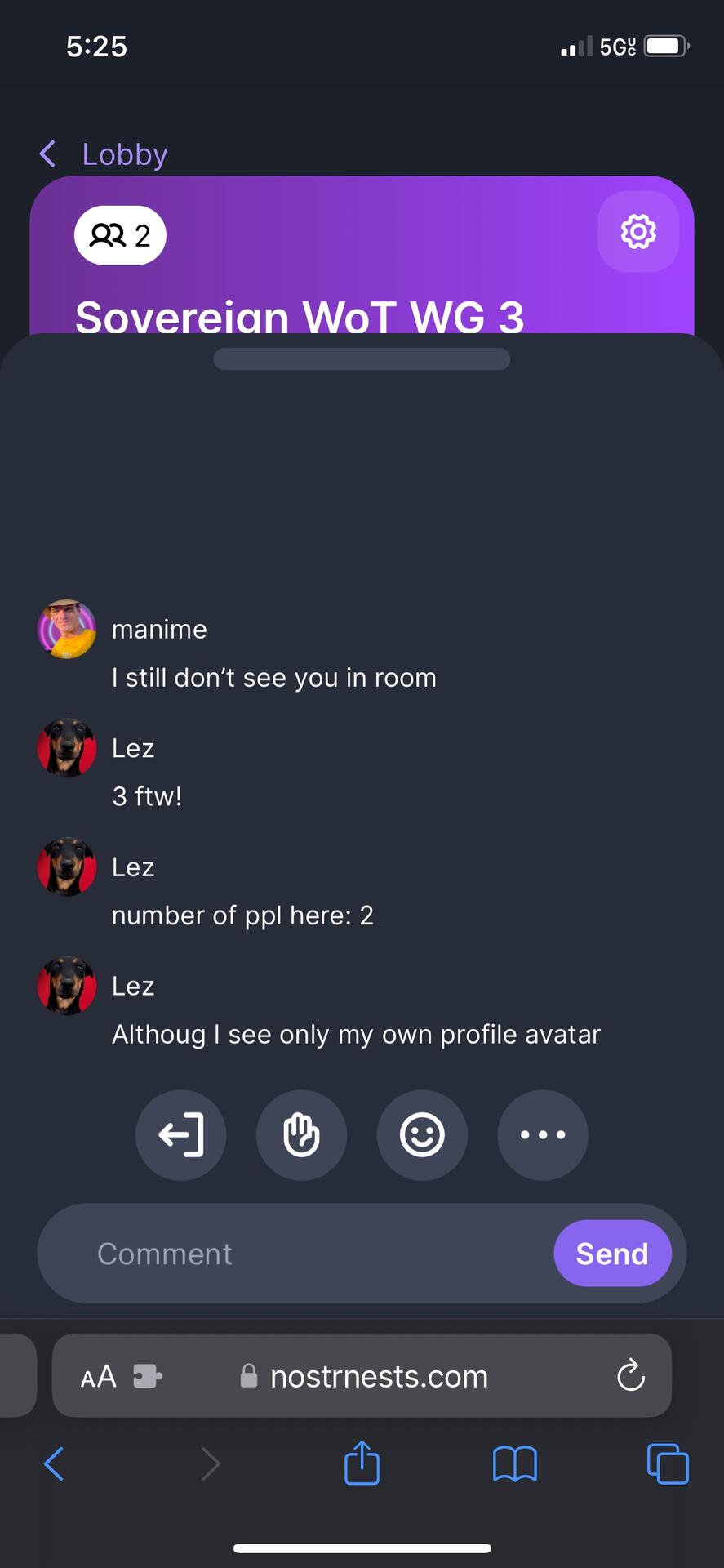

Permission was granted. There was a mic icon. It was showing input next to my avatar. Then, after ~3 seconds it's gone. Console log says nothing. I'm using Firefox. At this point I have hard time understanding why people insist on nostrnests being a usable software for online meetings. I've only had pre-alpha experience on it.
I've had zero issues over the last month with multiple browsers and different internet connections. Most people have zero issues. I'd still like to figure out what makes your case unique here though. Were you on a VPN?
My experience was same as Lez describes, using iOS safari. I DO have iCloud “private relays” running (like vpn) … and I MAY have had WiFi connectivity issues.
- mic icon disappears
- button for on/off mic disappears
- guest avatars not visible in room (even invited to stage as mod)
- and have no idea what other ppl saw … cause I could not see if ppl were in room.
Issues persisted even after
- leaving and joining room
- logging it and back in
- closing window and opening new
- quitting browser and launching again
Didn’t make it to clear storage … ( being live and “nonop” was pretty frantic)
Thank you, I appreciate that. Are you affiliated with Nostrnests?
I'm not on VPN, using Linux desktop, adblock disabled. I can see some messages in the console (this is when the mic icon disappears):
```
pc state change: from CONNECTING to FAILED
Object { room: "c064f73c-4a2b-45f0-8eca-2dccda8c5c9d", roomSid: "RM_QRFskwji8tox", identity: "cfd7df62799a22e384a4ab5da8c4026c875b119d0f47c2716b20cdac9cc1f1a6" }
Error: could not establish pc connection
Hd https://nostrnests.com/assets/index-A7UgGz23.js:143
vt https://nostrnests.com/assets/index-A7UgGz23.js:143
l https://nostrnests.com/assets/index-A7UgGz23.js:145
index-A7UgGz23.js:151:20689
```
Yes. It's my application. Thanks for the log.
This feels like microphone permissions though it's odd you say it disappears. Normally it wouldn't show up at all. Will look into it.
I could see the blue sound level going up and down as I speak on the mic icon before it disappeared.
I'm ready to test further, if you have any suggestions, or a new version. I'd be happy if it worked.
Derek started and runs nostr nests. Lez is new to nostr since Atlantis. You two may have met each other there.