

Hi, I guess we can adjust things, but I'm not sure how are they "too big" for desktop? Can you please share screenshots of where the problem is? Thanks!
nostr:npub1xdtducdnjerex88gkg2qk2atsdlqsyxqaag4h05jmcpyspqt30wscmntxy
HI! I wonder if I could adjust the size of my images on npub.pro.
My image size looks very good on my phone but too big on my computer. It will be great if I can make it responsive to my screen size.
Or, Is the issue my posting size or the theme I am using?
Thanks,
Discussion
I attach my screenshot. When I see my individual image (not the listing) on my computer, it is like this. I can see all of my image on my phone though. It seems to be responsive to my phone screen but not to the computer screen?
Thank you!
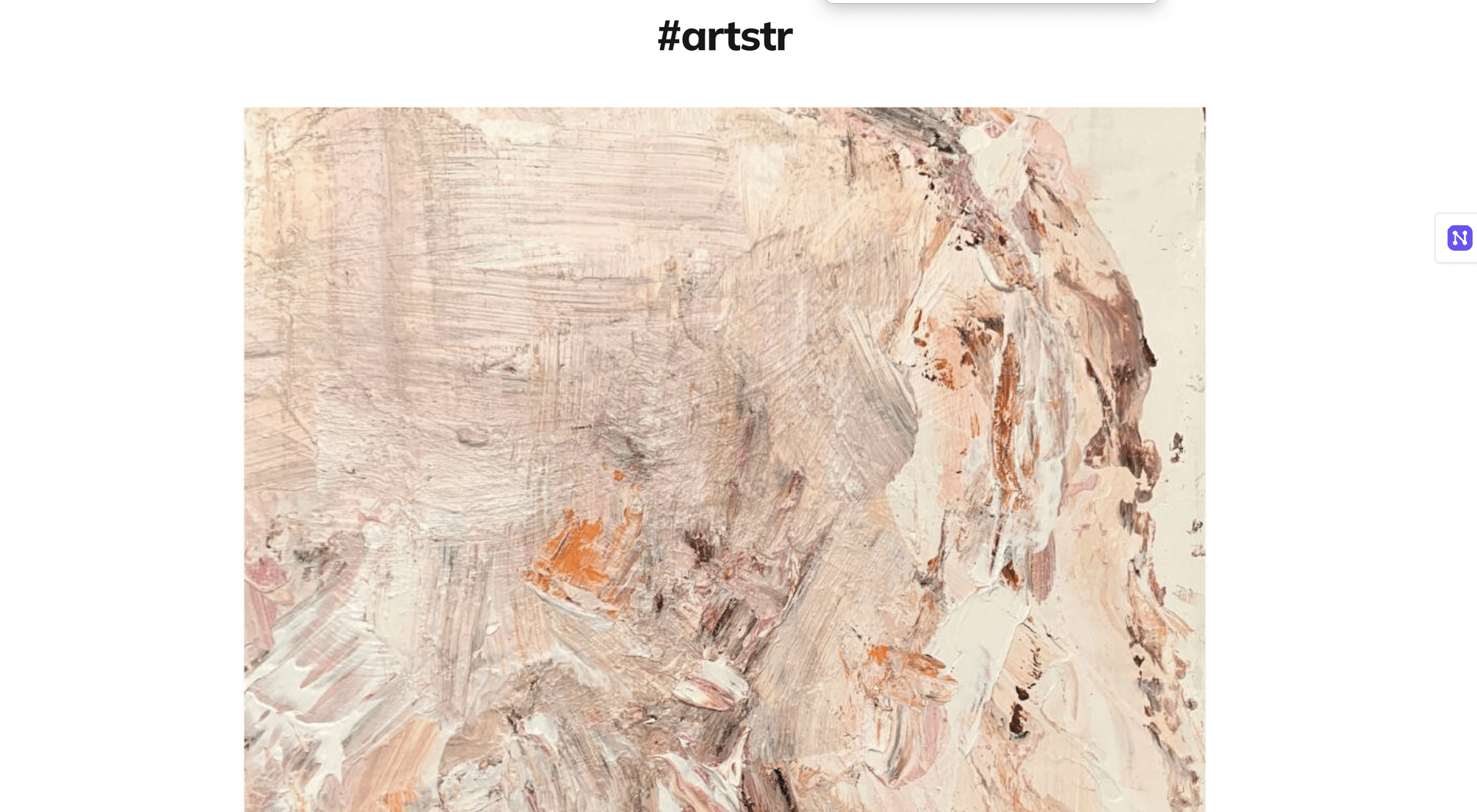
I need to scroll down to see the second half of my image.
Could you please try putting the code below to "Code injection in footer" field in site settings?
Thank you so much.
The size is good. But now I have two images.
Also, the payment widget has disappeared. I inserted the code on footer before the widget code. Was it correct??
https://tomoko.npub.pro/post/note1eeeqf6f4asnxfwv8c06sjfzywhajk9jhlhr4jqe07pa2azcjccuse2r32u/
Ok this will take some time to resolve, need a new configuration option
No worry at all. When you have a chance to look into it 😉
I will go with the original size. It is not a big issue.
Appreciated.