

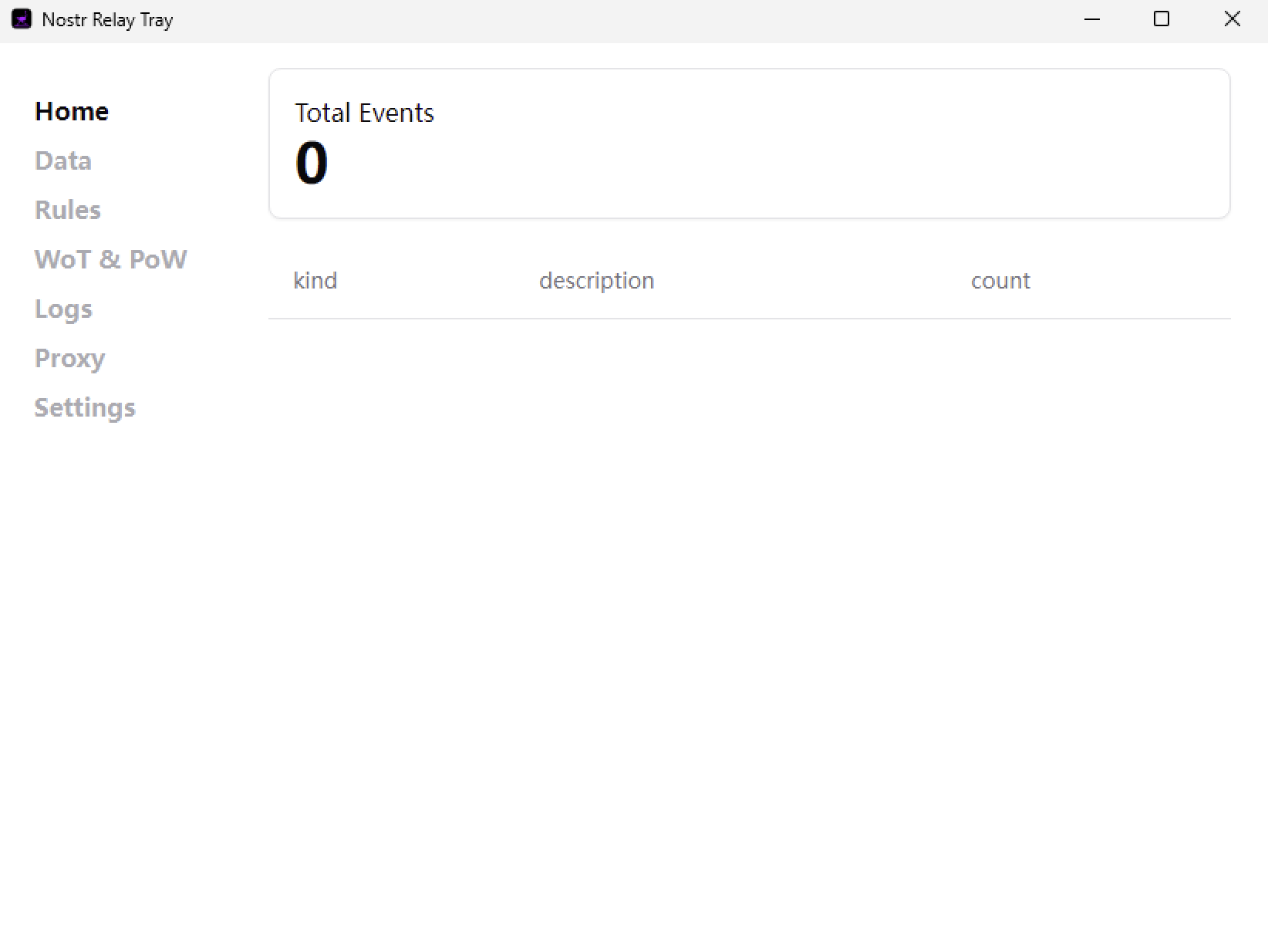
I can open it successfully and here is the screenshot of the installed 2.0.0 dashboard

I can open it successfully and here is the screenshot of the installed 2.0.0 dashboard
This should be v1.8.0, could it be that I uploaded the wrong installation package? Let me try it on a Windows VM to see.
Ok. Thanks! I always assume I am doing something wrong so I wanted to check lol
I tested the installation package from GitHub on my virtual machine, and it works fine. Could it be that your installation failed?
I never got any message of failure. Let me try again I guess
Ok. I think I know what happened. The old one, once you choose quit, keeps running in the background. I got a message during install last time that the other one was still running so installation could not continue and it asked me if I wanted to retry. I clicked retry and it then acted like it was installing and completed. No error message of failure or anything. So, what I had to do was end the task in task manager, after I had already chose to quit the application just to get it to quit so I could install this new one. I do now have the 2.0.0 dashboard