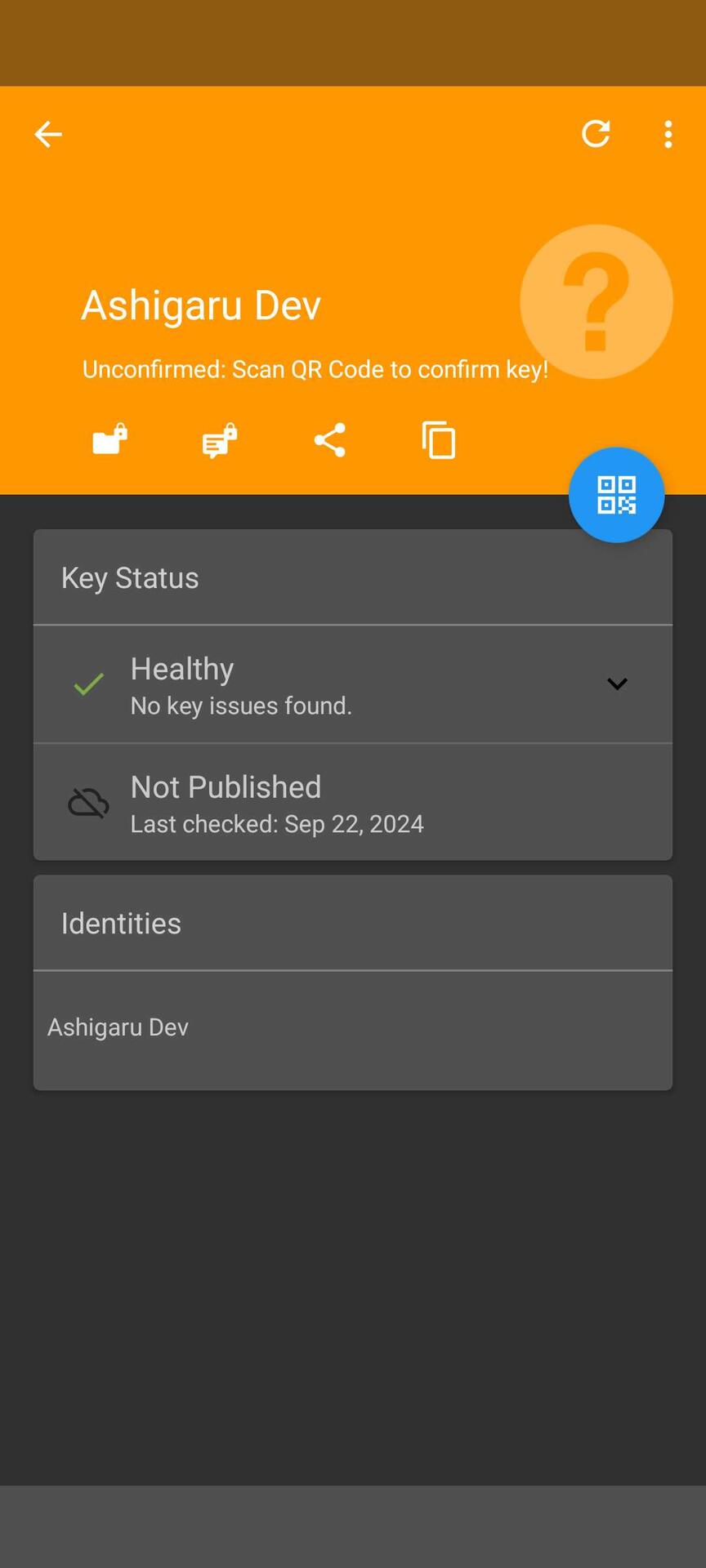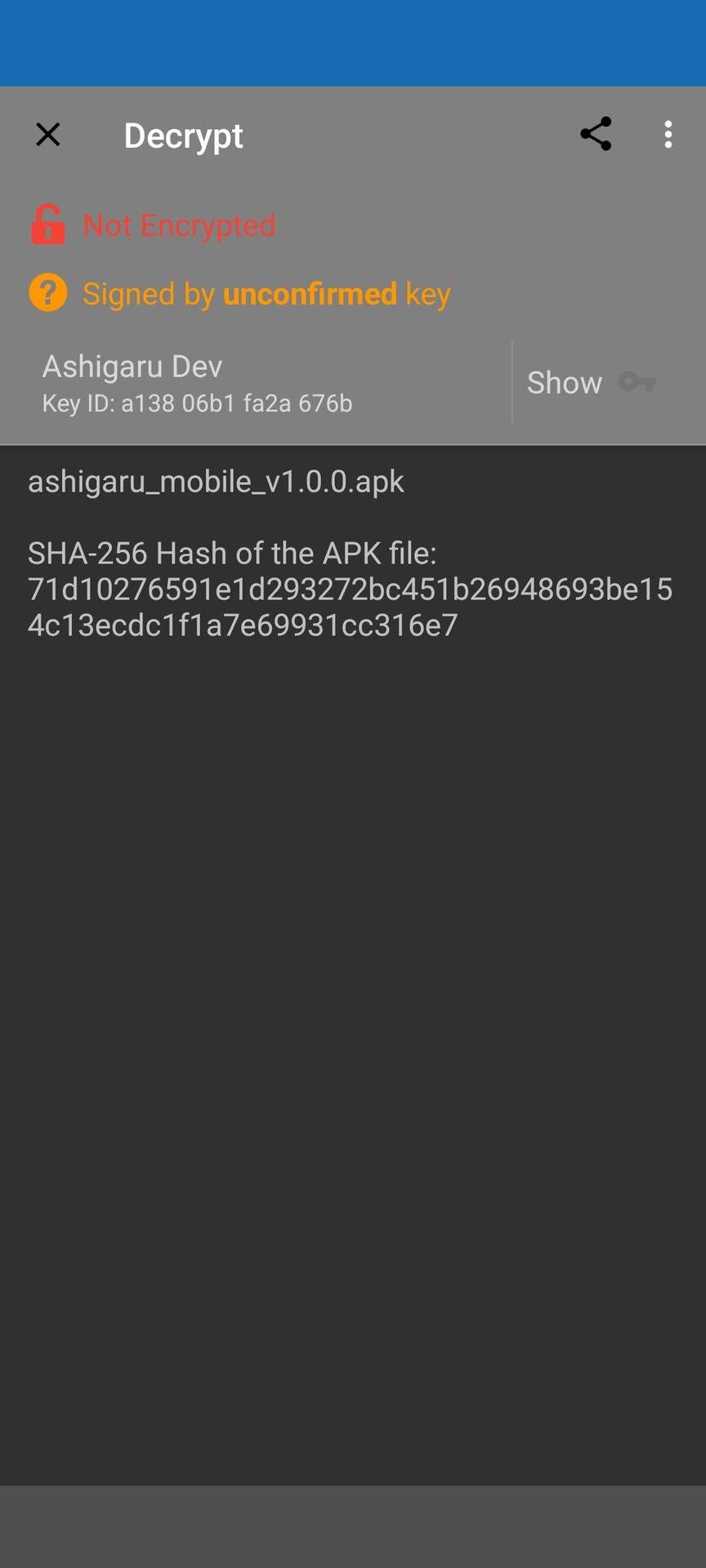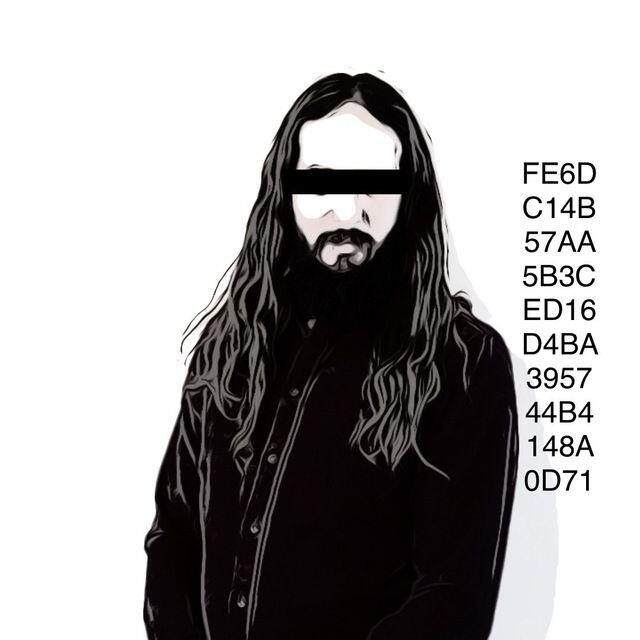

Anyone able to successfully import the dev public pgp keys into Openkeychain?
Samourai Wallet has been forked. Some brave souls have picked up where Samourai Wallet left off and the fight for privacy lives on.
Excellent work in reigniting this flame in the darkest hour. Running your own Dojo now required.
http://ashigaruprvm4u263aoj6wxnipc4jrhb2avjll4nnk255jkdmj2obqqd.onion/
Discussion

Pasting from clipboard did not work, I had to save it in a file and import from the file
Thank you! Any reason why?
Don't know why. I think it's a issue with openkeychain

I feel like it's that thing with pgp when you miss a - or something.
or accidentally also copy the LR after the final dash more likely
and it pukes on you
But in this vein...
having the key is all well and good,
but do we know where the code is hosted??
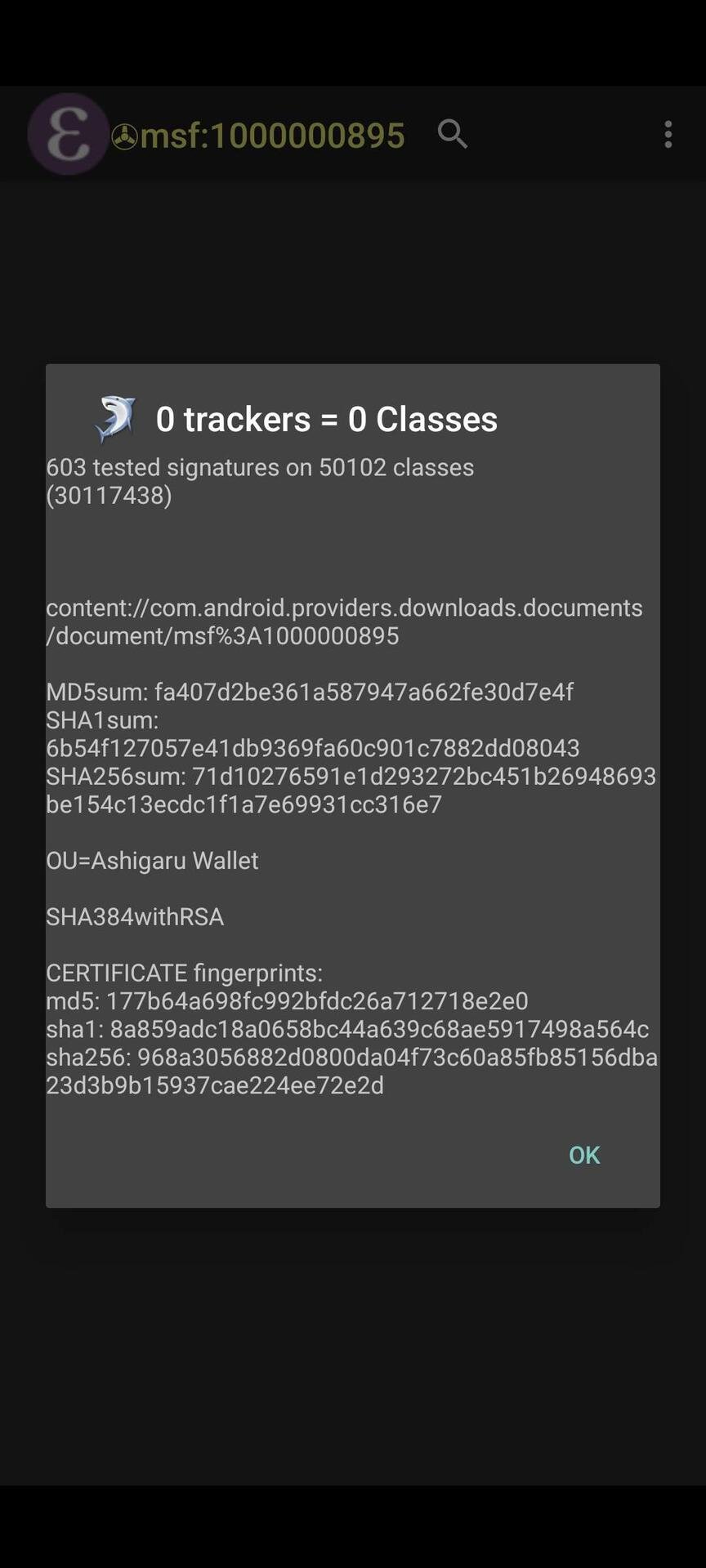
Successfully imported keys into openkeychain and verified the dev pgp key and apk hash

I'm still unable to. Did you change the ext of the file to .txt? Even that didn't work for me.
I didn't adjust that. I was careful to not save any additional spaces to the end of the key text.
I found the file had be saved to the download folder and then selected from the download folder in openkeychain.
Ahhh damn, still no luck for me. Tried every which way, copy paste, download, key search nothings working

Yes. But had to save it as a text file first and then import from that file into openkeychain. Direct import faild
There's a tool in Keybase you can use or for Openkeychain I had to save the key and import as an .asc file.