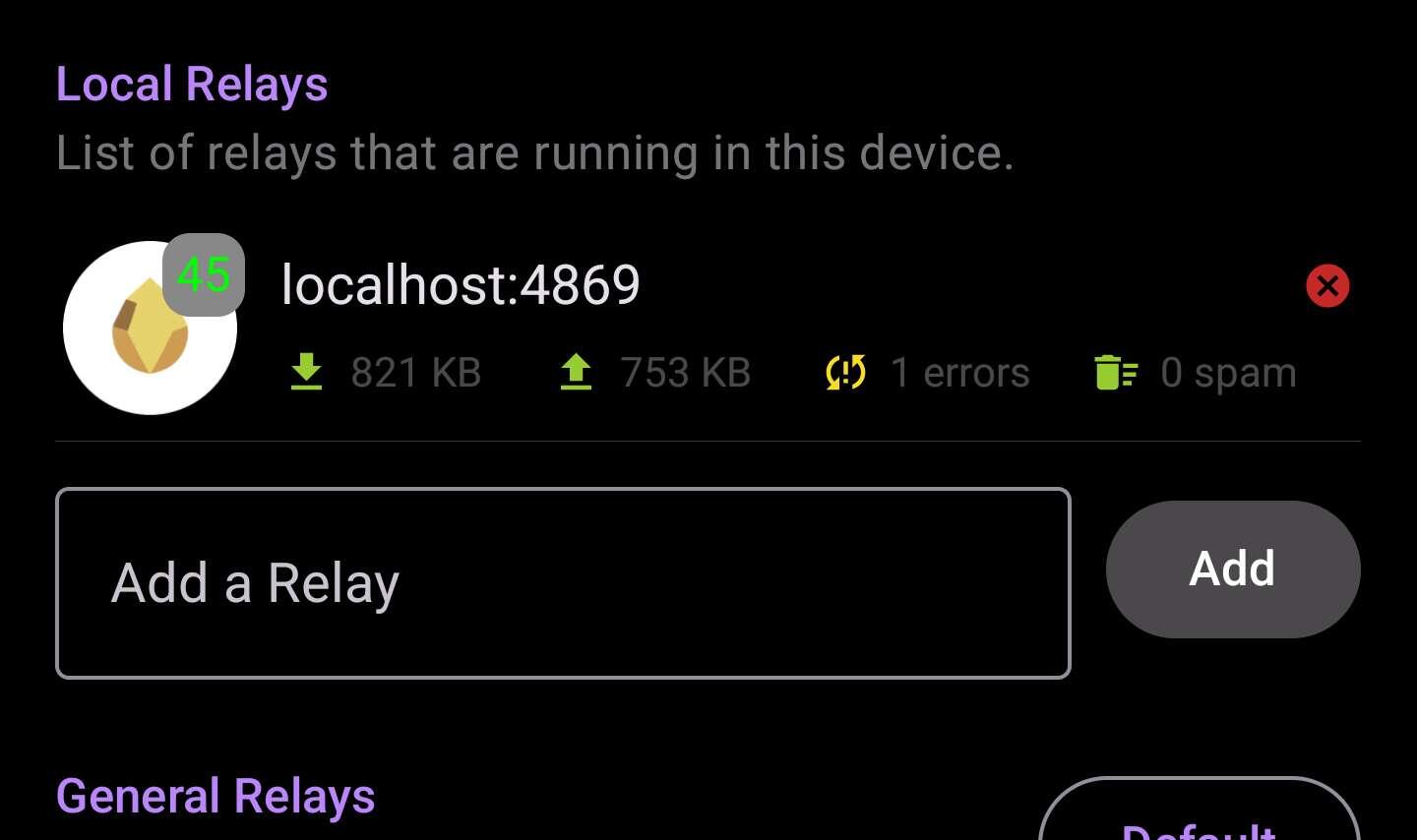
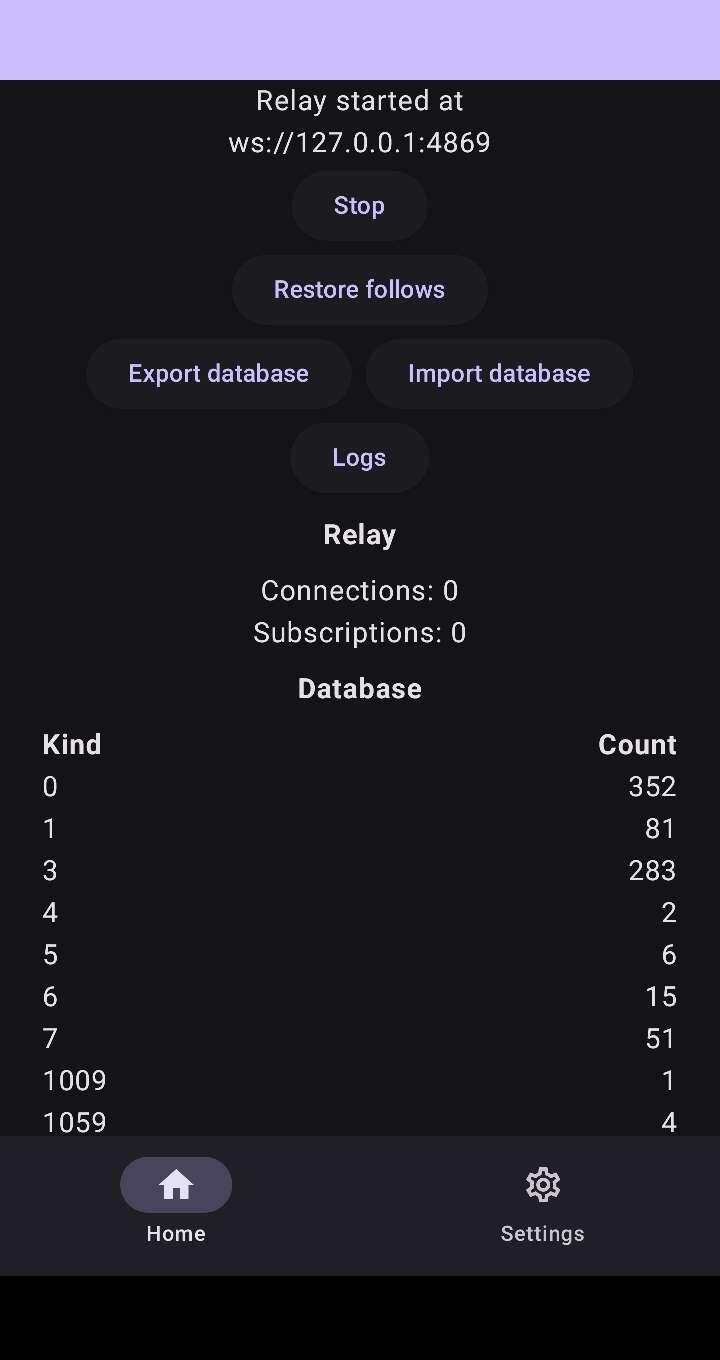
Citrine is a relay (Nostr server) that runs on your phone. Amethyst (and other Nostr apps) uses it to save note drafts and other things. It uses your phone storage to save the notes.
It allows you to keep a copy of your notes on your phone, and also write note drafts without Internet, I believe.
It's not mandatory to have, but it might improve your experience on Nostr.
There's also Amber, which is an app that stores your Nostr private key (nsec) and allows other Nostr apps to use it without directly entering it into the app. This makes it less likely for the private key to be lost or stolen.
You can download both from zap.store
I'm on the techie side. I hope I didn't drag you too deep into a rabbit hole. 😅
Here are the links to the apps home pages, if you want to dig deeper:
https://zap.store/download/
https://github.com/greenart7c3/Citrine
https://github.com/greenart7c3/Amber/
Just what I need - someone from the other side, the techie side!
Thanks, I'll look into it.
And if you ever have a mustang to tame, don't hesitate to ask me for help.
Thread collapsed