nostr:nevent1qqsxfhdjquu9f2vfaegdpxxax3c22l93s29me3efs2c7lx6zzs2v80spr4mhxue69uhkummnw3ezucnfw33k76twv4ezuum0vd5kzmp0qgsfsrgl5erqmqtutgmypk4mteuxy5uj6llqpusay4h2jesmeahzcpqrqsqqqqqpjmsm44

Reply to this note

Please Login to reply.

Discussion

Bitaxe wifi is 2.4GHz

Bro im so normie i dont even know how to check that or change it if i have the wrong one

Check your router label. Or log in to your router via web interface then navigate into wireless settings and you can find it there

First check to place your bitaxe somewhere else. Maybe he has a bad connection at the current place.

If this doesn’t help login to your router and try to change the wifi channel. Sometimes this happens because you have too many networks around you.

Ok got it

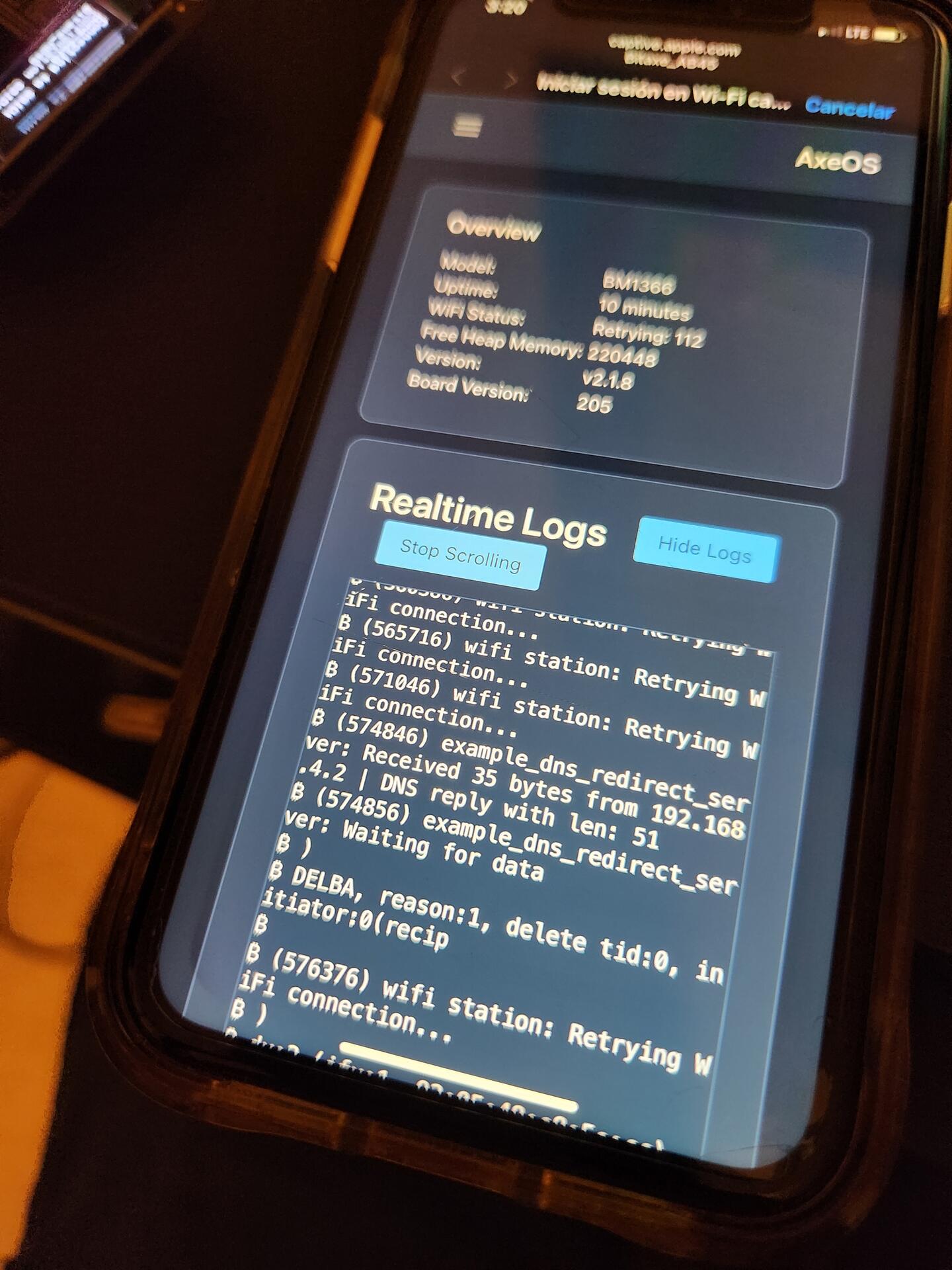
Can't get it to stay connected. Yes i looked intobtge router evrything looks good. But ahhhh i mess wit it tomorrow. Keeps doing the same thing

nostr:nevent1qqsxjurxjuauvkc8jnnap9y8ag67s8amvl76zj6d86f7jufmj92untspz4mhxue69uhhyetvv9ujuerpd46hxtnfduhsygycp506v3sds9795djqm2a4u7rz2wfd0lsq7gwj2m4fvcdu7m3vqspsgqqqqqqslk584l