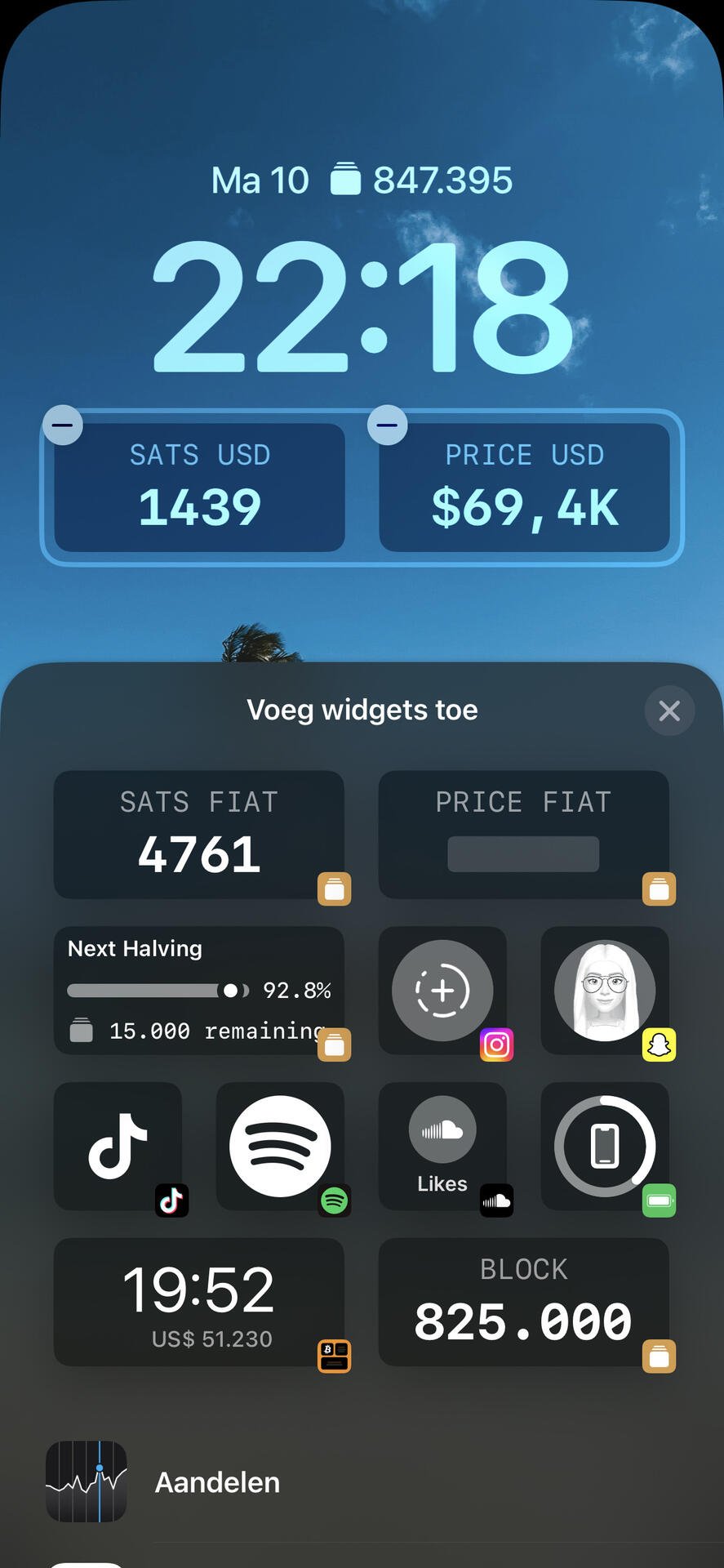

But not on the lock screen… right? I can’t really find it. But I thought nostr:npub1w8rrew9yye3lla4hr5uuh7zx9he6qu2rd55hwx9ctyyp0rjqz45q9ch663 did have that on his lock screen 😅 pls help me out haha
Discussion
Yes, on the Lock Screen. When the screen is locked. Hold down anywhere on the screen and you’ll be able to customise the widgets 
Cool background! But I’m not able to add Block screen. It just doesn’t show up in the list. Weird
Are you adding the block height? Or price? I haven’t added the block height. Don’t know if you can
Price would be what I need. Block height would be awesome too
So you’ve downloaded the app? Are there any widgets available when you try to customise?
I downloaded the app indeed. But I’m block screen isn’t in this list… I’m sure I’m doing something wrong here 
You might have to scroll down underneath calendar/agenda etc.
I did try that… 😅 nothing there
Ah, 😅 no idea then. 🤷♂️

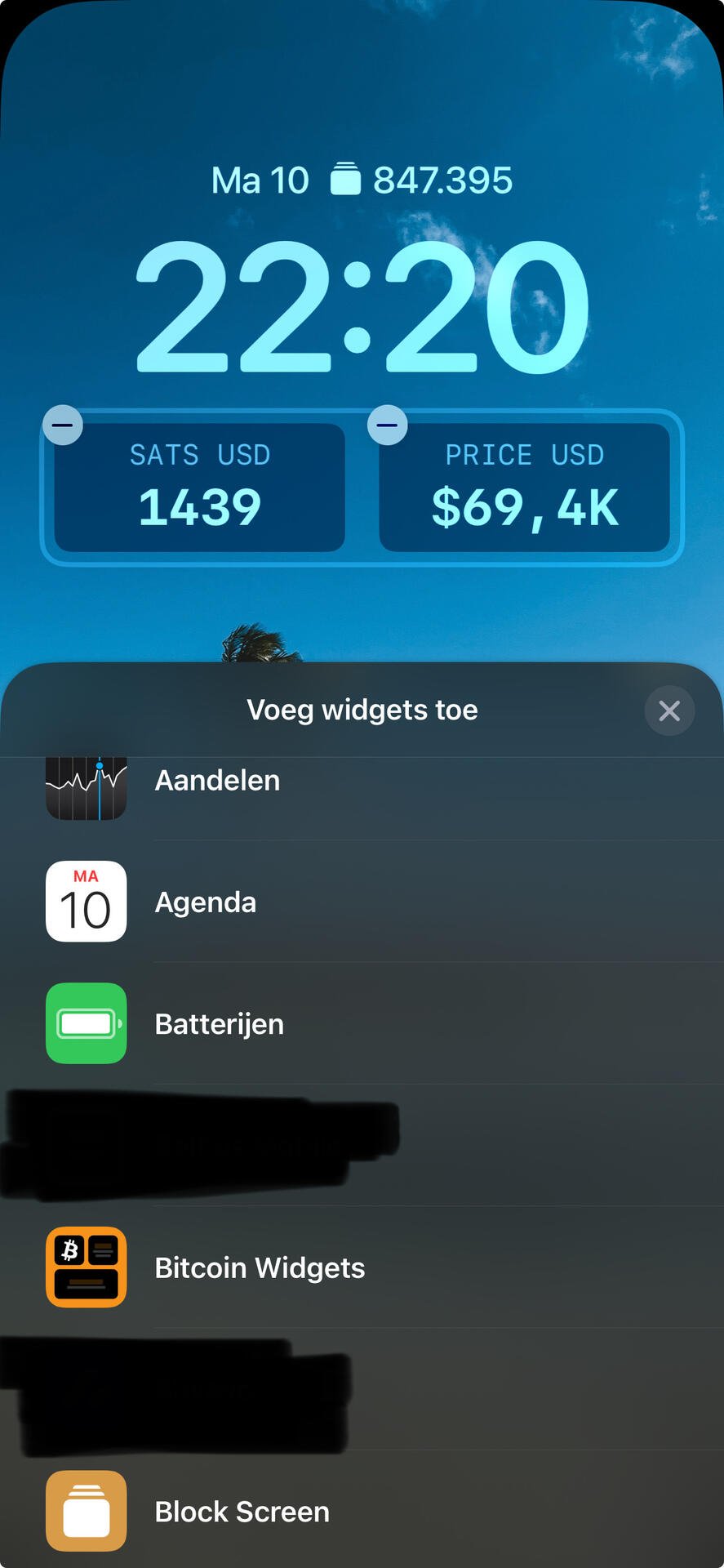
This is how I can add them
Btw “Bitcoin Widgets” is also an app you can download to put widgets on your front screen