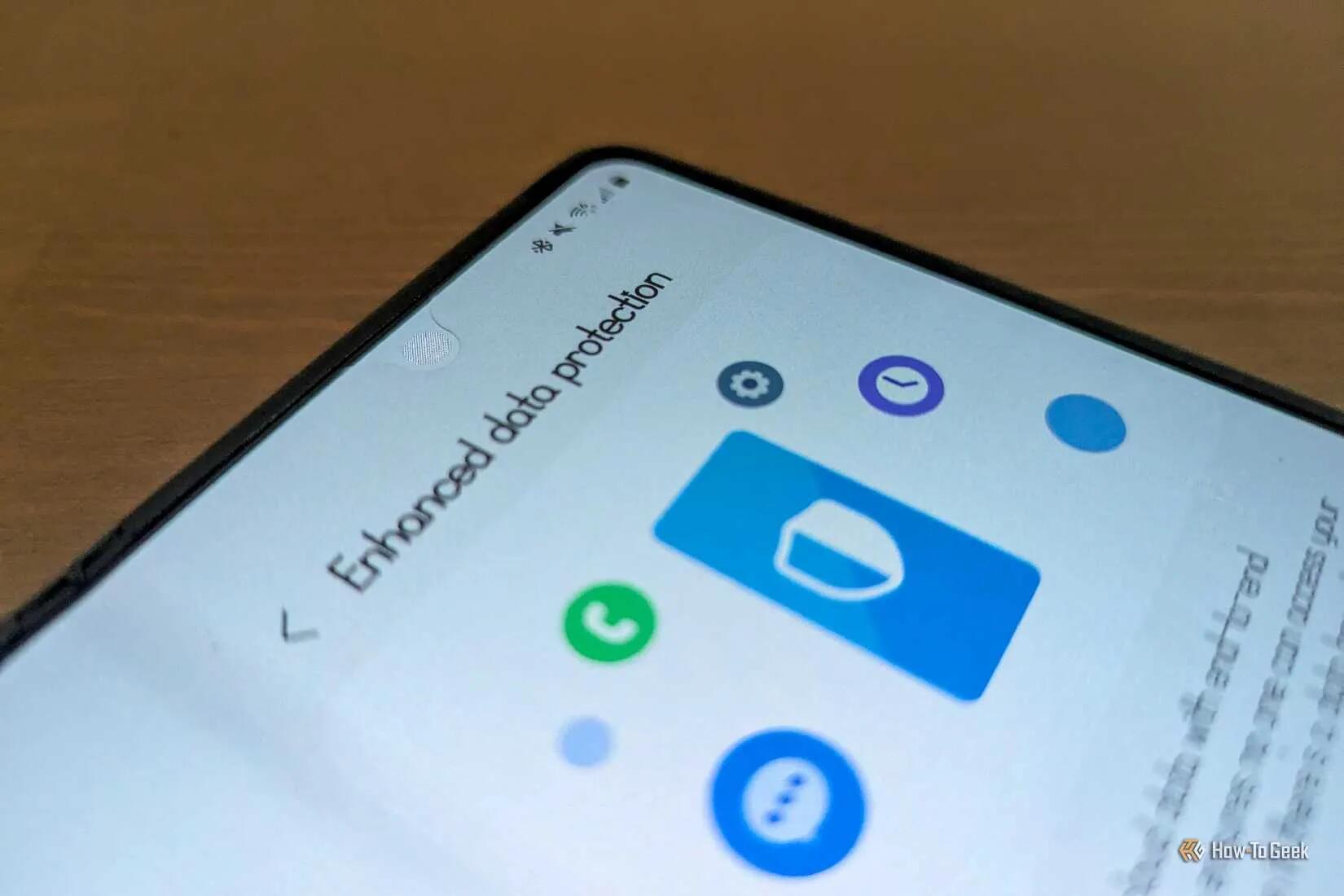
Samsung Backups and Cloud Sync can be End-To-End-Encrypted, but you need to Enable it
Buried in the settings of certain Samsung Galaxy devices, there's a feature Samsung calls Enhanced Data Protection. This is a fancy, branded name for end-to-end encryption. It means that when you back up or sync data to Samsung servers, that data will be encrypted before leaving your device, and it won't be unencrypted until it returns to your phone. If anyone tries to look at your data on any device other than yours, all they will see is gibberish.
Why isn't this enabled by default? The caveat is pretty severe. When you first enable the feature, Samsung generates a lengthy recovery code for you to store in a safe location. If you forget it, there's no way for anyone to restore your data. It's gone for good.
I love (not) how companies think we will all forget our passwords, and they need to protect us from ourselves. This is why we don't always have effective security and privacy. We have quite a few messengers and social networks that already operate this - you forget your private key, and your profile is gone forever (well it will be there, but you won't ever post from it again).
This "feature" for Samsung devices just needs to be flipped on, and you need to ensure you've saved that unlock key somewhere safe.
See https://www.howtogeek.com/theres-a-safe-way-to-back-up-and-sync-samsung-galaxy-phones
#technology #E2EE #privacy