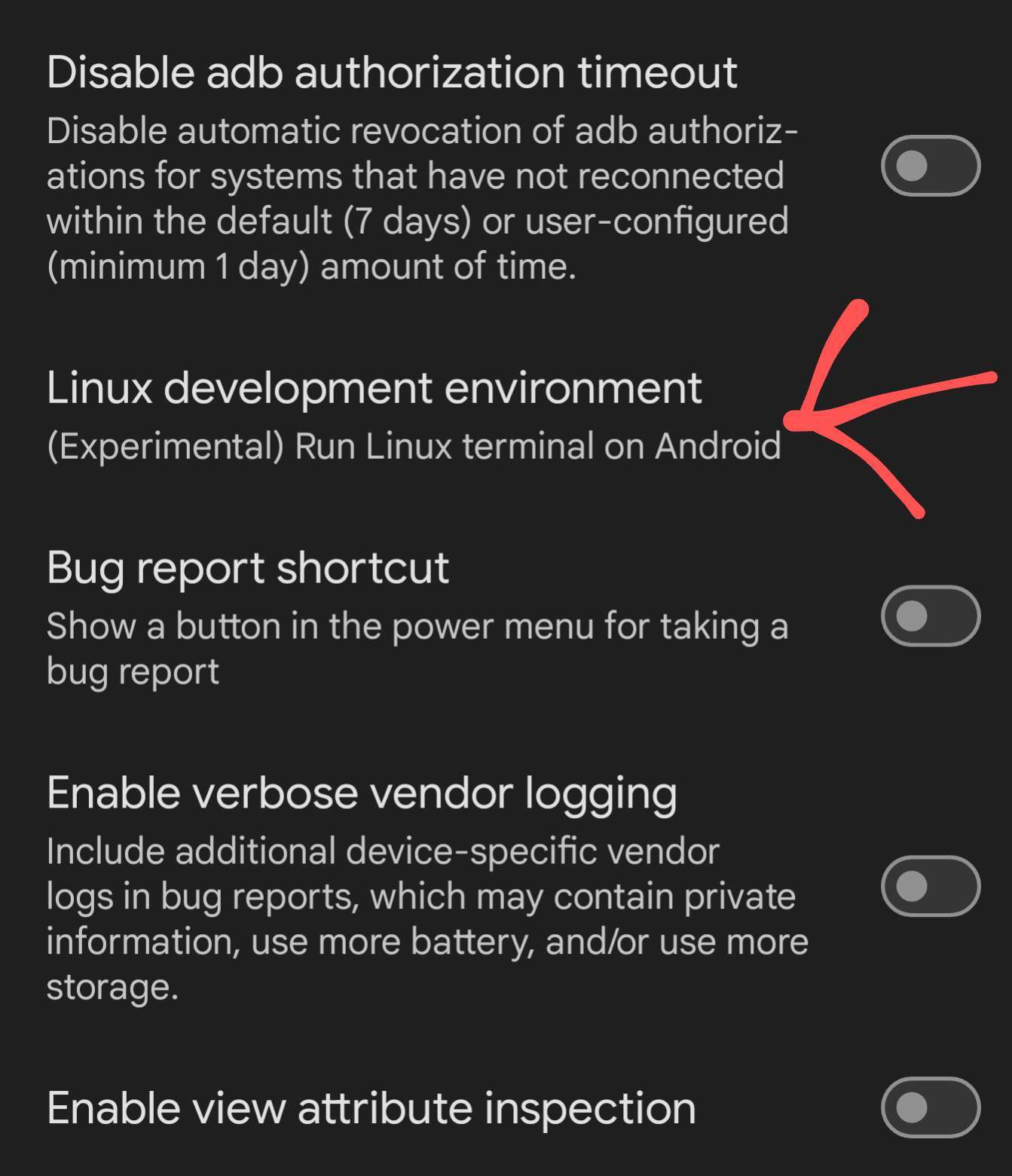
It's very alpha, be warned. If you are gung ho and want to try anyways though I made some instructions. They assume some familiarity with a Linux command line. It may crash, be warned. It seems to crash more when the screen sleeps, so set a longer time out when installing to minimize the risk.
Discussion
Just to make sure: I do this in Termux, yes? Or where else?
I'm familiar with Linux and all, that's not the issue, I just don't know where to start.
No, termux is not involved at all. This is a terminal included as part of Android. You won't see it until you enable it in the developer settings, then there will be a new app called terminal. Everything is done from there.
Got it! That's the info I was missing 👍
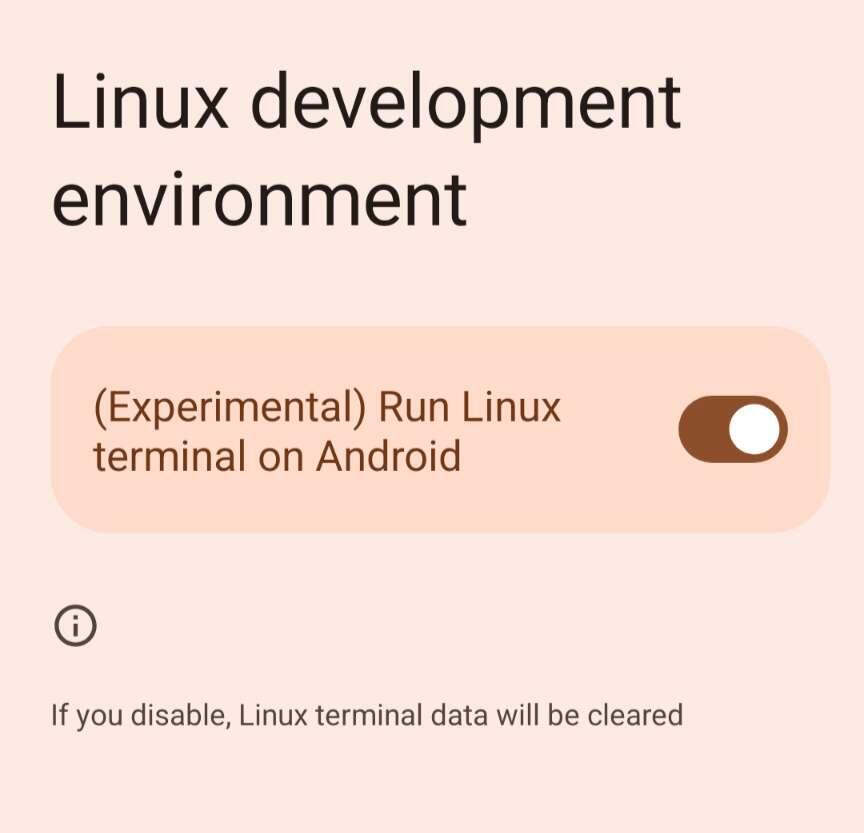
That's it! 🚀
Some more helpful info
Graphics acceleration is buggy with gnome & XFCE. I wouldn't enable it if you want to try them. If you want to test it, weston, the reference Wayland compositor is your best choice. It doesn't offer much in the way of a desktop though, just a clock & terminal.