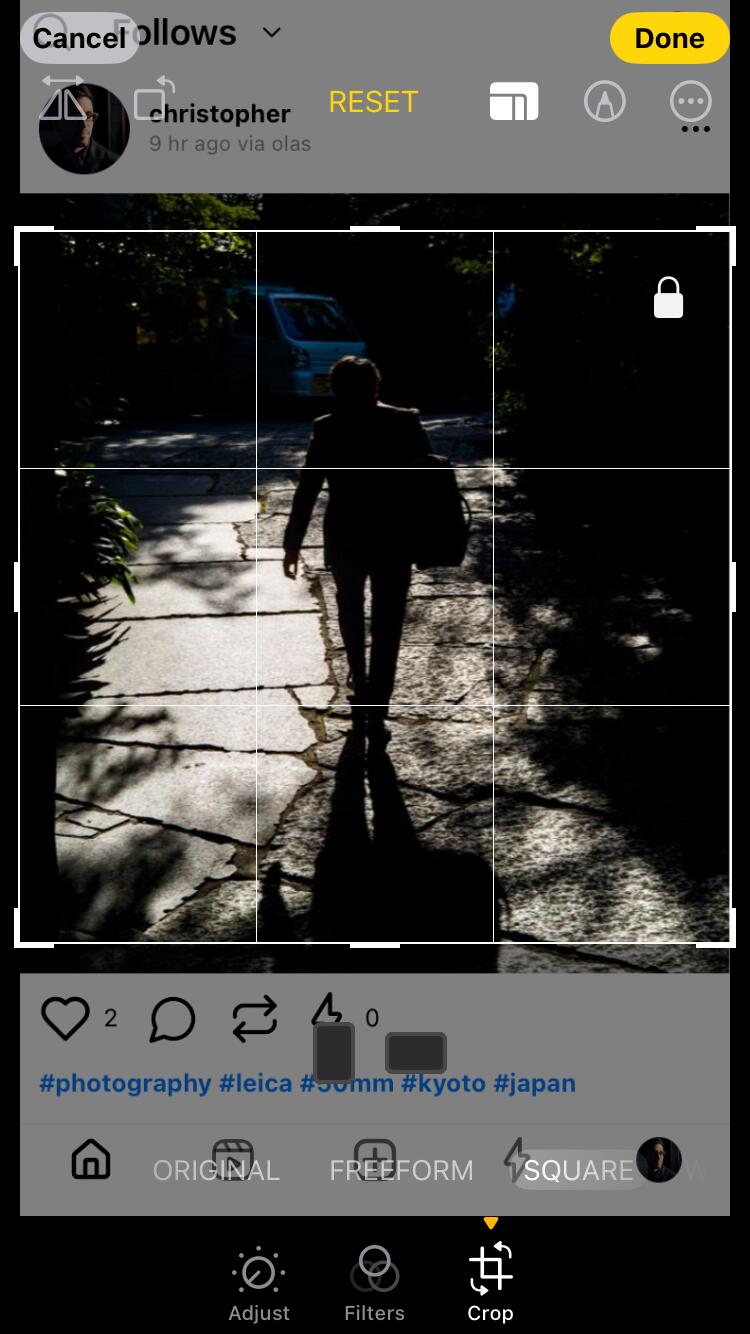
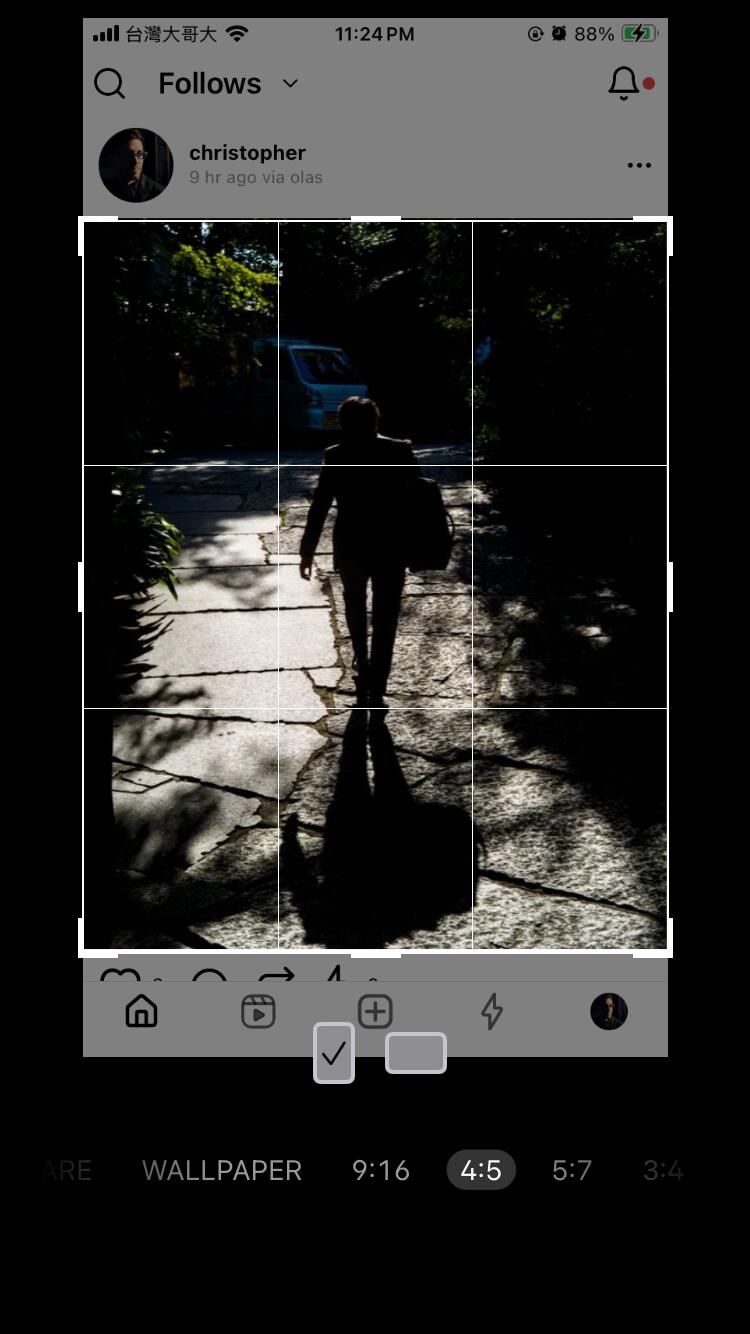
This 🫡
Discussion

It’s fixed!
Thank you!

I totally missed this setting! But with squared posts unchecked does it then crop photos to 4:5? I really wish it would not crop photos that are 2:3, which is the classic 35mm aspect ratio
Without that setting it doesn’t crop at all.
Are there some standard photographic ratios that are common and might be interesting as different aspect ratio presets? Like Polaroid for 1:1, 35mm 2:3? Anything else; would love to lean-in on that.
Thanks for the feedback! Here’s what I’m seeing on iOS with version 0.20 Build 313.
The photo is 2:3 in portrait orientation and displays the whole photo when clicked. Great 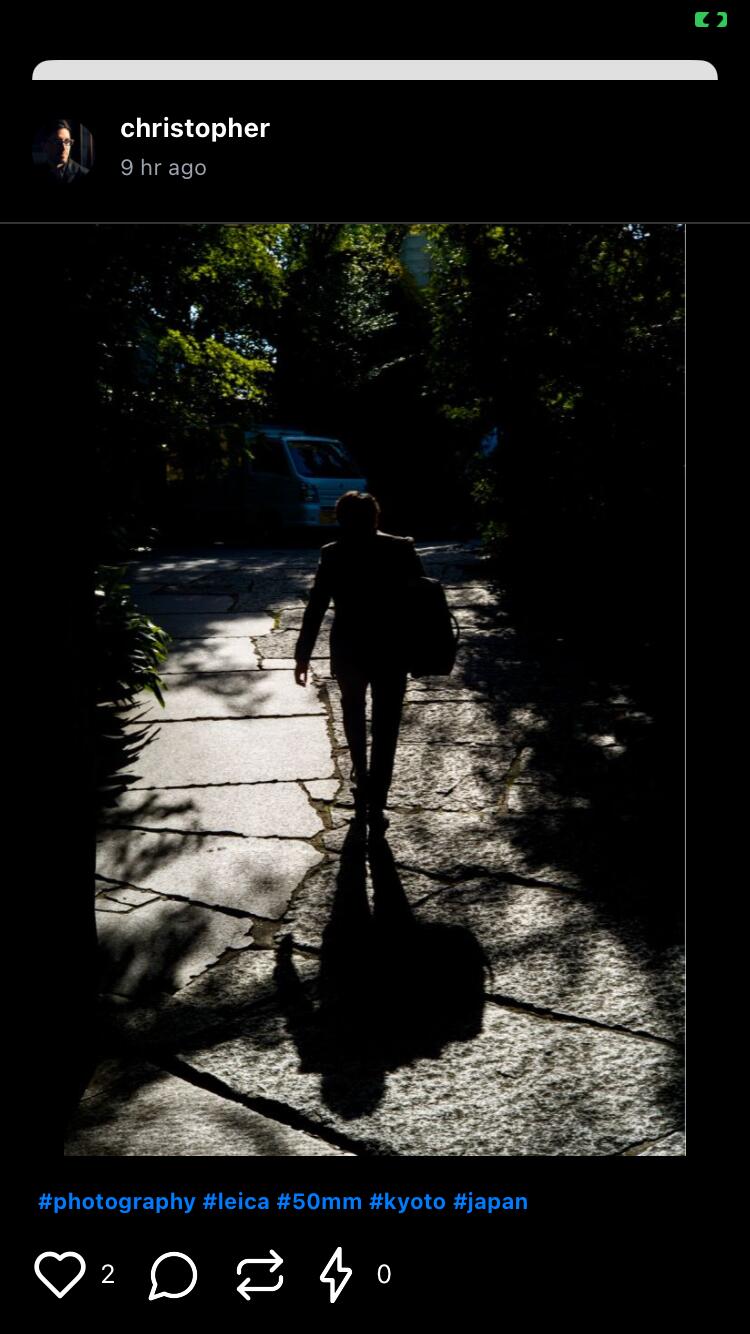
If the content preference is set to “Squared Posts” it’s cropped almost to a square, but unexpectedly not quite