The only thing I'm missing is if I add Lightning Address to contacts and give them a label - the labels are not displayed! Only Lightning Addresses are visible. To see the label, you need to click on the address in contacts, there on the Edit icon and only then the label is visible. But why does it work like this? After all, labels are needed so that you can immediately see labels in contacts instead of lightning addresses if a user has set them. Is not it so? nostr:npub1v4v57fu60zvc9d2uq23cey4fnwvxlzga9q2vta2n6xalu03rs57s0mxwu8 , please can you fix it? Thank you for the best mobile lightning wallet!
The Blixt of nostr:npub1v4v57fu60zvc9d2uq23cey4fnwvxlzga9q2vta2n6xalu03rs57s0mxwu8 is just gorgeous! I tested this wallet 3 years ago and then it was pretty buggy. Now it works fast, stable, consumes little battery, backup the static channels file in Google Drive and the user fully controls the channels himself! I recommend in Android to give access to the battery in the background and pin the application in the application cards so as not to accidentally swipe it (not close). #LightningNetwork #Lightning #Wallet #Software #Soft #Android
Discussion
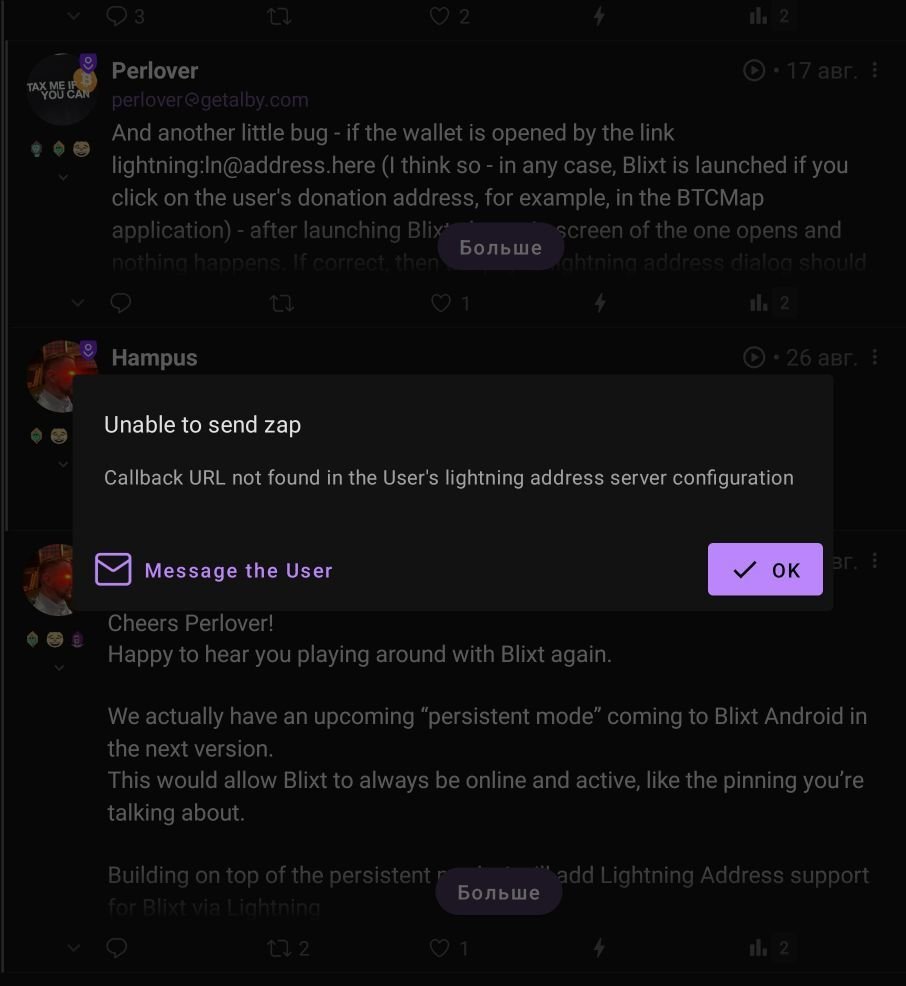
And another little bug - if the wallet is opened by the link lightning:ln@address.here (I think so - in any case, Blixt is launched if you click on the user's donation address, for example, in the BTCMap application) - after launching Blixt, the main screen of the one opens and nothing happens. If correct, then the pay to lightning address dialog should open, exactly the same one that opens if we scan the Lightning Address itself with a Blixt wallet. Thank you, nostr:npub1v4v57fu60zvc9d2uq23cey4fnwvxlzga9q2vta2n6xalu03rs57s0mxwu8