My views align with PG and modern security standards regarding obtaining apps from F-Droid. I don't recommend getting apps from F-Droid unless it's the only option.
If F-Droid must be used, F-Droid Basic is the preferred choice. F-Droid Basic supports automatic background updates without privileged extension or root and has a reduced feature set, limiting the attack surface.
Third-party F-Droid clients can have numerous issues, such as lacking proper mirroring support. For this reason, I recommend avoiding Neo Store and no longer suggest using any third-party clients for F-Droid repositories.
https://discuss.privacyguides.net/t/remove-note-about-getting-f-droid-apps-from-obtanium/14440
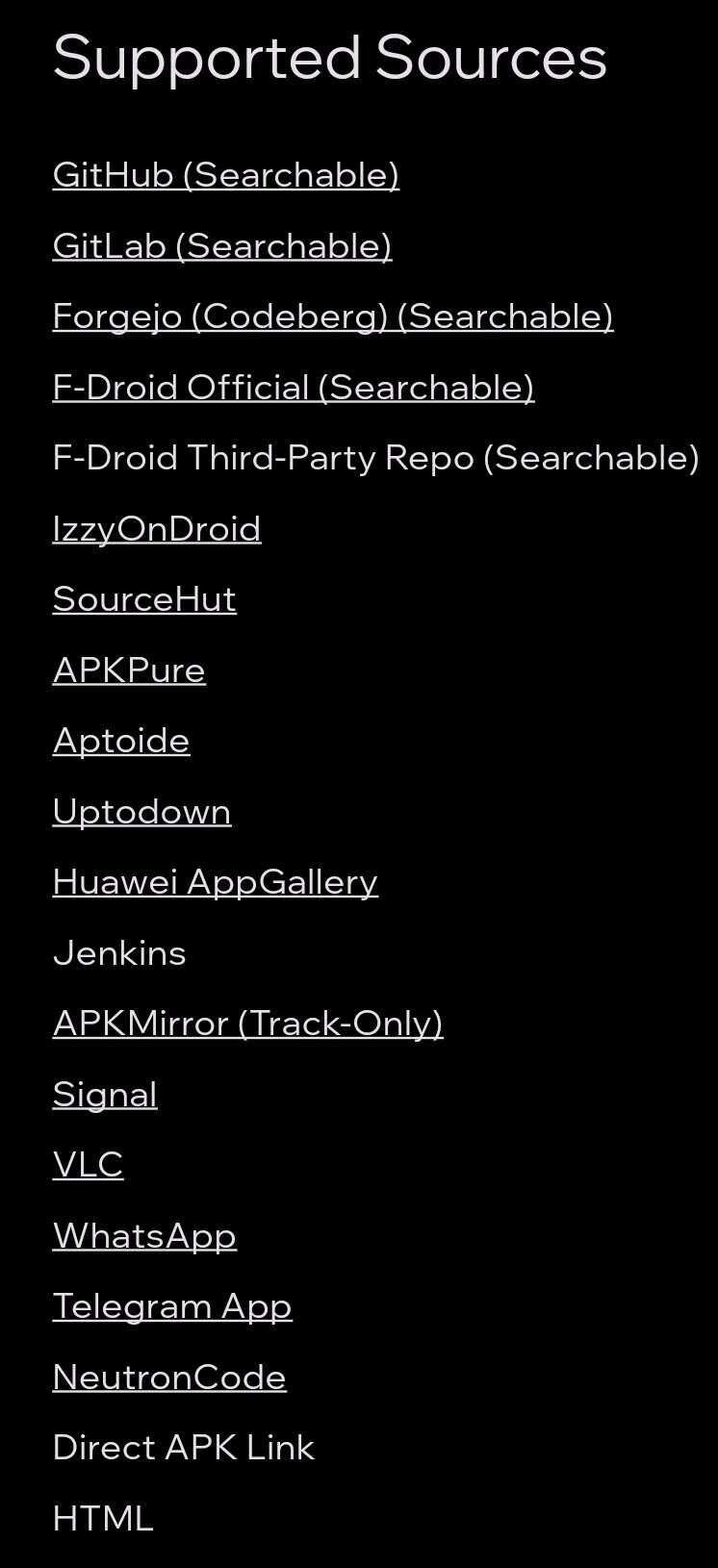
For me it is better to use Obtainium for the two apps that are not obtainable through normal stores and are F-Droid only than to run another store and micromanage it.
F-Droid Basic has unattended updates, so I'm not sure what "micromanaging" you are referring to, but fair enough. You certainly have the free will to ignore my and PG's OPSEC recommendations.
But you add an entire extra app with background network for what is likely 1 or 2 apps. Both have tradeoffs.
That "extra" app is the source repository.
Thread collapsed
Thread collapsed
Thread collapsed
Thread collapsed