
Step by Step Setup #BoltRing with #LNbits ⚡️Lightning wallet
Table of contents
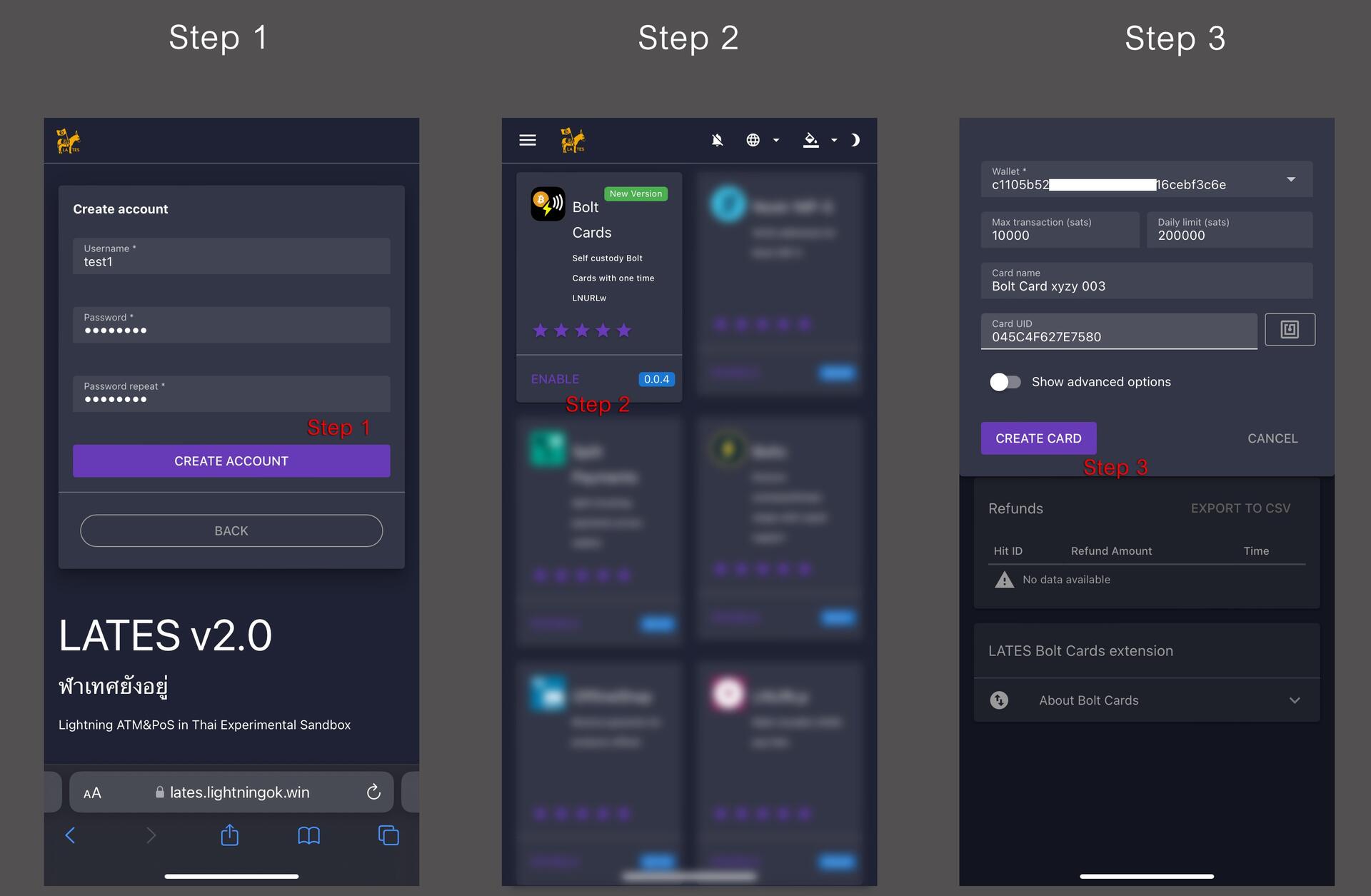
LNbits Setup
Step 1 - Create an LNbits Wallet and Fund Your Wallet
Step 2 - Install Extension "Bolt Card"
Step 3 - Create Bolt Card Service
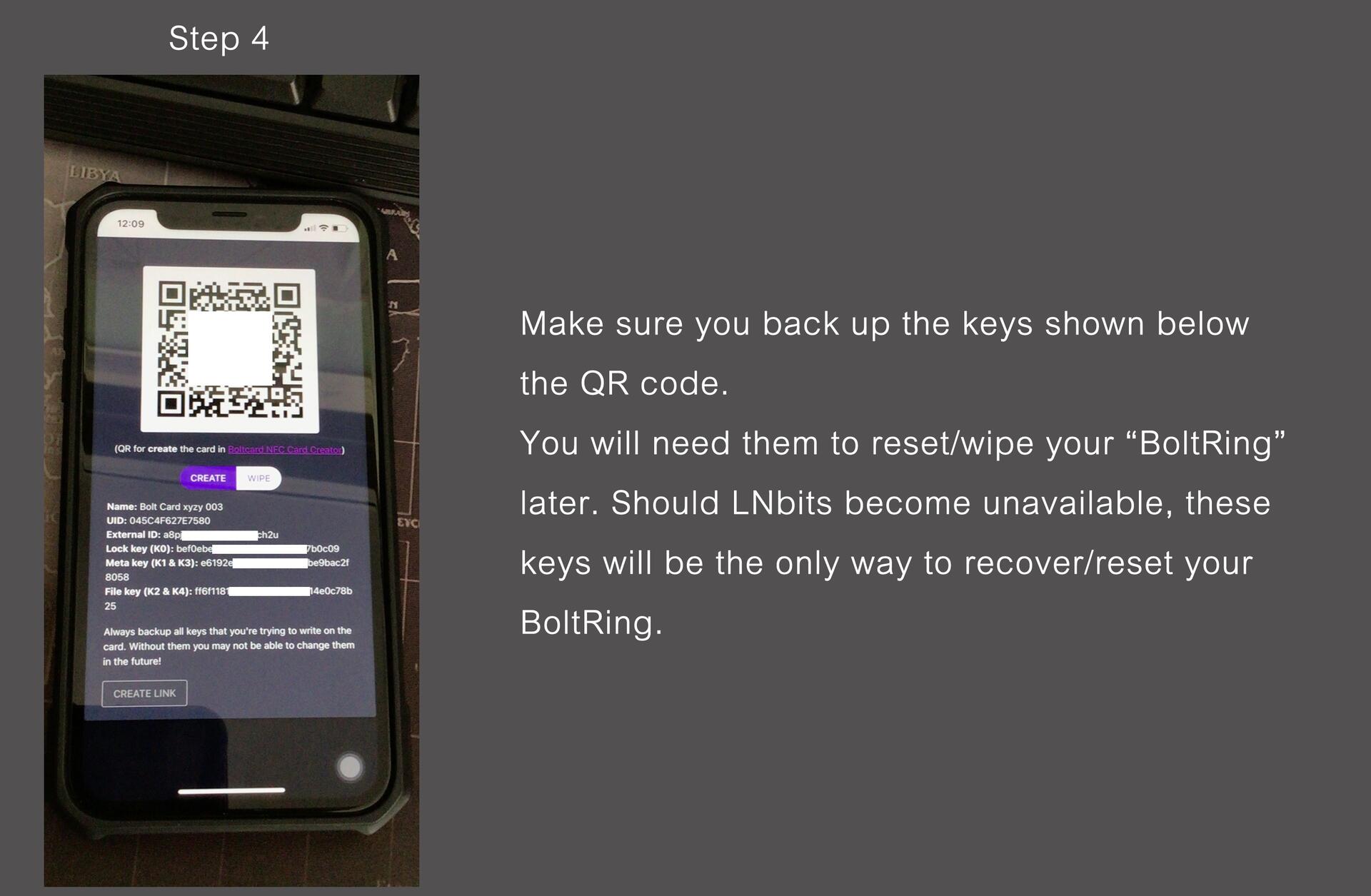
Step 4 - Scan the shown "QR code" Or click "Create Link"
**Go to App Bolt Card Creator/Programmer**
Bolt Card Creator/Programmer (Android/iPhone) Setup
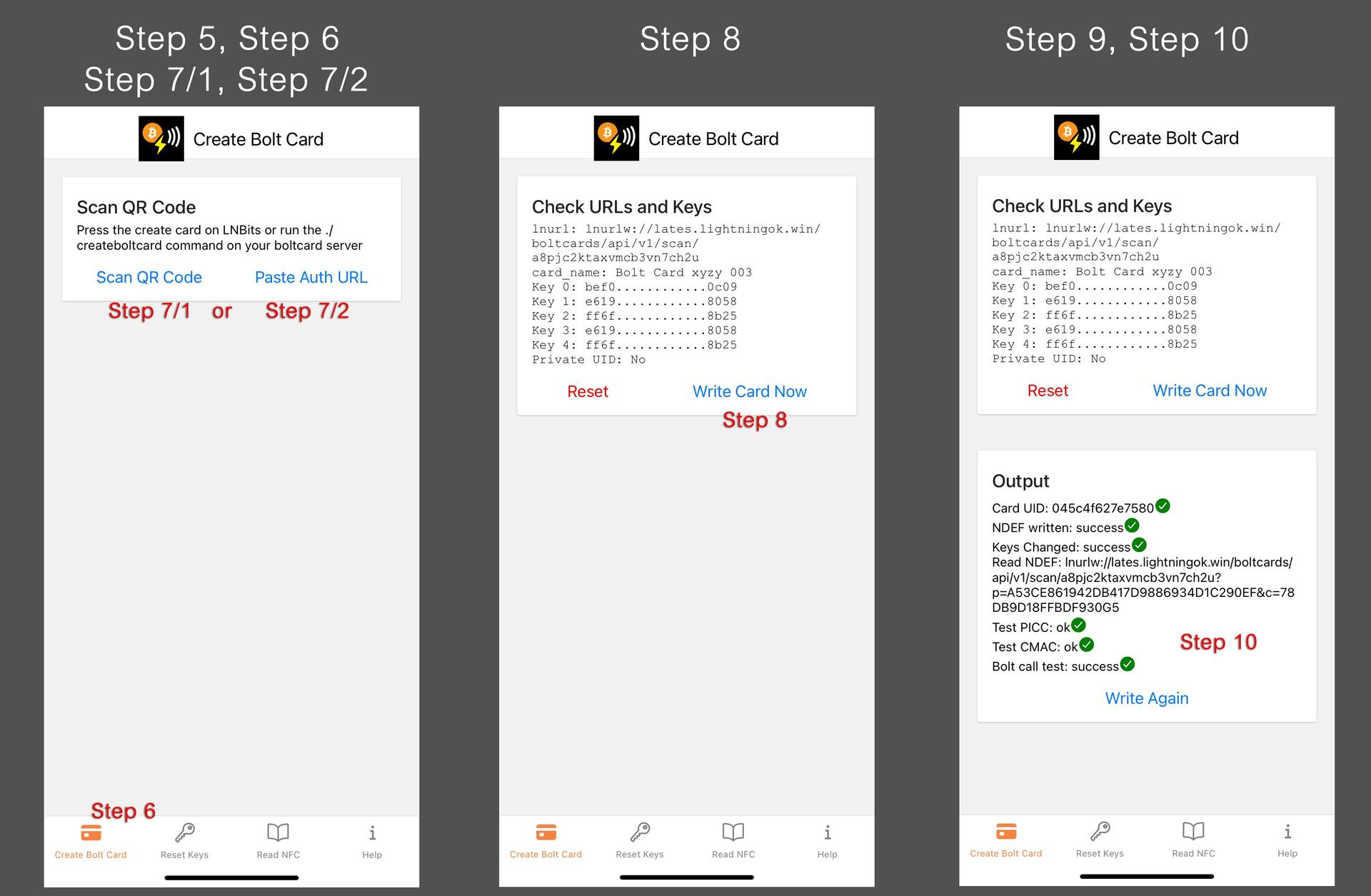
Step 5 - Go to App Bolt Card Creator/Programmer
Step 6 - Tap "Create Bolt Card"
Step 7/1 - Tap "Scan QR Code" and scan the LNbits card creation QR code (for Scan QR Code)
Step 7/2 - Tap "Paste Auth URL" and Paste the LNbits card creation Create Link (for Create Link)
Step 8 - Tap "WRITE CARD NOW"
Step 9 - Pairing BoltRing by tapping it to phone
Step 10 - Verify that the app Output section shows all the green checkmarks
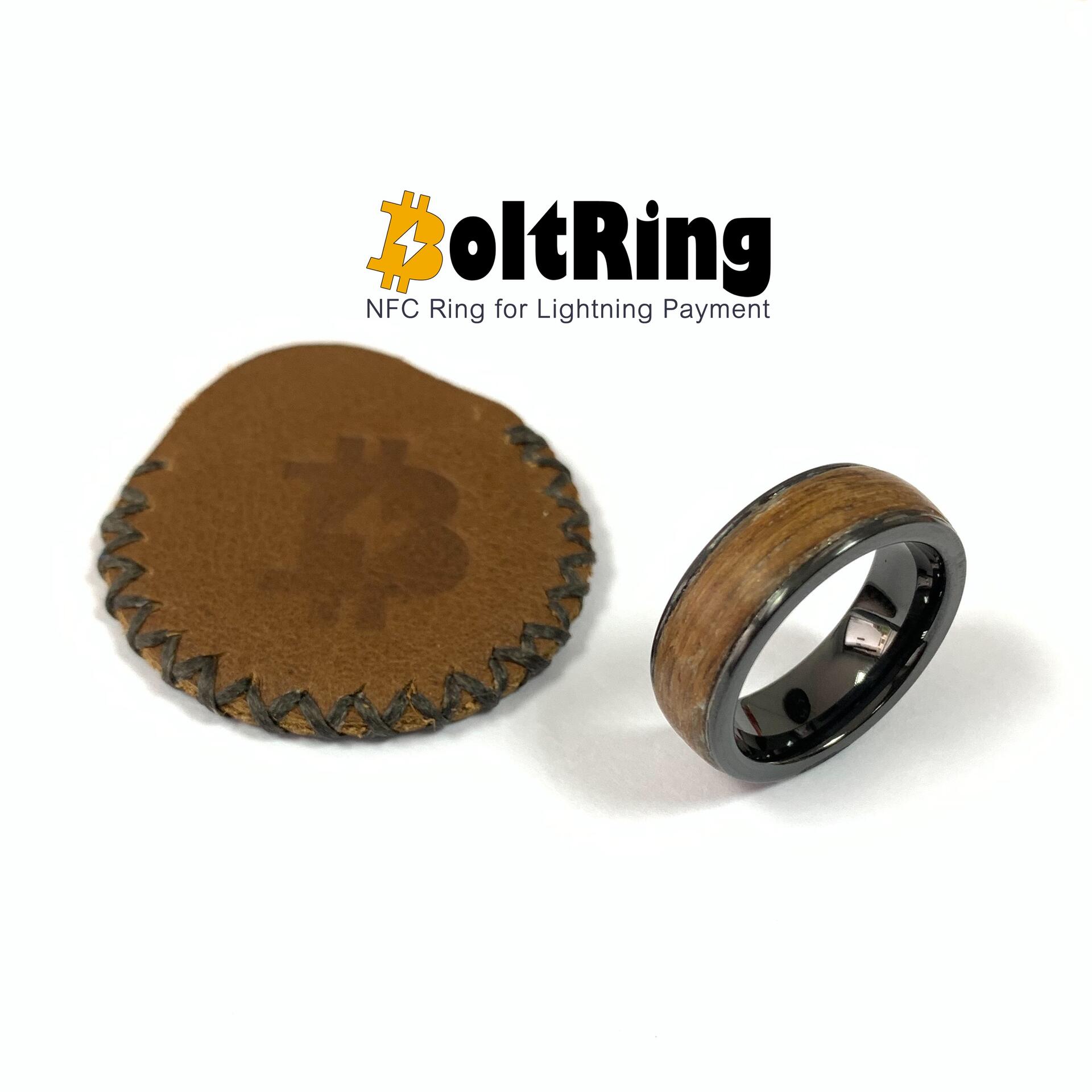
**BoltRing is now ready for use.**
#Lightning #LNbits