

It seems the top up function does not work properly in iOS TestFlight build. The wallet always displays 0 sat even though it appears in the history screen.
We're excited to introduce Top Up, a new way to earn rewards by listening to promoted music. Ready to start earning? Update your mobile app now to join our beta test ⚡️🎵 https://app.wavlake.com 
Discussion
Looking into it!
Tried again today, works perfectly now! 🤙
Sorry for the trouble!
Thanks for the fix. 🤙
Although after updating to the latest TestFlight version 1.1.0 on iOS, I cannot find the wallet button anymore. Am I missing something?
It’s still in the top left corner. If you’re not seeing it there, log out and back in with Wavlake account. 
Here’s what’s shown after tapping the top left button. Previously the wallet button was there. Also tried logout and login again still the same. 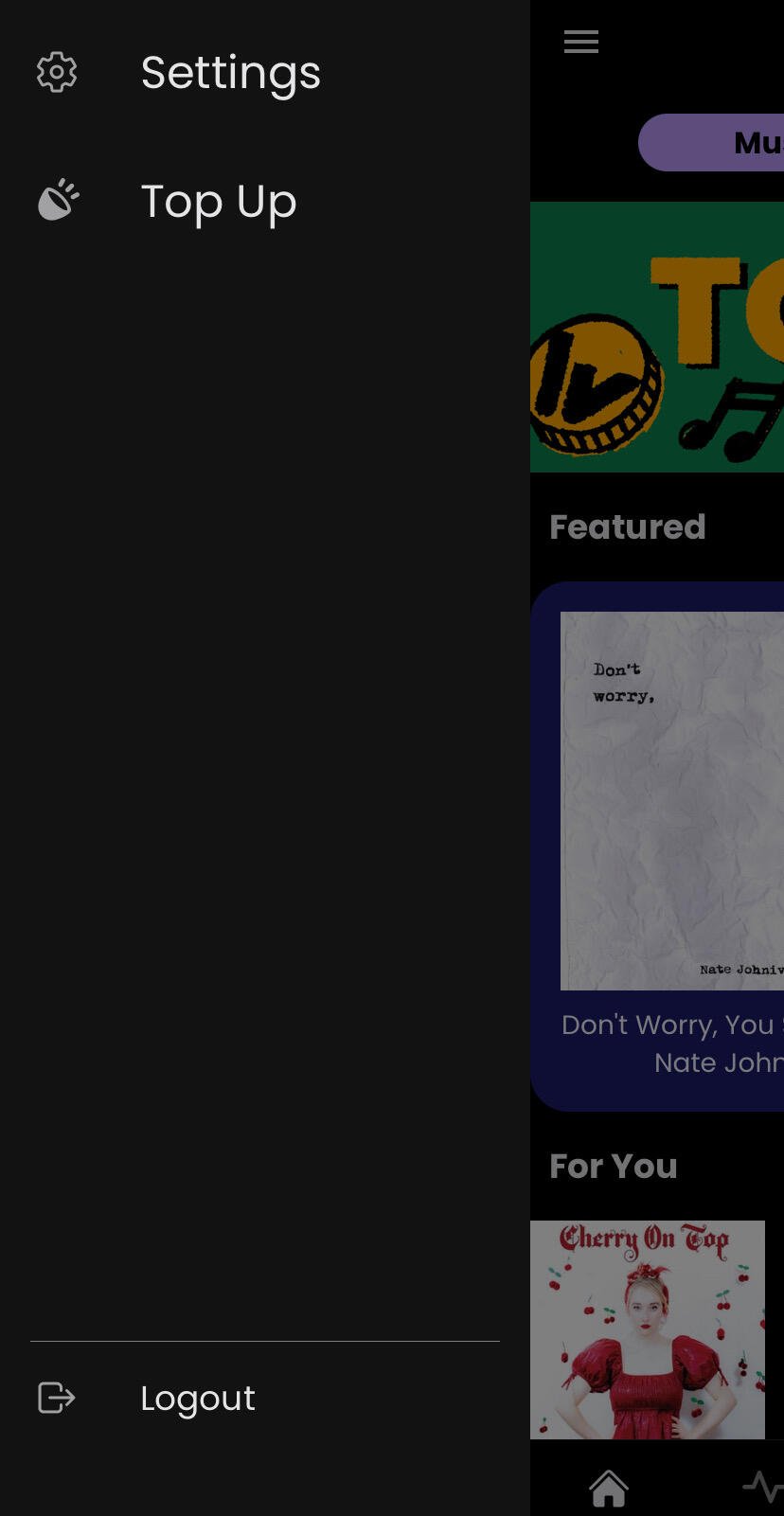
Can you click through settings > advanced settings and show us what you see? Can also email support@wavlake.com if you want to take this off Nostr. Thanks!
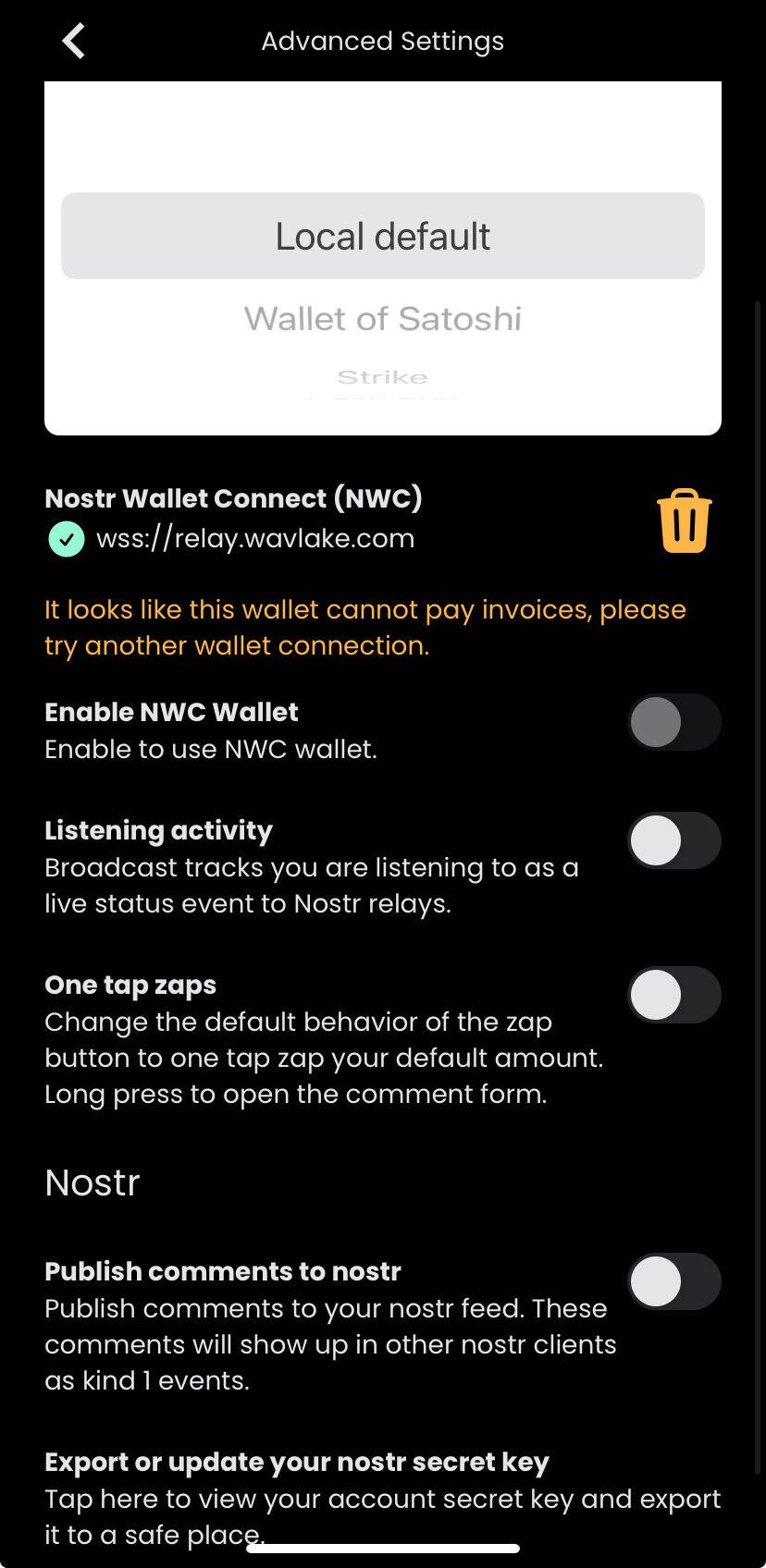
Turn on “Enable NWC Wallet” then log out and back in.
It’s finally showing up now 🤙
Could not enable NWC initially, had to delete NWC first then log out and back in.