

Keychat group chats are private and can only be joined through friend invitations. If you want to create a public group chat, you can use Chachi in the Keychat browser. Chachi is a web client for public Nostr group chats. Here’s a public group we’ve created: https://chachi.chat/groups.0xchat.com/2gVadOYXRyzc2ne6. If you see this note in Jumble on Keychat, just click the link to join the group.
Discussion
That's cumbersome to use.
I just want to send people a reference so they can put they reference in keychat and join.
So they need keychat and know there's a browser in there and install some plugin inside that browser and then find an invitation and then the group link?
I don't see that working IRL
This is not workable.
The screen I get when I find this service (just typing the name gave me some celebrity website) had to take the screenshot in chrome unfortunately, but this is not a page that guides the user in what to do
At this chachi thing.
Maybe make it more clear that there is only private groups in keychat and the rest is up to other services. (UX is not usable in my opinion) 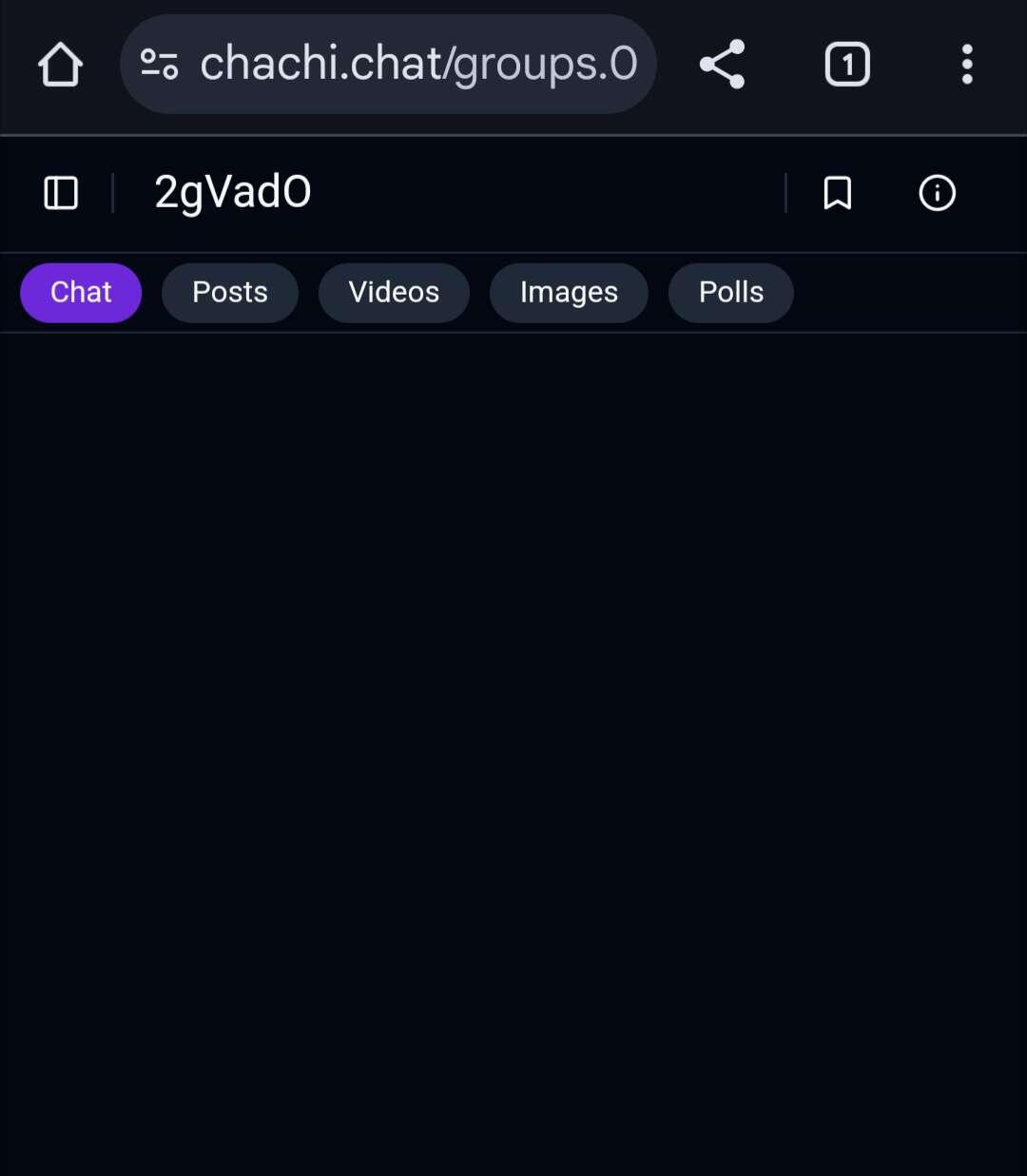
The correct group link:
Thx, but it's not working.
I'm on Android and login is not possible with nostr on that site, unless I probably install yest another thing.
But the users I want to invite already gave up as wel