Need to add the Access-Control-Allow-Origin header to allow requests from other origins, otherwise web clients won’t be able to retrieve the wallet information.

Error: 'https://accioly.social/.well-known/lnurlp/anthony' from origin 'https://jumble.social' has been blocked by CORS policy: No 'Access-Control-Allow-Origin' header is present on the requested resource. If an opaque response serves your needs, set the request's mode to 'no-cors' to fetch the resource with CORS disabled.
Reply to this note

Please Login to reply.

Discussion

Humm, good catch. Interestingly CORS testers are saying that the URL is reflecting the request domain (which I don't like myself, but I'm just forwarding headers from Coinos)

https://cors-test.codehappy.dev/?url=https%3A%2F%2Faccioly.social%2F.well-known%2Flnurlp%2Fanthony&origin=https%3A%2F%2Fjumble.social&method=get

Same as Coinos original URL:

https://cors-test.codehappy.dev/?url=https%3A%2F%2Fcoinos.io%2F.well-known%2Flnurlp%2Fanthony.accioly&origin=https%3A%2F%2Fjumble.social&method=get

Any thoughts on this? Is it really a CORS header problem or is is due to Jumble not following the redirect?

I think you're right. I tested several other web clients, and they all threw CORS error. The only one that worked without issues was Coracle, but it seems like it fetches the wallet information server-side rather than directly through the web client.

Thanks, Cody. Yes, this is fair enough, given that NIP-57 doesn't mention HTTP redirects. However, Alby themselves are recommending this: https://guides.getalby.com/user-guide/alby-account-and-browser-extension/alby-account/use-your-lightning-address/own-domain#:~:text=For%20advanced%20users%2C%20we%20recommend%20setting%20up%20a%20redirect%20rather%20than%20hosting%20a%20copy%20of%20your%20lightning%20address%20data

I know I'm asking a lot, but would you mind changing this line:

https://github.com/CodyTseng/jumble/blob/1c3e54c895d4a952edbc0888cab549a63cd5cbdf/src/services/lightning.service.ts#L208

To:

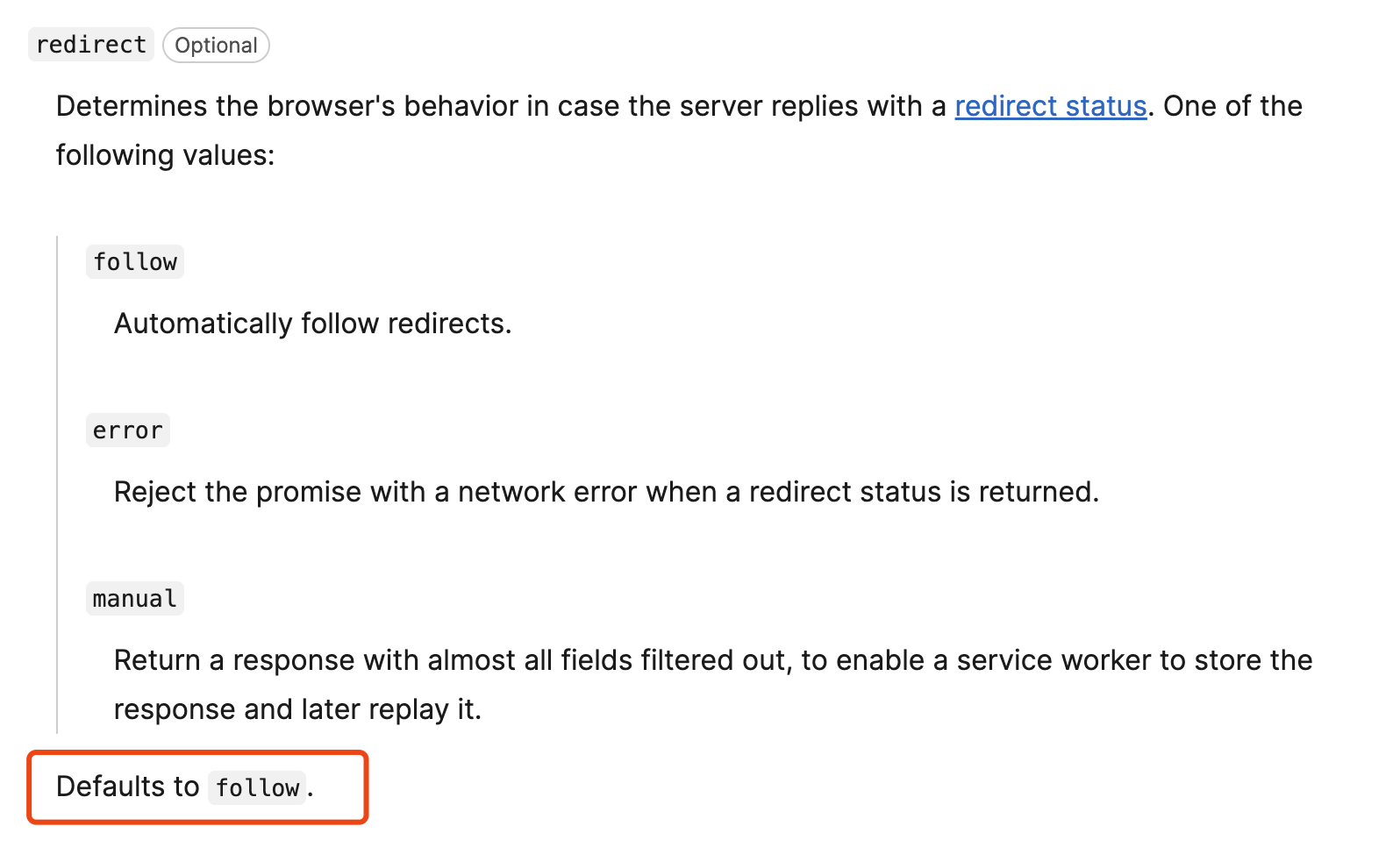
const res = await fetch(lnurl, { redirect: 'follow' })

If it works, I can try to chase after other client devs! 🤣

I've tried it, but it doesn't work, haha

I think the 302 response has a CORS issue, so the browser doesn’t follow the redirect. The CORS tester makes requests from the server, so it won't be stopped by a CORS issue in the 302 response.

TIL that Cloudflare redirect rules don't play well with CORS. I've now implemented a worker with full blown CORS. Can you clear your cache and try again? (Sorry for the hassle)

It’s working fine now 👍

Thanks for all of your help Cody. Highly appreciated.

You’re welcome! Happy to help.