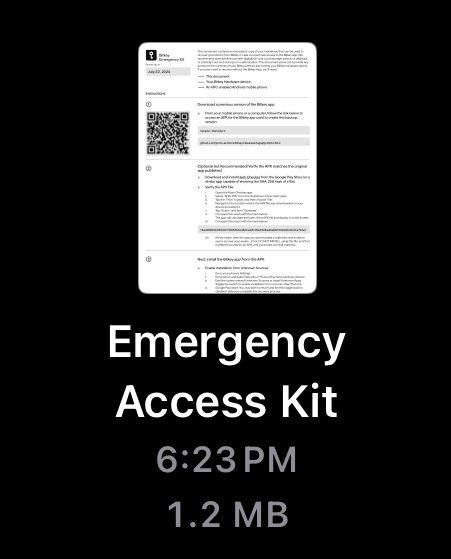
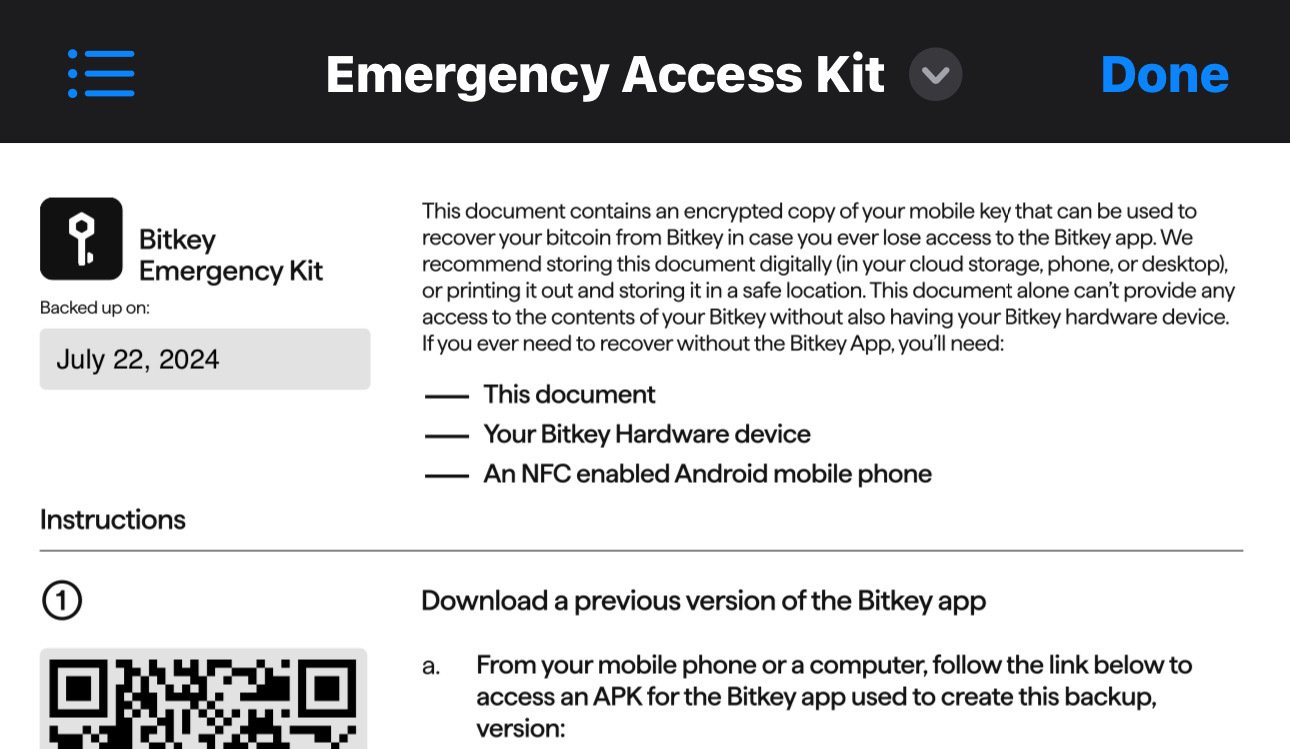
lemme know if any of these help n I can help you move forward
Here are a few steps you can take to address this issue:
1. **Check for System Updates**: Ensure your device's operating system is up-to-date. Sometimes, compatibility issues arise from outdated software.
2. **Clear Cache and Data**: Go to your device's settings, find the app in the list of installed apps, and clear its cache and data. This can resolve minor glitches and compatibility issues.
3. **Reinstall the App**: Uninstall the app and then reinstall it from the Google Play Store. This might help in getting the latest compatible version.
4. **Check App Requirements**: Verify if the app has updated its system requirements, which your device might no longer meet. You can usually find this information on the app's page in the Google Play Store.
5. **Contact the Developer**: Reach out to the app developer for support. They might offer a solution or an alternative version of the app that is compatible with your device.
6. **Use an Older Version**: If the new version isn't compatible, you can try finding an older version of the app from a trusted source and install it manually. However, be cautious about security risks with this approach.
7. **Use an Alternative Device**: If possible, try using the app on a different device that meets the compatibility requirements.