
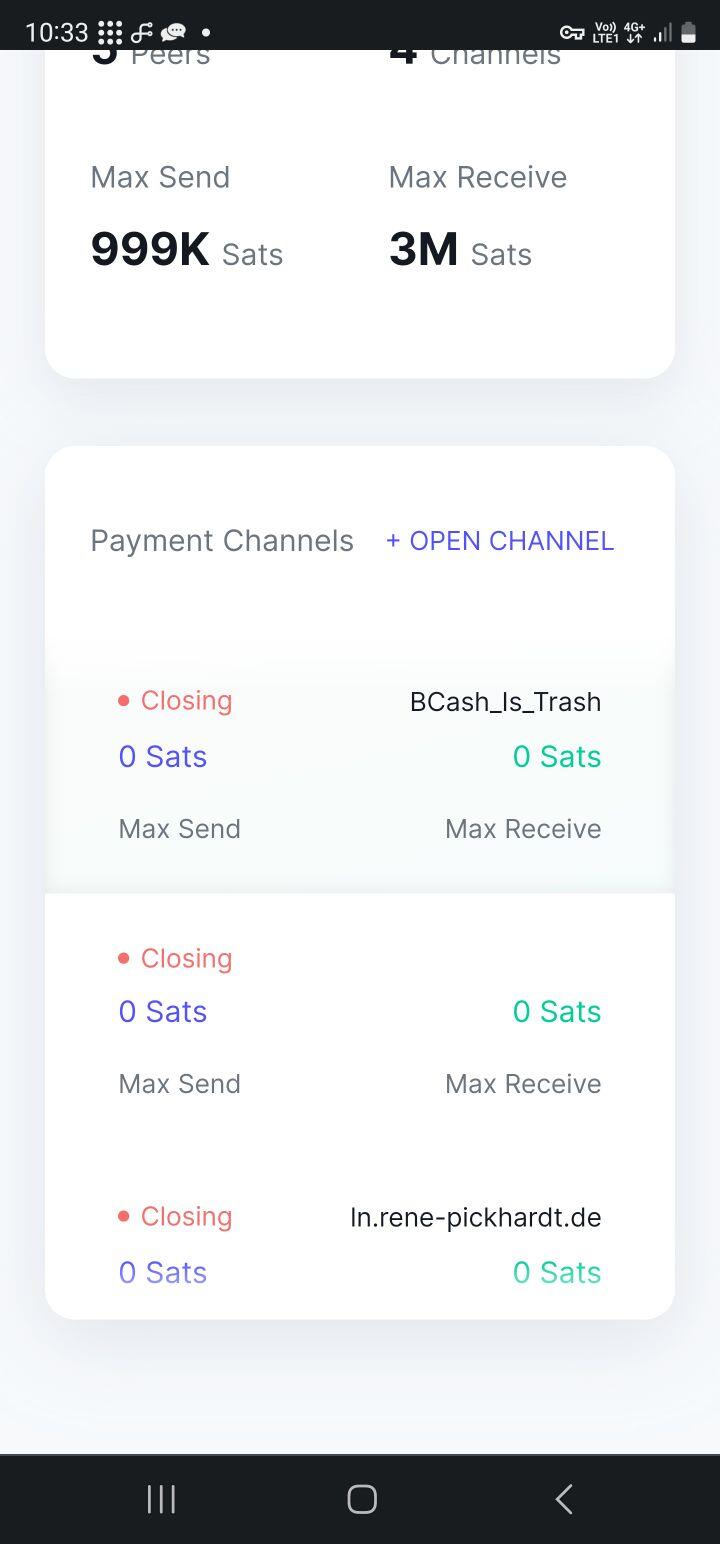

Install and connect Zeus LN wallet to your node and go to the channels (from Zeus) and force close with RPF (set higher fee, prefered to be top fee to be sure)
Discussion
The channels where set to close when I reinstalled the umbrel node. The closing channels do not show up in the Zeus wallet
Hello Terminator, finally I got Zeus Working via LIGHTNING NODE CONNECT.
I can see the closing connections and the funding transaction
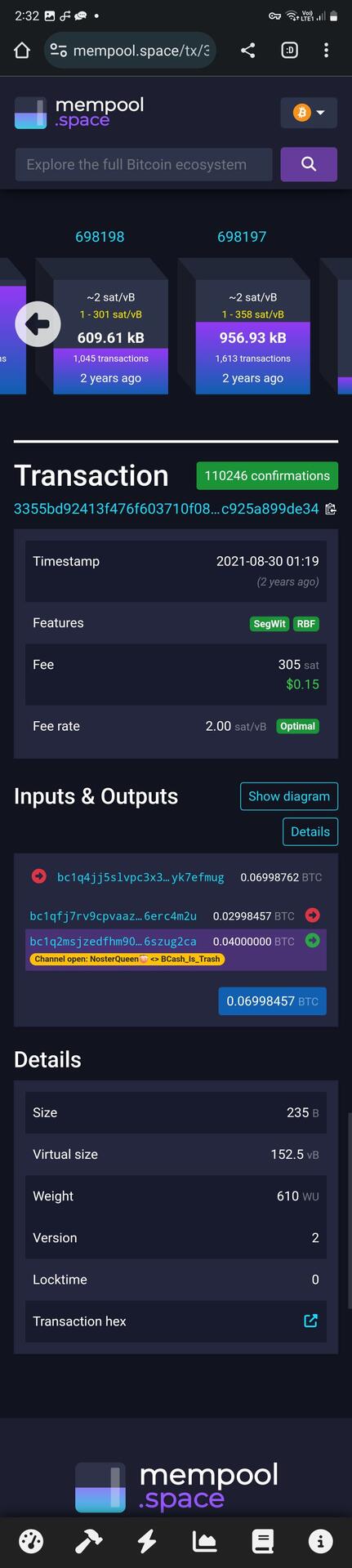
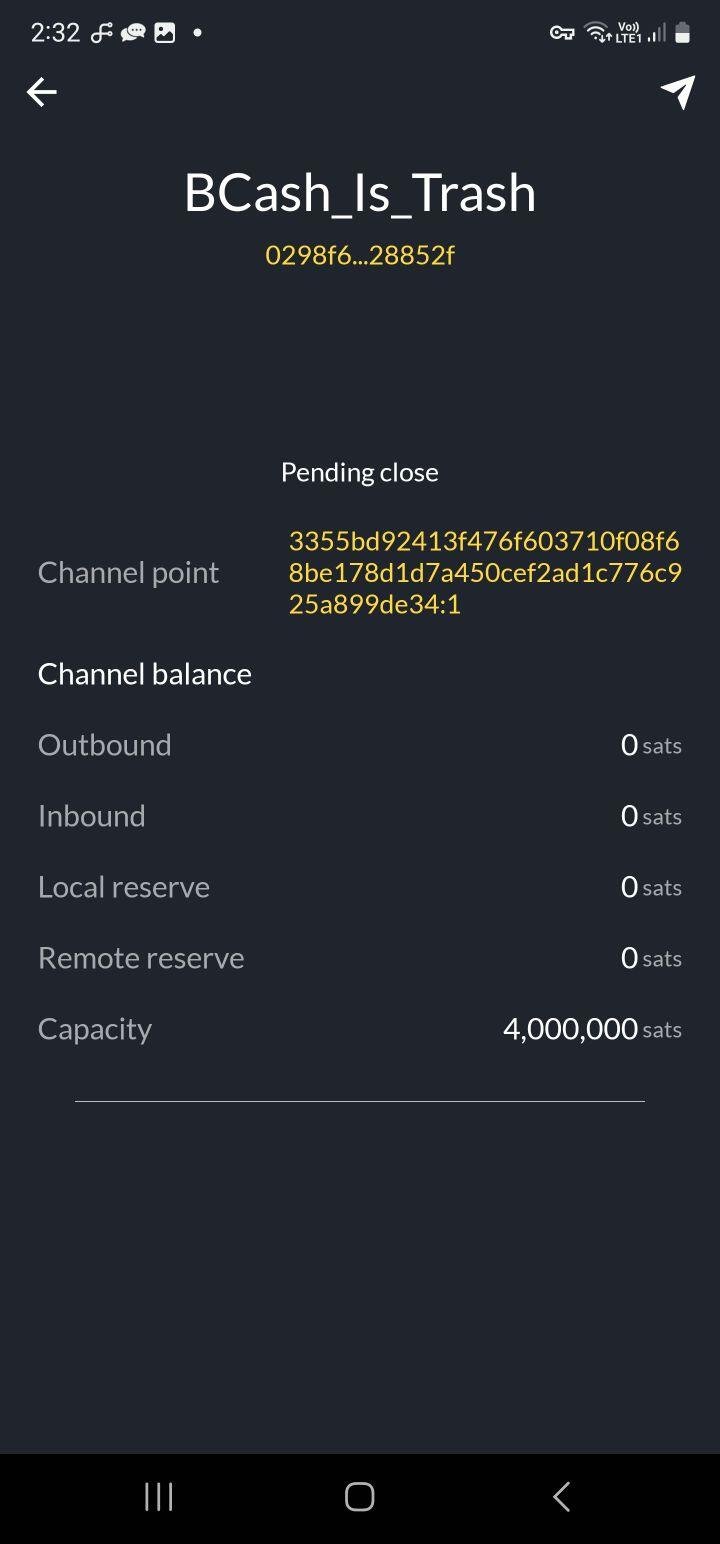

Very nice!
Where can I see any the closing transaction?
It’s in the Activity view.
Go to the Balance view (bottom left corner on the main nav), and press or slide up on the ^ caret on the bottom of the page
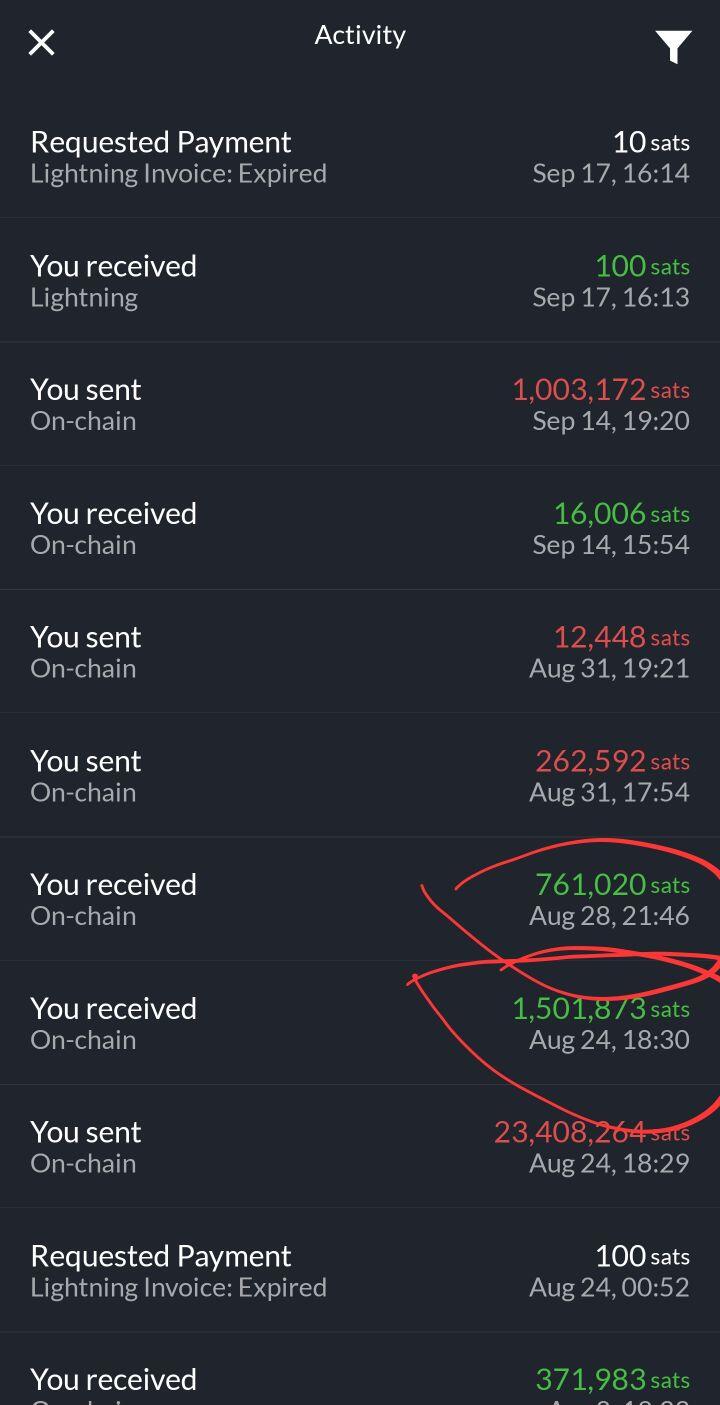
Thanks for helping, but it does not show closing transactions in the ACTIVITY VIEW. It only shows closed and finalized transactions. (Red Marked)
Lets not give up please! I need this money to pay my university bills
Reboot LND and it should do a rebroadcast of those transactions, hopefully. Then you can bump them. Make sure to go high on the fee rate.

Zeus won’t scan my node configuration and it’s not recognizing when I enter everything manually. If I ever get my SATs back I’m done with nodes. Or at least I’m done with umbrel.