
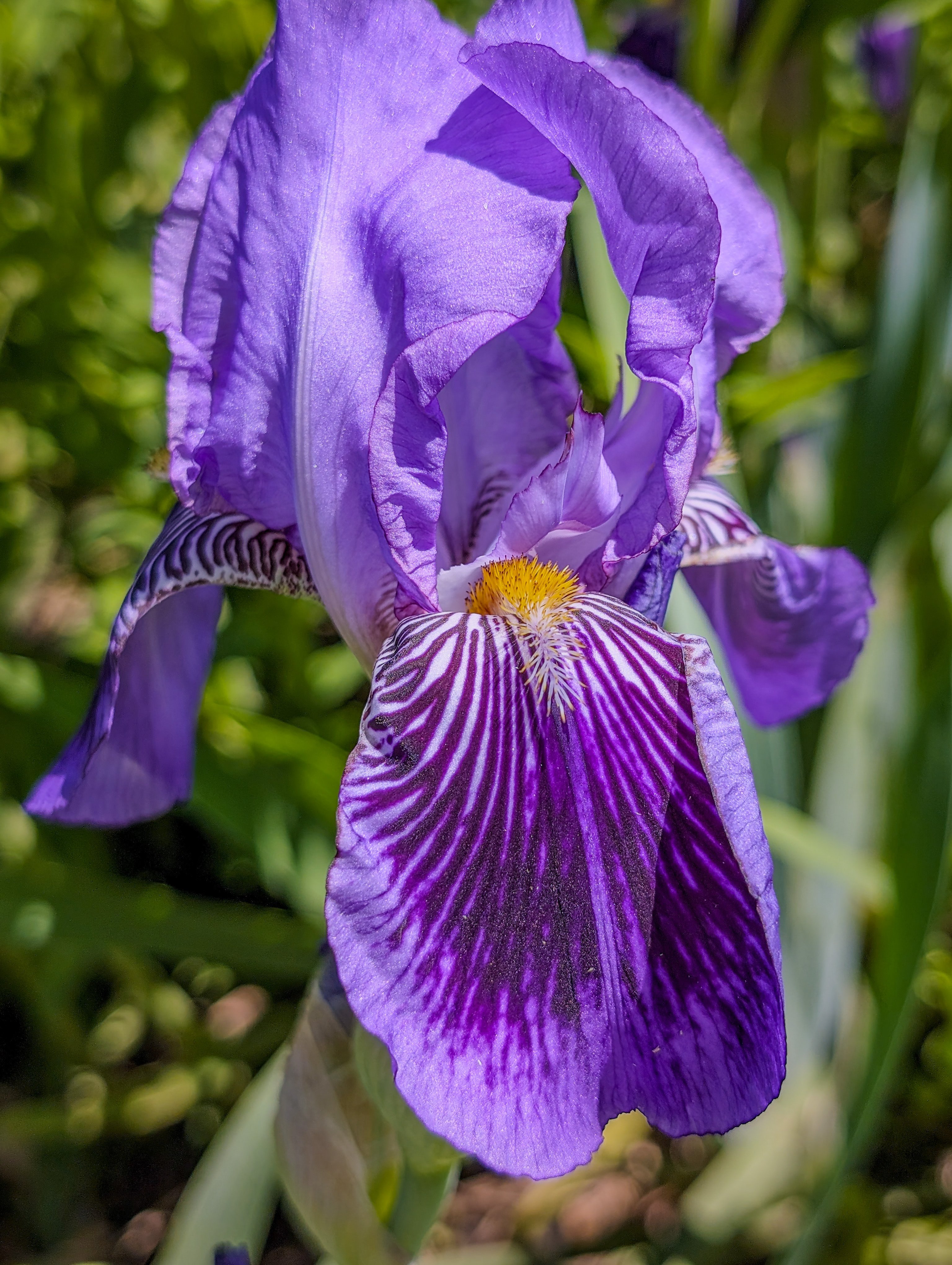
Chrome + Snort = not activating the Macbook's HDR display capabilities.
Above color profile: Display P3.
Color profile here: Adobe RGB.
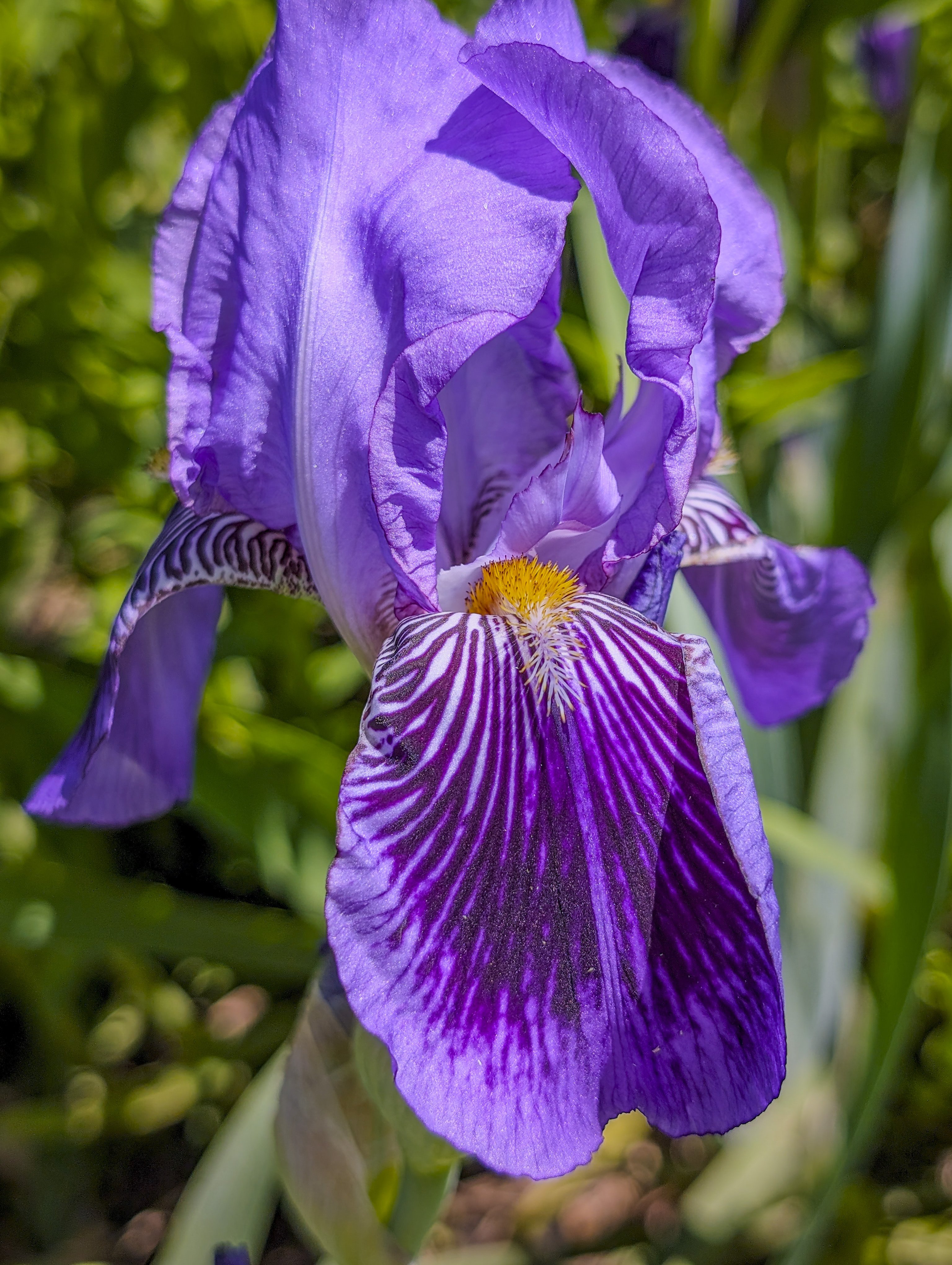
Chrome + Snort = not activating the Macbook's HDR display capabilities.
Above color profile: Display P3.
Color profile here: Adobe RGB.
Slight color tone differences. Display P3 looks more accurate. But still no HDR kicking in on the Macbook's retina display for either color profile.
But Google Photos on Mac Chrome does leverage the display's HDR abilities. So it's not a browser limitation. Must be some html/css metadata thing when presenting the image?