#Android #OPSEC protip:

If you use GrapheneOS, the system level always on #VPN feature is enabled by default if you install a new VPN app.

While there's security reasons for this, it breaks split tunnelling and can cause other unexpected bugs that can be hard to troubleshoot if you don't know what's going on.

If any #GrapheneOS devs are watching this, a notification telling the user this is enabled and a setting to disable this automatic behaviour would be great, especially since the setting to disable always on VPN is buried in menus.

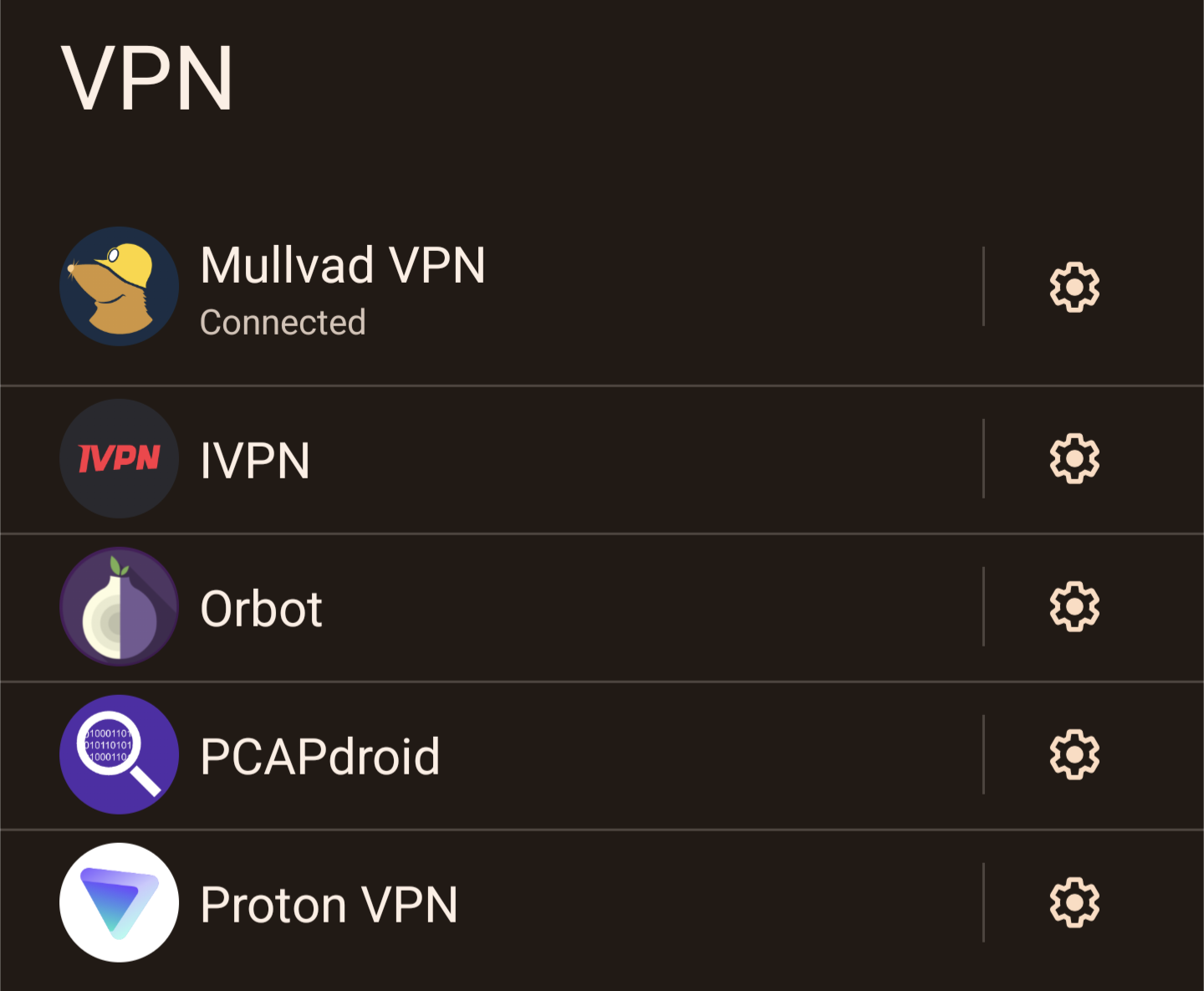
To disable the always on VPN feature for your VPN app on Graphene open the network settings > VPN then hit the gear icon and disable always on VPN.

Reply to this note

Please Login to reply.

Discussion

yup. graphene settings default for privacy. you're getting the hang of it. #grapheneos has great documentation. highly recommended reading

I know. I've used Graphene ever since it was Copperhead.

I do think this particular feature could be implemented in a way that is easier to troubleshoot if you are a privacy conscious user who needs some flexibility from split tunnelling and so on.

There is not even a notification to let the user know always on is the default behaviour. I think a notification with the option to disable it if it's not needed would be a good addition to the UX.

Can you raise this as an issue on the issue tracker if you haven't already done so?

https://github.com/GrapheneOS/os-issue-tracker/issues