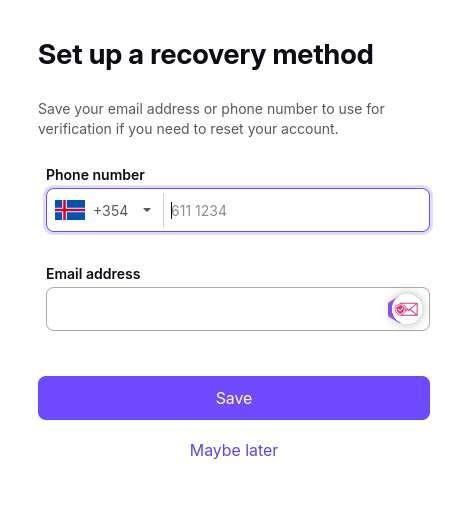
Unfortunately tuta and proton as you well stated will ask you for another email to verify you are human, fighting bots...

You have an alternative if you are familiar with Telegram bots

In Telegram, search and join: @fakemailbot

Create your own one and use it to verify your tuta anon email account, or if just one use, use the bot only

Hope this helps
Reply to this note

Please Login to reply.

Discussion

The other email is optional, you can just skip it.

Have you tried recently? Won't let you create an account, at least that was my recent experience on both services

This is from 5 mins ago

Did you click on maybe later? It is great they added that if it really works, I will try again and create a new account.

Few months ago was helping a friend setup an account, impossible without mobile or email verification. I reach out to Proton and they stated it was for security to avoid spam and that they did not keep that information... sure... tried tuta, the same... so had to use a disposable email to continue

Yes I did, the next step asks for confirmation, are you sure, confirm/cancel. Confirm is selected by default. Clicking confirm creates the account.

I'll try and let you know, on the road, can't right now, will do that with my PC