

Just copying the emoji without the spaces before and after (although it doesn’t let me copy the spaces either way),
this is what I got:
VhY1ghAzif2j1DMkiWvbkFFthKGViLbPnWQ73HNwDVgqoXli5a
Just copying the emoji without the spaces before and after (although it doesn’t let me copy the spaces either way),
this is what I got:
VhY1ghAzif2j1DMkiWvbkFFthKGViLbPnWQ73HNwDVgqoXli5a
Which app are you using? I just tested “copy post text” in Nostur and Damus and it works.
Primal! Do you think the app is the issue?
Just tried in Primal and it worked. Copy note text, switched over to the PWA, pasted in Receive > Ecash, and the cashuB token appeared.
Let’s try that first screenshot again. 😄 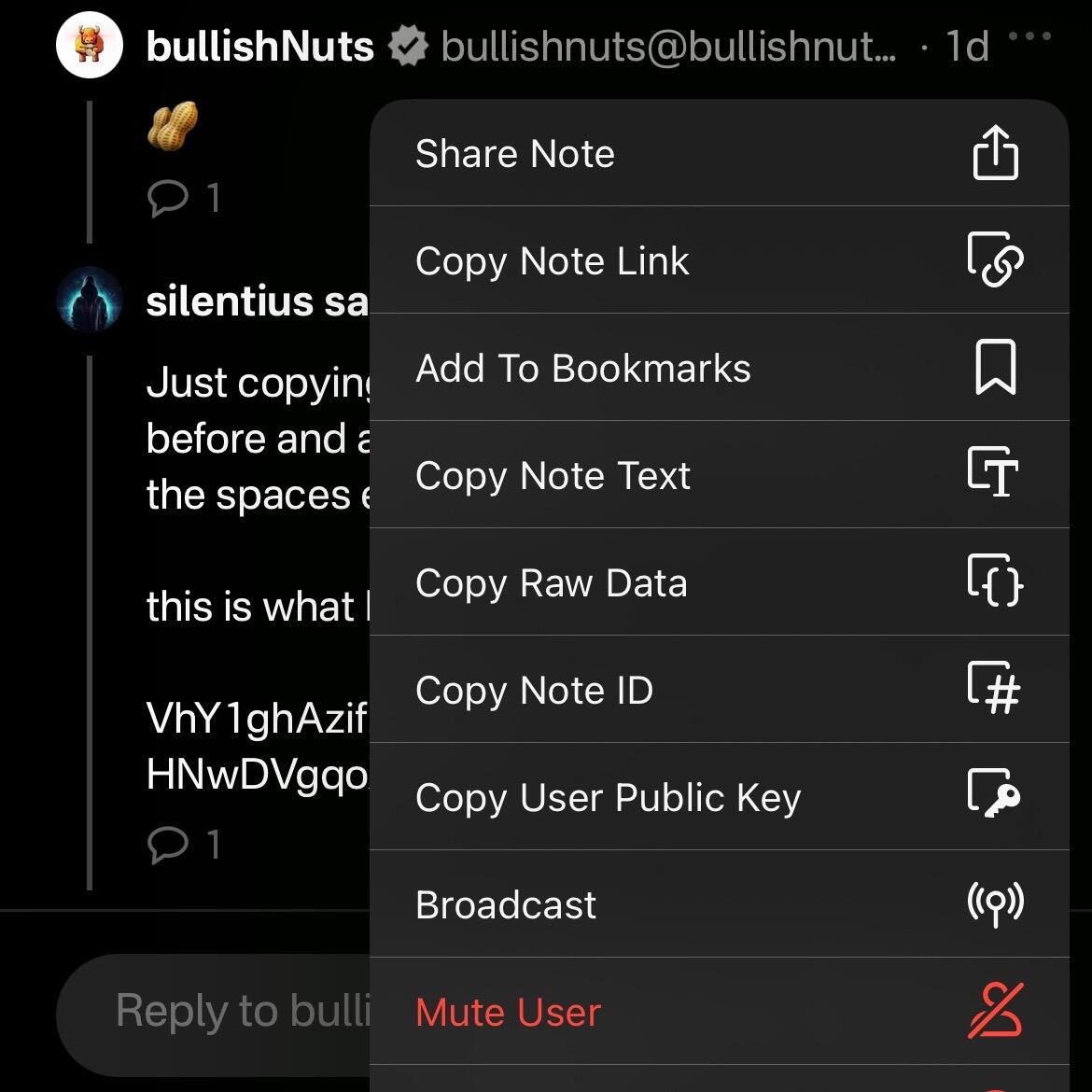
I did it your way and it works!! (First 3 images)
So I figured out the issue (on my part), I wasn’t pressing the “copy note text”. My mistake was literally copying the text with the highlight tool and copying it from there which gives me a chopped up version of the script (as seen in last three images)


Nice! Next time, you can paste the emoji straight into my PWA to eliminate a couple of steps. If copied correctly, it’ll automatically decode it and display the cashu token.
Wow! I didn’t know your PWA can be used as a decoding tool too! I erased the other ones and kept yours instead.
Thanks for enlightening me, sir 🫡
You’re welcome! Did you check the nut in the zap? 👀
Are you kidding me!? We can do that too!? You can zap people a hidden message within a zap!!?
Geez this is LITERAL MAGIC
Dude… My mind is freakin blown…

Any idea why I can’t nutzap ya back?

Not sure. I’m using an nostr:npub1s4m06xdlu6fuhfhs4m3nhpp8xdpsdprwccdktckkzusfu8qzzprqnfpz6a address, maybe it’s a temp issue.
It’s showing that I did, but I can’t confirm since I don’t see the nutzap on this note
