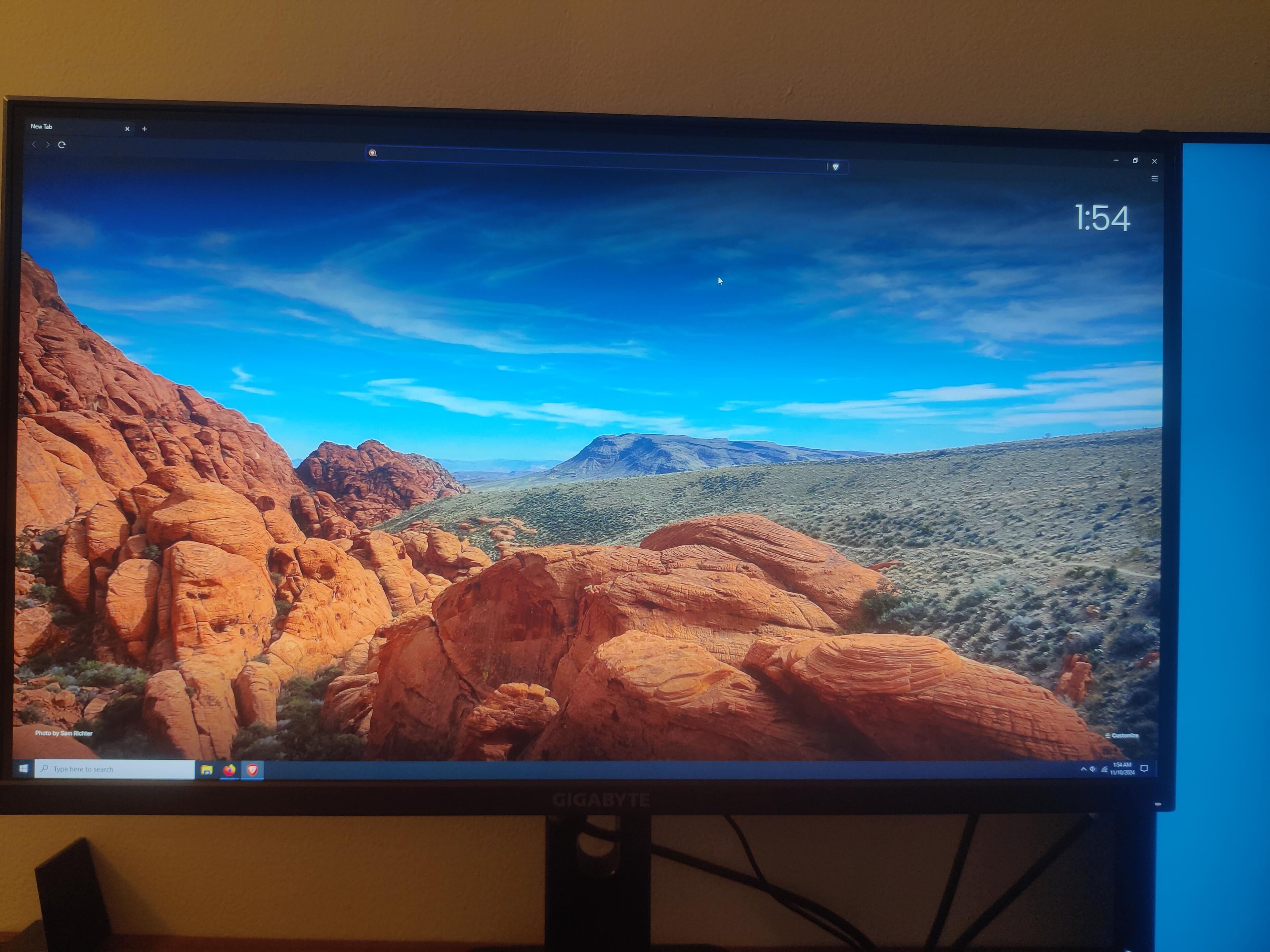
Get rid of everything in the top bar:
Show bookmarks > never
Hide brave rewards
Hide sidebar icon
Hide brave wallet
Hide Leo AI
Hide VPN
On the new tab page:
Background images > show sponsored images > off
Hide brave stats
Hide brave rewards
Hide talk
Hide search
Hide top sites (if you want, I don't do this)
Show clock
Click news > no thanks
Settings:
Get started > on startup > new tab page
Appearance >
Dark mode,
Toolbar > Everything > off,
Show autocomplete suggestions >
quick commands > off
Leo AI > off
Always show full URL > off (optional)
Tabs >
Show tab search button > off
Tab hover mode > tooltip
Show mem usage > off
Inactive tabs appearance > off
Show sidebar > never
Content > speedreader > on (optional)
Shields >
Show the number > off
Allow Facebook logins > off
Privacy/Security > use secure DNS > off (if you use a VPN)
Leo >
Show Leo icon > off
Leo in context menu > off
Bring your own model seems interesting but I haven't tried it yet.
Search engine >
Web discovery data collection > off
I like brave search but you can change if you want.
Manage search engine >
You can change or add search engines and using them by typing the prefix + space in the address bar. This is so great that I wouldn't use any browser without it. I like changing shortcuts to use dot Instead of colon. Add YouTube for sure. Being able to type just .yt
Extensions >
You can add ublock origin manifest V2 even after Google removes it from the store from here.
Language >
Add any additional languages you know. There's a translate icon on any site to translate it if its not listed here.
System >
Continue running bg apps > off
When you do all of these it simultaneously becomes the and most minimalist and most efficient browser out of everything I've tried. Its only missing the right click gestures of Opera but I haven't seen any other browser with that feature and opera is garbage in other ways.
If you do the stuff I said it will look like this: