

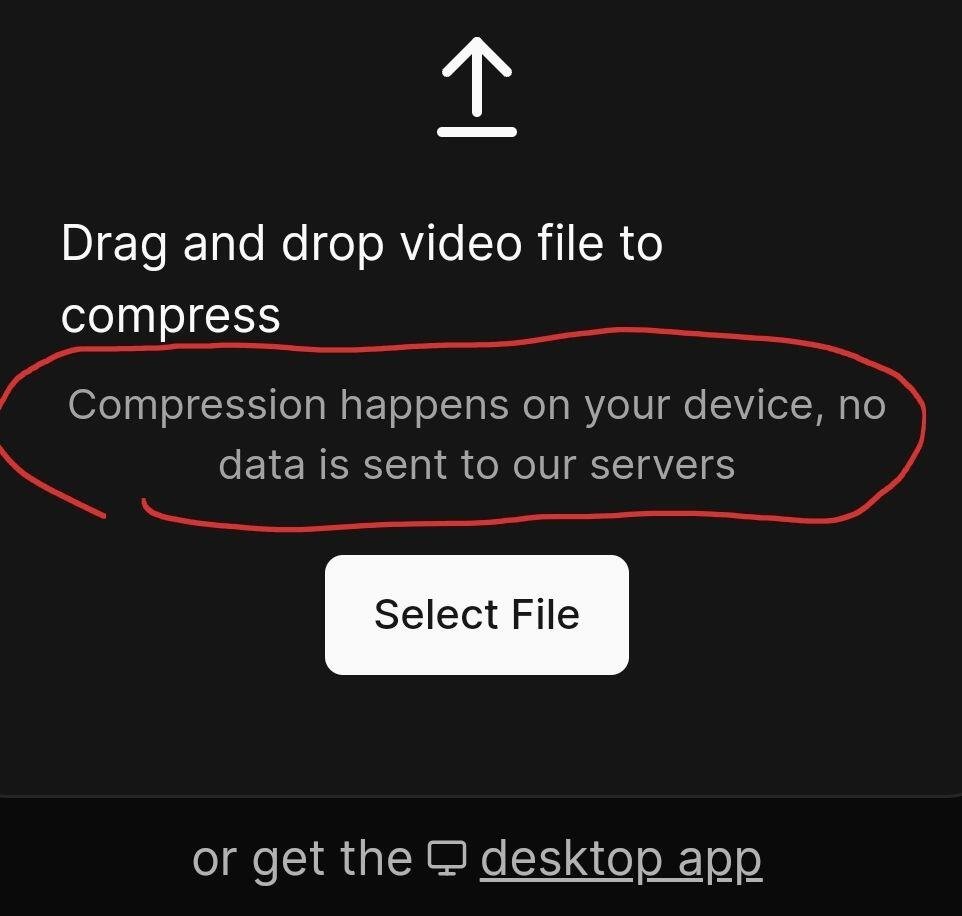
Nice tool, but i am confused:
Pro Tip: Always consider compressing your videos before uploading them to Nostr.
This can significantly reduce the load on CDN providers, faster video loading for everyone, with minimal impact on quality.
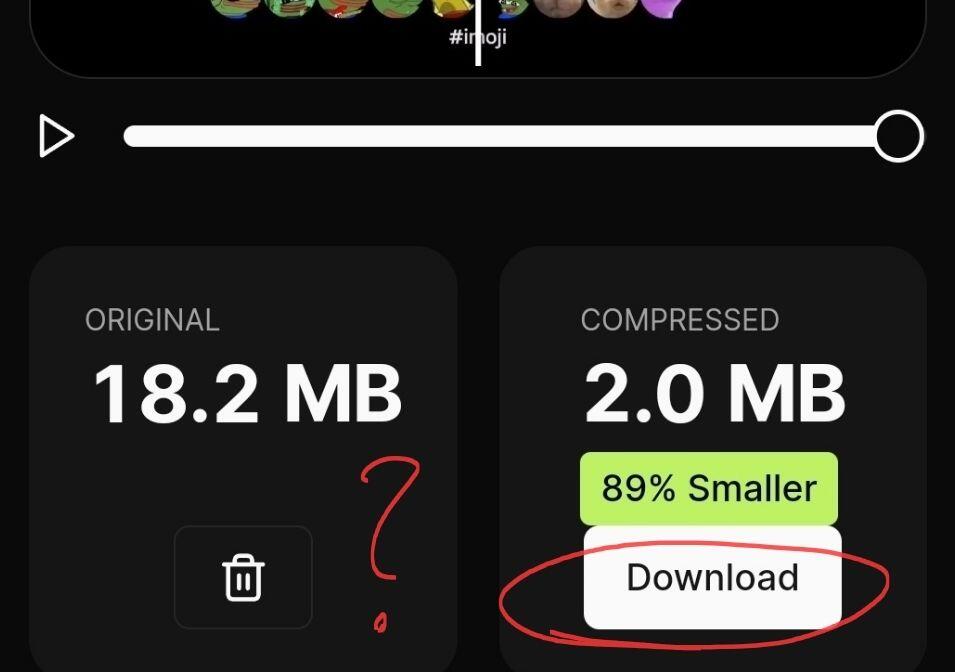
It's free and takes few seconds, upto 90% size reduction.
Compression tool:
https://tools.rotato.app/compress

Nice tool, but i am confused:
It uses ffmpeg open source library.
FFmpeg compresses videos by:
* Choosing a codec: This determines how the video is encoded (e.g., H.264, HEVC).
* Reducing resolution: Making the video smaller (e.g., from 1080p to 720p).
* Lowering frame rate: Showing fewer frames per second.
* Adjusting bitrate: Controlling the amount of data used per second.
* Using keyframes: Storing complete frames less often.
* Quantizing colors: Reducing the number of colors in each pixel.
* Analyzing motion: Finding and removing repeated information.
By combining these techniques, FFmpeg can make videos smaller while maintaining good quality.
I think the confusion came from the button labelled, "download." why is it labelled that way when the file isn't coming from the cloud?
