
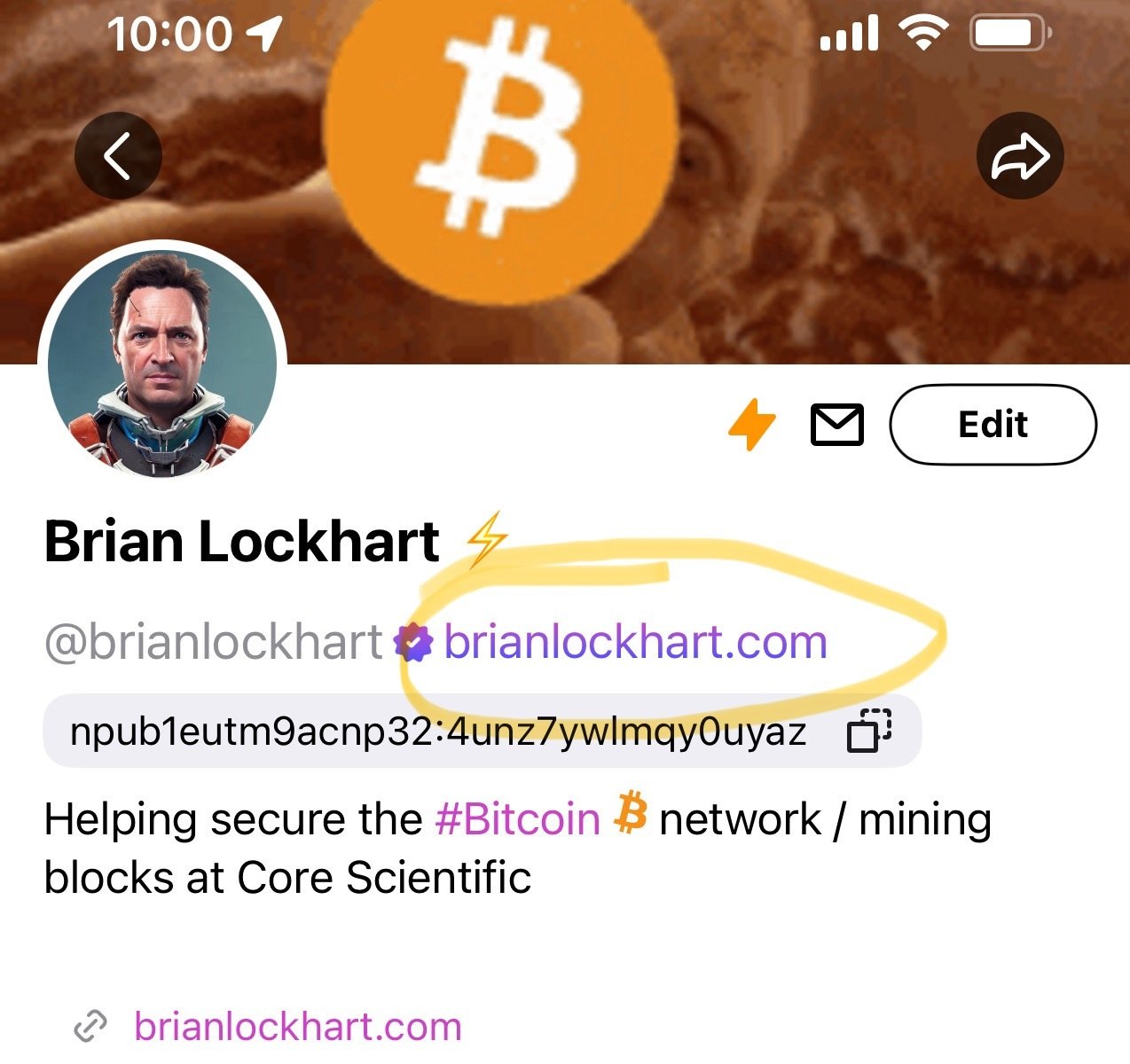
Nice šŸ‘Œ

When I started out on the self-hosted NIP05 journey, I had trouble because I wasn’t techie enough. If anyone is having trouble hopefully this helps:

.well-known/nostr.json is a file (nostr.json) containing the code in the guide

This nostr.json file goes in a folder named .well-known, which in turn goes in the public_html folder you will find on your website’s file manager (either through your host or on Wordpress directly using a plugin, if you’re using Wordpress)

Maybe this is obvious but it took me a while to figure out šŸ˜‚

Reply to this note

Please Login to reply.

Discussion

Why do i need it? Hq.

You don’t ā€œneedā€ to be verified, it’s just nice to be able to prove you’re a real account vs one controlled by an impersonator, bot, etc.

Ok. Got that. Why doesn't do PGP the job?

This is a Nostr specific verification and will show in clients

As with nearly all things PGP, nobody bothers to use it. Plus, PGP verification isn’t part of any nostr account verification mechanism I’m aware of? See the NIP05 link I posted, good jumping off point to learn more about the protocol.

To be clear, my comment refers to NIP5 and not PGP. I’ve never used PGP and just barely know what it is šŸ˜…

I’m pretty sure it has no Nostr relevance

But "nobody bothers to use it" is NOT true imo.

This is also why self hosting the NIP5 is important if you’re a public figure. If you have a website that people know is in your control, then it makes sense to use it for your Nostr address

But no, it’s not ā€œneededā€ per se

I just did it as a learning exercise