

You need to turn on wallet selector
Discussion
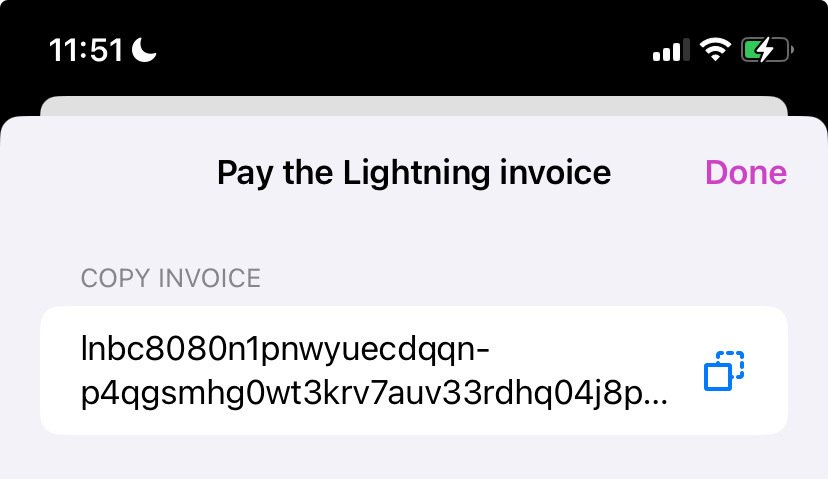
Then you can copy the zap invoice from the wallet selector
So when she taps the ⚡️ under a note, how does she get to an invoice?
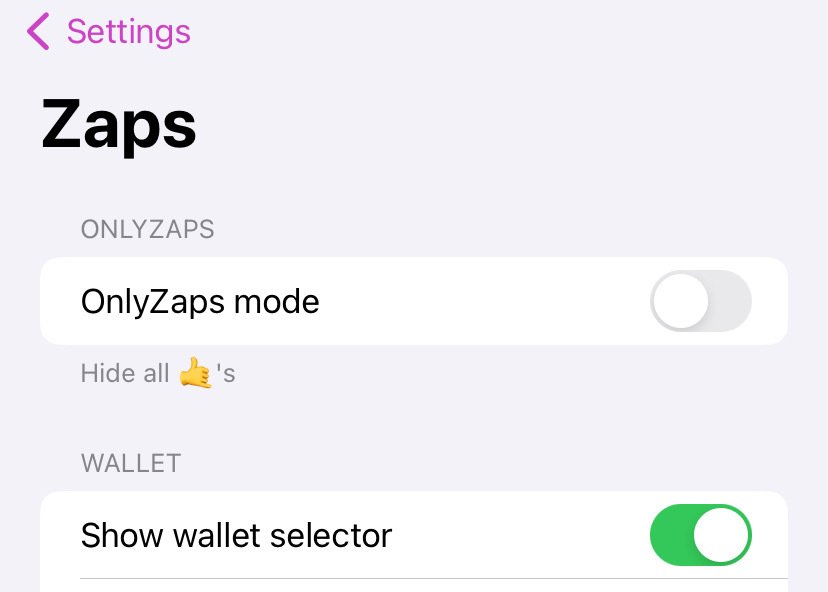
Mm did all that and it’s still showing Blue Wallet as default.
We are trying with Phoenix now
It doesn’t change your default wallet. You need to copy the invoice and then manually open coinos and pay the invoice.
Mm we still never saw an invoice show anywhere.
Since she still had Phoenix on her phone we selected that as the default wallet and she was able to zap from Phoenix 👍
She receives zaps to her Coinos wallet since she has her Coinos ln address in the Nostr address field 👍

In Phoenix, did you find the address that has the email format? I can’t find it.
No I don’t think Phoenix has LNURLs (Lightning address that looks like an email address).
In the end I had my friend set up nostr:npub1h2qfjpnxau9k7ja9qkf50043xfpfy8j5v60xsqryef64y44puwnq28w8ch and she entered her LNURL in the Bitcoin Tips field in nostr:npub18m76awca3y37hkvuneavuw6pjj4525fw90necxmadrvjg0sdy6qsngq955 profile Settings.
Then since she still has Phoenix wallet, she selected it as the wallet in her Zaps settings to zap out of.