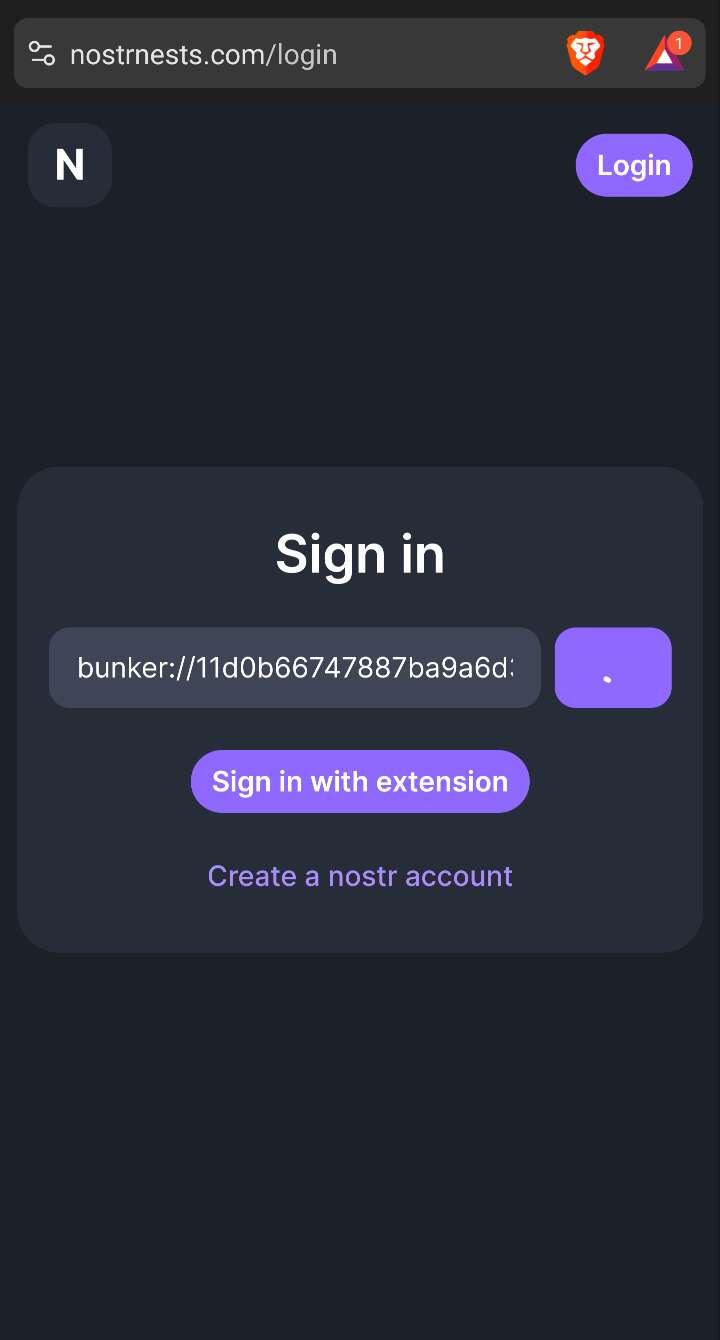
confused on how to login using Amber, is there more info on this?
NOSTR NESTS GETS NSEC LOGIN AND NSECBUNKER SUPPORT!
Your prayers have been answered. It's now much, much easier to login to nostr:nprofile1qqswgz7v8cffy8kzxtlxv55w9wjatn2wq6ywf0aqswjgd2tlm2kuatcnx2e63 thanks to the latest update that just went live. You can now login with your NSEC and login with NIP-46 nsecBunkers! That's right, you can login and use Nests with Amber, NAK, or your very own nsecBunker! You can also create brand new Nostr accounts and take your NSEC with you across Nostr if Nests is your very first time using Nostr. Several UI enhancements have also been added.
Thanks nostr:nprofile1qqsx8lnrrrw9skpulctgzruxm5y7rzlaw64tcf9qpqww9pt0xvzsfmgrefsyl for all of your hard work on this.
Please give it a try and let me know if you have any issues.
Discussion
You need to add a new app. Then get the connection strong. Bunker:// and paste that into the Nests login box. Then authorize all permissions on Amber.
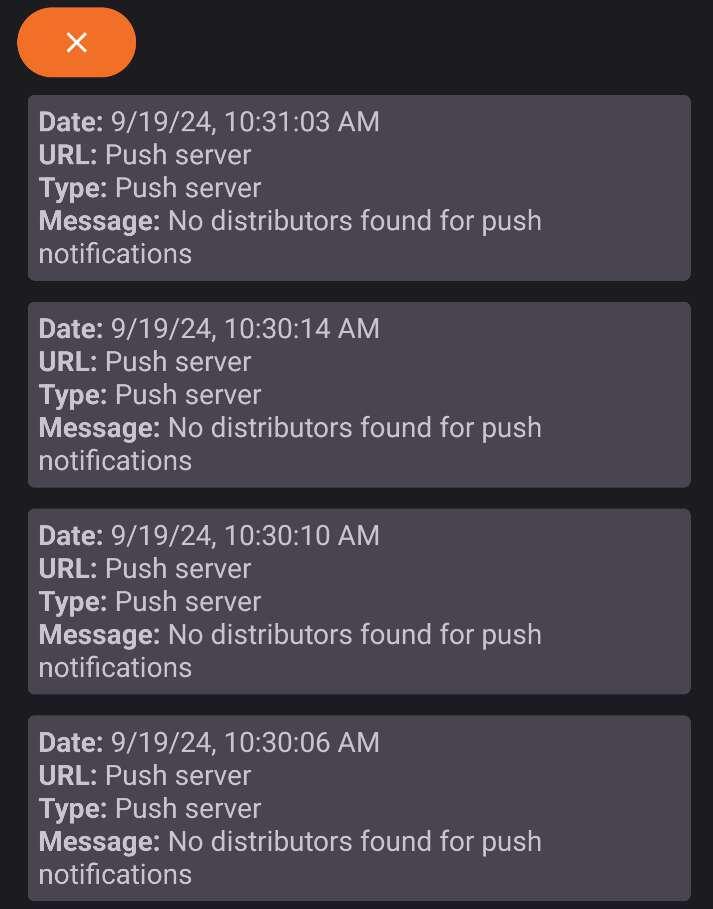
Thanks for the reply, it seems to WANT to connect, but it just spins and spins. Just updated to latest Amber as well.