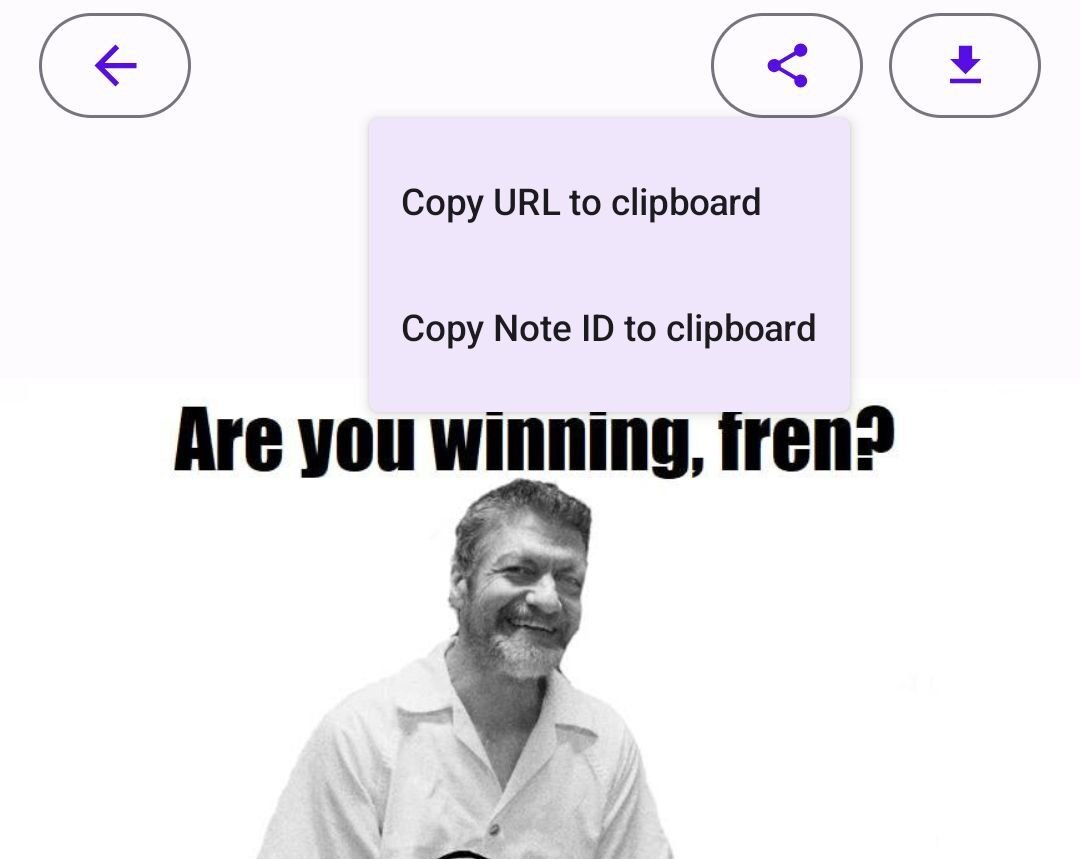

Tap on an image, tap the shade button, tap add to gallery.
Discussion
Thx Derek but more questions poppin up... what is the 'shade' button?
There are only two available buttons, share and download, in amethyst when tapping an image.
Typo.
Share button.
Sorry.
I thought so and tried it.
But there is no option to add an image to a gallery. I am on the newest amethyst from fdroid.
Am I missing something obvious?
You can't directly add. You have to add via the share button.
I understood that. But the share button of an already posted image gives only two options.
None of them can add an image to a gallery here in my amethyst.
If I upload an image there is no option for a gallery too. 🤷♂️

Then the fdroid version isn't updated yet. 🥲
Which is an explanation. Same goes for the zap-store version. 🙄
0.89.2 is the most recent version
https://github.com/vitorpamplona/amethyst/releases/tag/v0.89.2
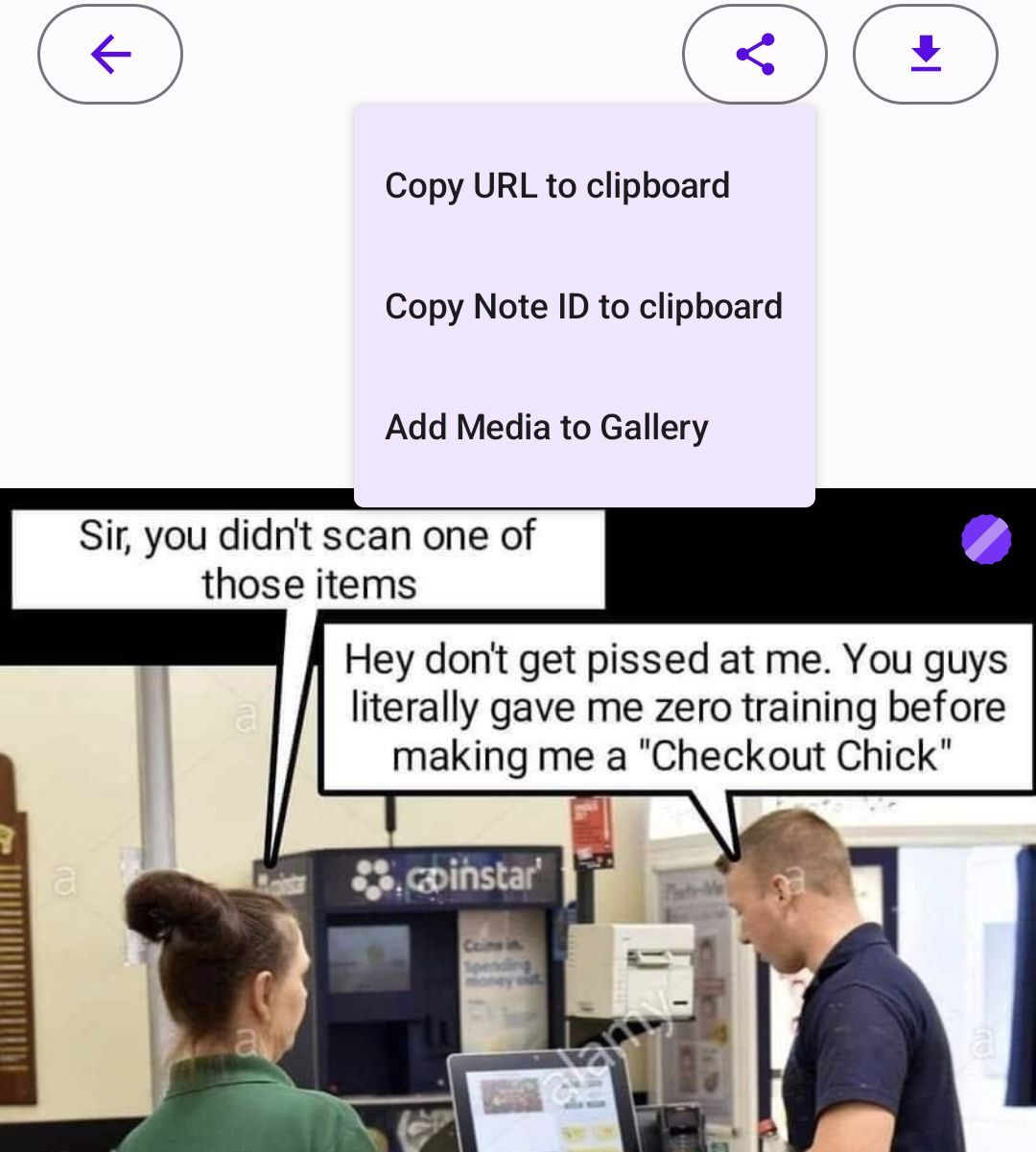
This is what the share-button on amethyst shows here when tapped after tapping an image.