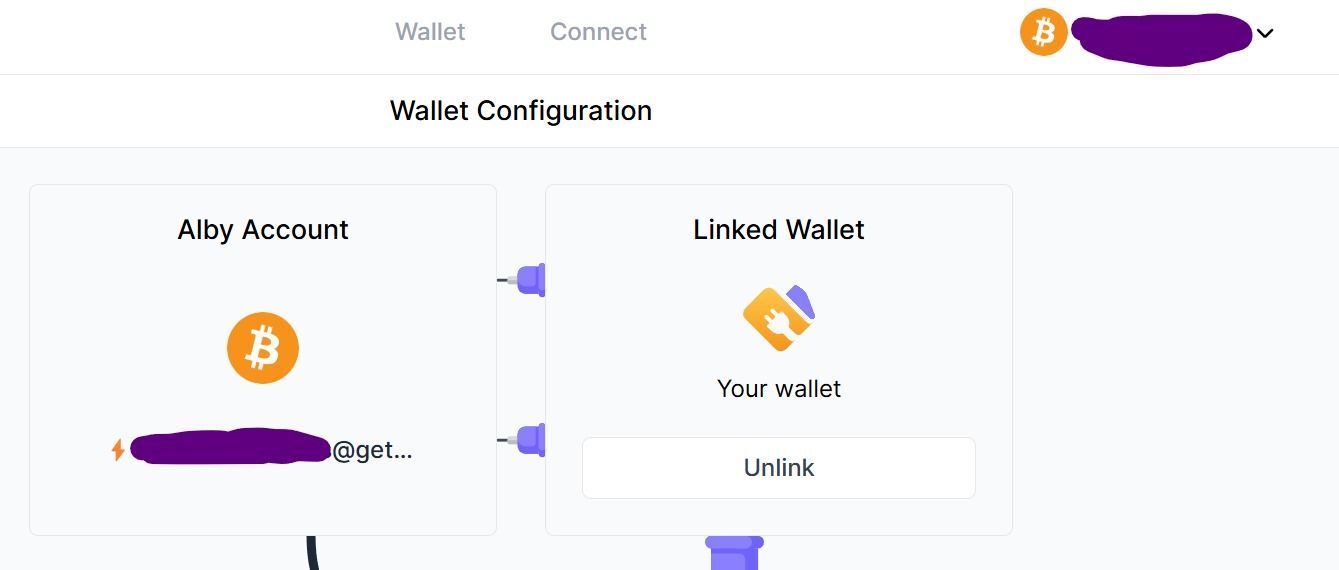
Finally biting the bullet and switching to alby hub.

I'm opting to use desktop option and have opened a channel.

But I'm running into am issue getting my alby account linked to my alby hub.

It's weird... on alby hub it shows my account. But if I click link, it says cannot connect and asks if I've already linked to another hub. I'm certain I haven't But how do I even check?

When I go to my account on browser, I go to the NWC connect option and paste the code from alby hub but that isn't working properly either. I get a timeout message.

Help #plegbchain #asknostr !!!

Reply to this note

Please Login to reply.

Discussion

Hmm when I ran into this issue, I unlinked whatever was linked on getalby.com. Then I re-linked from the Alby Hub dashboard.

A new window/tab should pop up with an authorization code that you paste into Alby Hub.

I'll try it again but as I recall earlier I did a similar thing where I linked it from the hub dashboard, got the code, pasted it into the web interface. On the hub, it said connected successfully almost immediately. But on the web interface it eventually timed out.

Are there certain firewall or white-list settings I need to set up?

Not that I know of. I see you’ve got nostr:npub1xv8mzscll8vvy5rsdw7dcqtd2j268a6yupr6gzqh86f2ulhy9kkqmclk3x helping out now. You’re in good hands. πŸ€™

what version do you have? and what system are you on?

that indicates a networking issue and that your hub is not answering

Just downloaded it, v1.12.0. It's running on desktop, windows 11. Internet is functioning fine. I tried rebooting the system but thay didn't fix anything.

I also set up several sub accounts using NWC which linked fine from the alby hub interface. But on the web interface it said couldn't connect. Sent some sats out using web interface and my spending limit on the hub never changed so I don't think it's actually connected.

The hub itself has a channel with plenty of outbound available and 6 of 6 confirms on the channel.

do you use some firewall tool?

Just the regular windows defender firewall on this device. Are there specific ports i need to enable or whatever?

Just went back to check... alby hub is specifically white-list on the firewall

no ports needed.

but it indicates a connection issue with the relay.

https://relay.getalby.com/v1 is accessible for you (empty page)

OK so I noticed my network was set as "public" for some reason. Changed it to "private" and my main account linked up.

Now the issue I'm running into is with sub accounts. Linked up one of them maybe? On Hub, I hit connections and copied the NWC code. Went to getalby to paste it in. Hub immediately gave me a confirmation that connection was successful but the web interface says request timeout.

When I click back to wallet on web interface it's prompting me to finish my setup as if it's not connected. But on Hub, it shows up as expected.

Any ideas?

ok, that sounds awesome and means your hub receives the message from the relay. but it seems the web account does not receive the answer.

did this persist when you tried it again?

which account is this?

Yeah issue persists. I've got several I need to link but the first one is associated with ishbit@protonmail.com

Hub says connection established but web says request timeout

ok, thanks. just to confirm:

the error persists even after:

+ restart of the hub

+ a newly created connection in the hub

+ and the error says "Request timeout. ..." - is there some id in there?

(thanks for debugging)

Confirming all of the above.

I just went and restarted the hub, deleted the connection from albyhub and then created a new connection from the hub. Same behavior - hub says connection successful while web has the below error:

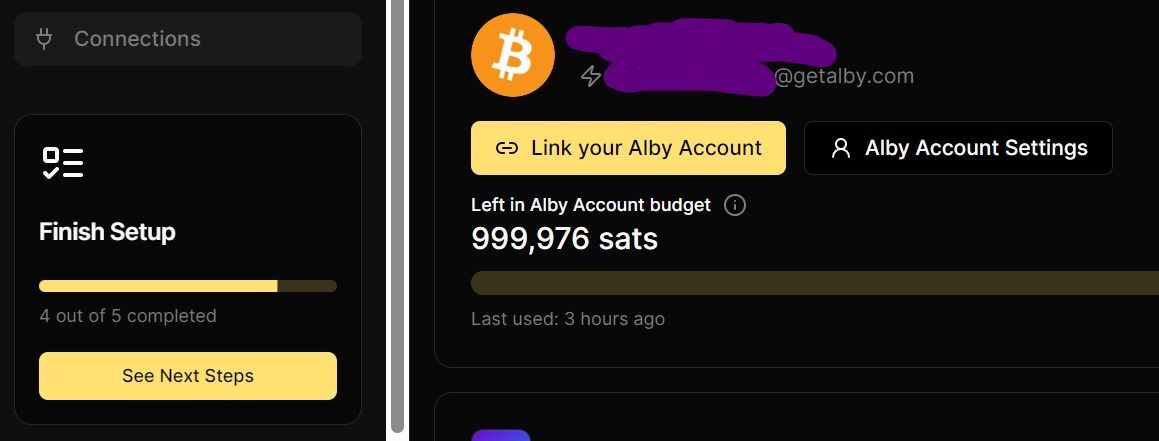
For the primary acct linked to the hub, the hub is still showing me the "finish setup" screen asking me to link my alby account. Web interface shows it's linked.

This seems to now be the opposite issue I had earlier?! The lastest time I initialized the connection I got a success confirmation msg on both ends.

I'm able to send via hub but cannot recieve via the lnaddress.
Error from the sending wallet (wos). Strike says it is not a valid address though I did double check spelling is correct.
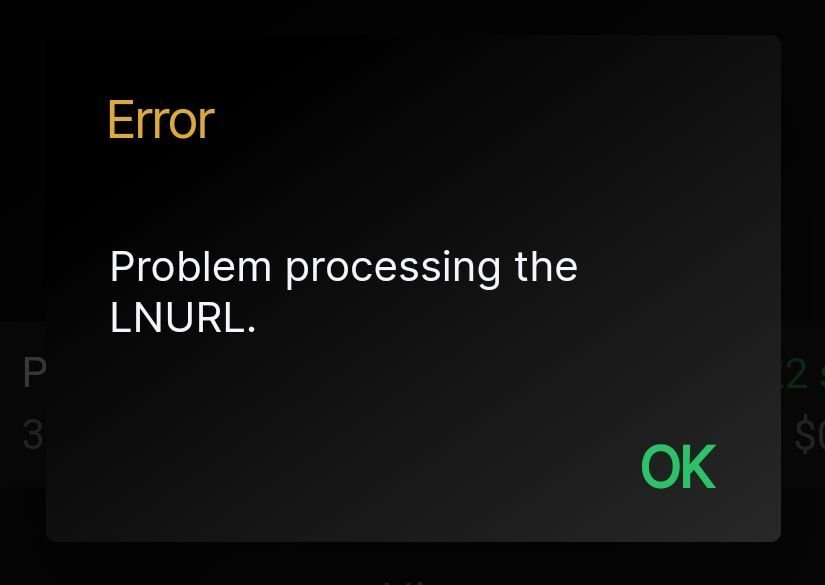
some communication error is still there.

will continue debugging it tomorrow.

would you be up for a screen sharing session maybe?

Yeah for sure. I'm available during the day tmrw. DM me to schedule? If you don't want to use nostr DM I'm on telegram or discord.

we're still debugging this. quick question do other app connections like Alby Go work for you?

I've never tried alby go. Will download and test. Hold pls.

From albygo I was able to send to both strike and wos. But receive did not work from either.

Also FWIW this lnaddress is linked up to some autosplits on several demu tracks via rssblue. I boosted one of the tracks as a test. I see the incoming pmt on the web interface but not the outgoing pmts. On albyhub I see the outgoing pmts but not the incoming and my total doesnt update to account for the incoming.

Screenshot detailing the boost situation

ok, thanks. can you try the linking again? great that you have this error reproducable, thanks for the help.

we made some changes on the web account setup.

Sorry I'm actually away from my desktop until Monday 😢 I'll try the linking when I'm back. I have my laptop though so ill try and link up a new account on there if I have a free moment. Sorry should have gave you a heads up!