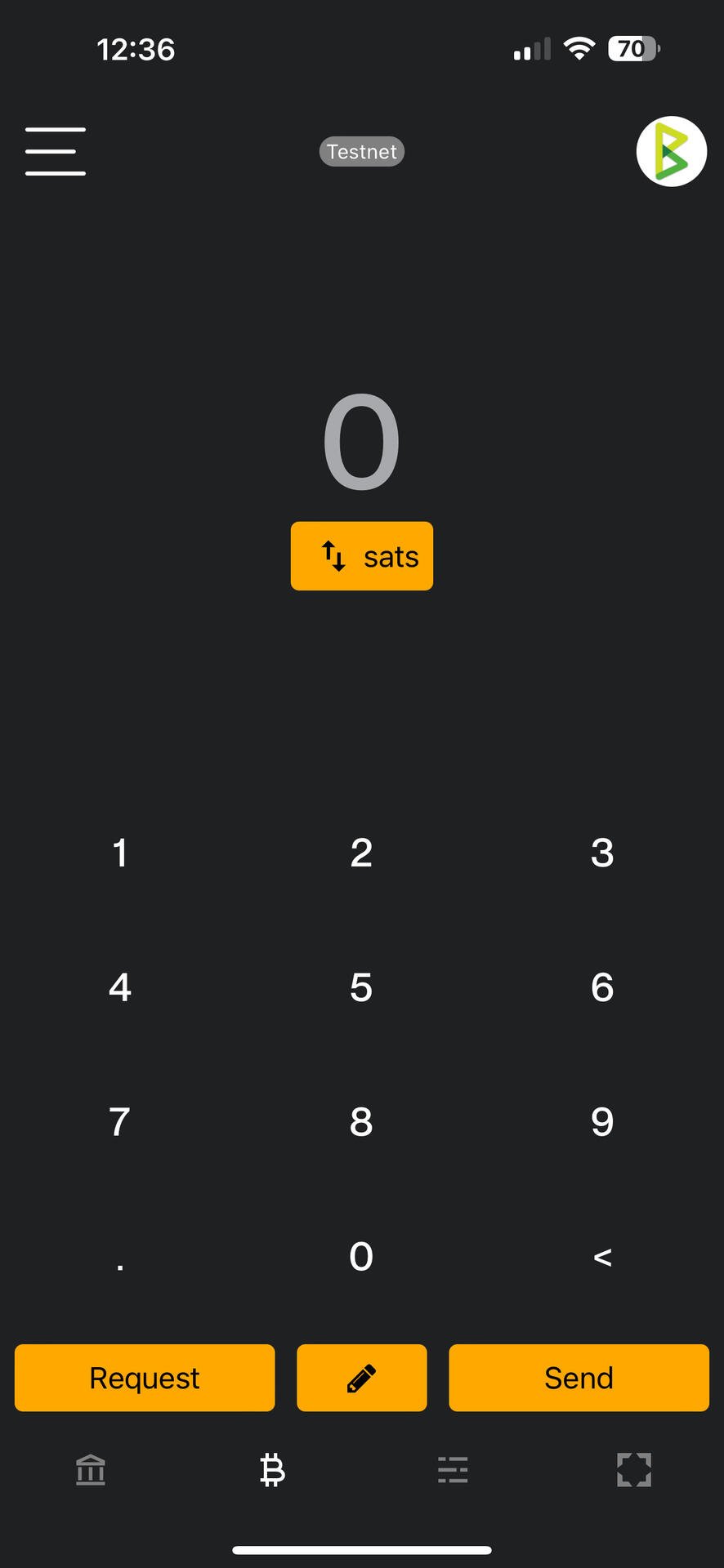
In v0.9.0 we’ve moved the camera button from the top right to the bottom right corner of the main view.
Main reasoning is this will allow payers to more easily scan QRs and make payments one-handed.
It also opens up the UI to have dedicated buttons in the header for going to the main menu and for quick switching wallets.
What does this mean? Specifically the address view part
Please Login to reply.
Settings > Lightning address
Oh so just open that option and it takes care of it? Nothing more I need to do?
Yep
Now if all tech fixes were that simple😂
Thank you much🍻
Cheers