

I have an iPhone so went to Settings—> Accessiblity—> Display & Text size—> Color Filters—> turn on and select grayscale.
Discussion

My phone is on very very very red night filters the whole time. Blue light is the enemy ⚔️


I forget how I did it. But I made my side power button a 3x tap and it goes to grey.
Accessibility - accessibility shortcut - color filters. Turns on the triple click for the power button.
I don’t see the color filter 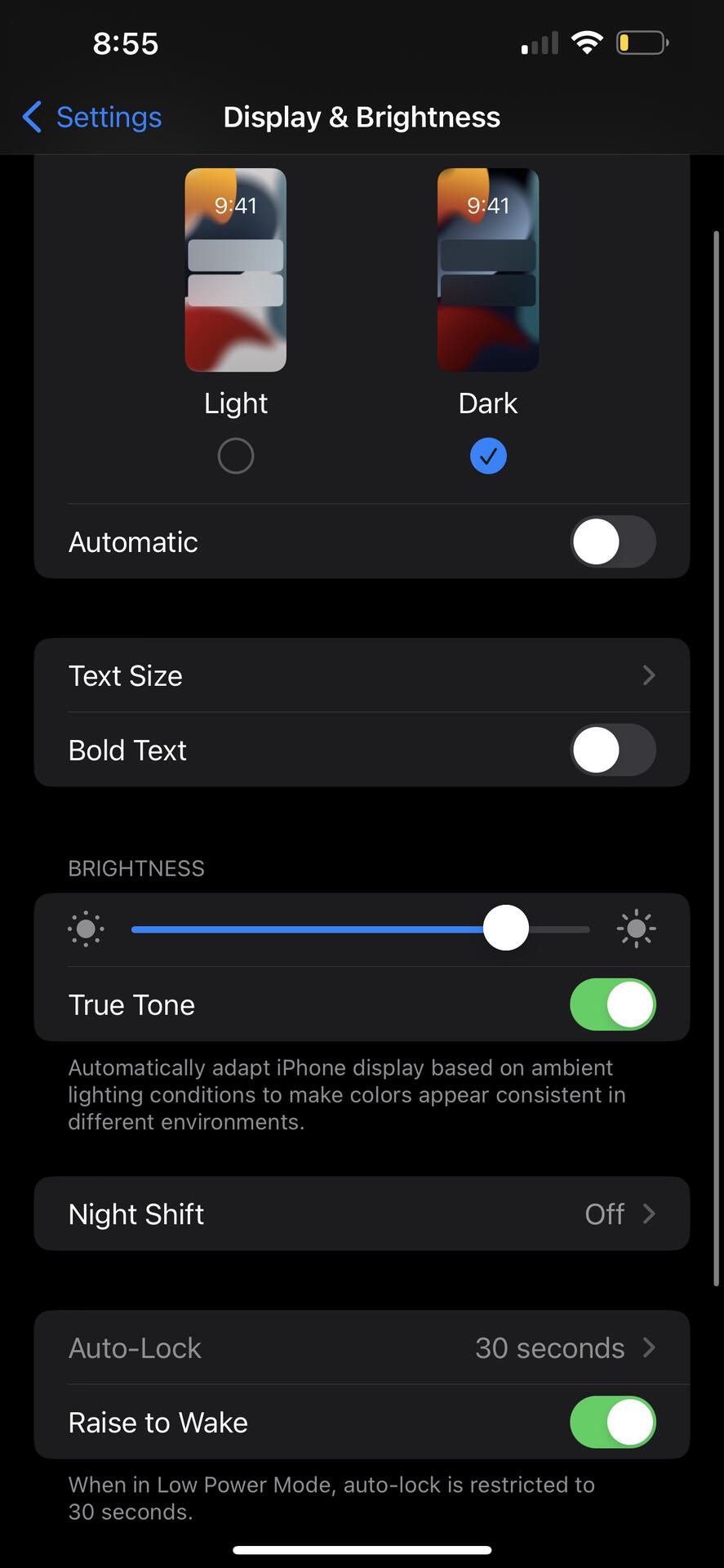
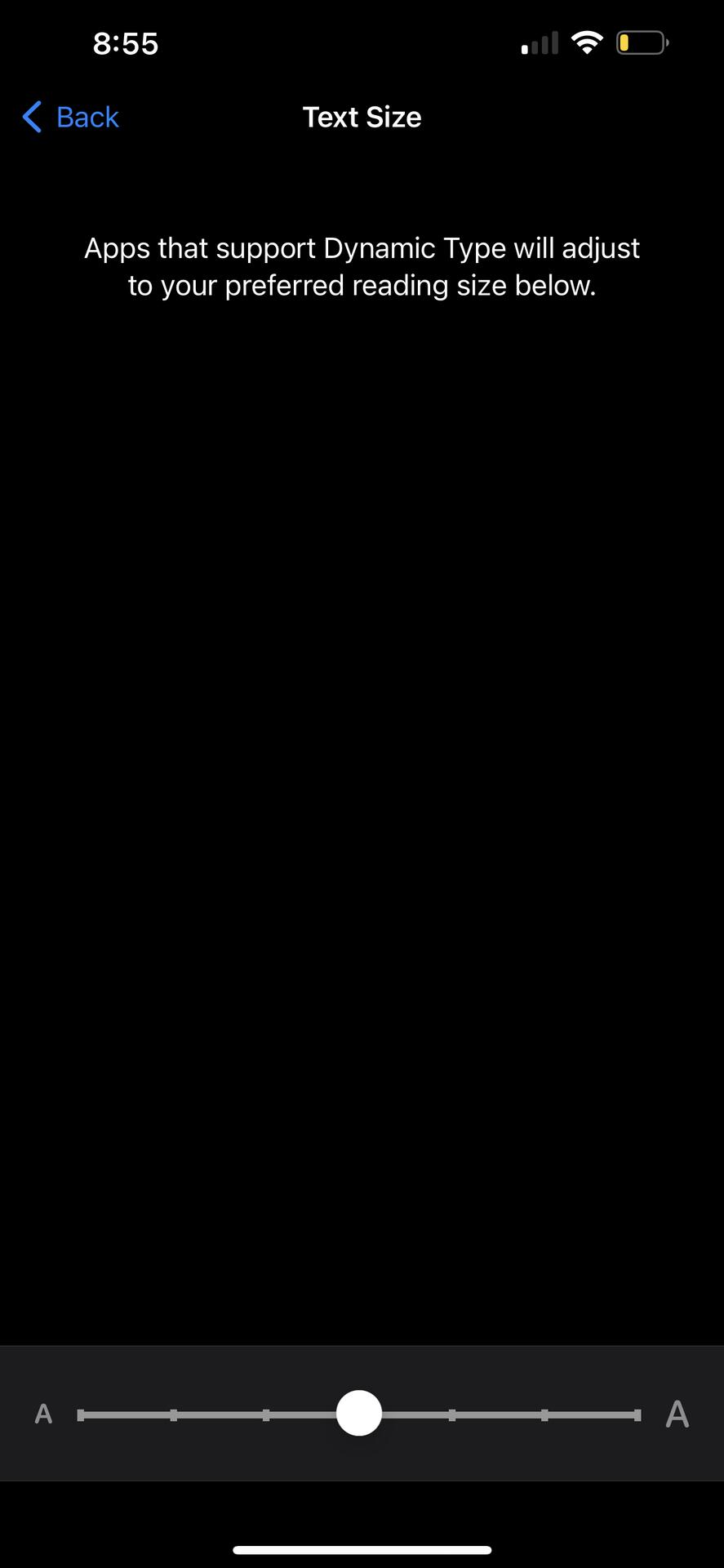
Okay I got it!!!