
Apple's Regular Mac Base RAM Boosts Ended When Tim Cook Took Over
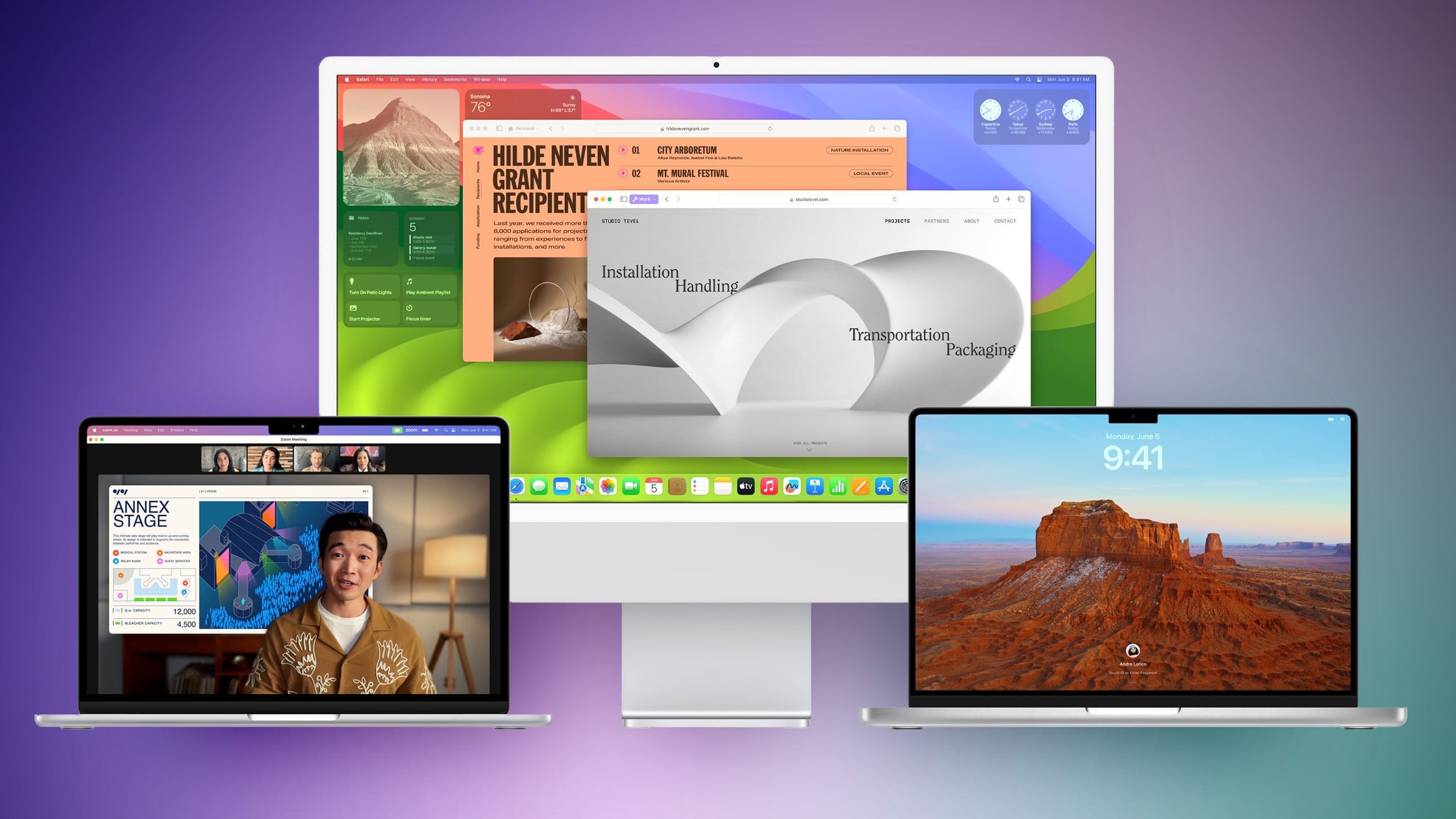
Apple used to regularly increase the base memory of its Macs up until 2011, the same year Tim Cook was appointed CEO, charts posted on Mastodon by David Schaub show.
Earlier this year, Schaub generated two charts: One showing the base memory capacities of Apple's all-in-one Macs from 1984 onwards, and a second depicting Apple's consumer laptop base RAM from 1999 onwards. Both charts were recently resurfaced by the Accidental Tech Podcast.
The graphs show that Apple tended to increase the base memory every two years or so, but that this trend ended when Cook took over the company from Steve Jobs. Memory increased quickly until the Mac Plus was launched in 1986, notes Schaub. "1986 to 1990 were all about decreasing the entry Mac price," he says. "Then we get a pretty straight logarithmic line until Tim Cook became CEO and there has only been a single increase since."
The correlation is interesting, but other variables such as market trends and changes in technology can help to account for the plateau in Cook's era. For example, Stuart McHattie notes that early all-in-one Macs saw a tenfold increase every six years. If that trend had continued from 2006 onwards when the base was 500MB, modern base model Macs would have reached 500GB. Yet today's consumer PC demand for RAM remains around 8GB to 64GB, and very rarely exceeds double digits.
8GB on a Mac is comparable to 16GB on rival systems.
But that does not change the fact that Apple has offered iMac and MacBook Pro models with 8GB of RAM since 2012. Likewise, the MacBook Air has had the same base memory configuration since 2017. In addition, Apple's adoption of unified memory means that Macs cannot have their RAM upgraded after purchase, while Apple continues to pursue a strategy of vastly overcharging customers for higher memory configurations. Users often pay out $200 or more at checkout just to future proof their machines.
Is 8GB of RAM Enough for a Mac in 2024?
all upcoming iPhone 16 models turn out to include 8GB of RAM. (In the iPhone 15 series, only the Pro models have 8GB, whereas standard models have 6GB.) Why Apple is prepared to increase RAM in a smartphone but not in a multitasking Mac without users paying excessively for the privilege will be the overriding question on many consumers' lips.
This article, "Apple's Regular Mac Base RAM Boosts Ended When Tim Cook Took Over" first appeared on MacRumors.com
Discuss this article in our forums
https://www.macrumors.com/2024/04/26/apple-mac-base-ram-boosts-ended-tim-cook/
Apple's 2025 M4 Mac Pro: What to Expect
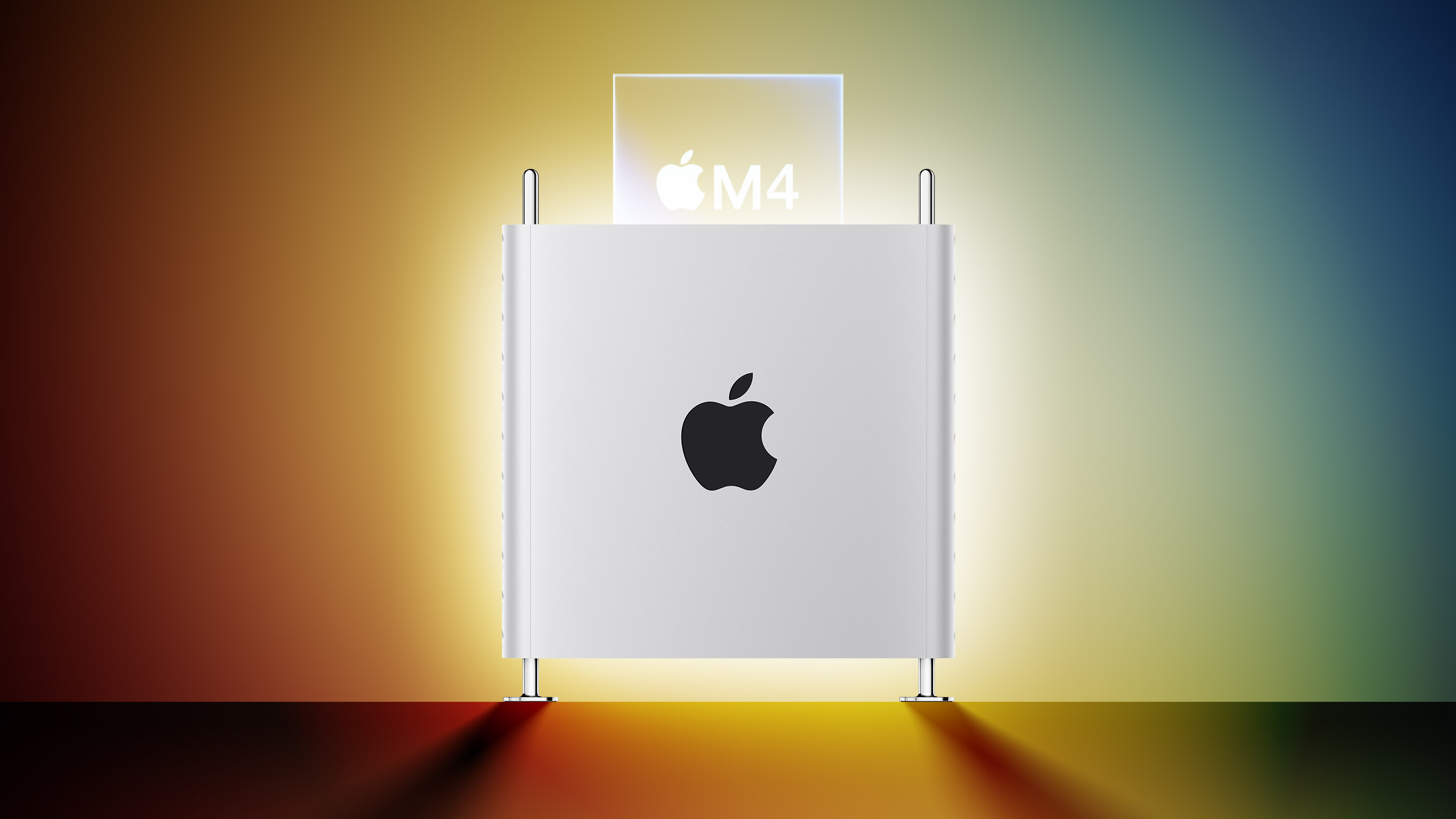
Apple last updated the Mac Pro in June 2023, adding an M2 Ultra chip and officially completing the transition away from Intel chips. The Mac Pro uses the same M2 Ultra chip that's in the Mac Studio, leading to criticism about its lack of power.
Apple has now gone back to the drawing board and is working on an updated version of the Mac Pro that's set to come out next year. This guide highlights everything we know about Apple's Mac Pro progress.
M4 Chip
The next Mac Pro will have a chip that's in the M4 family, as Apple is working to update its entire Mac lineup to the M4 series across 2024 and 2025.
Bloomberg's Mark Gurman believes that Apple wants to establish a more regular Apple silicon chip upgrade cycle that would perhaps see Mac chips refreshed on an annual basis much like chips designed for the iPhone.
Gurman says that the Mac Pro will be equipped with the highest-end version of the M4 chip, which is codenamed "Hidra." Hidra is likely equivalent to an "Ultra" chip based on the way that Apple has differentiated its chips in the past. The Mac Pro is aimed at professional videographers, photographers, designers, and others who need significant processing power, and some pro users are said to have been unhappy with the M2 Ultra Mac Pro.
As a result, Apple is looking to make the M4 Mac Pro more powerful.
All of the M4 chips will be designed with a focus on artificial intelligence, with Apple aiming to highlight the AI processing capabilities of the chips and how they'll integrate into macOS. Apple is adding AI features that will run solely on device to the next operating system updates, so the M4 chips will need to have a lot of compute power.
Rumors suggest that the M4 chips will feature an upgraded Neural Engine with more cores to handle AI tasks.
Unified Memory
The Mac Pro could support up to 500GB Unified Memory, way up from the current 192GB maximum.
Will there be an M3 Mac Pro?
It doesn't sound like Apple is going to bother with an M3 Ultra chip for the Mac Pro, with the company instead focusing effort on the M4 update.
Design Updates
The Mac Pro saw a major design update in 2019, with Apple doing away with the cylindrical "trash can" look in favor of a more reserved aluminum computer tower. There were no design changes to the 2022 model when it was refreshed, and so far we've heard nothing about design changes to the upcoming M4 variant.
Launch is still more than a year away though, so it's possible Apple will make some design updates, at least internally to support M4 chip changes.
Launch Date
The Mac Pro is expected to be the last of Apple's Macs to get the M4 chip, and rumors suggest that it will come out in late 2025.
Related Roundup: Mac Pro
Buyer's Guide: Mac Pro (Neutral)
Related Forum: Mac Pro
This article, "Apple's 2025 M4 Mac Pro: What to Expect" first appeared on MacRumors.com
Discuss this article in our forums
Review: Satechi Launches New Qi2 Charging Stands
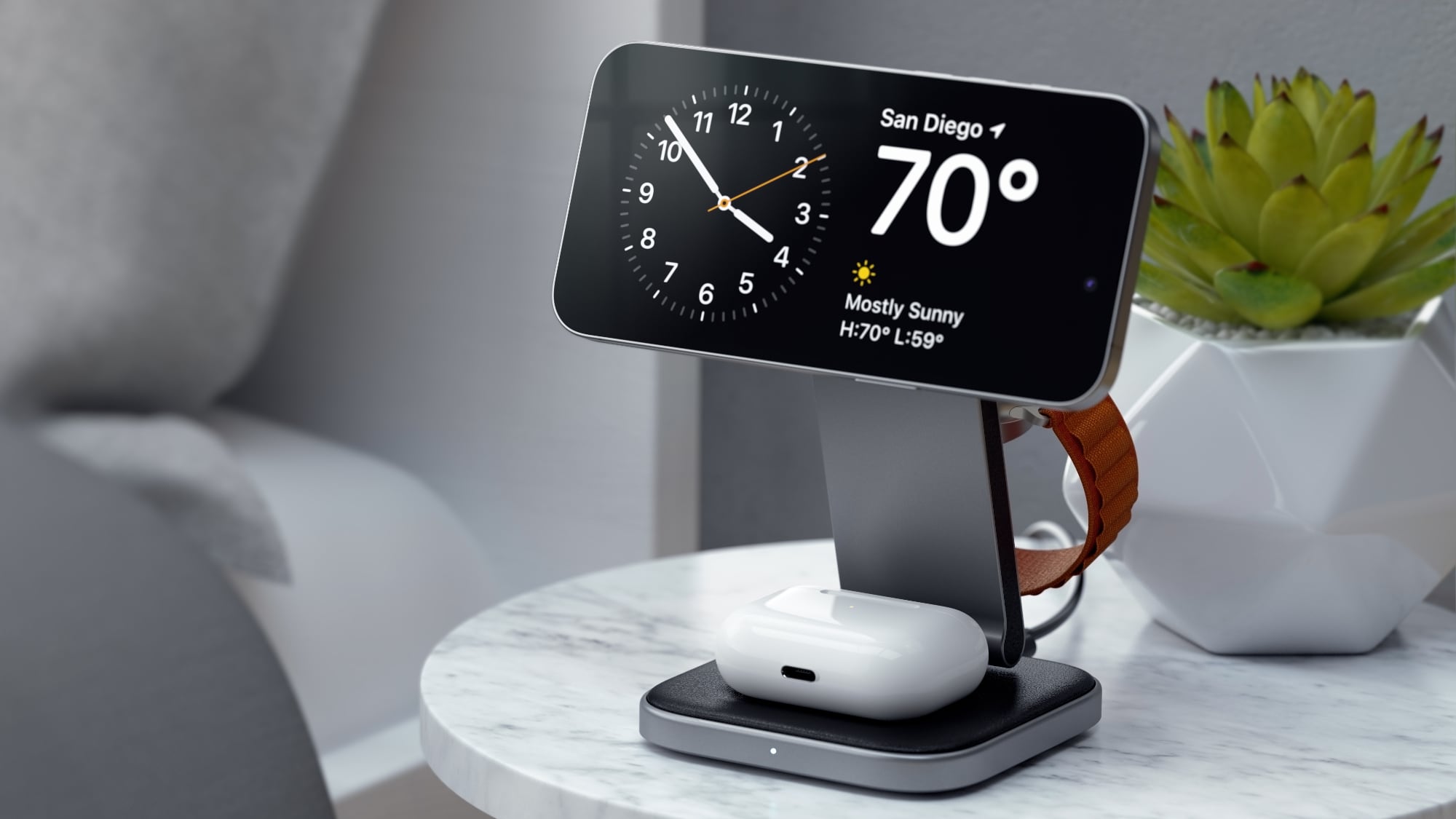
Satechi today announced the availability of its two new Qi2 charging stands, the 3-in-1 Foldable Qi2 Wireless Charging Stand and the 2-in-1 Foldable Qi2 Wireless Charging Stand. Qi2 is the latest version of the Qi standard, and it is comparable to MagSafe.
Qi2 uses magnets to ensure that smartphones are aligned properly with charging coils, and it is able to charge compatible iPhones at up to 15W. The faster Qi2 charging speeds are available on the iPhone 12, iPhone 13, iPhone 14, and all iPhone 15 models. Future iPhones, such as the upcoming iPhone 16 lineup, will also work with Qi2.
While Qi2 is basically the same as MagSafe, it has the benefit of not being controlled by Apple, so Qi2 accessories can be a bit cheaper than MagSafe technology that manufacturers have to license from Apple.
Both of the Satechi Wireless Charging Stands have the same design, featuring a square wireless charging pedestal for the AirPods, an arm attached by a hinge, and a round magnetic wireless charger for the iPhone. The 3-in-1 model adds a fold-out Apple Watch charger to the back of the arm.
Mophie's 3-in-1 travel charger.
The folding design is, however, a major improvement over most chargers, so if you want something that works well both on a desktop and when traveling, Satechi's Qi2 options are worth looking at. Compared to a flat charger, being able to unfold the arm and have an upright charger is useful because it enables features like StandBy on the iPhone and Night Stand mode on the Apple Watch.
The base of each charger has a soft-touch vegan leather material and a little divot where the AirPods are meant to go. The iPhone charging puck also has a soft-touch silicone to ensure that it doesn't scratch the iPhone, and the Apple Watch charger is made from a standard white plastic.
With the aluminum build, the chargers look like quality products, and they'll match well with most desk setups. It is worth noting that Satechi is only selling these in space gray, so if you prefer silver aluminum or shades of white, that's not an option.
The best part about Satechi's Charging Stands is the Qi2 charging puck. It's attached to the arm of the device using a hinge, so the charger can be set to several different angles. It can be positioned straight up so it's essentially a flat charging surface, or tilted down all the way to take up minimal space. In between, there are angles ideal for watching videos or FaceTiming. As with most upright magnetic chargers, the Charging Stands can be used with the iPhone positioned in landscape or portrait orientation. Satechi says that the hinges on the stand won't weaken over time, and they do seem firm while still being easy to manipulate.
iPhone 15 Pro Max was able to charge from 22 percent to 52 percent, for a 30 percent total charge.
The AirPods charging spot charges the AirPods at 5W, and the 3-in-1 version's Apple Watch charger is a fast charger so it can charge the Apple Watch Series 7 and later and the Ultra models at the quickest speed. There is a small light at the front of the charger when it is in use, but it is not overly bright.
For powering the Charging Stands, there's a USB-C port at the back, which is nice because the cable can be swapped out if it becomes damaged or if you need a cable of a different length. The more expensive 3-in-1 charger includes a 45W power adapter and interchangeable plugs for international travel, and both models come with a plain black USB-C cable.
One of the benefits of Qi2 is lower prices, but Satechi's Wireless Charging Stands are still expensive. The 3-in-1 model is priced at $130, likely because Satechi is still licensing Apple Watch charging technology from Apple, while the 2-in-1 Wireless Charging Stand is $80. For the build quality and the versatility afforded by the hinged design, the pricing does not seem unfair, and Satechi's 3-in-1 is $20 cheaper than MagSafe-based 3-in-1 charging options sold by Apple.
purchased from the Satechi website as of today.
Note: Satechi provided MacRumors with the 3-in-1 and 2-in-1 Qi2 Wireless Charging Stands for the purpose of this review. No other compensation was received.
Tag: Satechi
This article, "Review: Satechi Launches New Qi2 Charging Stands" first appeared on MacRumors.com
Discuss this article in our forums
https://www.macrumors.com/review/satechi-qi2-charging-stand/
Apple Card Promo Offers 10% Daily Cash at Nike

Apple Card users can get extra Daily Cash back this week for Nike purchases thanks to a special Apple Pay promotion Apple is running with Nike.
From April 25 through May 2, Apple Card owners will get 10 percent Daily Cash back on Nike purchases made using Apple Pay. The deal is available on the Nike website, the Nike app, and at U.S. Nike Stores.
Customers can earn up to $50 back, which means the extra cash is available for up to $500 in purchases.
Daily Cash is a benefit available to Apple Card owners. With each purchase, immediate cash back rewards are available. Apple typically provides two percent cash back for Apple Pay purchases, three percent for Apple Pay purchases at Apple locations, and one percent for everything else. Some retailers, such as Nike, have special deals with Apple where users can get three percent cash back.
Tag: Apple Card
This article, "Apple Card Promo Offers 10% Daily Cash at Nike" first appeared on MacRumors.com
Discuss this article in our forums
https://www.macrumors.com/2024/04/25/apple-card-nike-cash-back-promo/
Best Buy Introduces Record Low Prices on Apple's M3 MacBook Pro for Members
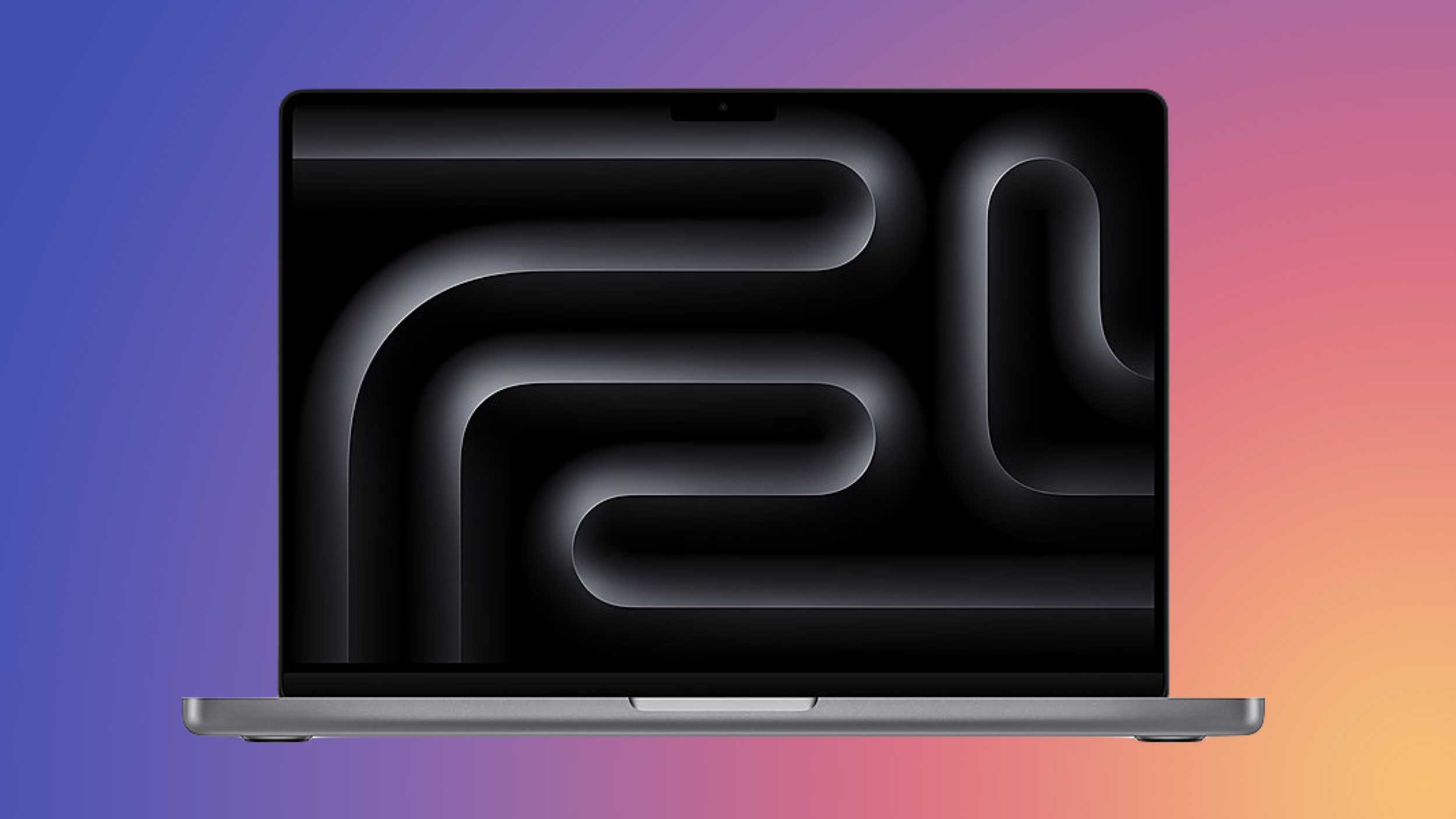
Best Buy is discounting a collection of M3 MacBook Pro computers today, this time focusing on the 14-inch version of the laptop. Every deal in this sale requires you to have a My Best Buy Plus or Total membership, although non-members can still get solid second-best prices on these MacBook Pro models.
Note: MacRumors is an affiliate partner with Best Buy. When you click a link and make a purchase, we may receive a small payment, which helps us keep the site running.
$1,399.00, down from $1,599.00.
Note: My Best Buy Plus/Total membership required to see final deal price.
$200 OFF
M3 14-inch MacBook Pro (512GB) for $1,399.00
$200 OFF
M3 14-inch MacBook Pro (8GB RAM/1TB) for $1,599.00
$200 OFF
M3 14-inch MacBook Pro (16GB RAM/1TB) for $1,799.00
For anyone who doesn't have My Best Buy Plus or Total, you can still get $150 off the 14-inch M3 MacBook Pro. These MacBook Pro models launched last October, featuring mini-LED displays, MagSafe fast charging, Wi-Fi 6E, a six-speaker sound system, and more.
Deals Roundup to shop for even more Apple-related products and accessories.
Related Roundup: Apple Deals
This article, "Best Buy Introduces Record Low Prices on Apple's M3 MacBook Pro for Members" first appeared on MacRumors.com
Discuss this article in our forums
https://www.macrumors.com/2024/04/25/best-buy-m3-macbook-pro-low-prices/
6 iPhone Camera Tips Every User Should Know
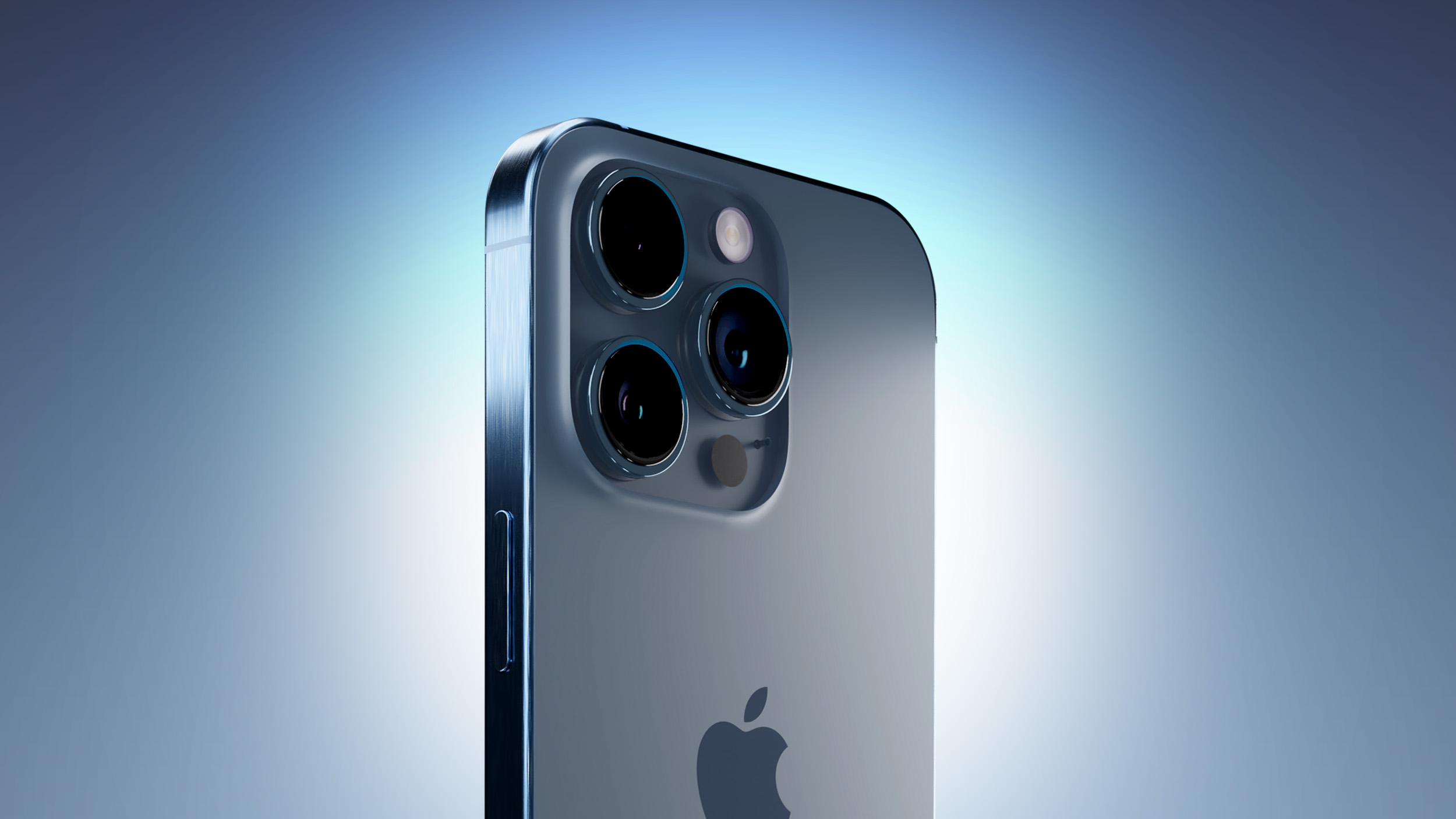
Apple's latest iPhones include several headline camera features that are worth using, such as Portrait Mode and Photographic Styles. But if all you want to use is the standard photo mode, there are still several tools and settings that can improve the composition of your pictures and help you capture the perfect shot using more traditional techniques.
Whether you are the owner of a new iPhone or a longtime user looking to up your photography game, here are six camera tools and settings in iOS that are worth checking out and experimenting with.
1. Use the Rule of Thirds
For a while now, Apple's Camera app has included a few optional settings that can help you line up your shots. Foremost in these settings is the Grid tool, which should be used when applying the rule of thirds. It divides the frame of your photo into a grid with two horizontal lines and two vertical lines, creating nine equal parts.
The rule of thirds helps guide the viewer's eye to the most important parts of your photo and creates a more harmonious composition. Here's how to overlay a grid on the viewfinder.
Open the Settings app on your iPhone.
Scroll down and tap Camera.
In the "Composition" section, toggle on the switch next to Grid.
Here are five things to keep in mind when using the grid to apple the rule of thirds.
Identify the Key Elements: First, identify the main subjects or elements in the scene you want to photograph. These could be a person, a building, a tree, or any focal point.
Positioning the Subjects: Place these key elements along the lines or at the points where the lines intersect. For instance, if you're taking a photo of a person, you might position them along one of the vertical lines, rather than in the center of the frame.
Horizontal Elements: For horizontal elements like the horizon in a landscape, align them with one of the horizontal lines. For a more dramatic sky, place the horizon on the lower line. For more emphasis on the land or sea, place it on the upper line.
Balancing the Image: Use the rule of thirds to balance your photo. If you place a subject on the left, consider having something of lesser importance on the right to create a sense of balance.
Experimentation: While the rule of thirds is a guideline, it's not a strict rule. Feel free to experiment with it and see how shifting elements in your frame changes the photo's impact.
2. Straighten Top-Down Shots
If you're taking a picture of something from above like a plate of food or an ornament on the ground, consider using the camera level, as it helps you capture a balanced shot without having to use a tripod arm or mount. It's also useful for taking a shot of something directly above you, like an object on the ceiling or in the sky.
The camera level tool used to be part of the Grid overlay, but Apple separated out the function in iOS 17, and it now has its own switch: Open the Settings app on your iPhone, select Camera, then toggle on the switch next to Level. Now you are ready to use it.
Open the Camera app, and set the capture mode to Photo, Portrait, Square, or Time Lapse, using the sliding menu above the shutter button.
Point the camera straight down above your subject (or straight up if the subject/scene you want to capture is above you).
Line up the floating crosshair with the fixed crosshair in the center of the screen by adjusting the angle of your phone's camera. The crosshairs will both glow yellow when in perfect alignment.
Tap the shutter button to capture the shot.
The aligned crosshairs turn yellow (right), indicating the lens is parallel with the ground.
3. Straighten Your Horizontal Shots
By making the Level tool an individual option in iOS 17, Apple has also included an additional horizontal level for more traditional straight-on photos.
Turning the Level option on makes a broken horizontal line appear on the screen when your iPhone senses that you're lining up for a straight-on shot and you tilt your device slightly out of horizontal. The line appears white while your phone is out of level and then turns yellow once you achieve a level orientation to indicate success.
With the Level setting enabled (Settings ➝ Camera ➝ Level), try it for yourself. Open the Camera app and try shooting a subject at a straight angle, and you should see the broken horizontal lines in the center of the viewfinder. Straighten your angle up to connect the lines and make a single yellow line.
The leveling pop-up only appears briefly and only within a narrow range of angles close to horizontal (in either portrait or landscape orientation), so it won't intrusively pop up when you're intentionally trying to take a photo at an angle.
4. Take Burst Photos
Burst Mode refers to when the camera on your iPhone captures a series of photos in rapid succession, at a rate of ten frames per second. It's a great way to shoot an action scene or an unexpected event, since you're always more likely to end up with the picture you were aiming for.
To shoot in Burst Mode, simply long press on the Volume Up button and your iPhone will take a series of photos in quick succession. Notice that a counter increases inside the on-screen shutter button for as long as you hold down the volume button. This indicates how many shots are being captured in the current burst. Simply take your finger off the volume when you want to end the burst of shots.
Photos app under the Album name Bursts. You'll also find them in your main Photo Library. Follow the link to learn how to view and select the best of your Burst photos in the Photos app.
5. Mirror Your Selfies
When you take a selfie with your iPhone using the Camera app, it automatically flips – or mirrors – the image so that it's an inverted version of the mirror image you see in the preview before you take the shot.
This can look odd, since it makes a big difference to how selfies look. It can also be annoying, since most third-party social media apps automatically take mirrored selfies, which means you're more likely to be used to the mirroring functionality than the flipped selfies that your iPhone takes.
Fortunately, you can change this default behavior of the Camera app, meaning that you can get the mirrored selfie you're probably more accustomed to seeing. Here's how.
Launch the Settings app, then scroll down and select Camera.
Toggle the switch next to Mirror Front Camera to the green ON position.
That's all there is to it. From now on when you use the Camera app to shoot a selfie, you'll capture the same shot that you saw in the app's preview mode.
6. View Outside the Frame
On iPhone 11 and later models, there is an optional camera setting that allows you to see what is outside the bounds of your photo's frame, so you can correct the alignment of photos (and videos) without having to resort to cropping.
With the "View Outside the Frame" setting enabled, when shooting using the wide lens or the telephoto lens, the camera will simultaneously shoot using the next widest sensor. So the wide lens is active when you shoot with the telephoto lens, and the ultra-wide is active when you shoot with the wide.
Open the Settings app.
Scroll down and tap Camera.
Under the "Composition" section, toggle on the switch next to View Outside the Frame.
Tag: Photography
This article, "6 iPhone Camera Tips Every User Should Know" first appeared on MacRumors.com
Discuss this article in our forums
https://www.macrumors.com/guide/camera-tips-every-iphone-user-should-know/
Apple Mistakenly Tells Customers Their iPhone Trade-Ins Are 'Canceled'
Apple today sent an email to some iPhone Upgrade Program members to inform them that their previously-completed iPhone trade-in has been "canceled," but the email was almost certainly sent in error based on the circumstances.
Apple told customers it never received their iPhone, even though they sent it in months ago. In many cases, the customers physically handed their iPhones to an Apple Store employee in person, so there is no possible way they could be at fault.
"Because you didn't trade in your iPhone, we are unable to complete the trade-in process," the email says, according to a screenshot shared with us by reader Quinn Everett. "The associated loan on this iPhone will resume."
MacRumors Forums, Reddit, and X, with many customers receiving it in the early hours of Thursday morning in the United States.
Many customers who received the email completed their iPhone trade-in last September, when the iPhone 15 series launched, so the delayed timing of the email suggests that it was sent as a result of a system glitch. Apple did not immediately respond to our request for comment, but we will update this story if we receive an explanation.
No but actually what is going on @Apple @AppleSupport? I got an email saying my trade-in from September was canceled and your Apple Store app is showing that too in one place, but not everywhere. Receipt of returned iPhone 14 Pro is below. I think there’s been a glitch. https://t.co/VXnpg5I13s pic.twitter.com/H2LtcHwijl
— Quinn (@quinneverett) April 25, 2024
Tag: Apple Trade-In
This article, "Apple Mistakenly Tells Customers Their iPhone Trade-Ins Are 'Canceled'" first appeared on MacRumors.com
Discuss this article in our forums
https://www.macrumors.com/2024/04/25/apple-email-says-iphone-trade-in-canceled/
Android Bosses iPhone in Smartphone Activation Market Share
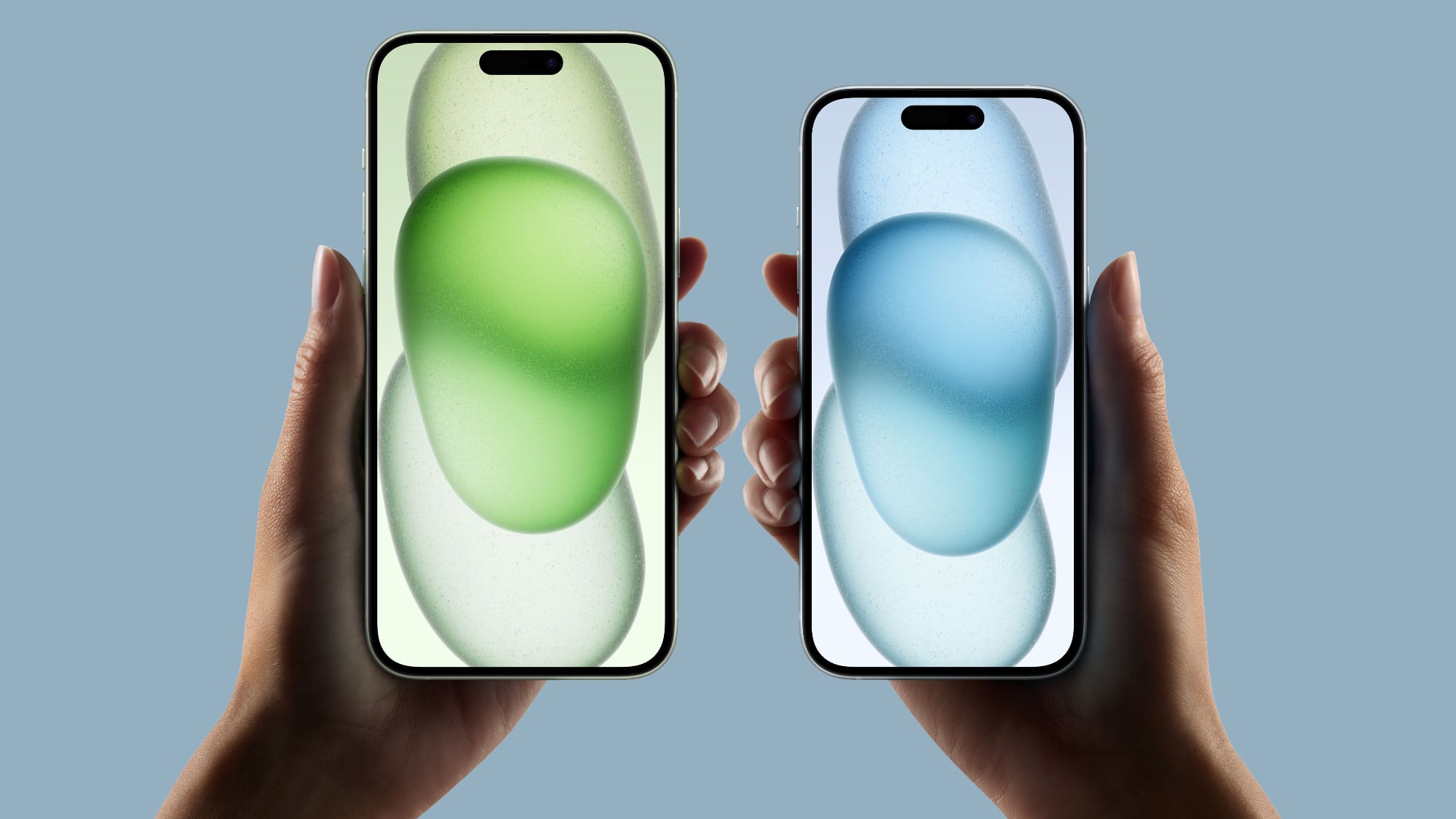
New iPhone activations are down to a low not seen in the U.S. smartphone market for the last six years, according to a new Consumer Intelligence Research Partners (CIRP) report.
While CIRP notes that Apple's installed smartphone base is higher than recorded activations, the figures show its share of new iPhone activations fell from 40% to 33% over the past year, suggesting a shift away from the higher market shares Apple enjoyed in previous years.
Historically, around the time when competitors like Blackberry and Windows phones were more prevalent, iPhone's activation share hovered around one-third. This increased steadily until the first year of the COVID-19 pandemic when various factors contributed to a spike in activations. However, Apple's iPhone share appears to have reverted to its long-term average, with two out of three new smartphone activations now from Android devices.
CIRP suggests the decline is due to the increased price of modern smartphones as well as better durability. While innovation has slowed, there has been a shift from two-year subsidized purchases to more transparent buying plans, which has prompted consumers to hold onto their devices for longer. This trend appears to impact iPhone sales more significantly than those of Android devices, suggesting Apple may need to adjust its strategy to regain market momentum.
The report covers a 12-month period ending each quarter and includes data from CIRP's quarterly survey of mobile phone customers. The aim of this approach is to remove the seasonal spikes typically associated with new device launches and holiday sales, providing a clearer view of ongoing trends, according to the firm.
Tag: CIRP
This article, "Android Bosses iPhone in Smartphone Activation Market Share" first appeared on MacRumors.com
Discuss this article in our forums
https://www.macrumors.com/2024/04/25/iphone-activation-market-share-decline/
How to Make Your iPhone Screen Less Bright in Bed

Most of us stare at our iPhones for far too long, and this constant exposure to a bright screen can strain our eyes, especially in low-light conditions or during the twilight hours. That's where the ability to dim your iPhone screen beyond the standard brightness settings becomes a game-changer.
If the screen of your iPhone or iPad is too bright for comfort, the usual solution is to go to Settings ➝ Display & Brightness and drag the Brightness slider to the left, or open Control Center and adjust the corresponding setting from there. However, if the lowest setting offered by the Brightness level just isn't dim enough for you, there's another way to make your screen even darker.
This feature is particularly useful if you find yourself needing to use your device in dark environments, such as in a bedroom where a partner is sleeping, or in a dimly lit theater. It's also a boon for anyone with light sensitivity, providing a more comfortable viewing experience that minimizes eye strain and fatigue. Let's look at how to set it up below.
Reduce White Point
Open Settings on your iPhone.
Select Accessibility from the list of options.
Scroll down and select Accessibility Shortcut.
Tap Reduce White Point, then drag it up near the top of the list using the three lines icon.
Side button to display the Accessibility Shortcut menu, then tap Reduce White Point.
Your iPhone display will now be dimmer than the dimmest setting offered by the standard Brightness level.
Reset White Point
To return the white point to its normal level, simply triple-click the Side button again and tap Reduce White Point to uncheck it.
Adjust White Point
If the White Point is still too bright (or too dim), you can adjust it manually: In Settings, go to Accessibility ➝ Display & Text Size, then scroll down and turn on the switch next to Reduce White Point.
This will reveal a slider that you can move left or right to change the brightness level.
Trigger Reduced White Point at Bedtime
It's possible to make the Reduced White Point setting come on when Bedtime starts, or when your Sleep focus is enabled. This offers an automated approach to minimizing screen brightness, which is particularly beneficial for winding down before bedtime.
Blue light is known for its potential to disrupt natural sleep patterns by inhibiting the production of melatonin, a hormone crucial for sleep regulation. That makes an automation especially useful if you have a habit of reading or browsing on your iPhone as part of your nighttime routine, allowing you to do so without significantly impacting your sleep quality. Here's how it's done.
Open the Shortcuts app, then tap the + icon in the top-right corner of the screen.
Tap Add Action.
Type "White Point" in the search field, then choose Set White Point when it appears below.
Tap the blue "Turn" text, then choose Toggle from the dropdown menu.
Tap Done in the top-right corner of the screen.
After following the above steps, you should see your new "Set White Point" shortcut in the Shortcuts menu.
The Shortcut is now ready to use in a new custom automation. It's easy to make, just follow these steps.
In the Shortcuts app, select the Automation tab, then tap the + icon in the top-right corner of the screen.
Under "Personal Automation," choose Sleep.
On the "When" screen, choose Bedtime Begins and Run Immediately, then tap Next.
On the "When Bedtime Starts" screen, choose your custom Set White Point shortcut.
You're all done. In the future, when Bedtime starts or when you enable the Sleep focus, your screen's white point will be automatically reduced.
Trigger White Point When Bedtime Ends
To make sure the white point on your iPhone's display is reset when bedtime ends in the morning, you just have to create an additional automation. This basically involves the same steps you just used to create the first custom automation, except instead of choosing Bedtime Begins in step 3, select Waking Up. Here are those steps again for your convenience, but with a modified step 3.
In the Shortcuts app, select the Automation tab, then tap the + icon in the top-right corner of the screen.
Under "Personal Automation," choose Sleep.
On the "When" screen, choose Waking Up and Run Immediately, then tap Next.
On the "When Bedtime Starts" screen, choose your custom Set White Point shortcut.
That's it! The white point on your iPhone display will now return to normal when your bedtime ends.
Tag: Shortcuts
This article, "How to Make Your iPhone Screen Less Bright in Bed" first appeared on MacRumors.com
Discuss this article in our forums
https://www.macrumors.com/how-to/make-iphone-display-dimmer-white-point/
Threads Tests Option to Archive Posts as Platform Hits 150M+ Users
Threads is testing an option that allows users to archive old posts so that they don't appear on their profile, according to Instagram head Adam Mosseri.
In a post on the Meta-owned social media platform, Mosseri said that the archive option being tested with a small number of people included a manual setting for individual posts, as well as the ability to automatically archive all posts after a certain period of time.
Users also have the option to unarchive a post to make it public again. If beta testing goes well, the ability to archive posts is likely to be rolled out globally as an option rather than a default behavior, which Mosseri said was the overwhelming preference based on user feedback.
filter search results by the most recent posts, rather than just posts suggested by its algorithm.
first-quarter earnings call.
The number indicates an increase of about 20 million new users since February, suggesting steady growth, albeit at a slower rate than its initial rapid popularity, when the app racked up 100 million users in its first week. Zuckerberg said in October he believes Threads has a good chance of becoming Meta's next billion-user app.
Tag: Threads
This article, "Threads Tests Option to Archive Posts as Platform Hits 150M+ Users" first appeared on MacRumors.com
Discuss this article in our forums
https://www.macrumors.com/2024/04/25/threads-tests-archive-option-150m-users/
Apple Releases Safari Technology Preview 193 With Bug Fixes and Performance Improvements
Apple today released a new update for Safari Technology Preview, the experimental browser Apple first introduced in March 2016. Apple designed the Safari Technology Preview to test features that may be introduced into future release versions of Safari.
Safari Technology Preview 193 includes fixes and updates for Accessibility, CSS, Forms, JavaScript, Rendering, Web API, and Web Inspector.
macOS Sonoma, the latest version of macOS that Apple released in September 2023.
downloaded the browser. Full release notes for the update are available on the Safari Technology Preview website.
Apple's aim with Safari Technology Preview is to gather feedback from developers and users on its browser development process. Safari Technology Preview can run side-by-side with the existing Safari browser and while designed for developers, it does not require a developer account to download.
Tag: Safari Technology Preview
This article, "Apple Releases Safari Technology Preview 193 With Bug Fixes and Performance Improvements" first appeared on MacRumors.com
Discuss this article in our forums
https://www.macrumors.com/2024/04/24/apple-releases-safari-technology-preview-193/
Apple Releases Safari Technology Preview 193 With Bug Fixes and Performance Improvements
Apple today released a new update for Safari Technology Preview, the experimental browser Apple first introduced in March 2016. Apple designed the Safari Technology Preview to test features that may be introduced into future release versions of Safari.
Safari Technology Preview 193 includes fixes and updates for Accessibility, CSS, Forms, JavaScript, Rendering, Web API, and Web Inspector.
macOS Sonoma, the latest version of macOS that Apple released in September 2023.
downloaded the browser. Full release notes for the update are available on the Safari Technology Preview website.
Apple's aim with Safari Technology Preview is to gather feedback from developers and users on its browser development process. Safari Technology Preview can run side-by-side with the existing Safari browser and while designed for developers, it does not require a developer account to download.
Tag: Safari Technology Preview
This article, "Apple Releases Safari Technology Preview 193 With Bug Fixes and Performance Improvements" first appeared on MacRumors.com
Discuss this article in our forums
https://www.macrumors.com/2024/04/24/apple-releases-safari-technology-preview-193/
iMazing iPhone Management Software Gets Fresh Design, Support for Vision Pro
DigiDNA today announced the launch of iMazing 3, an updated version of its iPhone and iPad management software designed for Macs and Windows machines.
iMazing 3 features an updated user interface with a dedicated "Discover" section that makes it easier to find popular tools for doing things like transferring photos from an iPhone, downloading Messages, transferring music, and making backups.
A Device Overview section offers details about connected products like serial number, model number, device ID, date of latest backup, and more, for simple multi-device management, and there's also a Data section for accessing saved media, messages, contacts, and other content.
For battery management, there is a battery section that provides details on current temperature, design max charge, effective max charge, and charge cycles, plus there are options for managing storage.
Dark Mode, improved Backup and snapshot management, and a redesigned settings interface.
the iMazing website at prices starting at $40. iMazing customers who purchased the software after October 20, 2020 can upgrade for free, and those with older licenses can upgrade at a 50 percent discount.
This article, "iMazing iPhone Management Software Gets Fresh Design, Support for Vision Pro" first appeared on MacRumors.com
Discuss this article in our forums
https://www.macrumors.com/2024/04/24/imazing-3-update-vision-pro/
Apple Releases Open Source AI Models That Run On-Device
Apple today released several open source large language models (LLMs) that are designed to run on-device rather than through cloud servers. Called OpenELM (Open-source Efficient Language Models), the LLMs are available on the Hugging Face Hub, a community for sharing AI code.
As outlined in a white paper [PDF], there are eight total OpenELM models, four of which were pre-trained using the CoreNet library, and four instruction tuned models. Apple uses a layer-wise scaling strategy that is aimed at improving accuracy and efficiency.
Apple provided code, training logs, and multiple versions rather than just the final trained model, and the researchers behind the project hope that it will lead to faster progress and "more trustworthy results" in the natural language AI field.
OpenELM, a state-of-the-art open language model. OpenELM uses a layer-wise scaling strategy to efficiently allocate parameters within each layer of the transformer model, leading to enhanced accuracy. For example, with a parameter budget of approximately one billion parameters, OpenELM exhibits a 2.36% improvement in accuracy compared to OLMo while requiring 2x fewer pre-training tokens.
Apple says that it is releasing the OpenELM models to "empower and enrich the open research community" with stage-of-the-art language models. Sharing open source models gives researchers a way to investigate risks and data and model biases. Developers and companies are able to use the models as-is or make modifications.
The open sharing of information has become an important tool for Apple to recruit top engineers, scientists, and experts because it provides opportunities for research papers that would not normally have been able to be published under Apple's secretive policies.
iOS 18 is expected to include a number of new AI features, and rumors suggest that Apple is planning to run its large language models on-device for privacy purposes.
Tag: Artificial Intelligence
This article, "Apple Releases Open Source AI Models That Run On-Device" first appeared on MacRumors.com
Discuss this article in our forums
https://www.macrumors.com/2024/04/24/apple-ai-open-source-models/
Apple Vision Pro Gains Apple Arcade Games Crossy Road Castle and Solitaire Stories

Apple Arcade games Crossy Road Castle and Solitaire Stories are set to launch on the Vision Pro headset tomorrow, adding two additional popular games to Apple's first head worn device.
In Crossy Road Castle, players can progress through tower levels with pinch and flick gestures. Up to four players can play at one time, though there's also a solo version of the game.
Crossy Road Castle for Vision Pro has the same features as the other versions of the game, including characters and hats to unlock, game controller support, and challenge events to complete. Levels are procedurally generated, so each new game is different.
Solitaire Stories provides players with a virtual card table to play classic solitaire games. There are multiple versions of solitaire included, such as Klondike Quick Play, Spider, and Draw 3, as well as support for online multiplayer gameplay.
The game includes a progressive story with increasingly difficult levels, along with different deck designs to unlock. There are also daily challenges and contests.
from the Vision Pro App Store.
Tag: Apple Arcade
This article, "Apple Vision Pro Gains Apple Arcade Games Crossy Road Castle and Solitaire Stories" first appeared on MacRumors.com
Discuss this article in our forums
https://www.macrumors.com/2024/04/24/apple-vision-pro-crossy-road-solitaire-stories/
Apple Seeds Third Public Beta of macOS 14.5
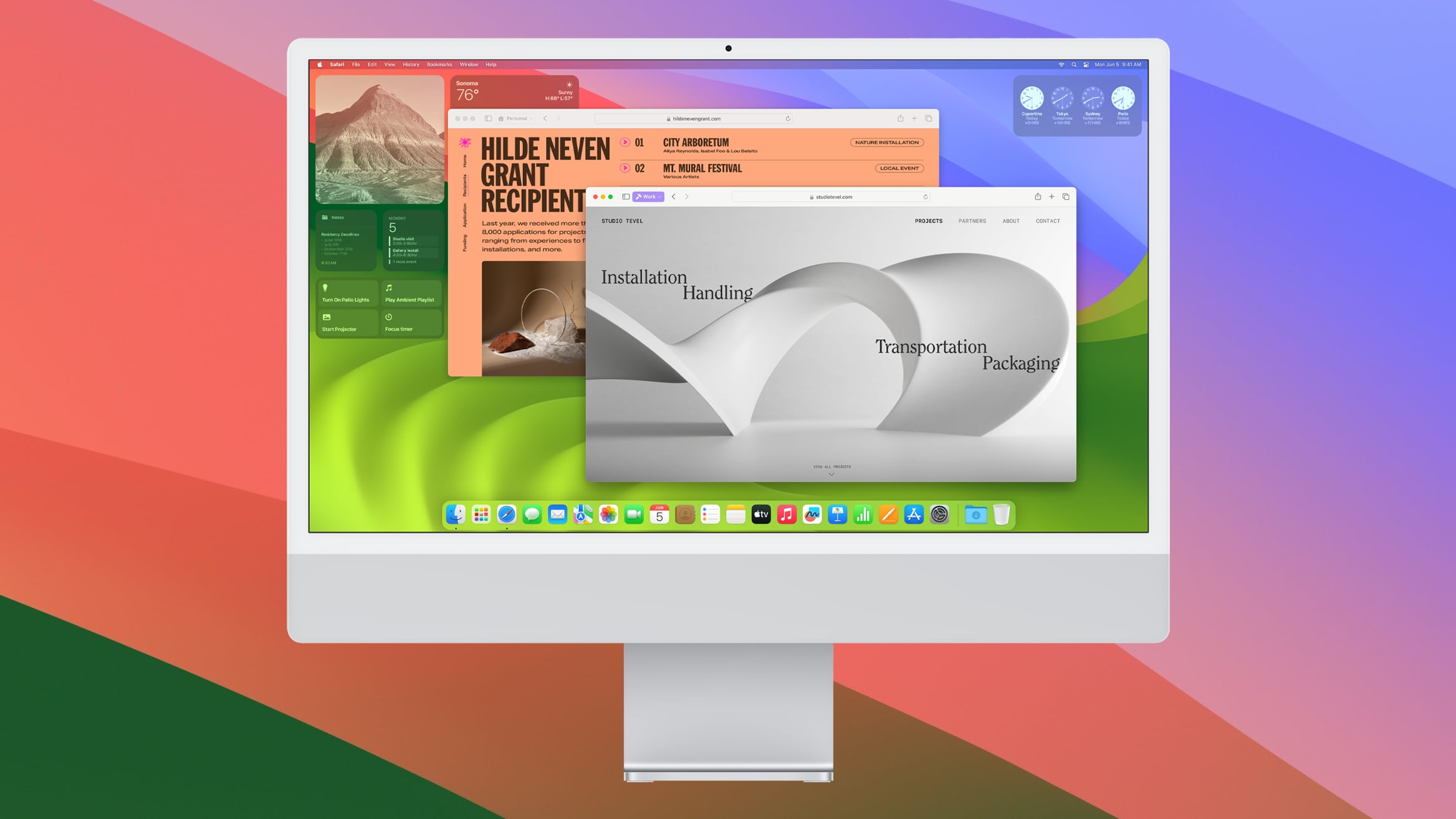
Apple today seeded the third beta of an upcoming macOS Sonoma 14.5 update to public beta testers, allowing non-developers to test the software ahead of its launch. The public beta comes a week after Apple released the second public beta and a day after Apple seeded the beta to developers.
Beta testers can opt-in through the Software Update section of the System Settings app. Under Beta updates, simply toggle on the Sonoma Public Beta. Note that you must sign up to participate on Apple's beta testing website.
Related Roundup: macOS Sonoma
Related Forum: macOS Sonoma
This article, "Apple Seeds Third Public Beta of macOS 14.5" first appeared on MacRumors.com
Discuss this article in our forums
https://www.macrumors.com/2024/04/24/apple-seeds-third-public-beta-of-macos-14-5/
Apple Watch Series 9 Now Available on Apple's Refurbished Store in U.S.
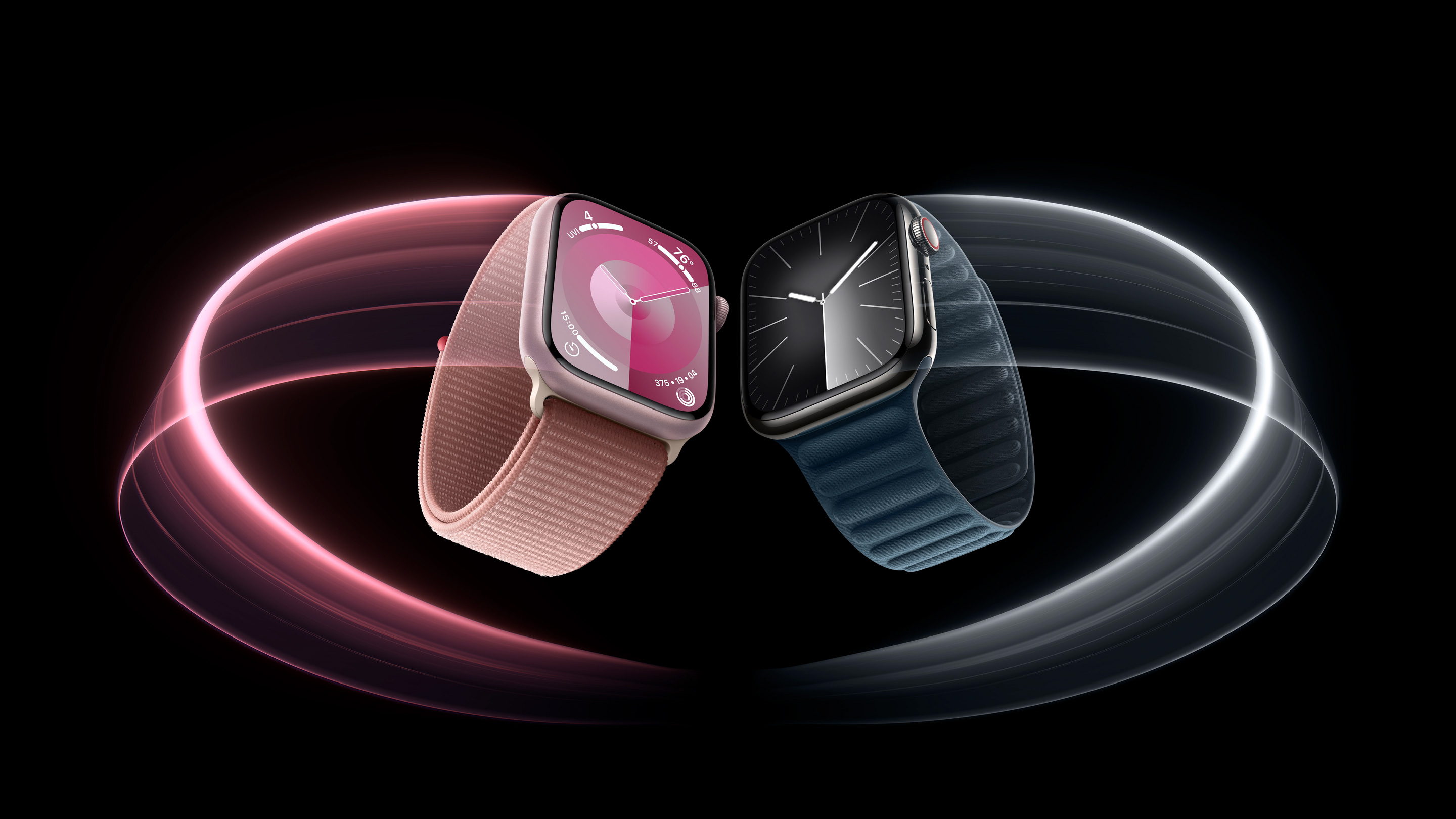
Apple today began selling certified refurbished Apple Watch Series 9 models in the U.S. for the first time since the device was released in September.
The refurbished Series 9 models are discounted by approximately 15% compared to the equivalent brand new models, with pricing starting at $339, down from $399. A variety of configurations are available as of writing.
Apple says it puts all of its refurbished products through a thorough cleaning process and inspection, and performs full functionality testing. In general, refurbished products sold directly by Apple have a very good reputation.
Blood Oxygen app is deactivated on the refurbished models, due to a legal battle with medical technology company Masimo. Last year, the U.S. International Trade Commission (ITC) banned Apple from importing and selling Apple Watch models with blood oxygen sensing after it ruled that the feature infringed on Masimo's patents. Apple is appealing the decision, and could re-enable the Blood Oxygen app with a watchOS update if it is overturned.
refurbished Apple Watch Ultra 2 models in the U.S. and select other countries last week.
Related Roundup: Apple Watch Series 9
Tag: Apple Refurbished Products
Buyer's Guide: Apple Watch (Neutral)
This article, "Apple Watch Series 9 Now Available on Apple's Refurbished Store in U.S." first appeared on MacRumors.com
Discuss this article in our forums
https://www.macrumors.com/2024/04/24/refurbished-apple-watch-series-9/
Next Apple Watch Said to Use Material Allowing for Thinner Logic Board
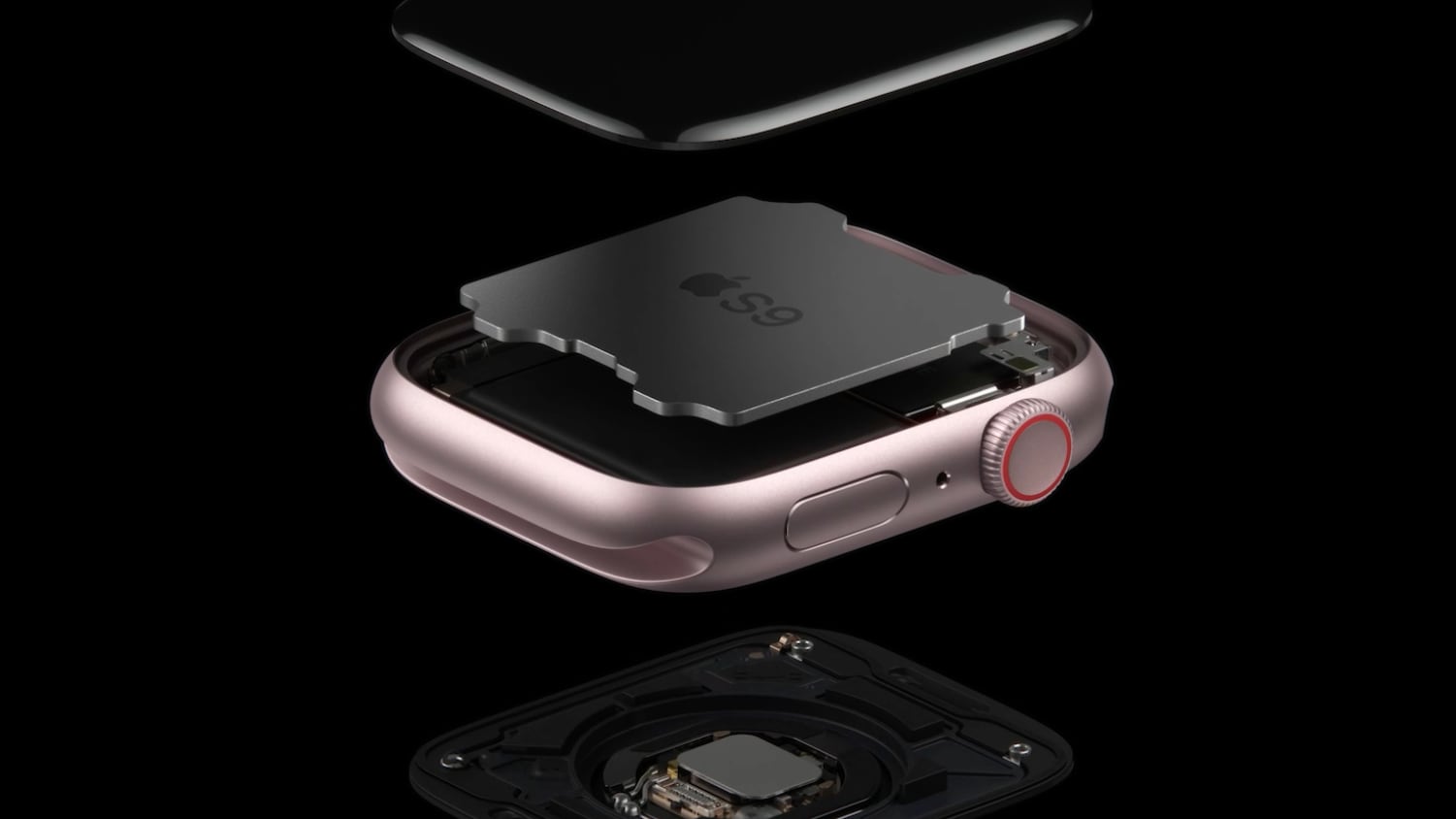
At least one next-generation Apple Watch model will start using resin-coated copper, according to supply chain sources cited by Taiwanese website DigiTimes.
As the name implies, resin-coated copper is a thin layer of copper foil coated with a resin, such as an epoxy. While adoption of this material would offer many benefits for a future Apple Watch's logic board, such as improved durability and water resistance, a key advantage is that it would allow for a thinner logic board, which in turn would provide additional internal space for other components and sensors in the Apple Watch.
rumored to feature blood pressure sensing, for example, and Apple is reportedly working on non-invasive blood glucose monitoring as a long-term project.
redesigned "Apple Watch X" will be launching this year or next year. In addition, it was rumored that there might not be an Apple Watch Ultra 3 this year. A new Apple Watch SE is likely this year if Apple sticks to a two-year refresh cycle for that model.
iPhone 17 Pro models also might adopt resin-coated copper for the logic board next year, so this is a change that might extend to multiple devices in Apple's lineup over the next few years.
Related Roundup: Apple Watch Series 9
Tag: DigiTimes
Buyer's Guide: Apple Watch (Neutral)
This article, "Next Apple Watch Said to Use Material Allowing for Thinner Logic Board" first appeared on MacRumors.com
Discuss this article in our forums
https://www.macrumors.com/2024/04/24/next-apple-watch-thinner-logic-board-rumor/
Best Buy Takes $100 Off M1 iPad Air, Starting at $499.99
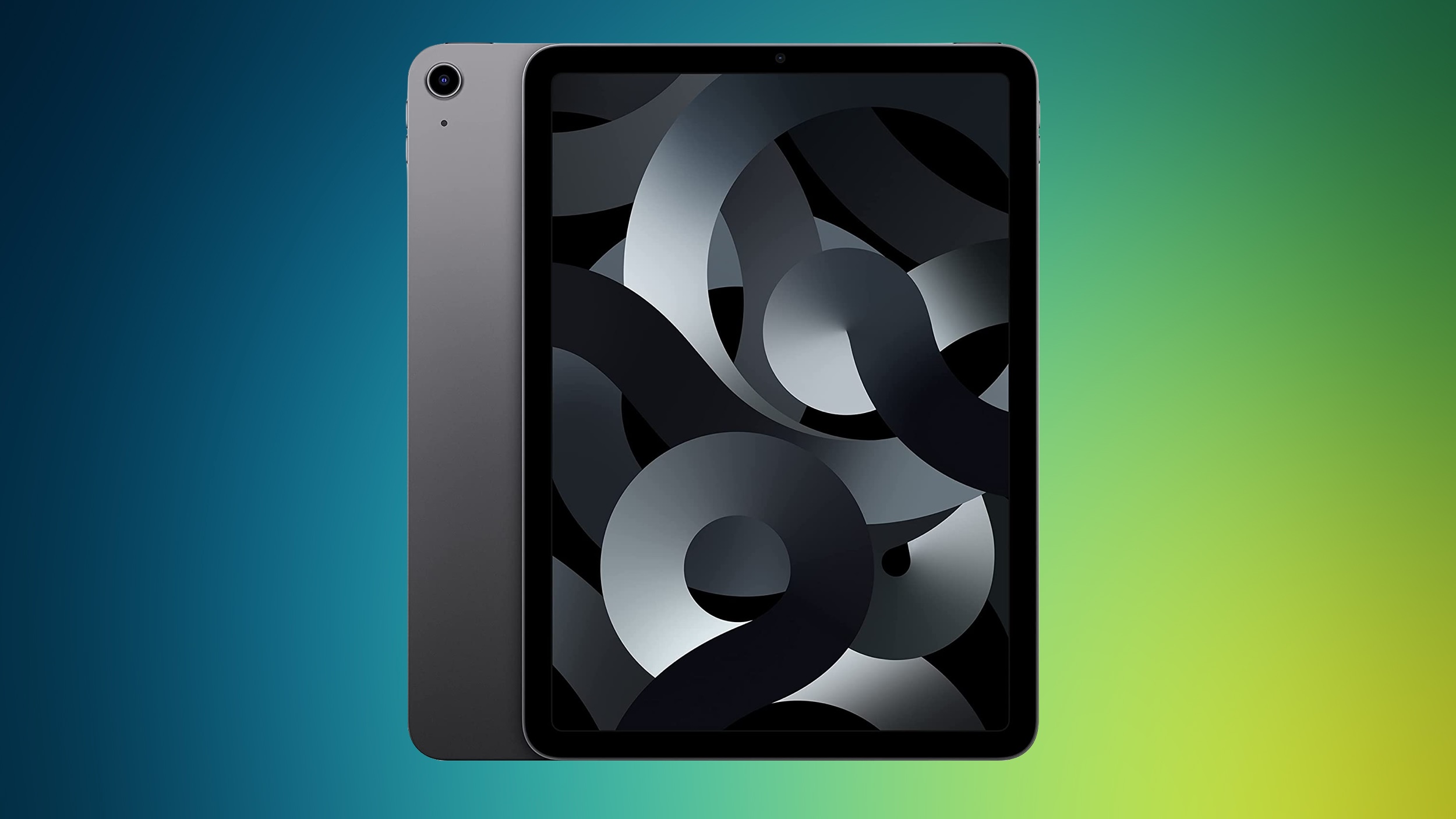
Best Buy this week has steep $100 discounts on every M1 iPad Air model, with prices starting at $499.99 for the 64GB Wi-Fi tablet. These deals follow in the wake of Apple's announcement of an event coming in May, which is expected to include refreshed iPad Air models with M2 chips.
Note: MacRumors is an affiliate partner with some of these vendors. When you click a link and make a purchase, we may receive a small payment, which helps us keep the site running.
$649.99, as well as both cellular models on sale.
$100 OFF
M1 iPad Air (64GB Wi-Fi) for $499.99
$100 OFF
M1 iPad Air (256GB Wi-Fi) for $649.99
$100 OFF
M1 iPad Air (64GB Cellular) for $649.99
$100 OFF
M1 iPad Air (256GB Cellular) for $799.99
Best Buy has every color available on sale for every configuration of the fifth generation iPad Air. Across the board, these prices are all solid second-best prices on the iPad Air. If you're a My Best Buy Plus/Total member, you can also save 25 percent on the Logitech Crayon stylus when purchasing an iPad.
Deals Roundup to get caught up with all of the latest deals and discounts that we've been tracking over the past week.
Related Roundup: Apple Deals
This article, "Best Buy Takes $100 Off M1 iPad Air, Starting at $499.99" first appeared on MacRumors.com
Discuss this article in our forums
https://www.macrumors.com/2024/04/24/best-buy-100-off-m1-ipad-air/
EU Right to Repair Rules Force Companies to Fix Out-of-Warranty Devices

The European Commission has waved through new 'right to repair' legislation that aims to make it easier for consumers to get their broken devices fixed, even if products are out of warranty.
The EU already requires companies to offer a two-year minimum warranty on common household appliances and electronics, such as smartphones, TVs, washing machines, and vacuum cleaners, but the new rules impose additional requirements.
According to the legislation, if a consumer chooses to have their device repaired under warranty, the warranty must be extended by a year. Consumers may also borrow a device while theirs is being repaired, and if it cannot be fixed, they have the right to opt for a refurbished unit as an alternative.
When a product's warranty expires, companies are still required to repair devices at a "reasonable price," so as not to intentionally discourage consumers from repairing them. Manufacturers will also be prohibited from using "hardware or software related barriers to repair," including preventing the use of second-hand, compatible, and 3D-printed spare parts by independent repairers as long as they conform to EU laws.
Additionally, manufacturers will be unable to refuse to repair a product solely for economic reasons or because it was previously repaired by someone else. Companies will be required to publish information about their repair services, including indicative prices of the most common repairs.
"Consumers' right to repair products will now become a reality," said EC rapporteur René Repasi. "It will be easier and cheaper to repair instead of purchase new, expensive items. This is a significant achievement for Parliament and its commitment to empower consumers in the fight against climate change. The new legislation extends legal guarantees by 12 months when opting for repair, gives better access to spare parts and ensures easier, cheaper and faster repair."
The legislation will come into effect after formal approval by the Council, with the directive set to activate 20 days after its publication.
Right to Repair group welcomed the legislation, calling it "a step in the right direction," but said "the scope of products covered remains very narrow," and would introduce loopholes. The coalition noted that the rules only cover consumer products, and not anything purchased by businesses or industrial goods. It also criticized the lack of guidance on what constituted a "reasonable price" for spare parts.
"parts pairing" requirement that prevents third-party replacements of certain device components. Currently, if an iPhone part is replaced with a like-for-like replacement by an unofficial third party, it may not be recognised by the iPhone's system software. The wording of the new EU rules suggests this will no longer be allowed.
California's Right to Repair Act will become law this July, requiring manufacturers to make repair materials available for all electronics and appliances that cost $50 or more.
Tags: European Union, European Commission, Right to Repair
This article, "EU Right to Repair Rules Force Companies to Fix Out-of-Warranty Devices" first appeared on MacRumors.com
Discuss this article in our forums
https://www.macrumors.com/2024/04/24/new-eu-right-to-repair-law-devices/