

😅 The transition is finished by machine.



You can try to config by yourself.
In setting page, config search engine, select custom, and then input the url like this:

现在的房价确实还可以,有需要真建议入手


可以试试安排上一下国内幼儿园


是的 32位公钥。你取后面32位就可以了

#0xchat v1.4.7-beta release
## **Major Updates**
- Upgraded the Flutter framework to **v3.29.0**.
- Private chat implementation changed to **NIP-104 Nostr MLS**.
## **Other Updates**
- NIP-17 and NIP-29 messages now support `q` tags.
- You can swipe left to reply on your own messages.
- Chat messages now support code block display.
- Copy images from the clipboard.
- Fixed an issue where underlined text in chat appeared as italic.
## **Notice**
**NIP-104 MLS is still in beta and should be used for testing purposes only.**
Future optimizations for MLS-104 implementation will include:
1. NIP-17 private groups will transition to MLS private groups.
2. Implementation of key package rotation mechanism.
3. Support for adding and removing members in group chats without creating a new group.
APK download: https://github.com/0xchat-app/0xchat-app-main/releases/download/v1.4.7-beta/v1.4.7-beta.apk
Testfilght: https://testflight.apple.com/join/AjdJFBmU
nip46 的加密方式有没有改?
由 nip04 改为 nip44
过两天试试 👍
你现在这个状态和我好像。。。
建议可以试试 DeepSeek
例如问 DeepSeek,给他一个链接,这是一个xxx项目,这个文件是应该关于上传的,上传的协议在这里,帮我改成xxxxxxx。然后把修改了的函数代码,给我发一下。
😅 我已经这样子编程一个月了。

😅 Yes, it need to use "ctrl enter" event to hit the confirm listener.
I will try to change it when i handle the windows UI.

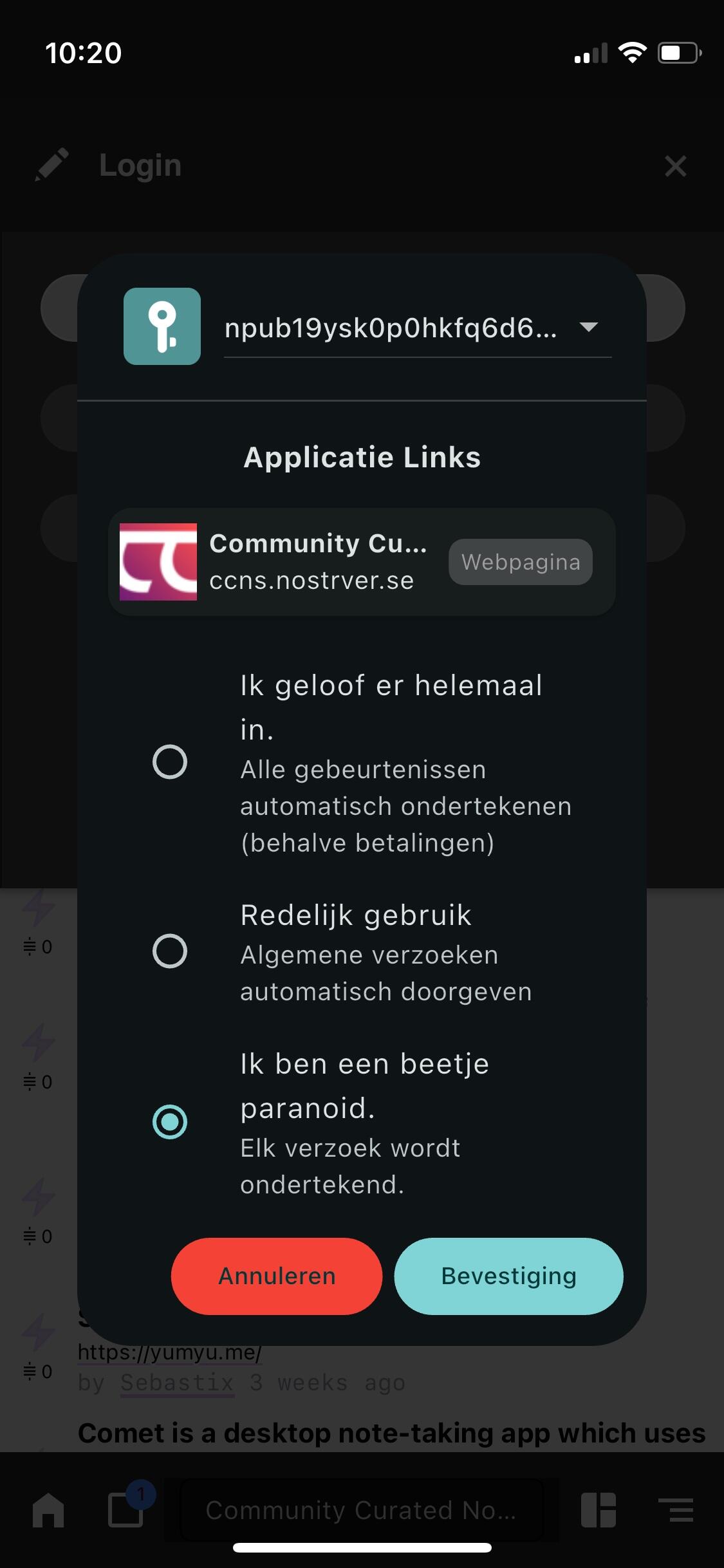
Tap the *Show more apps* , and then you can find the *Add* btn in the right-top of the new page. Tap this btn you can jump to *Add Remote App* page, and then you can find a *bunker* link .
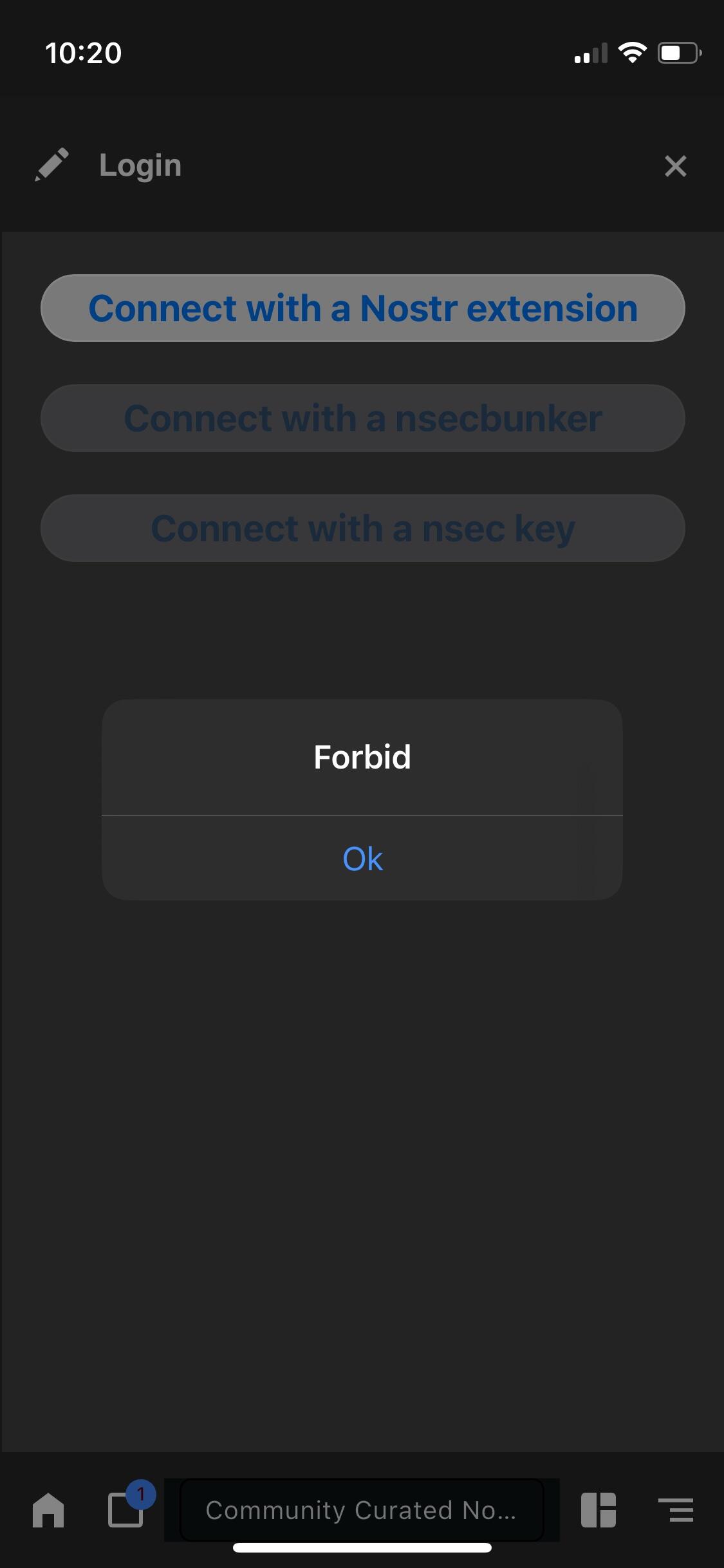
But, the *bunker* link only work after you confirm it and the remote signer not work very well due to this app can't run backgroundly in IOS.

以前有一个什么质数的币,是计算质数的,感觉还有一点作用。后来归零了
动态平衡之前试过还可以,不过跌的时候,也跌的时候也亏得很快
因为它什么跌买什么,什么涨卖什么