

Thanks for all the clarifications. Btw did you receive a zap ⚡️ from me? Coz I zapped you (from Primal) and then got a notification from Damus that I’d zapped myself 🤣
One more thing - if I tap on the user avatar multiple times it keeps looping to the same page and then I need to tap the same number of times to get out of it


Actually I’m still having a bit of trouble. Not long ago the wallet was showing and it had the same amount of sats as the desktop/web version, but there was no artist account details or photo. the wallet then disappeared too, but it came back when I selected NWC. I wonder if the missing photo and artist info is something to do with the nsec - I don’t think one was generated on the desktop but on the app it was requested. Since I didn’t have one I generated a new one with the dice.
Back to the wallet, I’ve selected Phoenix as default but there were no prompts to actually connect - is it automatically connecting in the background, or what’s happening there?
For Item 3, it seems to be ok now, thanks 🙏 the current build is 42. Not sure what the problem one was because I deleted it, but probably the same one coz it was only yesterday. I think the step that started the loop was when I was putting the max zap amount in
Hi Josh, thanks for your reply. For Item #1 I was on Chrome when it was looping and when I logged in on Edge browser the wallet I’d tried putting in on Chrome was already there, so something went right. I’m away from my computer at the moment but will try on Chrome again tomorrow and let you know
@wavlake Item 1 solved by switching to a different browser, but the other two items still present
nostr:note1auffln0a43dfqmt9mh5wyl06cwj9ya70zfwskwm6tpfrc2wgjk3sktwudy
nostr:npub1yfg0d955c2jrj2080ew7pa4xrtj7x7s7umt28wh0zurwmxgpyj9shwv6vg I’m trying to set up a Wavlake account but running into a couple of issues:-
1. There is the option of setting up a built-in wallet or linking existing wallet. I’m opting for the built-in wallet first and it seems to be set up, but when I try to fund the wallet it gets stuck in a loop after clicking the “verify location” button. This is on desktop.
2. In the artist settings there’s a field for YouTube channel and despite putting the correct address format (and tried multiple variations) it still shows an error that the format is wrong
3. In the iOS TestFlight app I’m stuck with the following error message: “Text strings must be rendered within a <…” and I can’t see the rest of the message. This doesn’t go away after closing the app, so the only fix is to delete and reinstall, but then I get back to the same error later during setup process
Much appreciated if anyone can help on this, as I’m hoping to upload a new release by tomorrow


Trump often seems a lot more sensible and down-to-earth in these intimate situations
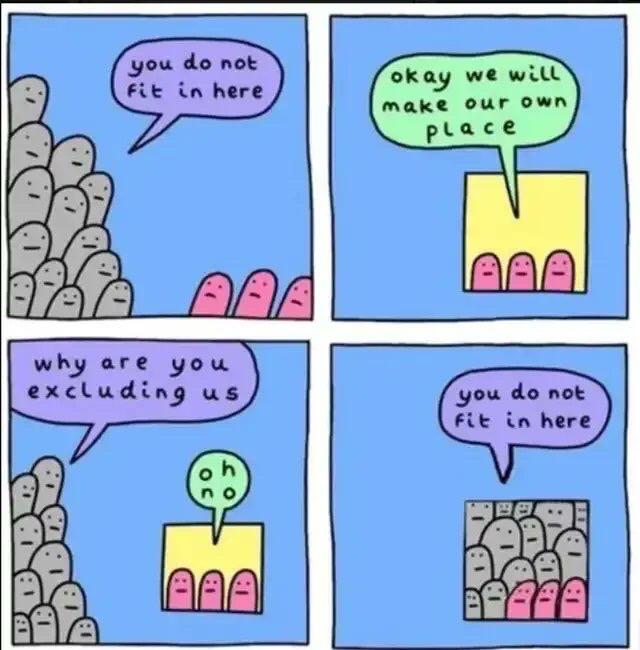


but why? Why is it necessary to be in organised religion if you’re perfectly happy with the God you’ve found already? To me, the need to gather in a specific place to worship suggests a sub-100% belief that needs regular top-ups, or a belief that the scope of God is limited to places of worship and the people who worship there
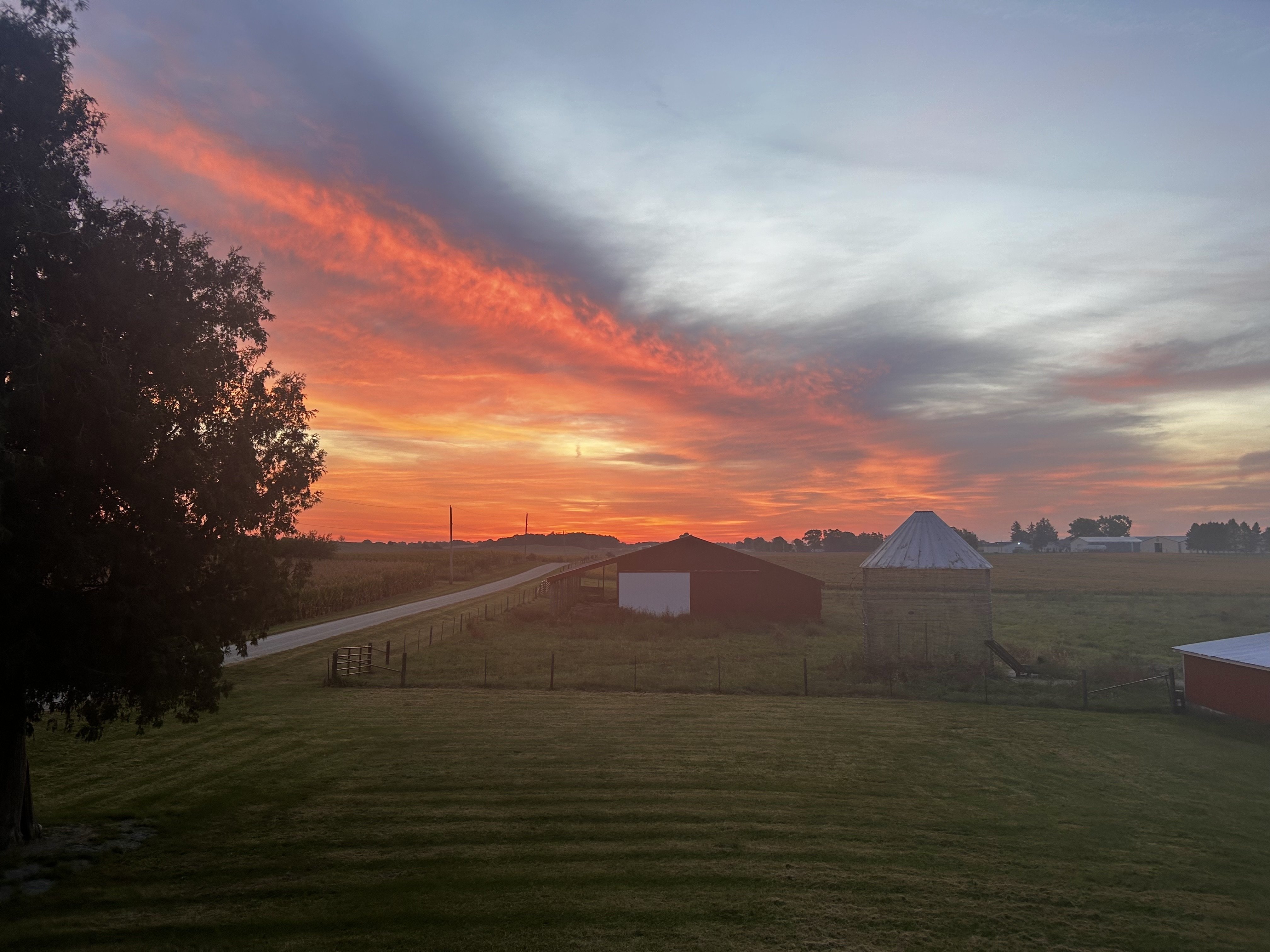
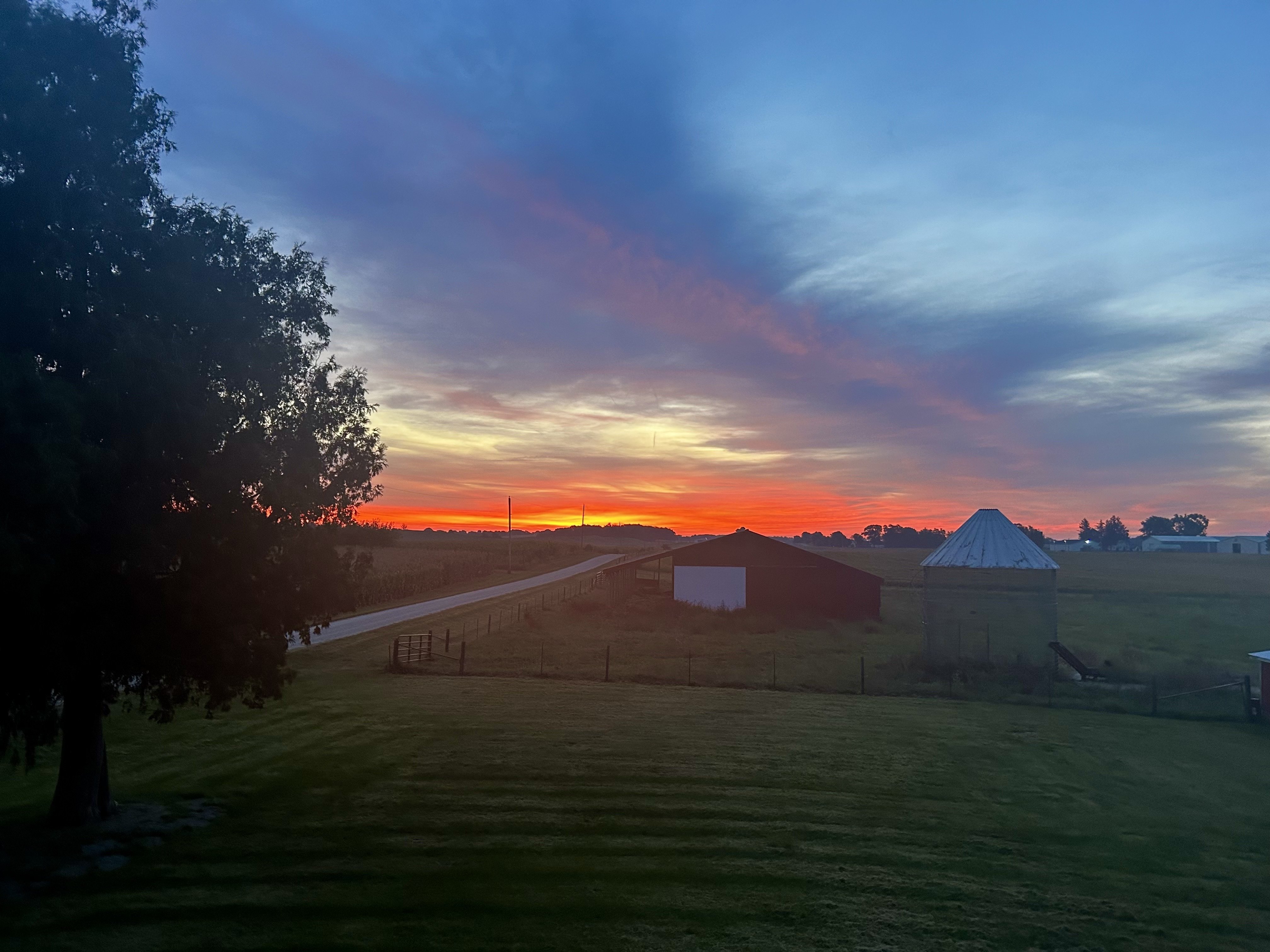
Snap! Received from family in Hampshire this morning, amazing sky


Happy H9IIoween, this is totally nuts
nostr:note13u0swm5vj5nzvnv4jqqypays3c06h5rhg3mkwmvc87hukmxr9c6sys6j6d

Condolences, that’s very sad


FYI nostr:npub1cn4t4cd78nm900qc2hhqte5aa8c9njm6qkfzw95tszufwcwtcnsq7g3vle is the real Jack Mallers. Mea culpa.
I guess this is where edit functionality is helpful…
Either way, sloppy move on my part. Here’s the video again. https://v.nostr.build/ccuF9BQMTZnMnD59.mp4 nostr:note1l4l64lg5dx0rgmy9f8n7p5tcax5d86zej3elv3xztcuscshu0ytqr6a80g
Good old schiffster… hard to believe that someone who obviously spends a lot of time thinking about money (gold anyway) can be so fucking dumb. He’s been spinning this schit for years now