
The latest update dropped with new features
* Bluesky Videos with subtitles and customisable language settings
* Nostr Relay Improvements: Prevents adding duplicate relays with a new check feature
* Bug Fixes: Resolved issues on iOS 18, fixed general settings hangs, and addressed various minor bugs
Nootti is the app of the month in the largest Finnish tech magazine
https://www.tivi.fi/uutiset/kaikki-kerralla/a9236c77-0b17-4aa1-a843-943b7c1f28ef
How to create a new Nostr account, add it to Nootti and create a post with an image uploaded to a Nostr media server
What's your way of posting?
You can type, drag-and-drop, add an existing post link, share from apps and Siri.
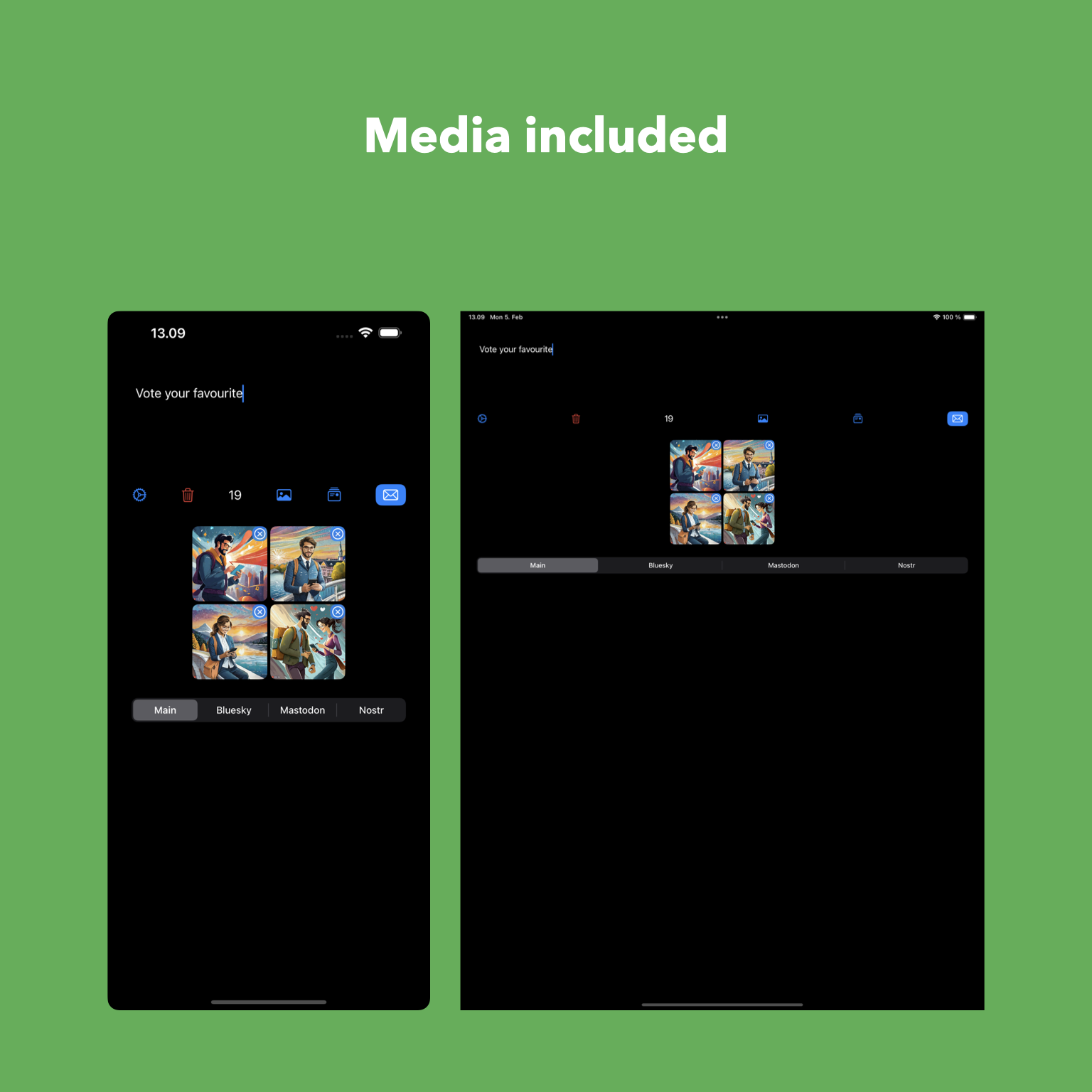
Add media, customise the message and platforms to post.
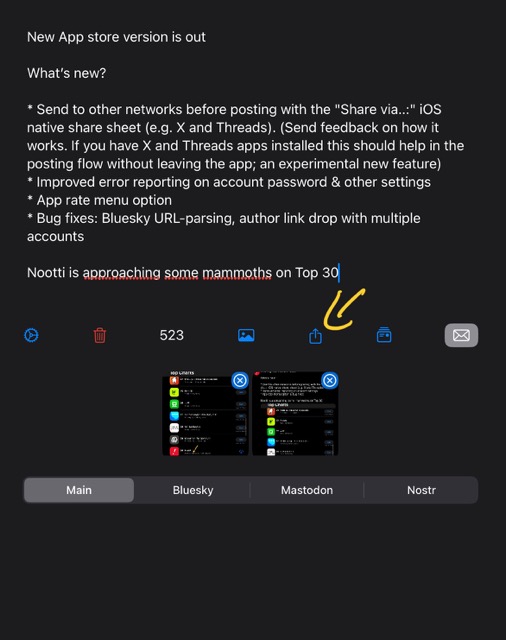
You can share with other apps (still have your X?) before posting.

Have you set up your media server for Nostr?
https://docs.nootti.com/get-started/add-accounts
If you don’t have a media server set up you need to add links to the media files since relays accept only text.
Share text content from other apps and Siri directly to Nootti.
Download the latest version from App Store and check the details: https://docs.nootti.com/advanced/share-to-nootti
Takes a few seconds to get started.
How’s your hashtag game?
Nootti supports Bluesky #hashtags
The updated version is available on App Store: https://apps.apple.com/us/app/nootti/id6476751741
TGIF! 🎉
Let's start the weekend with a lightning-fast 30-second tour of the Nootti main view. Because who has time for anything longer when there's posting to be done? 😉
#FridayVibes #NoottiTour
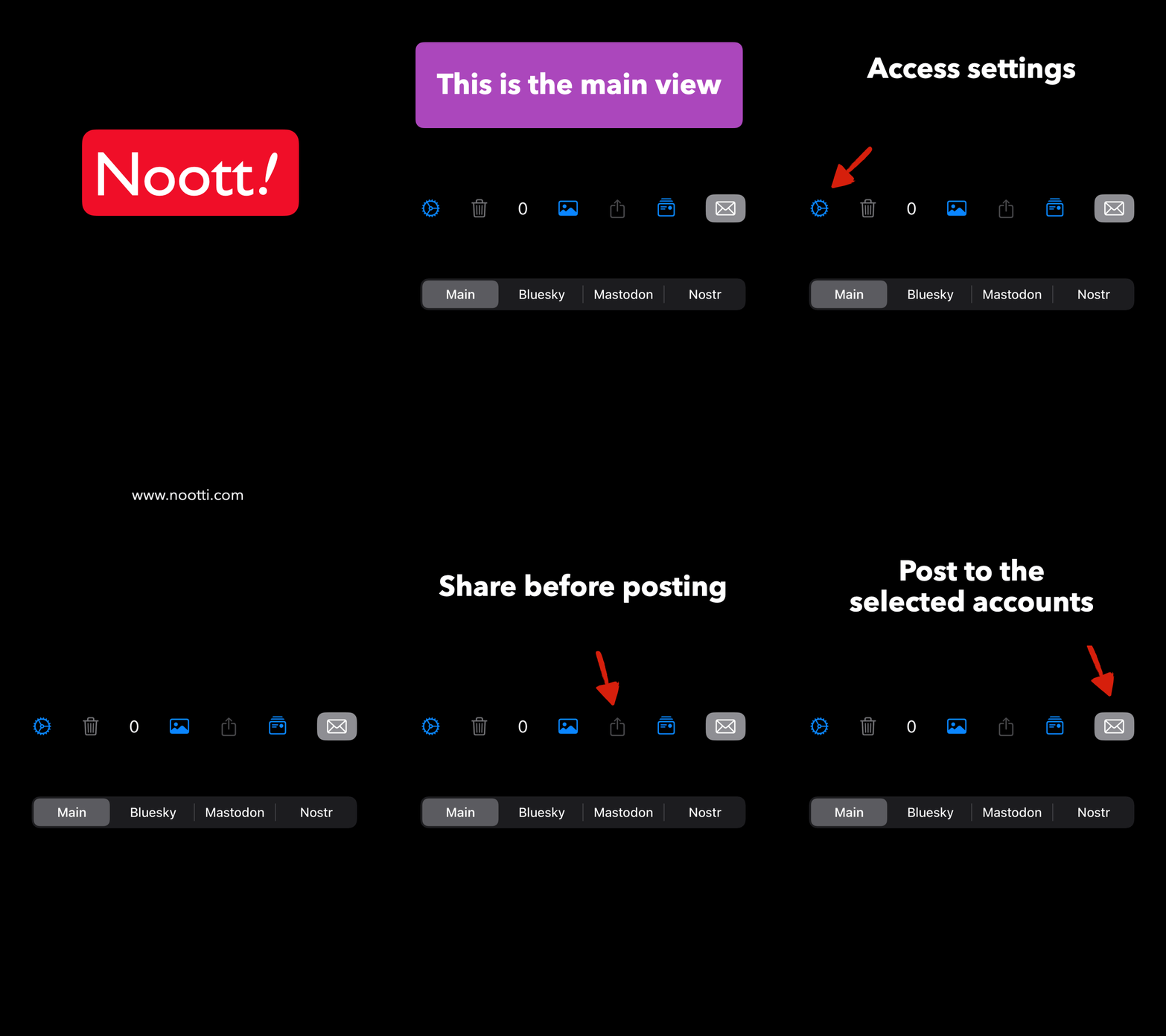
Spot something new in the main view?
The latest version is now live on the App Store 🖌️
#Update #AppStore

You mean this Share menu?


Send a dm / email so it can be tracked and fixed.
How to setup your Bluesky account on Nootti?
This video shows the setup from the beginning till the first post:
https://nootti.com/wp-content/uploads/bsky-account-setup-demo.mp4
How to setup your Mastodon account on Nootti?
This video shows the setup from the beginning how you input your handle (username), instance (your Mastodon account server domain) and give the permission to post:
https://nootti.com/wp-content/uploads/masto-setup-demo.mp4
Visit the quick start and FAQ for more info and troubleshooting:
https://nootti.com/#start (open the tabs for gifs)
If you read the last word as gifts, Nootti accepts zaps on Nostr 🤙
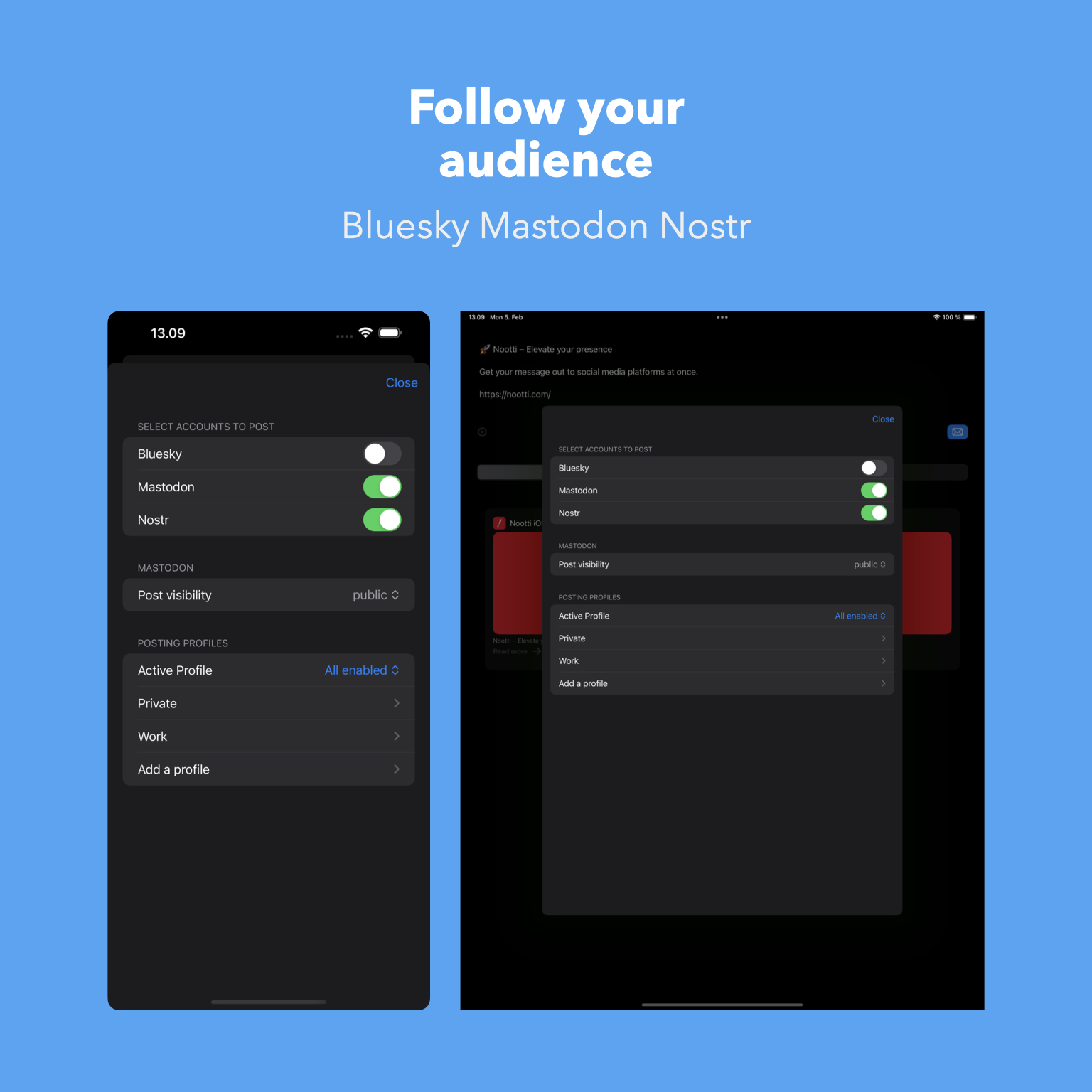
Why choose if you can post to all?
”if you have a simple text (or text-plus-media) post, Nootti is capable…
What makes Nootti compelling is that you can easily customize each post slightly for the different platforms.”
New App store version is out
What’s new?
* Send to other networks before posting with the "Share via..:" iOS native share sheet (e.g. X and Threads). (Send feedback on how it works. If you have X and Threads apps installed this should help in the posting flow without leaving the app; an experimental new feature)
* Improved error reporting on account password & other settings
* App rate menu option
* Bug fixes: Bluesky URL-parsing, author link drop with multiple accounts
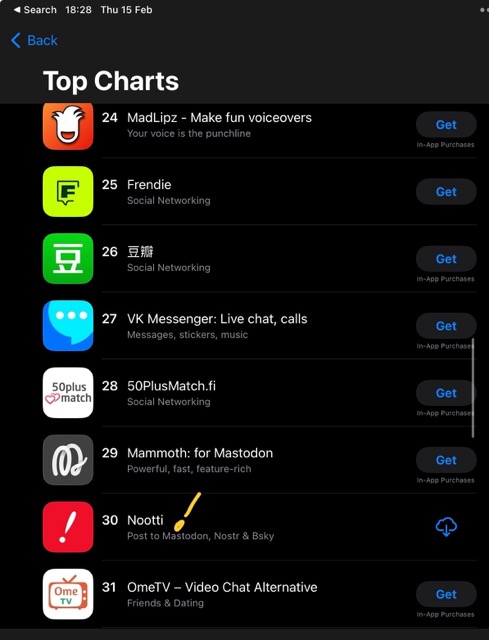
Nootti is approaching some mammoths on Top 30
Do you have an existing post you would like to post to other platforms?
Just drag or paste the link, and customise it for posting.
Works with your Bluesky and Mastodon accounts.
See the 10s video for how it works 👇
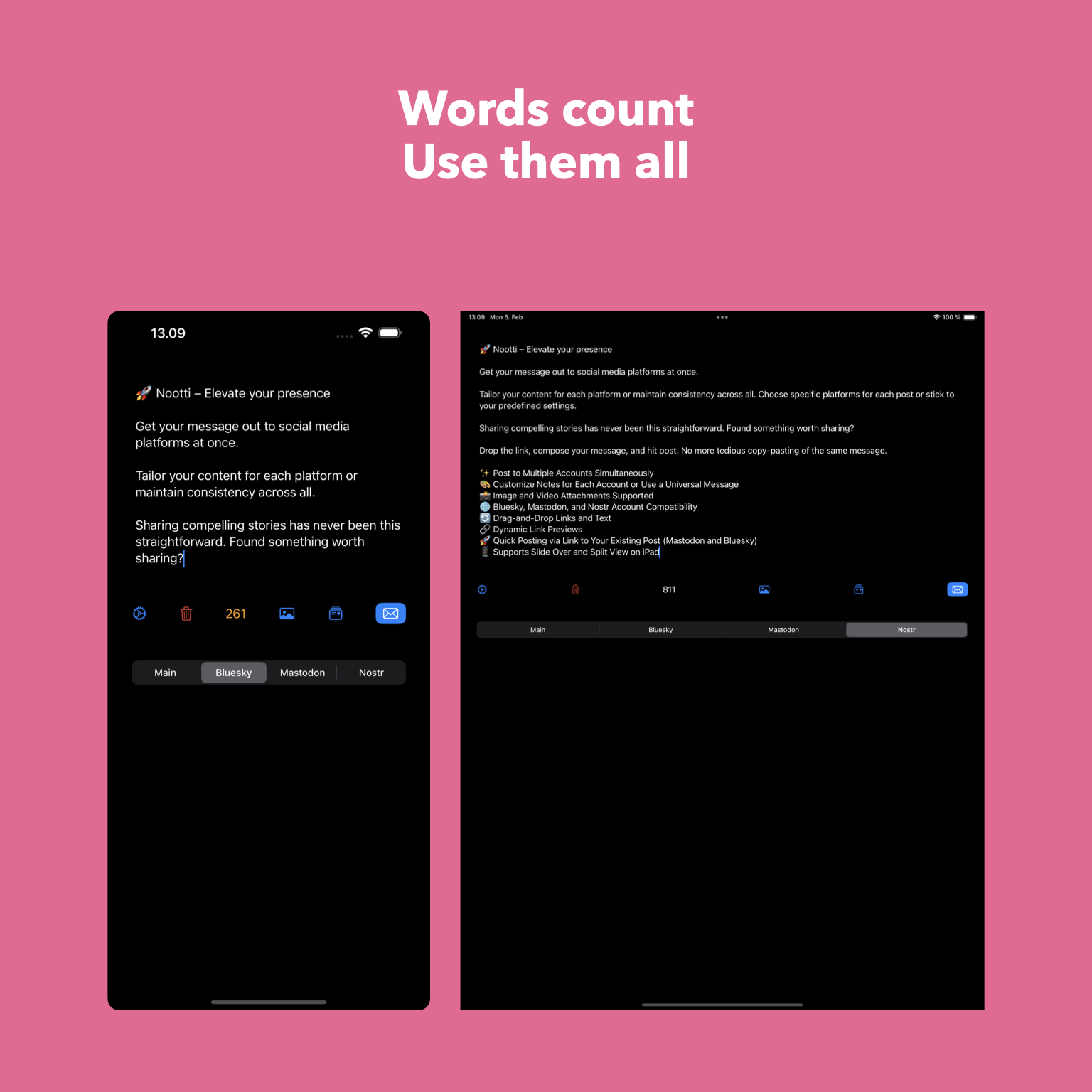
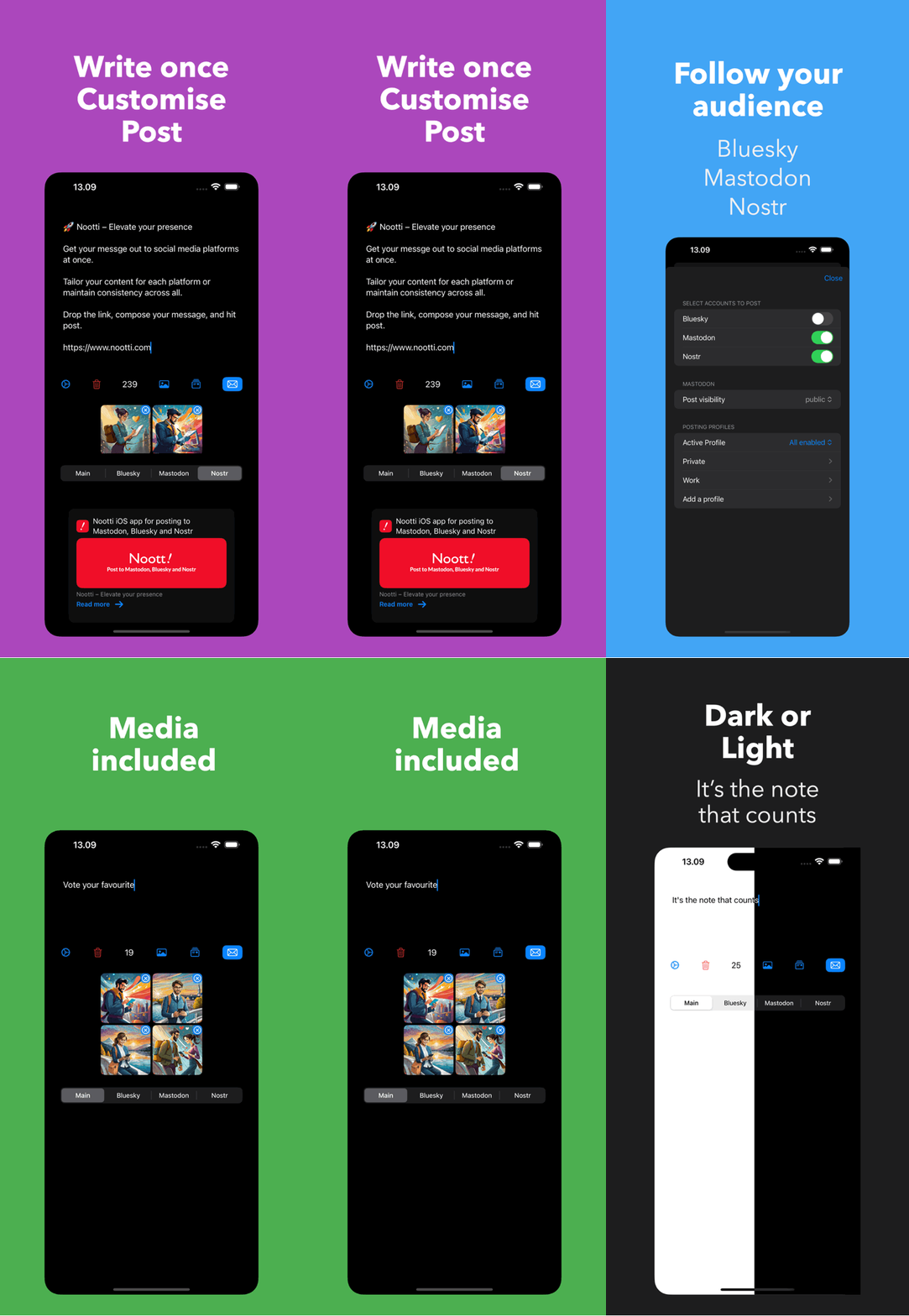
Cross-post and customise your skeets, toots and Nostr notes with ease. Share with images and videos.
* customise notes for each account or use a universal message
* drag-and-drop links, text and images
* dynamic link previews
* quick drafting by dropping a link to your existing post (Mastodon & Bluesky)
* Slide Over and Split View on iPad
Download: https://nootti.com/appstore
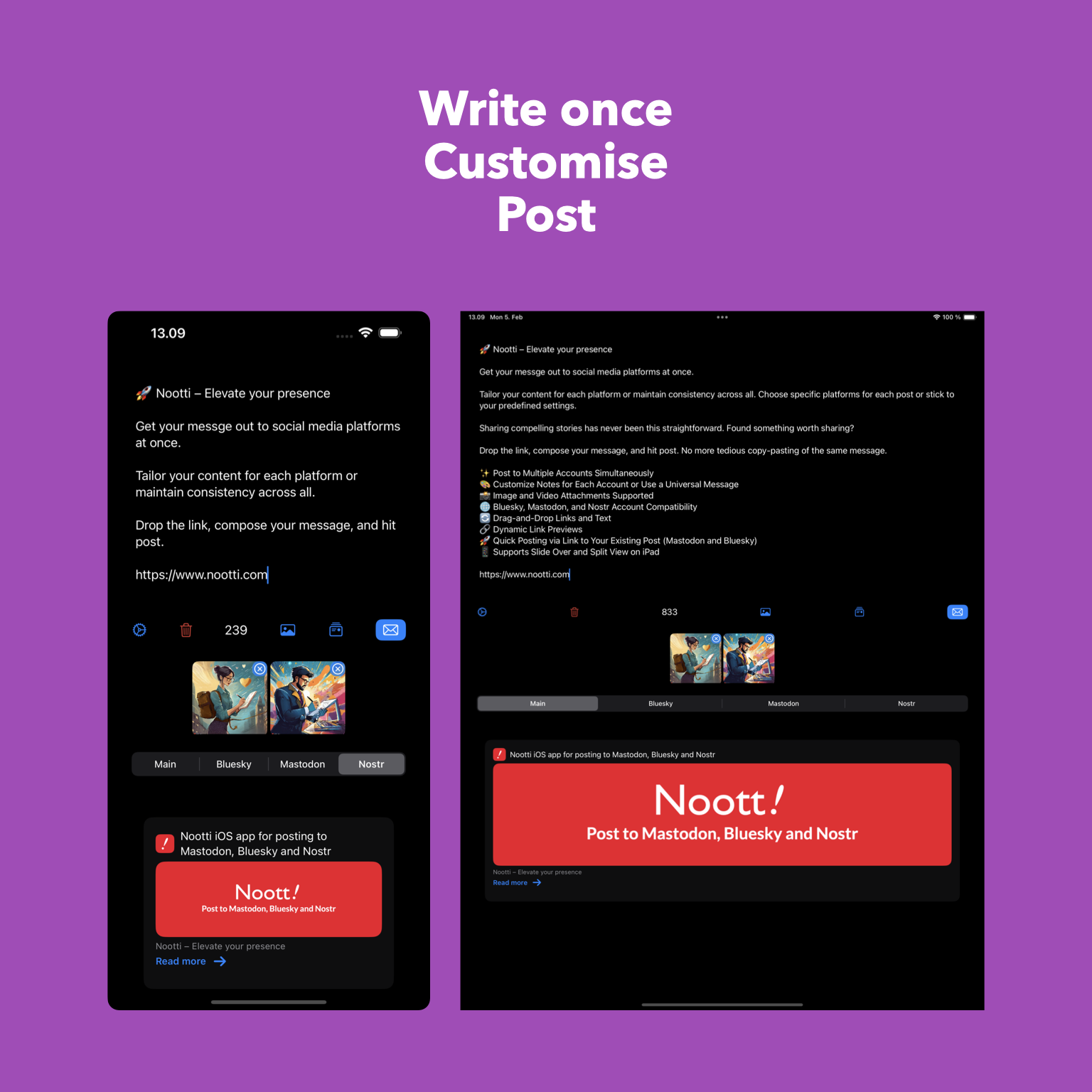


Want to send a quick note to Nostr?
Stay in your app either on Slide Over or Split View on iPad.
Nootti supports media attachments (NIP-96) on Nostr posts.

Not yet, at least.
Even if it were not sure how much you could use for the Android build. It’s native Swift.
Nootti is available on App Store for iOS, iPad M-series Macs: https://nootti.com
How the first post was done 👇
https://nootti.com/wp-content/uploads/nootti.mp4
nostr:note1qckxl060gz3pvhrz805tf0dhrmqrdht2pmvvtw7tu3rj2z9gyh0qa477j7
App store link: https://nootti.com/appstore
Any feedback and suggestions are welcome. Still an early build so likely contains bugs.